$14.99
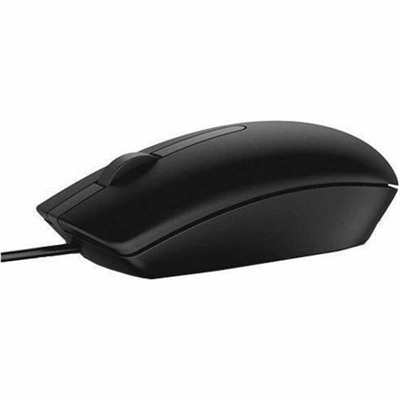
A black wired mouse featuring optical LED tracking for reliable everyday computer control.
Discover the perfect blend of performance and innovation with our wide selection of PC equipment, designed to elevate your computing experience. Whether you're setting up a home office, upgrading your gaming station, or enhancing your creative workspace, our range of high-quality peripherals and accessories ensures you have everything you need. From cutting-edge monitors and ergonomic keyboards to high-speed storage solutions and versatile docking stations, explore options that cater to every need and budget. Transform your setup with PC equipment that not only meets but exceeds expectations, offering reliability and efficiency for both work and play.
A black wired mouse featuring optical LED tracking for reliable everyday computer control.
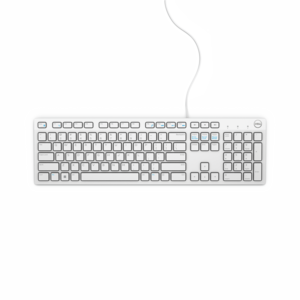
A white wired keyboard providing convenient, reliable typing for everyday home or office computing.
A reliable wired keyboard and mouse combo that connects easily to compatible PCs for everyday computing.
A portable wireless mouse with a speckled design, recycled plastic construction, USB receiver, and silent clicks.
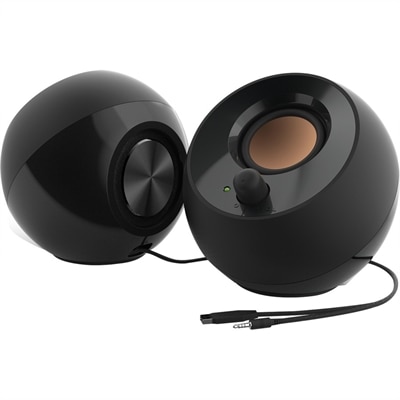
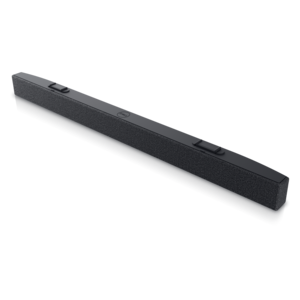
A black 2.0 speaker system with 4.4W RMS, 45° elevated sound, passive radiators and USB power.
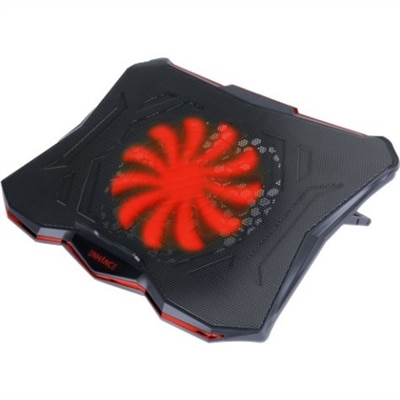
A slim metal-mesh cooling stand with a quiet red LED fan and seven adjustable height settings.
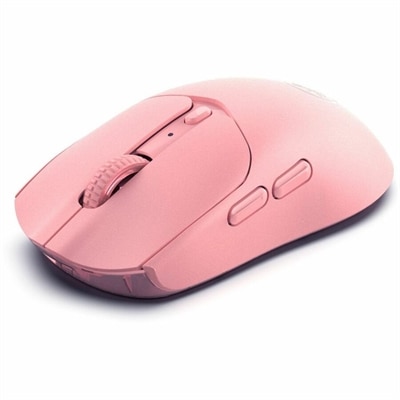
A pink wireless gaming mouse with a 12000 DPI optical sensor, six buttons, Bluetooth, 2.4GHz connectivity and rechargeable battery.
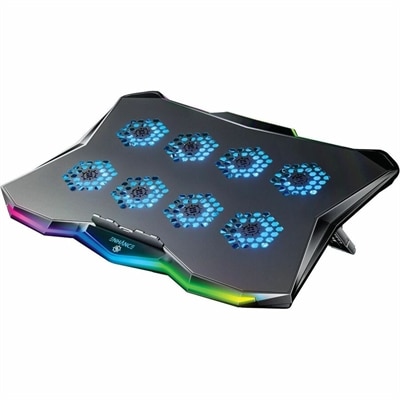
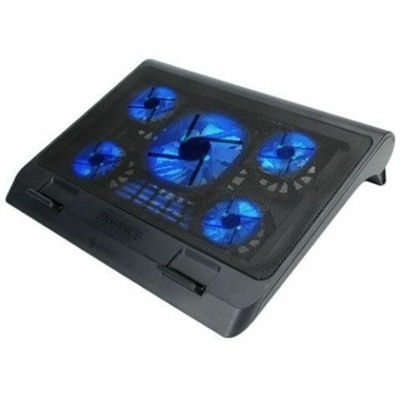
A slim metal laptop cooling pad featuring eight quiet fans, adjustable angles, and customizable RGB lighting.
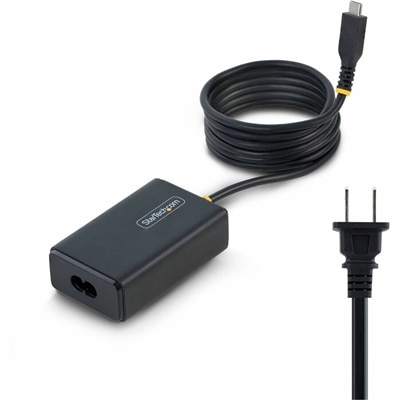
A 65W USB-C Power Delivery adapter with tethered cable, broad voltage support, certifications, and comprehensive safety protections.
A 2K QHD webcam designed for clear, confident everyday video collaboration.
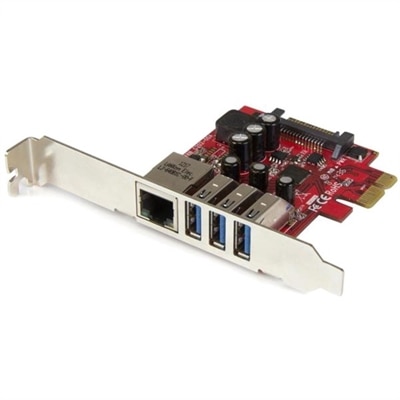
A dual-profile PCIe card combines three 5Gbps USB 3.2 Gen 1 ports with Gigabit Ethernet connectivity.
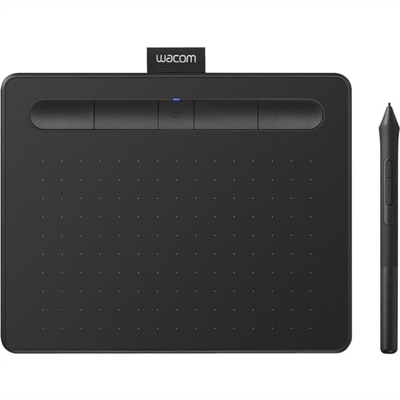
A wireless black graphics tablet with pressure-sensitive pen, Bluetooth, USB connectivity, and creative software for artistry.
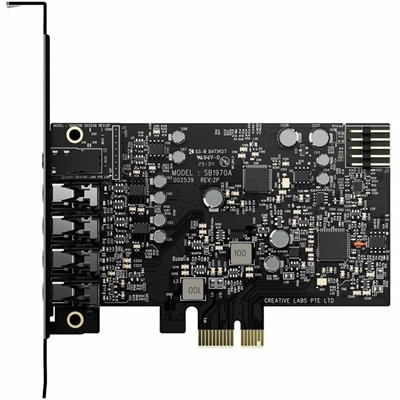
A PCIe sound card delivering 7.1 surround, 32-bit/384 kHz audio, 120 dB SNR, and headphone amplification.
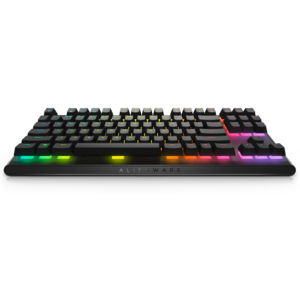
A compact tenkeyless gaming keyboard with Cherry MX Red switches and integrated cable routing for portability.
A smooth 144Hz monitor with 1ms MPRT and TÜV 3-star eye-comfort certification for everyday tasks.
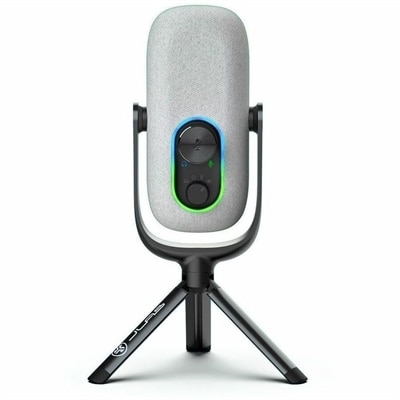
A white condenser microphone offering 192kHz/24-bit recording, four directional patterns, gain controls, and plug-and-play USB connectivity.
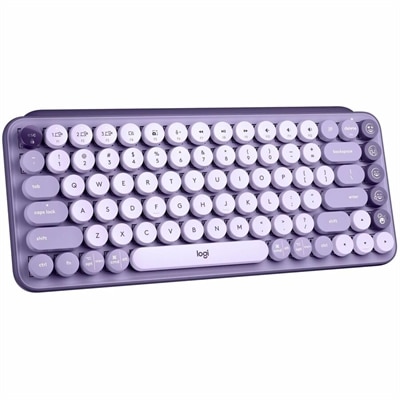
A colorful mechanical wireless keyboard with customizable emoji keys, Bluetooth connectivity, and multi-device switching.
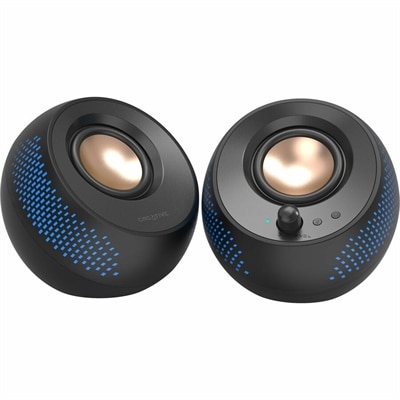
A black matte-finish speaker system delivering 15W RMS audio with Bluetooth 5.3, USB, and RGB illumination.
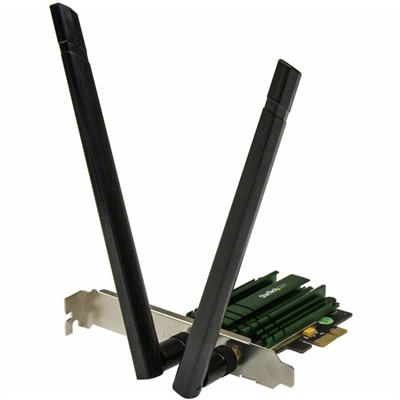
A dual-band PCIe Wi-Fi adapter delivering AC1200 speeds with detachable 2T2R antennas and 802.11a/b/g/n compatibility.
A portable 7-in-1 USB-C hub offering fast charging and versatile connectivity for modern professionals.
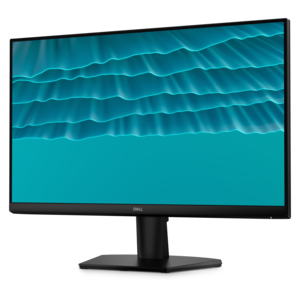
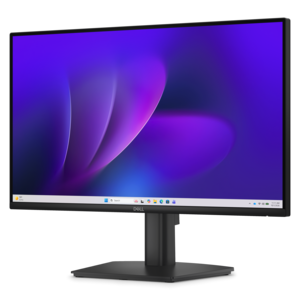
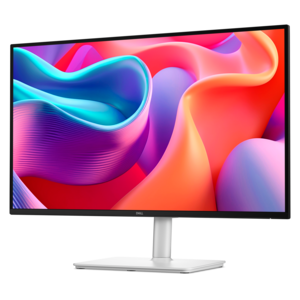
A fixed-stand monitor certified by TÜV Rheinland for three-star eye comfort and enhanced productivity.
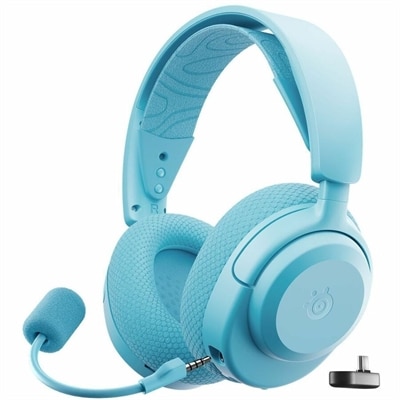
A black wireless gaming headset with app-controlled presets, fast charging, Bluetooth 5.3, and USB-C compatibility.
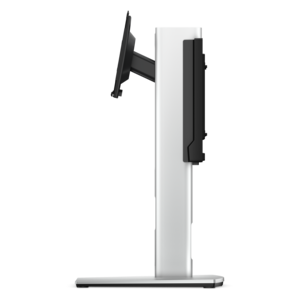
A secure all-in-one stand for a desktop and monitor, featuring effortless setup and tidy cable management.
A wireless headset with AI-based noise cancellation for comfortable, uninterrupted all-day conferencing.
PC equipment brings together the hardware people use to work, create, communicate, study and play, from complete computers to the components and accessories that shape a comfortable setup. A desktop or laptop provides the foundation, while the processor handles instructions and calculations, memory helps keep active applications moving smoothly, and graphics hardware renders images, video and visual effects. A motherboard connects the major internal components so they can function as one system, while the power supply delivers consistent electricity to the parts inside a desktop computer. The case protects those components and helps manage airflow, making its size, layout and ventilation worth considering when choosing or upgrading a system. For many households, a computer is no longer limited to a desk in a home office. It may sit on a kitchen table for managing family schedules, travel between rooms for remote learning, or become the center of a creative corner where photos, music and personal projects take shape. A small business owner may rely on a dependable desktop for invoices and video meetings, while a student may need a laptop that is easy to carry between classes, a library and home. Someone who spends cooler months enjoying games, digital art or film projects may place greater emphasis on graphics performance, memory and display quality. Matching the equipment to the way it will be used is more helpful than choosing based on a single specification. Everyday office work, browsing and school applications may call for a balanced system, while demanding creative software and modern games can benefit from stronger processing and graphics capabilities.
The right PC equipment also includes the tools that make interaction feel natural. A monitor should provide a clear, comfortable image with a size and resolution suited to the desk and the work being done. A larger display can make spreadsheets, timelines and reference material easier to view, while a compact screen may fit better in a shared workspace or on a shallow desk. Consider height adjustment, viewing comfort, connection options and the amount of room available before choosing a display. A keyboard and mouse influence nearly every hour spent at a computer, so shape, key feel, responsiveness and hand comfort matter, especially for people who type, edit documents or navigate software for long stretches. Audio equipment can make a difference during music playback, movies, games and calls, with headsets offering a more private experience and speakers filling a room with sound. A webcam and microphone support clearer video meetings, online classes, recordings and conversations with friends or relatives. Accessories such as adapters, cables, hubs and ergonomic supports can help organize a workspace and connect compatible equipment, but checking ports and compatibility first can prevent frustrating surprises. A simple way to plan is to picture an ordinary day: opening a laptop at the start of work, moving between documents and a browser, joining a call, taking a break to watch a tutorial, then relaxing with a game or creative project. Each part of the setup should support that rhythm rather than introduce extra clutter. During the cooler months, when more time may be spent indoors, a thoughtfully arranged desk can feel like a dependable personal workspace, with the monitor positioned at a comfortable height, frequently used accessories within reach and cables kept tidy.
PC equipment can also be a practical and personal gift for a learner, home-office worker, gamer, hobbyist or family member building a first dedicated workspace. A monitor can refresh an aging computer station, while a comfortable keyboard, mouse or headset can make familiar routines feel easier and more enjoyable. For a student, portable computer equipment may support research, writing, presentations and collaboration without being tied to one room. For a new professional, a well-planned setup can create a more focused place to handle meetings and projects. Creative users may appreciate equipment that gives them a clearer view of detailed work, responsive control and reliable performance when using demanding applications. When selecting a gift, consider the recipient’s existing computer, available desk space, preferred activities and the connections already in use. Compatibility is especially important for accessories, since the right fit depends on available ports, operating system support and the intended placement. It is also worth considering practical details that are easy to overlook, such as portability, adjustability, low-noise operation, wireless convenience and how easily the equipment can be stored or moved. The broader PC Solutions collection can help shoppers compare equipment for different routines, whether the goal is a flexible laptop setup, a productive desktop workspace, a more immersive entertainment area or a simple upgrade to an existing computer. The best setup is one that feels ready when needed: quick to arrange for a morning class, comfortable through a long afternoon of work and enjoyable when the day winds down.
Add the products you would like to compare, and quickly determine which is best for your needs.