$7.99
An OEM-grade replacement component tested for reliable compatibility and backed by a limited one-year warranty.
Explore the essential components you need to build or upgrade your dream computer with our extensive selection of PC parts. Whether you're a gaming enthusiast, a creative professional, or simply looking to boost your system's performance, finding the right hardware is crucial. From powerful processors and advanced graphics cards to reliable storage solutions and efficient cooling systems, our range of PC parts caters to every need and budget. Dive into the world of customization and discover how each component can enhance your computing experience.
An OEM-grade replacement component tested for reliable compatibility and backed by a limited one-year warranty.
A genuine OEM replacement cooling fan engineered for reliable fit and compatibility with Latitude 3490 systems.
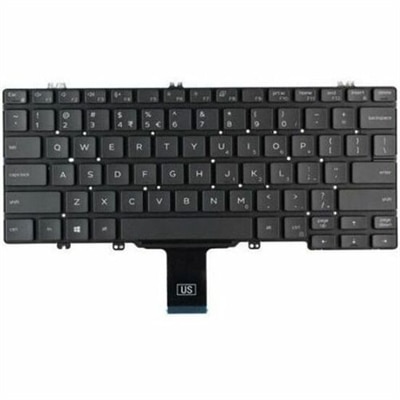
A replacement laptop keyboard assembly with OEM-grade components, compatibility testing, and a one-year limited warranty.
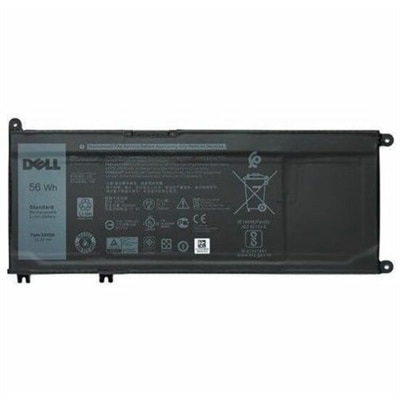
A 4-cell 56Wh lithium-ion replacement battery with OEM-grade quality for select laptops.
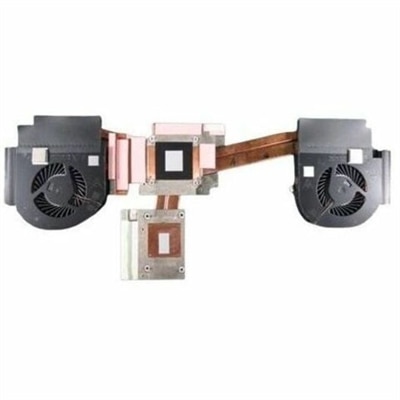
A replacement CPU heatsink assembly with fan, featuring OEM-grade construction for compatible, reliable system cooling.
A genuine OEM palmrest assembly featuring dual pointing controls, smart card reader, and Thunderbolt connectivity.
A genuine OEM motherboard assembly tested for compatibility and reliability, backed by a limited one-year warranty.
A genuine FHD+ non-touch antiglare LCD replacement component with OEM-grade quality and one-year limited warranty.
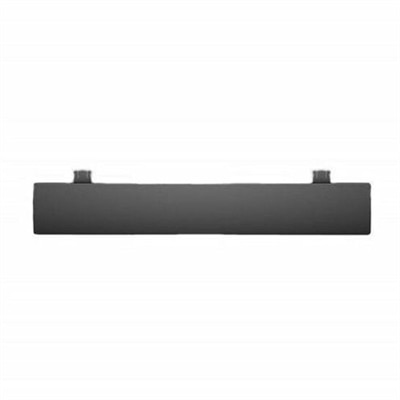
A black OEM replacement component designed for compatible KB216 keyboards and KM636 mice.
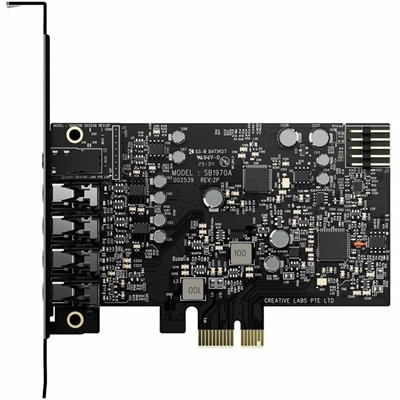
A PCIe sound card delivering 7.1 surround, 32-bit/384 kHz audio, 120 dB SNR, and headphone amplification.
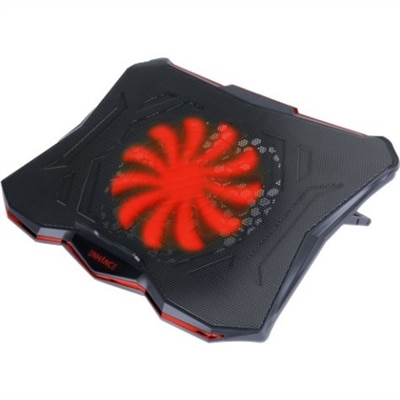
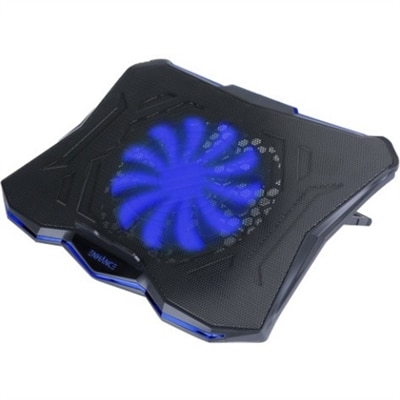
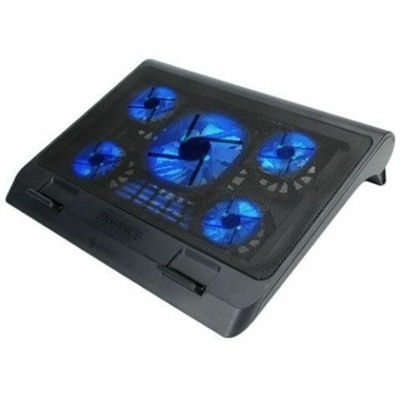
A slim metal-mesh cooling stand with a quiet red LED fan and seven adjustable height settings.
PC parts are the individual hardware components that come together to create a functional desktop computer, whether the goal is everyday productivity, creative work, gaming, schoolwork or a carefully planned custom build. Core components include the central processing unit, or CPU, which executes instructions and manages the computer’s most important operations; the motherboard, which provides the connections that allow the components to communicate; and random access memory, or RAM, which gives active applications room to work smoothly. A graphics processing unit, or GPU, handles visual output and can be especially important for gaming, video editing, 3D design and other demanding applications. A power supply provides the electricity each component needs, while a computer case holds the parts in place and helps protect them from dust, bumps and accidental contact. Cooling fans and other cooling hardware help move heat away from hardworking components, supporting consistent performance during long work sessions or extended gameplay. When comparing PC parts, compatibility should come before appearance. Check that the CPU matches the motherboard socket, that the motherboard supports the desired type and amount of RAM, and that the case has enough room for the graphics hardware, power supply and cooling system. It is also worth considering the number and type of expansion connections, since those determine how easily a computer can support additional accessories later. A balanced build often feels better in daily use than one with a single exceptionally powerful component paired with older or less capable hardware.
The right PC parts depend on how the computer will be used and how much flexibility the owner wants over time. A family computer used for web browsing, video calls, homework and office applications may benefit from a responsive CPU, sufficient RAM, quiet cooling and a compact case that fits neatly beneath or beside a desk. A gaming-focused setup typically places greater emphasis on the GPU, airflow, power delivery and a monitor with an appropriate resolution and refresh rate. Someone working with photographs, music, animation or video may look for strong multitasking performance, generous RAM capacity and a clear, color-capable display. For a first-time builder, straightforward installation features can make the process less intimidating: clearly labeled motherboard connections, accessible cable-routing channels, tool-free case panels and an organized internal layout can turn a table covered with components into a working computer in an afternoon. Experienced builders may prioritize upgrade paths, extra expansion slots, additional fan mounts or a case designed for a clean, quiet configuration. Before purchasing, measure the available desk area and confirm that the finished computer will have room around its vents for air to circulate. It is equally important to review the required connections for the monitor, keyboard, mouse, speakers, headset and other accessories. A parts list should account for the complete experience, including the display and input devices that make the computer comfortable to use. Browsing PC Options can also help shoppers compare different ways to approach a new computer setup, whether they are selecting components individually or considering a ready-to-use system.
PC parts can be practical gifts for students setting up a study area, family members refreshing an older desktop or hobbyists who enjoy building and tuning a computer in their spare time. They can also be thoughtful additions to a shared home office or entertainment space, especially when chosen around a clear need rather than as isolated upgrades. A larger monitor can make long documents and creative projects easier to view, while a comfortable keyboard and precise mouse can improve everyday navigation without changing the computer’s internal hardware. Additional RAM may help when many browser tabs and applications are open at once, although the motherboard and operating system should be checked for supported capacity. A graphics upgrade can bring smoother visuals to compatible games and creative software, but it must fit inside the case and work with the available power supply. New cooling fans can support airflow in a warm room or a computer that runs for hours, provided their size, mounting points and connector type are compatible. During the warmer part of the year, keeping vents clear and placing the case away from enclosed furniture can help maintain a comfortable operating environment; during cooler months, the same care helps prevent dust buildup and blocked airflow from turning a quiet workspace into a noisy one. Take a careful inventory before ordering, including the motherboard dimensions, internal clearances, available connections and power requirements. Keeping manuals, screws and unused cables organized is helpful during installation and makes future upgrades less stressful. With thoughtful matching and a realistic view of everyday needs, individual PC parts can support a dependable desktop that feels personal, performs comfortably and remains ready for the next stage of work, play or learning.
Add the products you would like to compare, and quickly determine which is best for your needs.