$208.99
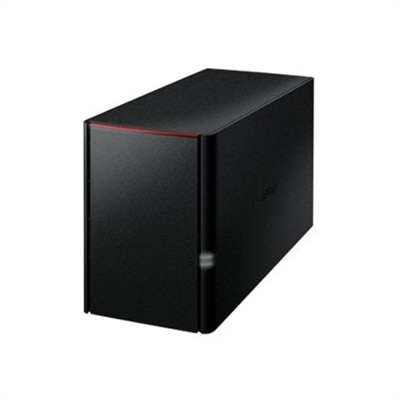
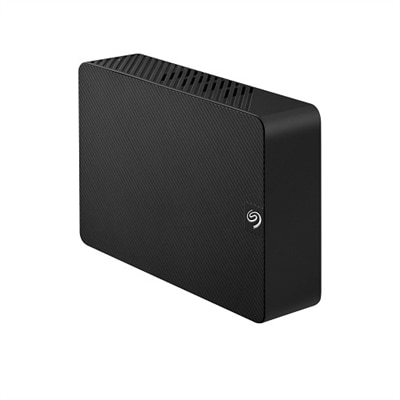
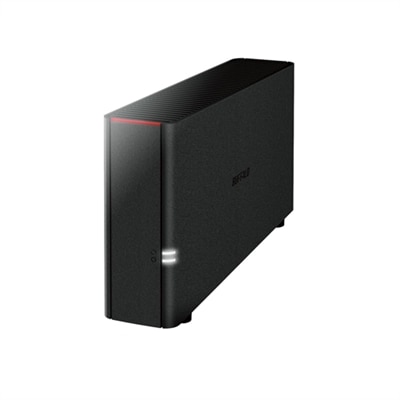
A black desktop storage solution offering 4TB personal cloud access and backup for multiple devices.
Personal cloud storage for photos offers a convenient and secure way to keep your memories organized and accessible from anywhere. Whether you're a photography enthusiast or simply looking to safeguard family snapshots, these solutions make it easy to store, manage, and share your images with confidence. Explore a range of options designed to help you take control of your photo collection while ensuring your files are protected and easy to find whenever you need them.
A black desktop storage solution offering 4TB personal cloud access and backup for multiple devices.
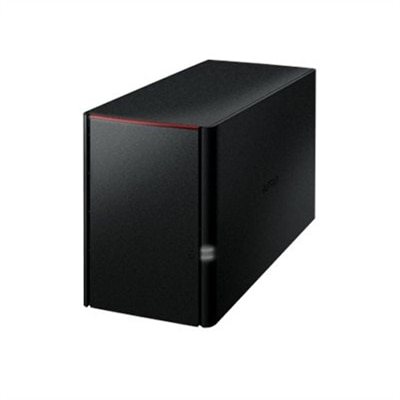
A black 4TB personal cloud storage device offering RAID protection and remote access via WebAccess.
A 12-month subscription offering cloud-based photo editing, organization, and storage with 1TB starting capacity.
A black desktop storage solution offering 8TB with RAID protection and remote access via personal cloud.
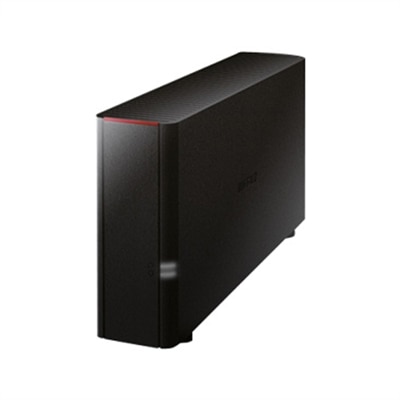
A black 2TB personal cloud storage device offering easy remote access and simultaneous multi-device backup.
A secure 2-bay network storage solution with 4TB capacity, 2GB memory, and personal cloud integration.
An all-in-one photography software plan with 1TB storage for seamless editing and organization anywhere.
An intuitive photo editing software with AI-powered tools, 1TB cloud storage, and cross-device syncing for one user.
A secure personal cloud NAS with 8TB storage, 2GB memory, and seamless PC, Mac, and cloud integration.
A comprehensive photography software plan offering advanced photo editing, AI-powered tools, and 1TB cloud storage.
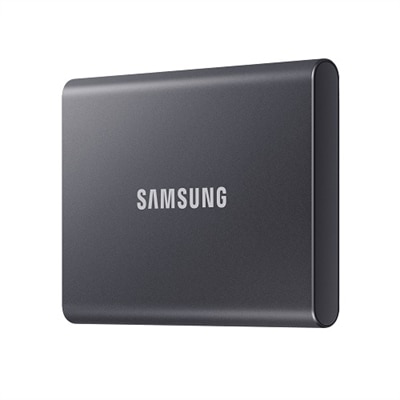
A compact, Titan Gray 2TB SSD offering fast USB 3.2 Gen 2 speeds and robust data protection.
A black 8TB external hard drive offering easy plug-and-play storage with USB 3.0 connectivity.
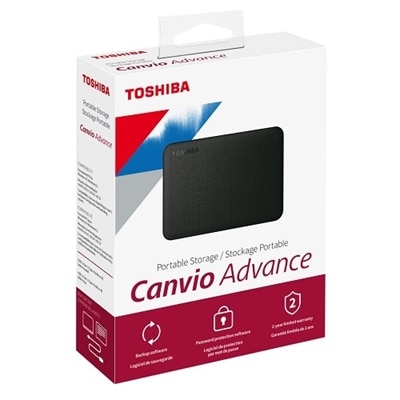
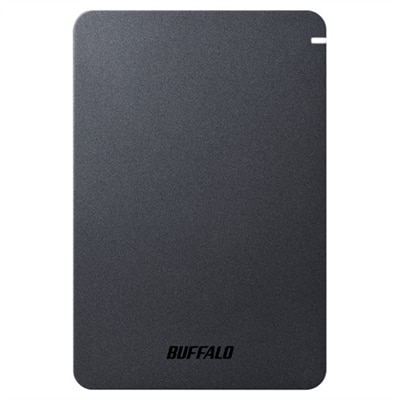
A sleek black 2TB portable hard drive offering reliable performance, automatic backup, and data security.
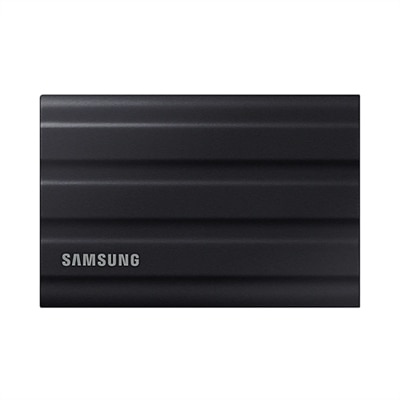
A rugged black 1TB SSD with IP65 rating, offering fast USB 3.2 Gen 2 speeds and durability.
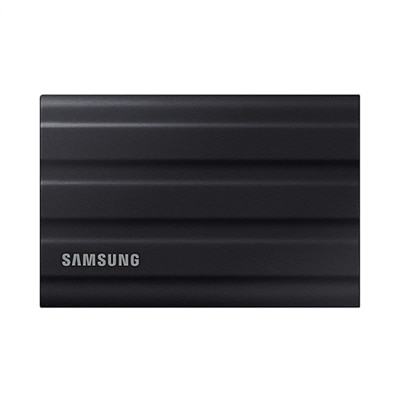
A rugged black portable SSD with 2TB capacity, IP65 dust and water resistance, and ultra-fast USB 3.2 speeds.
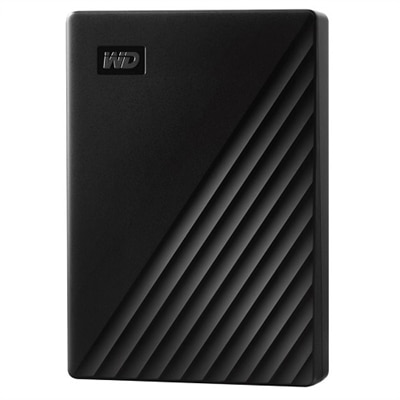
A sleek 5 TB portable hard drive in black with 256-bit AES encryption and automatic backup.
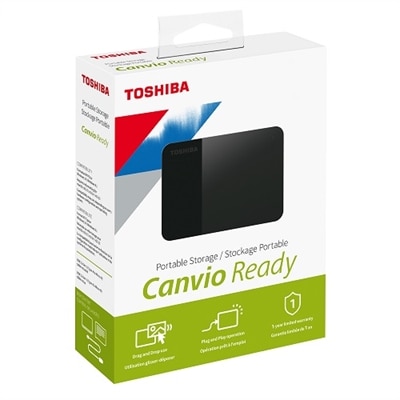
A compact 4TB portable hard drive with a stylish black two-tone finish for easy plug-and-play storage.
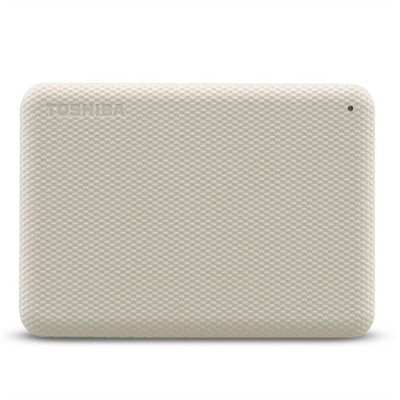
A stylish white 4TB portable hard drive with automatic backup and security software for data protection.
A sleek black 1TB SSD with 2,000 MB/s speeds, universal compatibility, and 3-meter drop resistance.
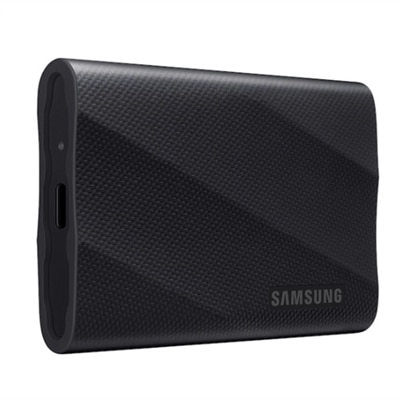
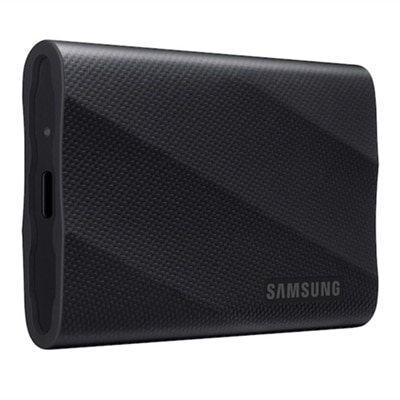
A rugged 4TB portable SSD in black with PCIe NVMe and 2,000 MB/s transfer speeds.
A shockproof, matte-finish portable hard drive with USB 3.2, password protection, and predictive health LED.
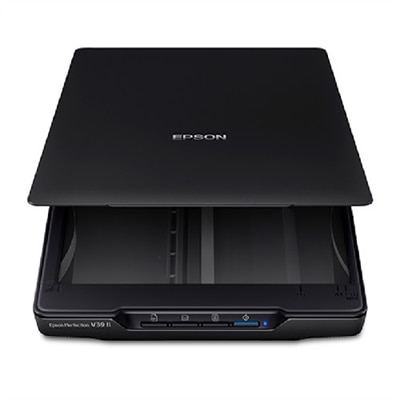
An easy-to-use scanner with 4800 dpi resolution, USB power, and one-touch scanning for versatile use.
Personal cloud storage for photos gives you a convenient place to keep, view, organize and share pictures across phones, laptops, tablets and desktop computers. Instead of leaving every image tied to one device, a cloud-based photo library can automatically copy new pictures to an online account, making them available when you sign in from another screen. This is especially useful for families, travelers, hobby photographers and anyone who takes more pictures than a phone can comfortably hold. A child’s first steps, a foggy morning on a hiking trail or a collection of scanned family prints can all be gathered into one searchable library rather than scattered across memory cards, message threads and aging devices. Many services include a free entry level, often ranging from about 5GB to 15GB, although the amount may be shared with other files, email or applications connected to the same account. Paid plans typically provide more room, with options designed for people who capture frequent videos, preserve large photo collections or want to maintain original-quality files. Some plans are billed monthly or annually, while others may offer a one-time purchase for a defined amount of space. When comparing options, look beyond the headline capacity and check how much room is available for full-resolution photos, high-definition video and RAW files. A library filled with modern phone videos can grow much faster than expected, and a photographer who edits large originals will need more capacity than someone who mainly saves compressed snapshots. Also review file-size limits, upload speeds, supported formats, sharing controls and whether the service can automatically back up images from each device. A smooth mobile app, clear gallery view and dependable search can make a meaningful difference when you are trying to find one picture among thousands.
The best personal cloud storage for photos depends on the way you capture and revisit memories. Someone who wants the least complicated setup may prefer automatic phone backup, familiar albums and search tools that recognize dates, locations, people or subjects. A person who values image quality should look for original-file preservation and support for RAW photographs rather than assuming every plan treats every upload the same way. Built-in editing tools can be useful for cropping, adjusting light and preparing an image to share, while a clean preview experience helps you review photos without downloading each file first. Families may appreciate shared albums, private links and permission settings that let relatives contribute pictures without giving everyone control of the entire library. For a household with several phones, compare whether each person can use one account, a family plan or separate accounts with shared folders. It is also worth checking how easily you can download your collection if you change services later. Cloud synchronization is convenient, but it should not be confused with a complete backup: if an image is deleted everywhere through synchronization, that deletion may also appear online. Look for version history, a recycle bin, recovery periods or a separate backup option when those safeguards matter. Privacy deserves equal attention. Review encryption practices, account-recovery methods, two-step sign-in and the controls available for shared links. A strong password and an additional sign-in verification step can help protect personal images, particularly when a library includes travel details, children or private family occasions. If you use connected devices around the home, a separate service for Cloud Based Security Cameras may help you manage video monitoring independently from your personal photo library, keeping each type of content organized for its intended purpose.
A personal cloud photo plan can also be a thoughtful gift for a relative who constantly receives messages asking for copies of family pictures, or for a friend beginning a photography hobby. It can make an especially practical choice for someone moving to a new phone, organizing years of travel photos or preparing a digital collection for relatives who live far away. Before choosing one, estimate the current library size and consider how quickly it grows: a few hundred casual images may fit comfortably in a basic plan, while several years of family photos and video can require hundreds of gigabytes or more. Check whether the price changes after an introductory period, whether unused capacity rolls over, and what happens to files if a subscription ends. A one-time lifetime-style plan may appeal to someone who wants predictable ownership costs, while a monthly plan can be easier for people who prefer flexibility and automatic capacity upgrades. Some households may instead choose a compact home-connected photo device that keeps the primary collection in the home and allows access from approved devices, which can reduce reliance on recurring online fees but may require more setup, maintenance and a separate off-site copy for protection against damage or theft. For any option, start with a simple organization system: create broad albums for trips, school years, celebrations and everyday moments, then add more specific labels only when they will genuinely help. Turn on automatic uploads, confirm that the first backup has completed, and occasionally open a few older files to verify that they remain readable. During cooler months, when indoor evenings often bring time to sort the camera roll, a well-chosen personal cloud storage service can turn a crowded collection into an accessible visual record—ready to revisit on a laptop, share with loved ones or preserve for years to come.
Add the products you would like to compare, and quickly determine which is best for your needs.