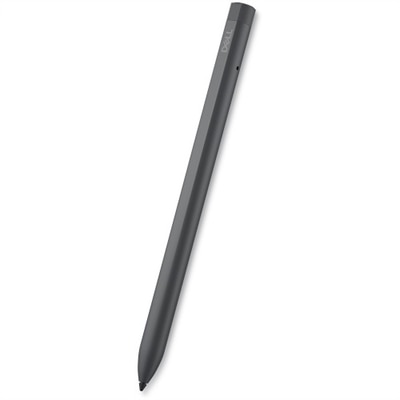
$89.99
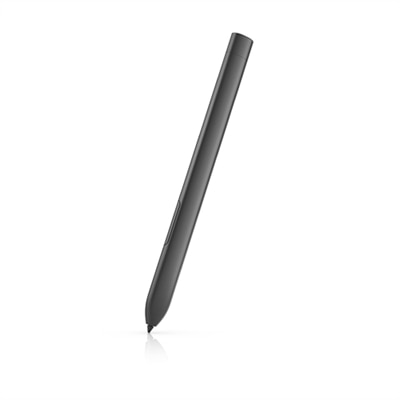
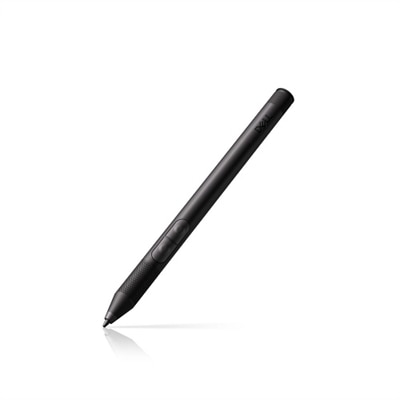
A rechargeable active pen with pressure sensitivity, tilt function, and a convenient find my pen feature.
Enhance your digital creativity and productivity with stylus pens for touch screen laptops. Whether you're taking notes, sketching, or navigating your device with precision, these versatile tools offer a seamless way to interact with your laptop's display. Discover a range of options designed to complement your workflow and elevate your everyday computing experience. Find the right stylus pen for touch screen laptops to unlock new possibilities and make the most of your device’s capabilities.
A rechargeable active pen with pressure sensitivity, tilt function, and a convenient find my pen feature.
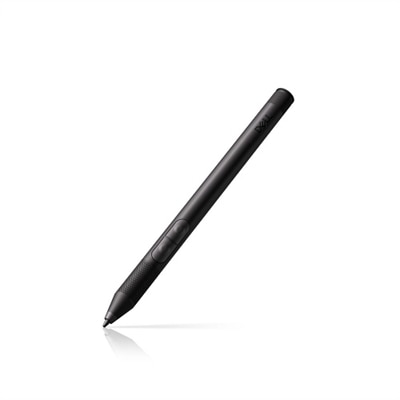
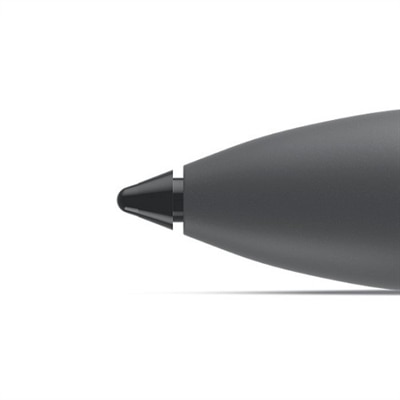
A precision stylus with pressure sensitivity and palm rejection, compatible with Windows 10, 11, and ChromeOS.
An active pen with a rechargeable battery that charges wirelessly in 30 seconds when garaged.
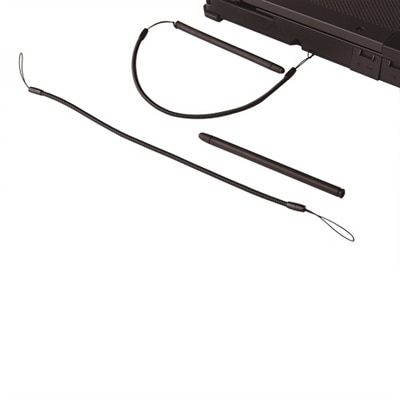
A high-performance pen designed for rugged environments, ideal for handhelds and tablet PCs.
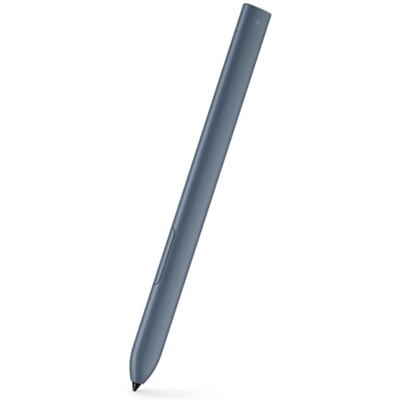
A smooth-writing active pen in River color with a 30-second fast-charging capability.
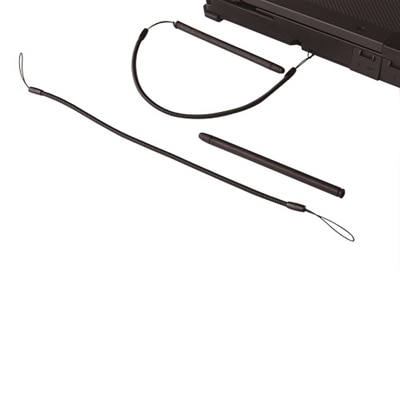
A responsive passive pen designed for use with Latitude rugged notebooks in challenging environments.
A responsive passive pen designed for Rugged laptops, ideal for fieldwork and on-the-go use.
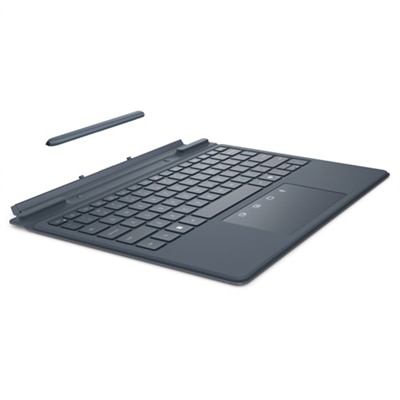
A river solid light keyboard and pen set designed for seamless typing and note-taking on the go.
A pressure-sensitive pen designed for high performance in rugged environments with Latitude tablets.
Whether you’re an artist sketching new ideas, a student taking handwritten notes, or a professional managing digital signatures and quick edits, stylus pens for touch screen laptops have become indispensable tools for modern computing. The versatility of a stylus pen for Dell laptop models, or any compatible device, transforms the way you interact with your technology, offering a natural, pen-on-paper feel that is both intuitive and precise. As the days grow longer and many people transition between indoor and outdoor workspaces, the convenience of an active stylus pen—complete with features like pressure sensitivity, palm rejection, and customizable shortcut buttons—can make a noticeable difference in productivity and comfort. These pens are not limited to creative tasks; they’re equally useful for navigating presentations, annotating documents, or marking up PDFs on the go. For those who value seamless integration, a Dell stylus is specifically tuned to communicate with the digitizer screen of select Dell laptops, ensuring a responsive, lag-free writing or drawing experience that feels effortless, whether you’re at a café, in a classroom, or enjoying a quiet afternoon at home.
Stylus pens are an excellent choice for a wide range of users. Students preparing for the upcoming school year can benefit from digital note-taking, which allows for easy organization and instant access to their work across devices. Educators and professionals may find that using an active stylus pen during meetings or lectures enables quick, legible note capture and dynamic brainstorming. For creative enthusiasts, the nuanced control offered by pressure-sensitive stylus pens opens up new possibilities in digital art, graphic design, and photo editing. Even casual users appreciate the ability to scroll, tap, and navigate their laptops more accurately than with a fingertip, especially during the warmer months when working outdoors can sometimes challenge touch screen responsiveness. Stylus pens also make thoughtful gifts for graduates, remote workers, or anyone looking to enhance their digital toolkit. When considering which pen to choose, it’s important to verify compatibility with your device—some models, such as the Dell pen, are designed specifically for certain laptops, while universal stylus pens offer broader device support but may not include advanced features like tilt detection or programmable buttons. For those curious about device compatibility or seeking a laptop that works seamlessly with a stylus, exploring options such as Touchscreen Laptops For Students can provide valuable guidance.
The decision to invest in a stylus pen often comes down to the specific needs and workflow of the user. For tasks that require precision and control, such as technical drawing, digital painting, or detailed editing, an active stylus pen with advanced features will provide a more satisfying and productive experience. On the other hand, those who primarily use their laptop for web browsing, note-taking, or casual navigation may find a basic stylus pen more than sufficient. As hybrid work and study environments continue to evolve, the ability to quickly switch between typing and writing, or to capture ideas in the moment with a simple tap, becomes increasingly valuable. Whether you’re heading to campus, setting up a home office, or simply looking for a more natural way to interact with your laptop, the right stylus pen can help you make the most of your touch screen device throughout the changing seasons.
Look for features such as palm rejection, pressure sensitivity, tilt support, and compatibility with your specific Dell laptop model. These features enhance the natural feel of writing or drawing and help ensure seamless performance for note-taking, sketching, or everyday navigation.
Stylus pens are ideal for students taking digital notes, artists and designers creating illustrations, professionals annotating documents, and anyone who values precision and flexibility in their digital workflow. They're also great for families looking to encourage creativity or streamline tasks like signing digital forms.
Active stylus pens typically offer advanced features such as pressure sensitivity, palm rejection, and programmable buttons, making them suitable for detailed tasks like drawing or handwriting. Passive styluses, also known as capacitive pens, are simpler and work for basic navigation and quick sketches but lack the advanced features of active models.
Yes, using a stylus pen can make it easier to annotate documents, take handwritten notes, edit images, and navigate your device more efficiently. The precise control and natural writing experience can streamline workflows for students, professionals, and creative users alike.
Absolutely. A stylus pen is a thoughtful and practical gift for students, artists, remote workers, or anyone who enjoys digital creativity and organization. It can help recipients make the most of their touch screen laptop, whether for work, study, or personal projects.
Add the products you would like to compare, and quickly determine which is best for your needs.


These cookies are essential for enabling user movement around our website and providing access to features such as your profile and purchases, log in credentials, and other areas of the website. These cookies are necessary to enable the basic features of this site to function, such as providing secure log-in, allowing images to load, or allowing you to select your cookie preferences. This category of cookies cannot be disabled.
Marketing cookies are used to understand user behavior across our websites. These cookies are also used to show ads that are more relevant to your interests. We may share this information with advertising platforms to help us display the most relevant messages to you. These cookies may also store information on user behavior obtained through their browsing habits, which allows us to develop a specific profile and display advertisements appropriate to your profile.
Cookies that are not categorized.
Statistical cookies help us to understand how visitors interact with our website by collecting and reporting information. Any information collected by means of this type of cookies is used to measure activity on any website, application or platform, for the purposes of introducing improvements in function of the analysis of the data regarding the service use made by users.