$54.99
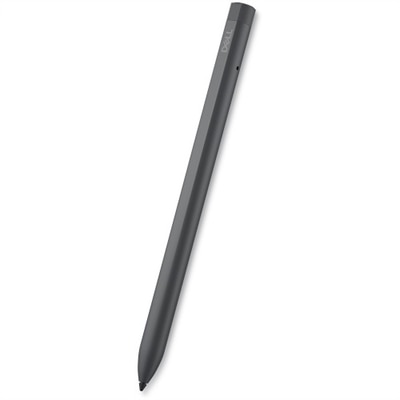
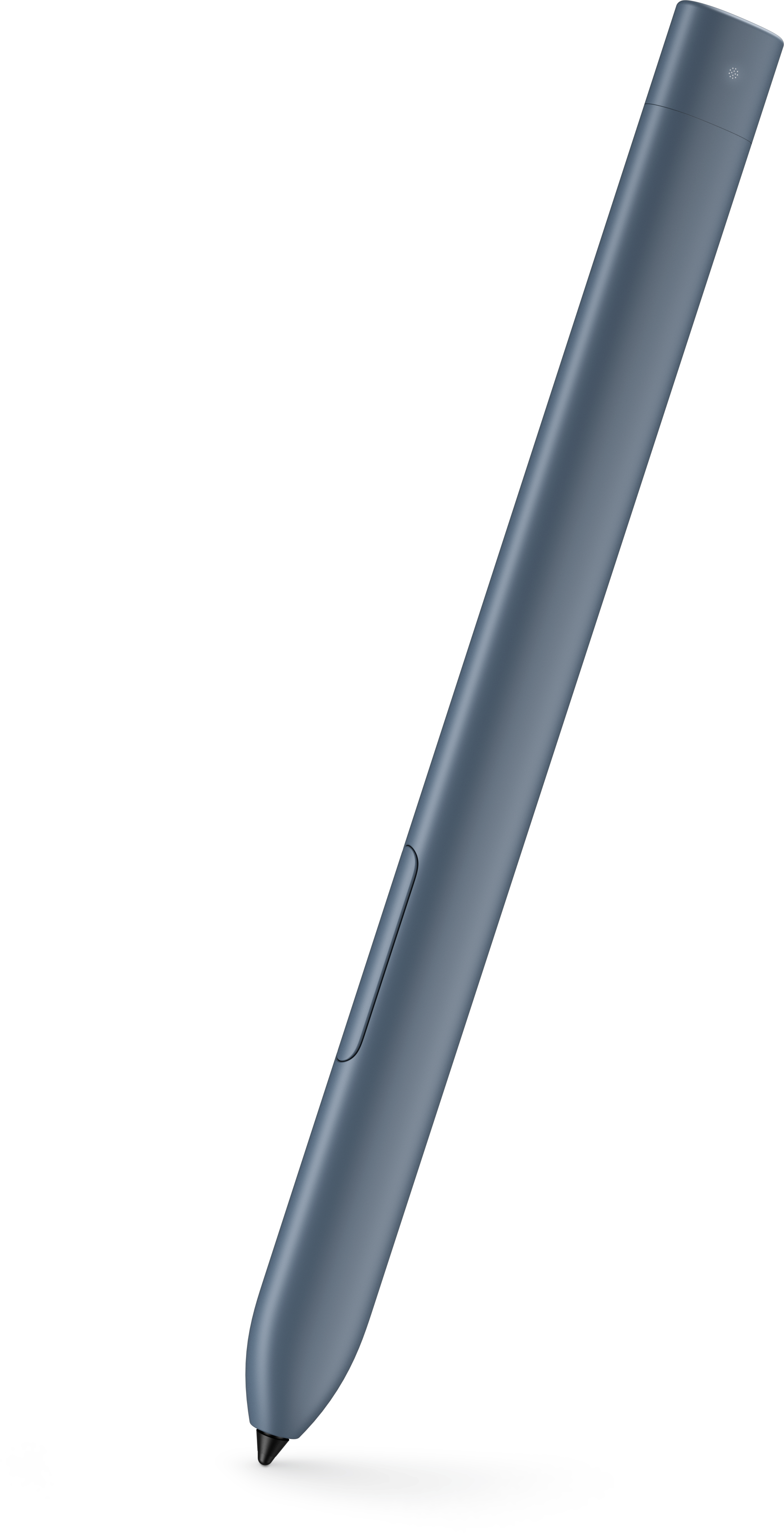
An active stylus designed for compatible detachable tablets, with convenient storage and charging in the keyboard garage.
Digital pens for note taking offer a modern solution for capturing ideas, organizing thoughts, and enhancing productivity in any setting. Whether you're a student, professional, or creative thinker, these innovative tools make it easy to transition from handwriting to digital formats with ease. Explore a range of digital pens designed to streamline your workflow and elevate your note-taking experience.
An active stylus designed for compatible detachable tablets, with convenient storage and charging in the keyboard garage.
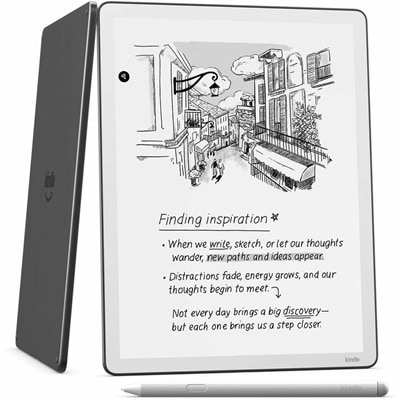
An e-reader with a glare-free front-lit display, built-in notebook, AI tools, Wi-Fi, and cloud service support.
Digital pens for note taking bring the familiar feel of handwriting together with the convenience of digital organization. Depending on the design, a smart pen may use a tiny camera and patterned paper to track each stroke, or it may work with a compatible tablet and writing surface to capture ink electronically. Notes can then be transferred through Bluetooth to a companion mobile or desktop app, where they may be stored, sorted, searched, shared, or converted into editable text with optical character recognition (OCR). This makes a digital pen useful for people who remember information more clearly when they write by hand but prefer the portability and flexibility of digital files. A student can outline a lecture, mark important passages, and review class notes from a laptop later. A professional can capture meeting details without carrying a stack of notebooks from room to room. Creative users may appreciate the natural movement of a pen for sketches, diagrams, annotations, and early ideas, while families may find a digital writing tool helpful for homework, household planning, or keeping handwritten memories in a more accessible format. The experience is especially appealing during the cooler months, when routines often move indoors and a well-organized note system can make study sessions, project planning, and personal reflection feel more manageable. For shoppers comparing digital pens for note taking, the first consideration is how the pen captures writing. Some models require specially designed notebooks printed with nearly invisible micro-dot patterns, allowing the pen’s camera to identify the exact position of every stroke. Others are intended for use with a compatible tablet or digital display and may capture writing directly on the screen. Special-paper systems can preserve the texture and visual rhythm of paper, but they require keeping the correct notebooks available. Tablet-based systems may offer more freedom to switch between digital pages, writing tools, and documents. Understanding that difference before choosing can prevent surprises and help match the pen to an existing routine.
App support is another important part of the experience because the companion software often determines what can be done after a note is written. Look for an app that works with the phones, tablets, and computers already used in the household, and check whether it supports the desired operating systems. OCR can turn handwritten pages into typed, editable words, although accuracy may depend on handwriting style, lighting, language support, and how clearly the page is written. Multilingual recognition can be helpful for language learners, travelers, and households where more than one language is used regularly. Search tools are valuable when notes accumulate over time; instead of flipping through several notebooks to find a phone number or project detail, users can search a saved library. Sharing features may allow a handwritten page to be sent as a document, image, or text file, which is useful for group projects and collaborative work. Some digital pens can also record audio while a person writes, linking the recording to the corresponding page so that tapping a written word or passage returns the listener to that moment. This can be useful during lectures, interviews, training sessions, or long meetings, though shoppers should review recording controls, storage requirements, and local privacy expectations before using that function. Battery life, charging time, and connection stability matter just as much. A pen that lasts through a full day of classes or meetings is easier to rely on than one that needs frequent charging, while automatic syncing can help protect notes when the pen is connected to the companion app. Consider the pen’s weight, balance, grip texture, button placement, and writing tip as well. Someone who takes pages of notes may notice a slightly heavy barrel or narrow grip after an hour, while a person who writes only short reminders may place greater value on a compact shape. The writing surface, refill availability, storage capacity, and included accessories also affect long-term convenience. For people who want to write on a larger digital canvas, browse Tablets for Digital Note-Taking and Meetings to compare another approach to handwritten work and on-screen organization.
Digital pens can be a thoughtful gift for a wide range of people because they support both practical tasks and personal interests. They may suit a college student preparing for exams, a designer collecting visual ideas, a writer outlining chapters, a teacher organizing lesson notes, or a professional who spends much of the day in meetings. They can also appeal to someone who enjoys journaling but wants an easier way to back up pages and revisit them from multiple devices. Before giving one as a gift, consider the recipient’s usual habits. A person who enjoys traditional notebooks may prefer a pen that preserves the tactile feel of paper, while someone who already works on a tablet may value direct digital writing and a broad selection of writing tools. A recipient with a busy schedule may appreciate automatic syncing and searchable notes more than advanced drawing features. It is also worth checking whether the system includes the required paper, charging cable, app access, or other essentials, since the full experience may depend on more than the pen itself. For everyday note taking, look for a comfortable design that responds naturally to quick lists and longer passages alike. For school or work, prioritize reliable syncing, OCR, file export, and organization tools. For sketches and visual planning, examine pressure sensitivity, line control, palm rejection, and compatibility with creative applications where applicable. Security should remain part of the decision, particularly when notes contain personal information, work details, financial records, or private conversations. Review account protections, cloud-storage settings, sharing permissions, and options for keeping files stored locally. A digital pen is most useful when it fits naturally into the user’s routine: pick it up, write freely, connect when convenient, and find the finished note without unnecessary steps. With the right combination of capture method, software support, comfort, and portability, digital pens for note taking can make handwritten ideas easier to preserve, revisit, and carry into the rest of a connected life.
Add the products you would like to compare, and quickly determine which is best for your needs.