$19.99
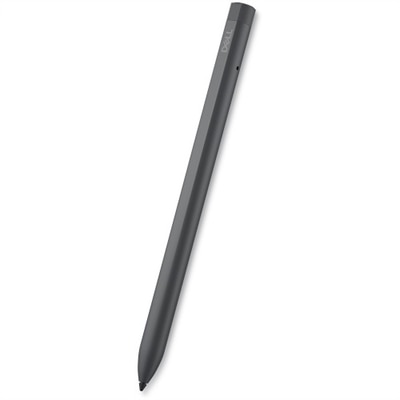
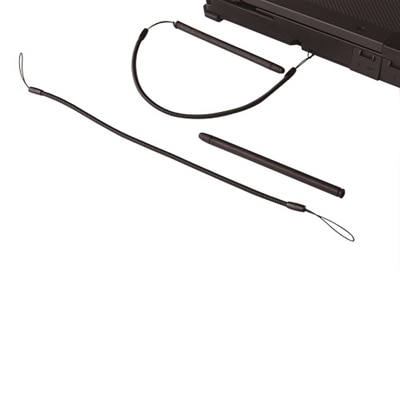
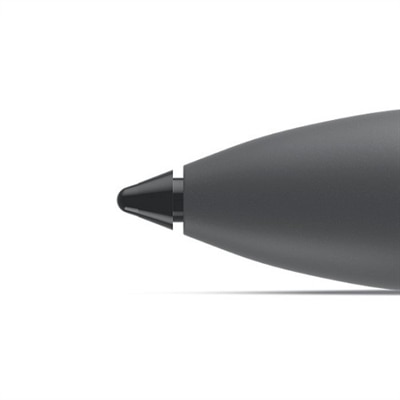
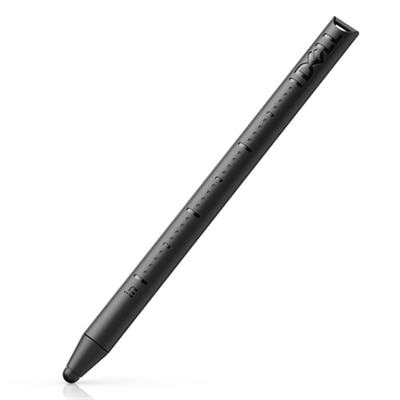
A full-size stylus designed for natural writing and drawing on the Latitude 7030 Rugged Extreme Tablet.
Stylus Pens for Precision Input on Touch Devices offer a seamless way to interact with your favorite tablets, laptops, and touchscreen monitors. Whether you’re jotting down notes, sketching creative ideas, or navigating apps with ease, these stylus pens provide enhanced accuracy and control. Explore a range of options designed to elevate your digital experience and make everyday tasks more intuitive. Find the perfect stylus to complement your touch device and enjoy smooth, responsive input for work, school, or play.
A full-size stylus designed for natural writing and drawing on the Latitude 7030 Rugged Extreme Tablet.
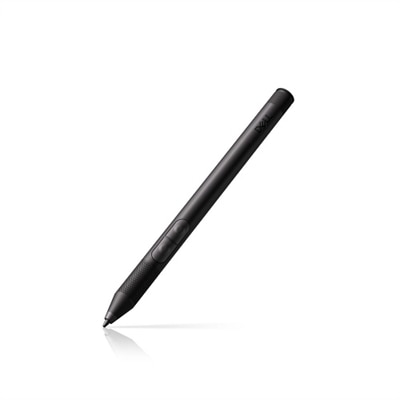
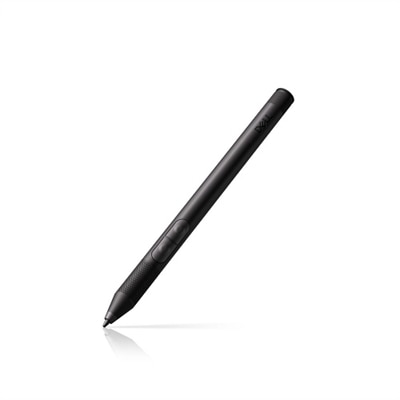
A rechargeable active pen with pressure sensitivity, tilt function, and a convenient find my pen feature.
An active pen with a rechargeable battery that charges wirelessly in 30 seconds when garaged.
A precision stylus with pressure sensitivity and palm rejection, compatible with Windows 10, 11, and ChromeOS.
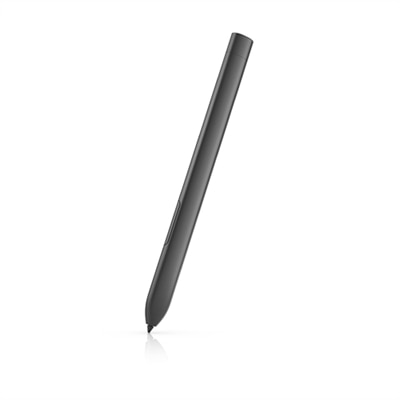
A black stylus offering 8192 pressure levels, tilt-response, and lag-free tracking for precise performance.
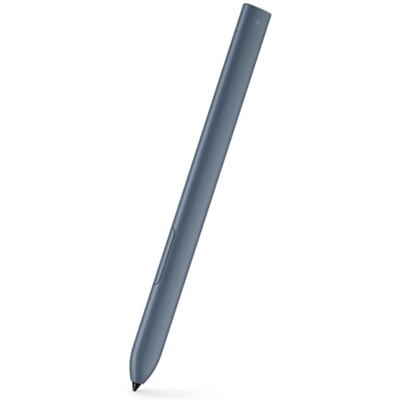
A smooth-writing active pen in River color with a 30-second fast-charging capability.
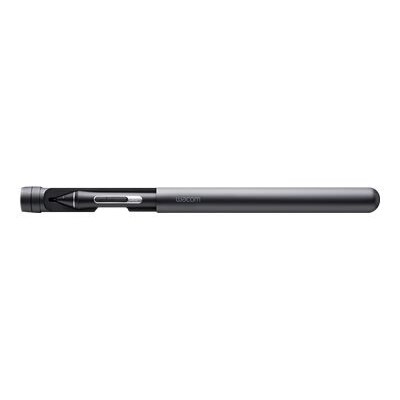
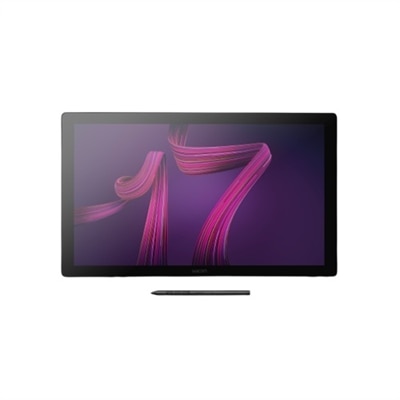
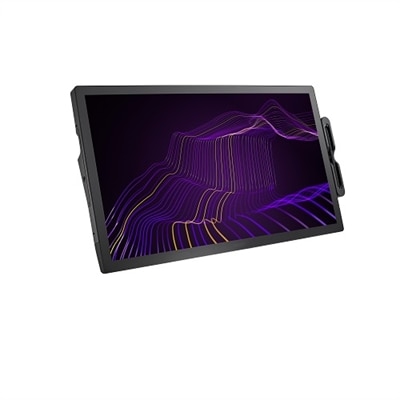
An interactive 17.3" 4K pen display with 120Hz refresh rate and customizable Pro Pen 3.
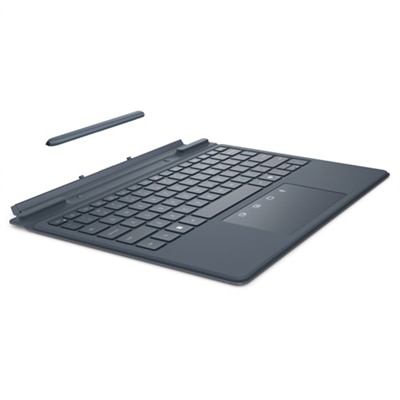
A river solid light keyboard and pen set designed for seamless typing and note-taking on the go.
A pressure-sensitive pen designed for high performance in rugged environments with Latitude tablets.
A sturdy pen designed for drawing, writing, and highlighting with the Latitude 7230 Rugged Extreme Tablet.
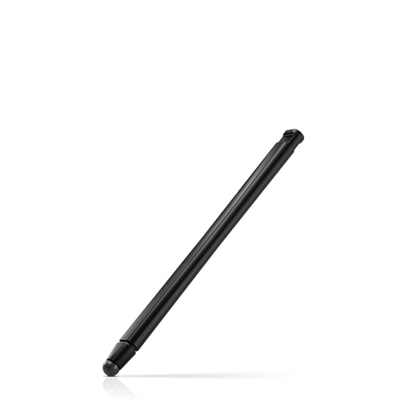
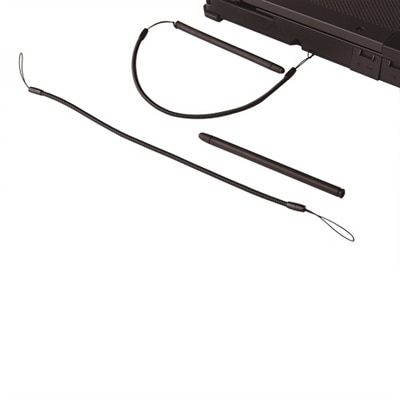
A responsive passive pen designed for use with Latitude rugged notebooks in challenging environments.
A high-performance pen designed for rugged environments, ideal for handhelds and tablet PCs.
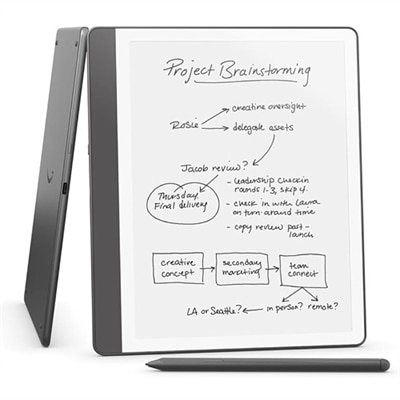
A tungsten digital text reader with a 10.2" glare-free display, premium pen, and advanced note-taking features.
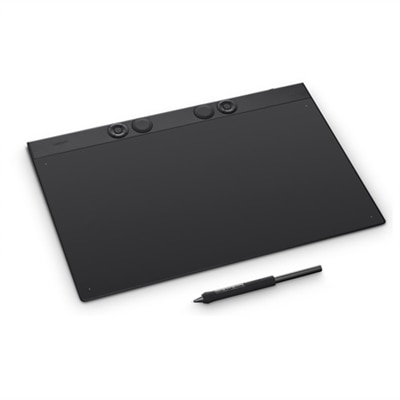
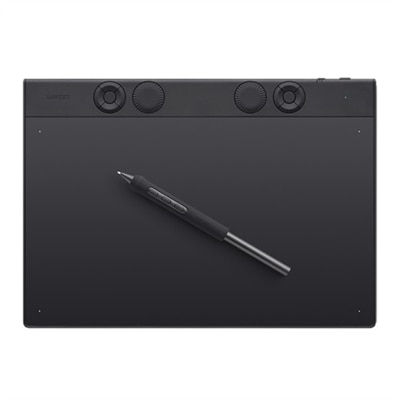
A professional-grade drawing tablet in durable magnesium with customizable Pro Pen 3, Bluetooth, and ergonomic controls.
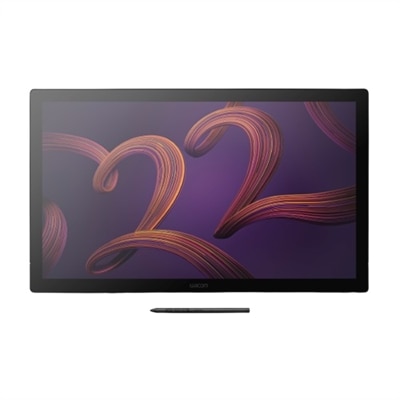
A 27" 4K pen display with 120Hz refresh rate, customizable pen, and 99% Adobe RGB coverage.
A professional-grade magnesium drawing tablet with customizable Pro Pen 3, Bluetooth connectivity, and ergonomic ExpressKeys.
A professional drawing tablet with a 4K display, Pro Pen 3, and Pantone-validated color accuracy.
A responsive passive pen designed for Rugged laptops, ideal for fieldwork and on-the-go use.
Precision stylus pens have become essential tools for anyone seeking greater control and accuracy on touch-enabled devices, whether for professional tasks, creative projects, or everyday navigation. As technology continues to evolve, the range of stylus options has expanded to suit a variety of needs and preferences. Some stylus pens feature universal compatibility, using capacitive disc or fiber tips that glide smoothly across any touchscreen without the need for batteries or Bluetooth connections. These models are especially useful for those who switch between multiple devices or want a straightforward, budget-friendly solution for note-taking, sketching, or casual browsing. On the other end of the spectrum, active digital stylus pens are designed with advanced features like fine tips, pressure sensitivity, tilt support, and palm rejection. These enhancements cater to artists, designers, and students who require a more natural writing or drawing experience, closely mimicking the feel of pen on paper. For those deeply invested in a particular device ecosystem, stylus pens tailored to specific platforms offer seamless integration, ensuring zero lag and native support for advanced functions.
Choosing the right stylus pen involves considering factors such as tip type, device compatibility, and power requirements. Clear disc tips provide high precision and visibility, making them ideal for intricate tasks like detailed illustration or handwriting. Fine hard or rubber tips, meanwhile, offer a familiar pen-like feel, which is perfect for extended note-taking sessions or annotating documents during meetings. Active stylus pens typically require charging via USB or the use of replaceable batteries, while passive models are always ready to use without worrying about power. This makes them a reliable companion for travel, commuting, or spontaneous creative inspiration. As the seasons shift from the warmth of late summer into the crispness of fall, students may find stylus pens invaluable for digital coursework, while professionals can rely on them for efficient workflow management during busy project cycles. Gifting a precision stylus pen can be a thoughtful gesture for anyone who enjoys digital art, journaling, or simply appreciates the convenience of handwriting on a tablet or touchscreen laptop.
Whether you’re an artist perfecting every stroke, a student organizing class notes, or a professional managing presentations on the go, a well-chosen stylus pen can transform your interaction with digital devices. The right stylus enhances productivity, creativity, and comfort, making it a practical accessory for people of all ages and interests. For those interested in exploring more options tailored specifically for note-taking and productivity, visit Digital Pens for Note Taking to discover a curated selection designed to meet the demands of modern work and study environments. As you transition through the changing seasons, a reliable stylus pen can help you capture ideas, create vivid artwork, or simply navigate your devices with greater ease and precision.
Stylus pens are designed for a wide range of touch-enabled devices, including tablets, 2-in-1 laptops, and touchscreen monitors. Always check your device’s specifications for stylus compatibility to ensure optimal performance.
A stylus pen offers greater precision, making it ideal for tasks such as note-taking, drawing, and photo editing. It also helps reduce fingerprints on your screen and can provide a more natural writing or drawing experience.
Many stylus pens support pressure sensitivity, allowing for varied line thickness and shading in creative applications. This feature is especially useful for artists and designers seeking a more expressive and accurate input method.
Yes, some stylus pens come equipped with programmable buttons that can be customized for quick access to frequently used functions, such as erasing, right-clicking, or launching specific applications.
To keep your stylus pen in optimal condition, store it in a safe place when not in use, avoid exposing it to extreme temperatures, and periodically clean the tip with a soft, dry cloth to remove dust or debris.
Add the products you would like to compare, and quickly determine which is best for your needs.


These cookies are essential for enabling user movement around our website and providing access to features such as your profile and purchases, log in credentials, and other areas of the website. These cookies are necessary to enable the basic features of this site to function, such as providing secure log-in, allowing images to load, or allowing you to select your cookie preferences. This category of cookies cannot be disabled.
Marketing cookies are used to understand user behavior across our websites. These cookies are also used to show ads that are more relevant to your interests. We may share this information with advertising platforms to help us display the most relevant messages to you. These cookies may also store information on user behavior obtained through their browsing habits, which allows us to develop a specific profile and display advertisements appropriate to your profile.
Cookies that are not categorized.
Statistical cookies help us to understand how visitors interact with our website by collecting and reporting information. Any information collected by means of this type of cookies is used to measure activity on any website, application or platform, for the purposes of introducing improvements in function of the analysis of the data regarding the service use made by users.