$84.99
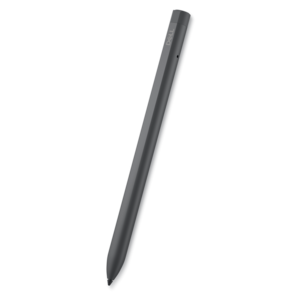
A rechargeable active pen with precision writing, Tile location tracking, and compatibility with select 2-in-1s.
Tablet PC input devices are essential tools for enhancing your digital experience, offering seamless interaction and improved productivity. Whether you're taking notes, drawing, or navigating your device, the right input device can make all the difference. Explore a wide selection of tablet PC input devices designed to suit various needs, from creative tasks to everyday computing. Find options that help you get the most out of your tablet and elevate your workflow with greater precision and comfort.
A rechargeable active pen with precision writing, Tile location tracking, and compatibility with select 2-in-1s.
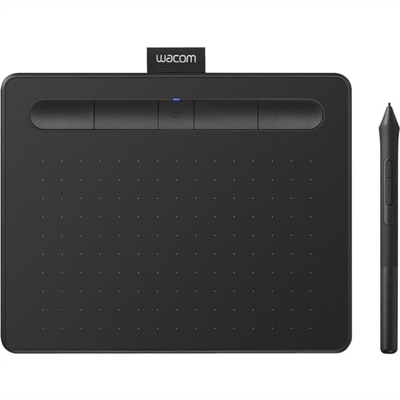
A wireless black graphics tablet with pressure-sensitive pen, Bluetooth, USB connectivity, and creative software for artistry.
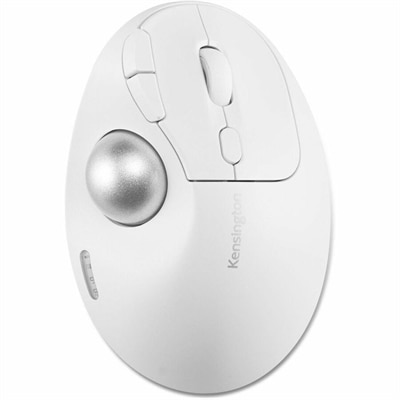
An ergonomic wireless trackball with 45° tilt, Bluetooth, 2.4GHz connectivity, precision optical tracking, and recycled plastic.
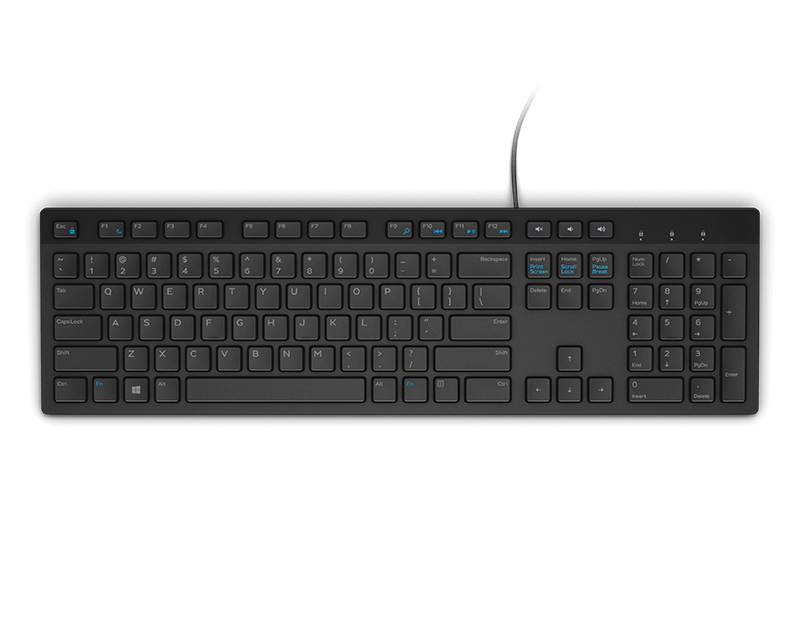
A premium keyboard and mouse combo designed for productive collaboration and all-day comfort.
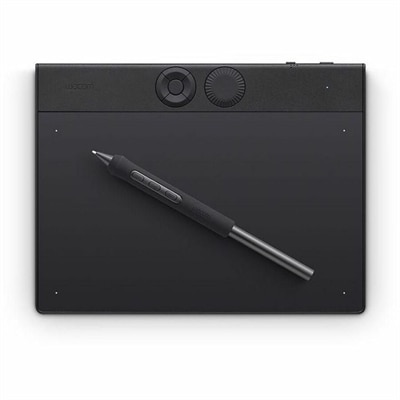
A professional drawing tablet with customizable pressure-sensitive pen, ExpressKeys, dial, magnesium construction, and Bluetooth connectivity.
Tablet PC input devices are hardware and software tools that help you enter text, create artwork, navigate menus, capture sound and video, and interact with a tablet in a more natural way. The touchscreen is the primary input surface on many tablets, allowing you to tap icons, swipe through pages, pinch to zoom, drag objects, and use multi-finger gestures without connecting an accessory. For a broader look at computers and displays designed for direct interaction, explore Touchscreen Devices. A stylus or digital pen adds a more precise method for writing, sketching, marking up documents, signing forms, and selecting small on-screen controls. Look for a pen that is compatible with the tablet’s operating system and supported input technology, since compatibility affects pairing, responsiveness, palm rejection, tilt recognition, pressure sensitivity, and access to shortcut buttons. Artists and designers may value a pen that responds to light and firm strokes with different line weights, while students may prefer a comfortable shape for taking pages of handwritten notes. Someone who spends the day reviewing documents may appreciate a fine tip and dependable palm rejection, which allows the hand to rest naturally on the display instead of creating stray marks. A detachable keyboard can turn a tablet into a more traditional typing workstation for email, reports, coursework, travel planning, and long-form writing. Many keyboard covers include a built-in touchpad, adjustable viewing angles, and a protective exterior, making them useful in a home office, classroom, library, or coffee-shop setting. Compare key spacing, travel, layout, backlighting, attachment method, and the amount of protection offered when choosing between keyboard options. A lightweight keyboard is convenient for carrying between rooms or commuting, while a sturdier design may provide a steadier feel for frequent typing. When a physical keyboard is disconnected, the tablet’s virtual on-screen keyboard remains available for short messages, searches, passwords, and occasional text entry. It is especially useful when holding a tablet in both hands, reading from a sofa, or using the device in a tight space where a keyboard cannot lie flat.
The best tablet PC input device depends on how a person works, creates, communicates, and moves through the day. A student might combine a digital pen with handwriting recognition to record lecture notes, circle important passages, and convert handwritten strokes into typed text for easier searching. A remote worker may pair a keyboard and touchpad with a tablet for video meetings, spreadsheets, customer correspondence, and shared documents, then remove the keyboard when the device is used for reading or presenting. An illustrator, architect, or hobby artist may place the greatest importance on pressure sensitivity, low latency, tilt support, shortcut controls, and a smooth drawing surface. For people with limited dexterity or different accessibility needs, larger touch targets, voice input, responsive microphones, adjustable pointer settings, and alternative navigation methods can make everyday tablet use more comfortable. Microphones support voice commands, audio notes, dictation, interviews, calls, and recorded lessons, while cameras provide video input for meetings, remote instruction, document scanning, facial recognition, and casual photography. If a tablet is used in a busy home or shared workspace, check microphone pickup, camera placement, privacy controls, and whether an accessory blocks a lens or port when attached. Connection type also matters: some input devices pair wirelessly, while others attach through a physical connector. Wireless accessories can reduce cable clutter and make it easier to position the tablet, but they may require charging, pairing, or a compatible wireless standard. Wired options can offer simple setup and continuous power, although the cable length and port location should suit the way the tablet is used. Before purchasing, confirm the tablet model, operating system, available ports, supported accessory protocols, and any required companion software. Also consider battery life, charging time, storage and travel requirements, warranty coverage, and whether the accessory can be used with a case. A well-matched input device should feel like a natural extension of the tablet rather than an extra item that needs constant adjustment.
Tablet PC input devices can also make thoughtful gifts for students, artists, travelers, professionals, and anyone who uses a tablet for more than watching content. A digital pen is a practical choice for a person who enjoys sketching, journaling, annotating recipes, signing paperwork, or organizing handwritten lists. A compact keyboard can help a college student draft assignments from a residence hall, give a frequent traveler a comfortable way to respond to messages, or help a family member stay connected without carrying a full-size computer. A stand or keyboard cover may be useful for a cook following instructions, a presenter moving between rooms, or a reader who prefers hands-free viewing during the cooler months. For a child or beginner, prioritize durable construction, simple setup, comfortable controls, and compatibility over advanced features. For a professional or creative user, finer details such as shortcut customization, precise pen tracking, quiet keys, adjustable viewing angles, and reliable multitasking support may have a greater impact on satisfaction. It is also worth considering the environment in which the accessory will be used: a bright desk may call for an easy-to-read display and adjustable angle, while a shared workspace may benefit from quiet keys and a compact footprint. Keep charging accessories, replacement tips, cleaning materials, and carrying protection in mind so the input device remains ready for daily use. With the right combination of touchscreen controls, stylus precision, physical typing, voice and camera input, and built-in software tools such as the virtual keyboard and handwriting-to-text panel, a tablet can adapt to work, study, creativity, communication, and entertainment without taking up much space.
Add the products you would like to compare, and quickly determine which is best for your needs.