$1339.99
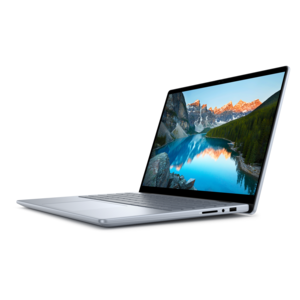
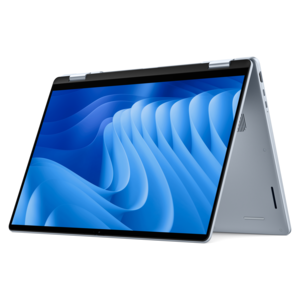
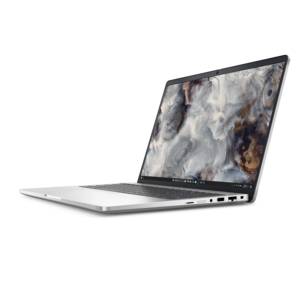
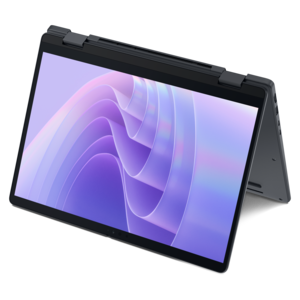
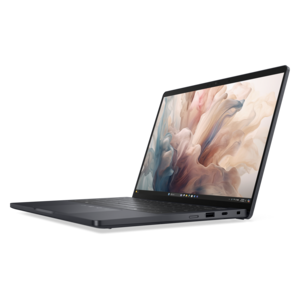
A versatile 2-in-1 laptop with AI experiences, all-day battery life, and seamless multitasking.
Discover the future of interactivity with our diverse range of touchscreen devices, designed to enhance your digital experience and streamline everyday tasks. Whether you're navigating through work presentations, enjoying immersive gaming sessions, or simply browsing your favorite apps, these devices offer a seamless blend of functionality and innovation. With intuitive touch interfaces and sleek designs, our selection caters to both personal and professional needs, making it easier than ever to stay connected and productive. Explore our collection to find the perfect touchscreen companion that fits your lifestyle.
A versatile 2-in-1 laptop with AI experiences, all-day battery life, and seamless multitasking.
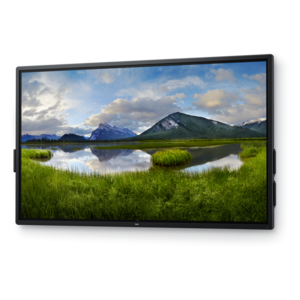
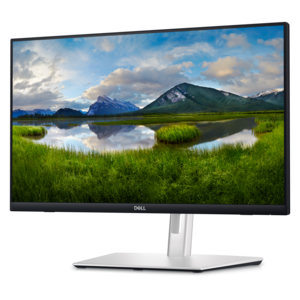
A 4K touchscreen monitor featuring 20-point InGlass Touch, palm rejection, and up to 90W USB-C power.
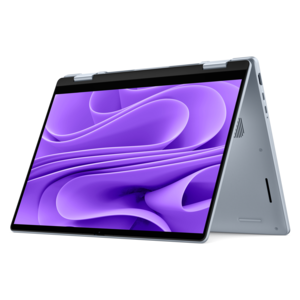
A versatile 2-in-1 laptop with multiple modes, Intel Core processors, and DDR5 memory for mobile creativity.
A spacious-display laptop with built-in AI and Intel Arc graphics for creative and development workflows.
A sleek aluminum commercial AI PC with robust security, scalable performance, and flexible laptop-or-tablet versatility.
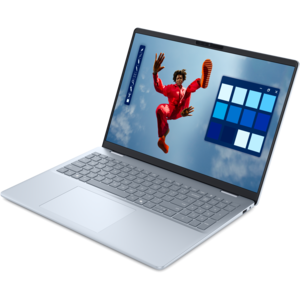
A versatile 2-in-1 laptop with built-in AI and a spacious display for creative work.
A secure, scalable commercial AI laptop featuring a sleek, durable aluminum body and spacious productivity-focused display.
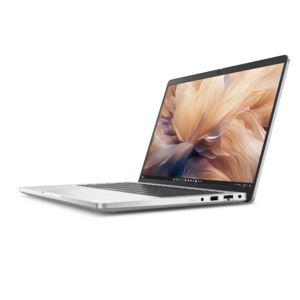
A thin 2-in-1 laptop combining versatility, portability, and performance with Series 3 Intel Core Ultra processors.
A thin 2-in-1 laptop powered by AMD Ryzen AI PRO 400 Series processors for versatile performance.
A remarkably thin 2-in-1 laptop combining versatile portability with performance powered by advanced Core Ultra processors.
An AI-powered tablet with optional keyboard, active pen, advanced thermals, HDR cameras, and Intel Core Ultra.
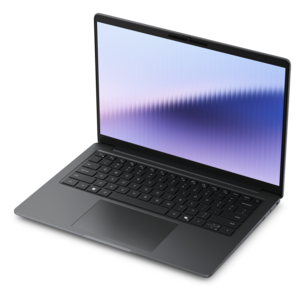
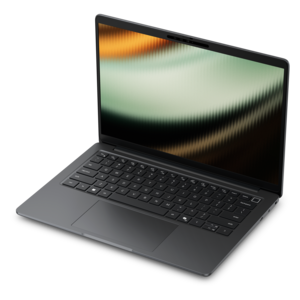
A productivity laptop powered by AMD Ryzen™ AI PRO processors for complex workflows and productive results.
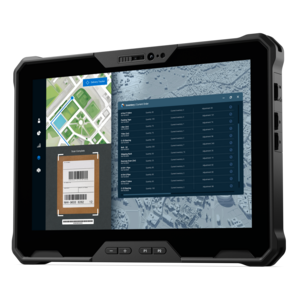
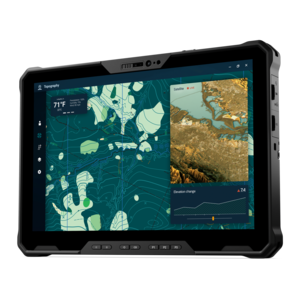
A lightweight rugged tablet with improved battery life, Copilot+ PC, and Intel Core Ultra 200V processors.
A fully rugged tablet with Copilot+ features, designed for all-day productivity and extended battery life.
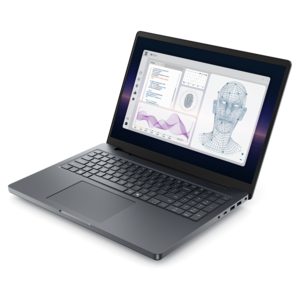
A powerful professional laptop delivering productivity, scalability, ease of use, and advanced on-device AI.
Touchscreen devices combine a visual display with sensors that recognize contact, allowing people to navigate, select, scroll, and interact directly with what appears on the screen. A finger can open an application, two fingers can enlarge a photograph, and a compatible stylus can turn a blank page into handwritten notes or a detailed sketch. Touchscreen laptops, convertible computers, and touch-enabled monitors bring this interaction to familiar computing tasks without necessarily replacing a keyboard or mouse. Typing a report may still feel most comfortable on a full keyboard, while moving through a presentation or marking a document can feel more natural with a tap. Many consumer touchscreen computers use capacitive technology, which detects changes in an electrical field when a finger or compatible input tool touches the surface. Resistive touchscreens work differently, registering pressure that brings conductive layers into contact. Either approach combines a touch-sensing system with a display, but sensitivity, supported gestures, and stylus compatibility vary by design. The visible image and the touch response are also separate characteristics: a sharp, colorful screen does not automatically support pen input, pressure sensitivity, or every multitouch gesture. More background on Touchscreen Technology connects these underlying differences to everyday interaction. For shoppers browsing touchscreen devices, the practical appeal is the ability to move between input methods as the task changes. A student might type an outline, circle an important passage with a pen, and swipe through reference material during the same study session. Someone working from home might use a mouse for a spreadsheet, then touch the screen to enlarge a chart during a conversation. These devices suit people who appreciate a direct connection between a hand movement and an on-screen action, whether the purpose is schoolwork, creative projects, communication, or everyday browsing. Their usefulness depends as much on the software and physical design as on the presence of a touch-sensitive screen.
The shape, size, and construction of a touchscreen computer influence where it feels comfortable to use. A traditional touchscreen laptop keeps the familiar relationship between screen and keyboard, making occasional taps convenient while the device rests on a desk. A convertible design with a supported folding hinge can provide additional positions for reading, watching a demonstration, or writing directly on the display. A touch-enabled desktop monitor offers a larger working surface for reviewing layouts, navigating visual applications, or sharing information with someone seated nearby. Screen size alone does not determine comfort, however. Overall weight matters when a device travels between classrooms or meeting rooms, and the footprint matters on a narrow desk or crowded kitchen counter. For frequent touch input at a workstation, a stable stand and an adjustable screen angle help keep the display within comfortable reach. Repeatedly reaching toward an upright monitor can tire the shoulder, so touch often works best alongside a keyboard and pointing device rather than as the only control method. Display brightness, reflections, resolution, and viewing angles also affect daily use. A glossy surface may show distracting reflections near a sunny window, while small text on a high-resolution panel may need scaling for comfortable reading and accurate tapping. Materials deserve similar attention. Glass touch surfaces provide a smooth area for gestures, while plastic, aluminum, and other chassis materials affect weight, rigidity, and feel. No single material guarantees durability; hinge construction, enclosure design, and careful handling all contribute. A screen that supports an active pen may offer features such as palm rejection or pressure-sensitive strokes, but those capabilities depend on the device, pen, and application working together. A basic capacitive stylus generally behaves more like a fingertip and does not by itself add advanced drawing features. For a separate touchscreen monitor, video connectivity and touch-data connectivity both matter, since some setups require a USB connection in addition to the display cable. Operating-system support and the intended computer connection are therefore important parts of a workable setup.
Everyday routines give touchscreen devices much of their character. Handwritten annotations can help a college student keep equations beside lecture notes, while a convertible computer can make it easier to follow a recipe with the keyboard folded away from the immediate workspace. A larger touch display can give a hobbyist room to arrange images or let a colleague point directly to a section of a shared document. People who find a mouse awkward may appreciate direct selection, although accessible software, sufficiently large controls, and alternative input options remain important. Touch is not equally convenient for every task: precise editing, long writing sessions, and applications with tightly packed menus may still favor a mouse, keyboard, or compatible pen. Processing power, memory, battery life, and application requirements remain relevant regardless of how the screen receives input. Video calls, creative software, and several open applications place different demands on a computer, while brightness settings and workload affect how long a portable device runs between charges. For someone receiving a touchscreen laptop as a gift for graduation or a birthday, its fit with existing software, workspace, and daily habits can matter more than an unfamiliar feature. Useful accessories may include a correctly sized protective sleeve, a compatible pen, or an adjustable stand, depending on the device and how it will be used. Regular care helps preserve the experience. Fingerprints are a normal consequence of direct interaction, and a clean, soft microfiber cloth is generally appropriate for routine wiping when used according to the manufacturer's instructions. Cleaning liquid should not be sprayed directly onto the screen, and abrasive materials can damage surface finishes. Any cleaning solution or screen protector should be suitable for the particular display, since coatings and touch sensitivity can vary. During transport, keeping grit away from the screen and avoiding pressure from tightly packed bags helps reduce preventable damage. Smooth hinges, secure carrying habits, and a comfortable place to work all support long-term use. The result is a flexible computing experience in which touch complements familiar controls, bringing reading, writing, viewing, and hands-on interaction together on the same screen.
Add the products you would like to compare, and quickly determine which is best for your needs.