$139.99
A sleek smart thermostat with color touchscreen, app control, scheduling, energy savings, and broad smart-home compatibility.
Explore the dynamic world of touchscreen technology, where innovation meets everyday convenience. From enhancing productivity to elevating entertainment experiences, touchscreens have become an integral part of modern life. Whether you're navigating through work tasks or enjoying your favorite games and media, the intuitive interface of touchscreen devices offers seamless interaction and endless possibilities. Dive into a realm where precision meets versatility, and discover how touchscreen technology can transform the way you connect with your digital world.
A sleek smart thermostat with color touchscreen, app control, scheduling, energy savings, and broad smart-home compatibility.
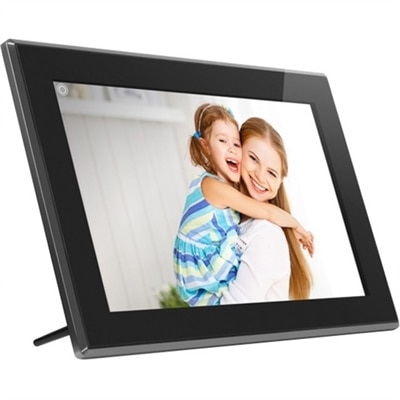
A touchscreen digital frame with IPS display, multimedia playback, wireless sharing, 16GB storage, and SD/USB support.
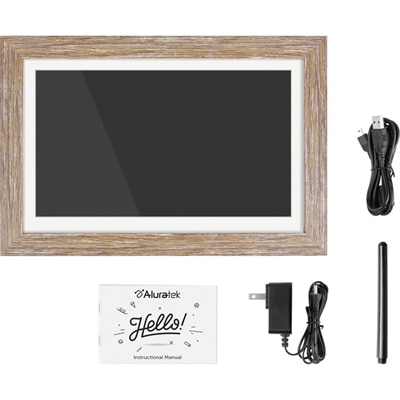
A distressed wood WiFi photo frame with touchscreen IPS LCD display delivers vibrant 1280x800 imagery.
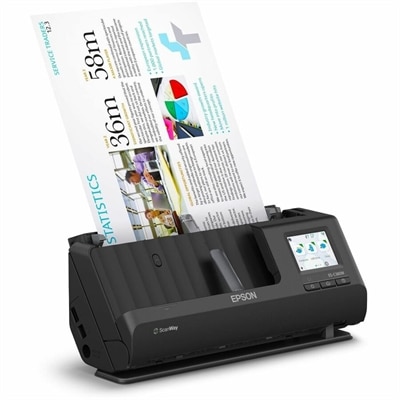
A wireless sheetfed scanner with 600-dpi optical resolution, duplex scanning, 20-page ADF, and 30-ppm performance.
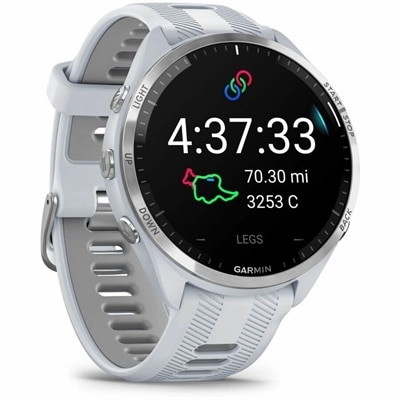
A premium GPS triathlon smartwatch with bright AMOLED touchscreen, titanium bezel, maps, and 23-day battery life.
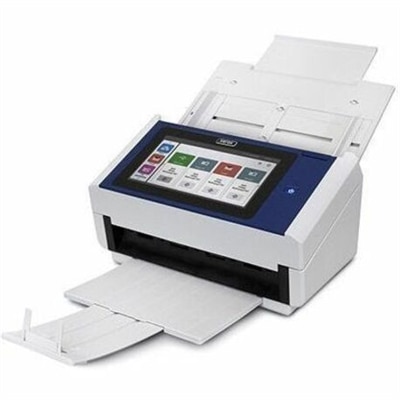
A document scanner with an 8-inch touchscreen, 600 dpi optical resolution, Wi-Fi, Ethernet, and 100-sheet feeder.
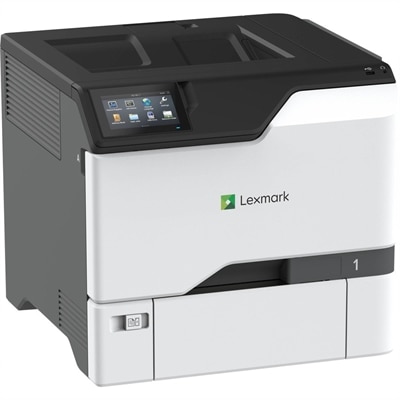
A color laser printer with steel construction, touchscreen controls, automatic duplexing, robust security, and IoT-enabled monitoring.
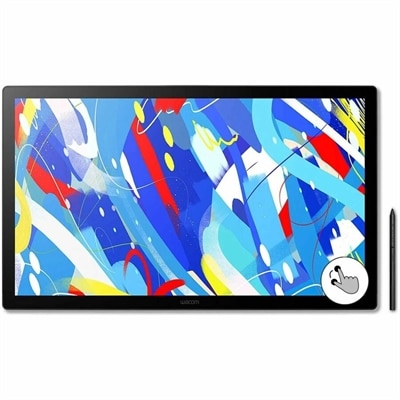
A professional drawing display with 2.5K WQHD resolution, etched anti-glare glass, multitouch, and pressure-sensitive stylus.
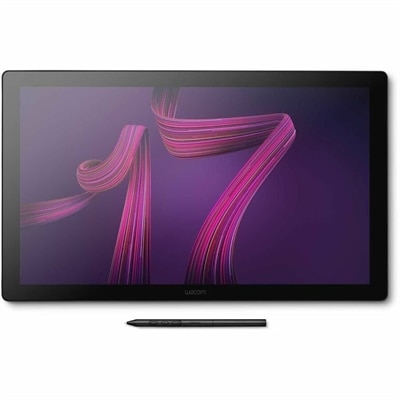
A professional 4K touchscreen pen display with 120Hz refresh, multi-touch control, customizable ExpressKeys, and pressure-sensitive stylus.
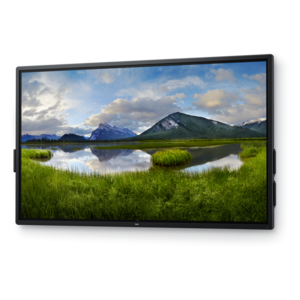
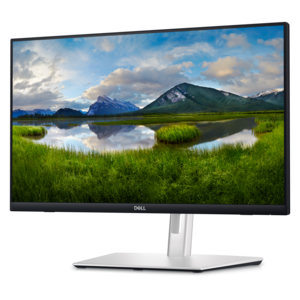
A 4K touchscreen monitor featuring 20-point InGlass Touch, palm rejection, and up to 90W USB-C power.
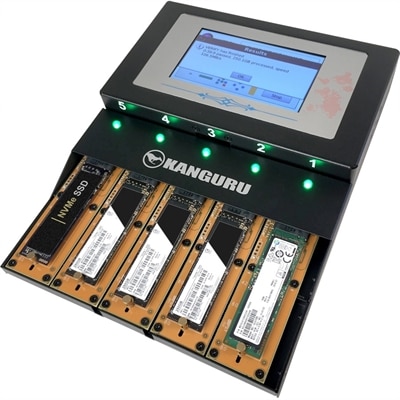
A standalone duplicator cloning up to four M.2 NVMe SSDs simultaneously at speeds reaching 12GB/min with touchscreen controls.
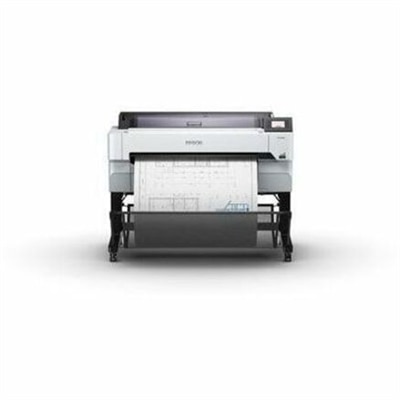
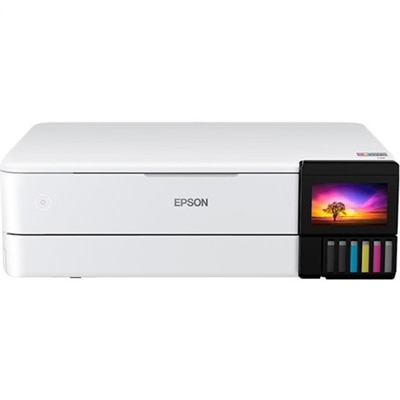
A versatile 36-inch color multifunction printer with integrated scanner, copier, touchscreen, and fast A1/D-size output.
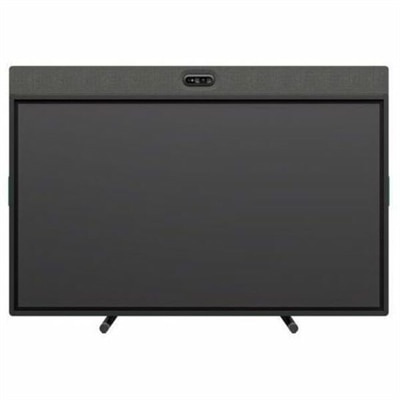
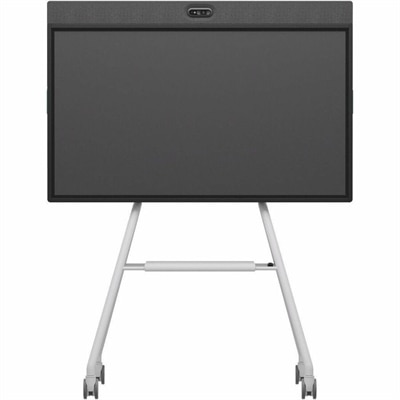
An all-in-one video conferencing device with brilliant audio, AI features, flexible camera placement, and graphite touchscreen.
An all-in-one mobile conferencing system with touchscreen collaboration, AI-powered audio/video, recycled plastic, and lockable cart.
Touchscreen technology brings the display and the controls together, allowing you to interact directly with what you see instead of relying only on a separate mouse or keyboard. A touchscreen combines a visual panel with a transparent sensor layer that detects contact and translates it into an action, such as opening an application, moving an item, entering text or adjusting a setting. Most modern touchscreens use capacitive technology. A fine grid of transparent conductive material, often made with indium tin oxide, holds a small electrical charge beneath the glass. When a finger touches the surface, it draws away a tiny amount of that charge, and sensors around the edges measure the change to determine the precise location of the touch. A processor then turns those coordinates into a command almost instantly. This design supports familiar gestures such as tapping, swiping, dragging, scrolling and pinching to zoom, making touchscreen laptops, monitors and other connected devices feel intuitive for people who are accustomed to using a phone or tablet. The quality of that interaction depends on more than the presence of a touch layer. Look for a display with accurate touch detection, smooth response and enough brightness for the room where it will be used. A glossy glass surface can make colors and images look vivid, while an anti-glare finish may be more comfortable near windows or under overhead lighting. Resolution affects the clarity of text, photos and fine creative work, and viewing angles matter when more than one person will gather around the screen. A durable surface is useful for shared workspaces, classrooms and kitchens, while a responsive stylus-compatible design can make handwriting, sketching and precise selections feel more natural. When comparing Touch Displays, consider the size and placement of the screen, the ports needed for your other devices, and whether the stand allows comfortable adjustment. A screen that reacts beautifully but sits too low, too far away or at an awkward angle can make a desk feel tiring by the end of the day.
Different touchscreen technologies suit different environments and styles of use. Capacitive touch is the familiar choice for many personal computing devices because it responds quickly to a finger and supports multi-touch gestures. It generally works best with bare skin or a compatible active stylus, although some models are designed to recognize input through thin gloves. Resistive touchscreens use two flexible conductive layers that register contact when the upper layer is pressed against the one below. They can respond to a finger, gloved hand, pen or other object, which makes them useful in settings where users need to keep gloves on or use a firm writing instrument, though they typically offer less fluid multi-touch performance. Infrared and optical systems detect interruptions in beams of light or use cameras to locate contact across a larger surface. These approaches are often suited to interactive boards, kiosks and shared displays where several people may work around the same screen. For everyday home and office use, responsiveness, palm rejection and gesture accuracy can be just as important as the underlying sensor type. If you plan to write or draw, check whether the display supports pressure sensitivity, tilt recognition and a low-latency stylus experience. If the screen will be used for forms, menus or frequent navigation, clear interface elements and reliable edge-to-edge touch detection can save time. Families may appreciate a touchscreen device for recipes on a counter, photo browsing in a living room or homework at a shared table. Professionals can use touch input to annotate documents, organize visual material, review floor plans, adjust presentations or move quickly between applications during a meeting. Creative users may enjoy the direct connection between hand and image, while older adults or first-time computer users may find tapping icons more approachable than learning a collection of keyboard shortcuts. Touchscreens can also be a practical choice for people with limited desk space because they reduce the need for a separate pointing surface, leaving more room for notebooks, reference materials or a cup of coffee.
The right touchscreen setup should match the way it will be used throughout an ordinary day, not only how it looks in a product photograph. For a compact workspace, a smaller touch-enabled computer may keep frequently used controls close at hand, while a larger touch monitor can make timelines, spreadsheets, illustrations and side-by-side documents easier to navigate. A two-in-one design may appeal to students, commuters and anyone who moves between typing at a desk and reading on a sofa, while a touch-enabled desktop arrangement can provide a stable home base for projects, household planning and shared activities. Pay attention to ergonomics: the top of the screen should sit at a comfortable height, the viewing distance should reduce eye and neck strain, and the display should be positioned to limit distracting reflections. Keep a soft, lint-free cloth nearby for fingerprints, and follow the manufacturer’s cleaning guidance rather than applying household sprays directly to the glass. In homes with young children, a sturdy hinge, protective case or stable stand can help a device withstand enthusiastic tapping, while a simple guest profile or separate user account can keep personal files organized. Touchscreen technology also makes a thoughtful gift for a student beginning a new course, a relative who enjoys digital photos, a home cook who follows recipes while preparing meals or a creative person who wants a more hands-on way to sketch and edit. During the cooler months, a touch-enabled device can be equally comfortable at a desk, on a kitchen island or in a favorite reading chair, giving users a flexible way to stay productive and entertained indoors. By weighing touch accuracy, screen quality, stylus support, size, adjustability, connectivity and everyday comfort together, shoppers can choose a touchscreen product that feels natural from the first tap and remains useful as routines change.
Add the products you would like to compare, and quickly determine which is best for your needs.