$84.99
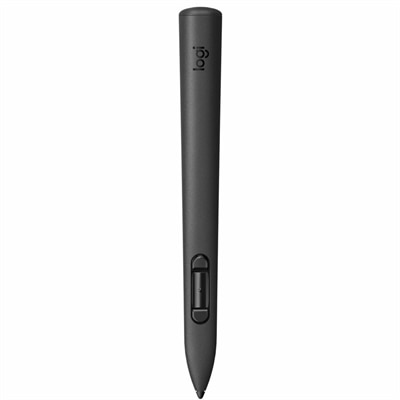
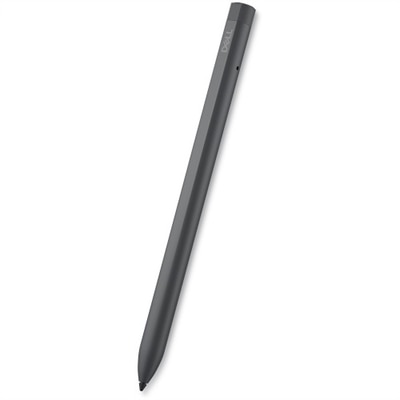
A rechargeable active pen with precision writing, Tile location tracking, and compatibility with select 2-in-1s.
Pressure-sensitive pens offer a dynamic and intuitive way to create, design, and interact with your digital devices. Perfect for artists, students, professionals, and anyone looking to elevate their workflow, pressure-sensitive pens provide the precision and control needed for detailed work. Explore a wide selection of pressure-sensitive pens that are compatible with various tablets, laptops, and touchscreens, making it easy to find the right tool for your creative or productivity needs. Discover options that help you bring your ideas to life with accuracy and ease.
A rechargeable active pen with precision writing, Tile location tracking, and compatibility with select 2-in-1s.
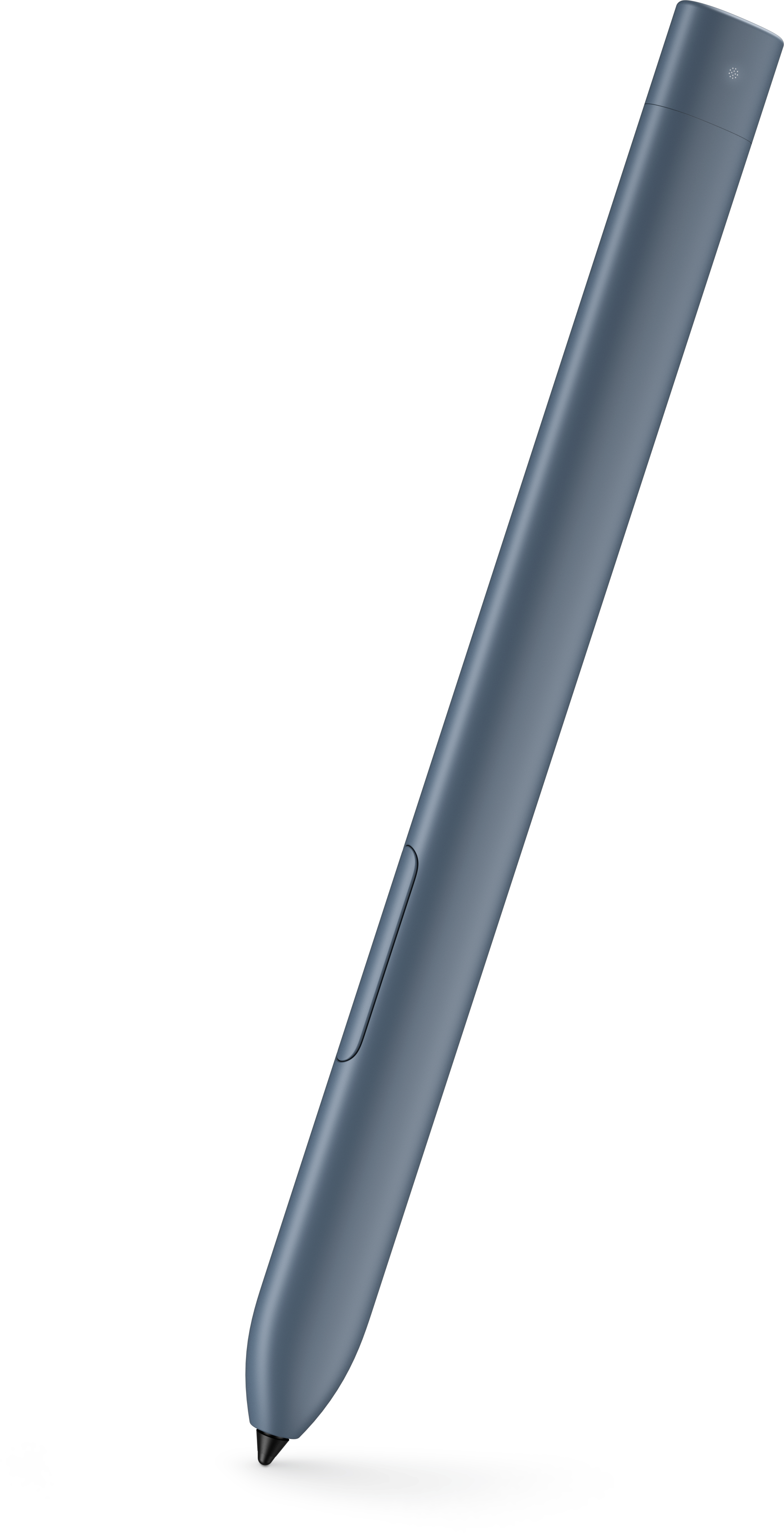
A wireless mixed-reality stylus with precision pressure-sensitive control for Meta Quest 2, 3, and 3S.
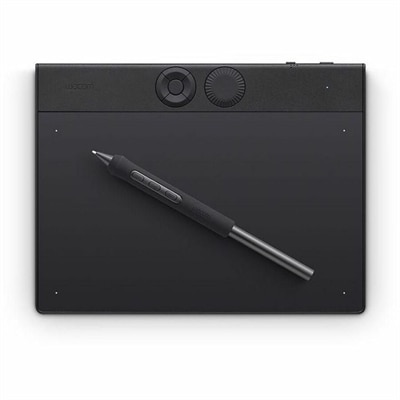
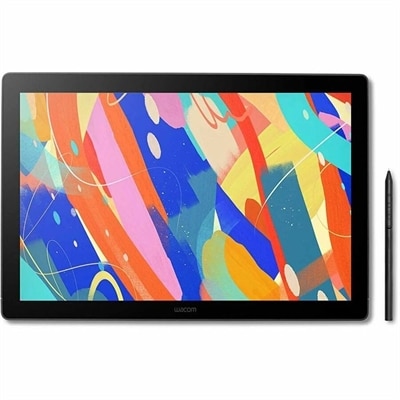
A professional drawing tablet with customizable pressure-sensitive pen, ExpressKeys, dial, magnesium construction, and Bluetooth connectivity.
Pressure sensitive pens, also called active styluses, bring a more natural feel to writing, sketching and navigating on compatible touch screens. Unlike a basic capacitive stylus that registers a simple tap, a pressure-sensitive pen uses sensors in the tip to detect how firmly you press. A light touch can create a fine, delicate line, while added pressure can produce a darker or broader stroke, much like changing the angle or force of a pencil, charcoal stick or paintbrush. This added control is useful for digital artists, illustrators, students, note-takers, designers and anyone who prefers the precision of a pen over a fingertip. On supported devices and applications, pressure sensitivity may also influence opacity, brush size and shading, helping digital work feel more expressive and less mechanical. Some pens offer around 2,048 levels of pressure sensitivity, while more advanced options may provide 4,096 levels or more for finer transitions between light and heavy strokes. The number of levels is only one part of the experience, however. Compatibility with the laptop, tablet or touchscreen matters just as much, since the device and software must recognize the pen’s pressure data. Before choosing a pen, check the supported operating system, screen technology, application compatibility and connection method. Some models pair wirelessly, some use a rechargeable battery and others are designed for battery-free operation. Tilt support can add another layer of control by allowing the pen to respond to its angle, which is particularly helpful for shading and brush-based work. Shortcut buttons may make it easier to erase, undo, switch tools or open frequently used commands without reaching across the screen. For additional options designed around compatible touchscreen computers, explore Stylus Pens For Touch Screen Laptops.
The best pressure-sensitive pen depends on the way it will be used. An illustrator may prioritize a responsive tip, multiple pressure levels and tilt recognition for controlled lines, textured shading and layered color. Someone taking handwritten notes in class, during meetings or while working from a quiet home office may care more about comfortable balance, low latency, palm rejection and a tip that glides smoothly without feeling slippery. A student can use a compatible pen to mark up PDFs, solve equations, organize diagrams and keep handwritten notes beside typed text. Creative professionals may use one for concept sketches, photo adjustments, animation, layout work or detailed retouching, while casual users may appreciate the simple convenience of signing forms, annotating documents or navigating a touchscreen with greater accuracy. The pen’s shape and weight deserve attention as well. A slim, lightweight design can be comfortable for short notes and travel, whereas a fuller barrel may feel steadier during extended drawing sessions. Replacement tips can help maintain a consistent feel over time, especially when the pen is used frequently on a textured screen surface. Battery life is another practical consideration: rechargeable pens reduce the need for disposable batteries, while battery-free designs can be ready whenever inspiration arrives. Keep in mind that pressure sensitivity does not work identically in every application, and some programs may require settings adjustments before changes in stroke width or opacity appear. These pens can also make thoughtful gifts for artists, design students, journalers, educators and professionals who enjoy combining handwriting with digital organization. During the cooler months, when more creative projects, coursework and indoor planning often find their way onto a desk, a pressure-sensitive pen can turn a compatible laptop or tablet into a more versatile workspace. Selecting a pen that matches the user’s device, software and everyday habits makes the experience more comfortable and helps ensure that pressure control becomes a useful part of the workflow rather than an unused feature.
Add the products you would like to compare, and quickly determine which is best for your needs.