$23.99
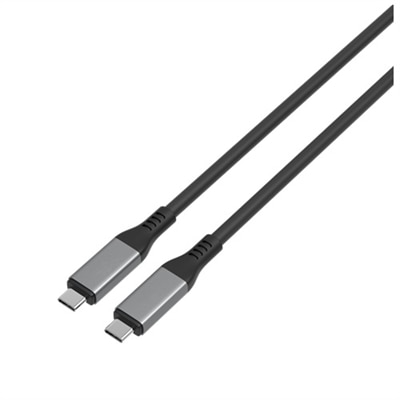
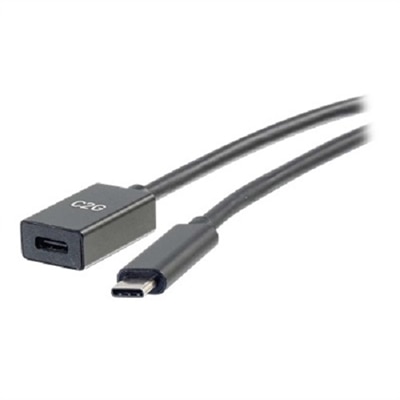
A black USB-C extension cable offering fast charging and 10 Gbps data transfer speeds.
Find the perfect connection for your device with a selection of USB-C cables for MacBook Air. Designed to support seamless data transfer and reliable charging, these cables help keep your workflow uninterrupted, whether you’re at home, in the office, or on the go. Explore a variety of lengths and styles to suit your setup and ensure your MacBook Air stays powered and connected whenever you need it most.
A black USB-C extension cable offering fast charging and 10 Gbps data transfer speeds.
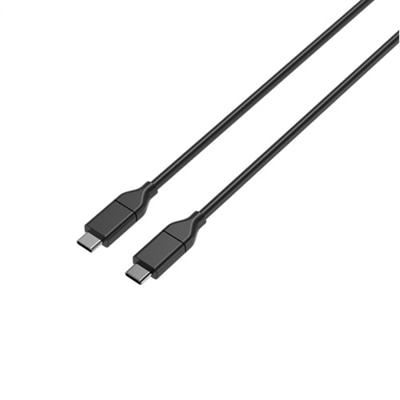
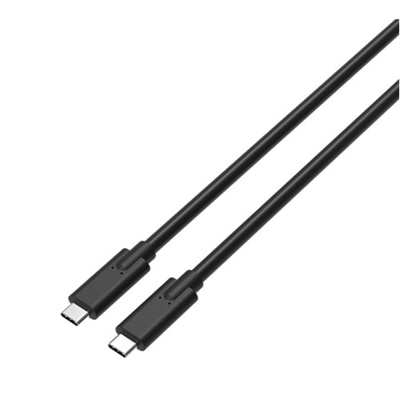
A high-performance 1.5-meter USB-C cable supporting 80Gbps data transfer, 240W power delivery, and DP Alt Mode.
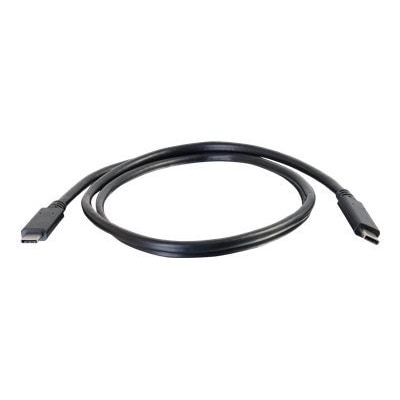
A black 3ft USB-C cable offering 10Gbps data transfer, 4K video support, and 100W power delivery.
A durable 2-meter USB-C to USB-C cable supporting 100W fast charging and 480Mbps data transfer.
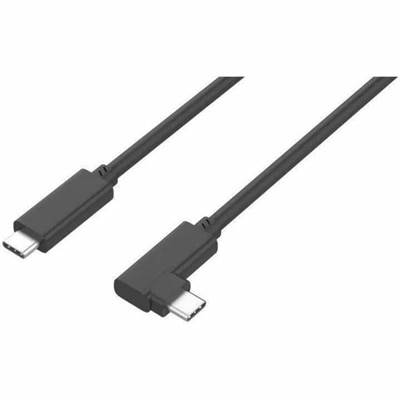
A durable right-angled USB-C cable supporting 100W fast charging, 10 Gbps data transfer, and DisplayPort Alt Mode.
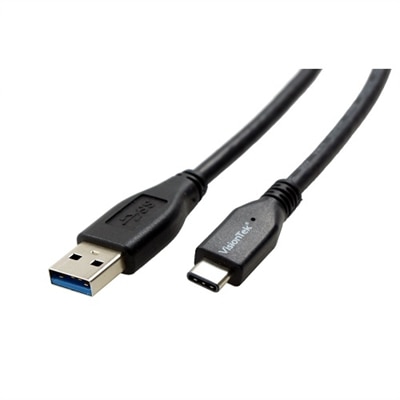
A black 1-meter cable enabling 10 Gbps data transfer and 60W charging for USB-C devices.
When choosing USB C cables for MacBook Air, it’s important to consider both the technical requirements of your device and the way you plan to use your cable day-to-day. The MacBook Air relies on USB-C ports for charging, data transfer, and connecting to accessories, so having a reliable, high-quality cable is essential. Whether you’re working from a sunny patio as the weather warms or setting up a productive workspace indoors during cooler evenings, the right cable can make all the difference in your daily routine. Many users look for a fast charging USB C cable to keep their MacBook Air powered up throughout busy days filled with meetings, creative projects, or online classes. If you’re often on the move, a durable, tangle-resistant cable offers peace of mind—no more worrying about frayed ends or slow charging speeds. For those who frequently transfer large files, a usb c to usb c data transfer cable with high data throughput ensures that photos, videos, and documents move quickly between devices. Students, professionals, and remote workers alike appreciate the convenience of a single cable that can handle charging, syncing, and connecting to displays or printers.
USB C cables for MacBook Air also make thoughtful gifts for graduates, colleagues, or anyone upgrading their tech setup. With more devices relying on USB-C connectivity, these cables are a practical addition to any workspace or travel bag. If you’re outfitting a home office or preparing for a new semester, consider cables that support both power delivery and fast data transfer—these features streamline everything from backing up important files to powering through video calls without interruption. A MacBook Air charger with PD (Power Delivery) compatibility can dramatically reduce charging time, which is especially useful for those with busy schedules or frequent travel plans. For creative professionals or students who need to connect to printers, a macbook air printer cable with the right USB-C compatibility ensures seamless printing of reports, artwork, or assignments. Lightweight and easy to pack, these cables are designed to keep up with the demands of modern life, whether you’re presenting in a conference room, studying in a coffee shop, or working from home.
For anyone looking to expand their MacBook Air’s capabilities, it’s worth exploring the full range of available USB-C cables, from those optimized for high-speed charging to robust options built for longevity. If you’re comparing options, look for cables that are USB-IF certified, support high wattage for fast charging, and offer reinforced construction for daily use. For more details and a curated selection tailored to Apple devices, visit the USB C Cables For Apple Devices page. Investing in the right cable not only protects your MacBook Air but also ensures you stay connected and productive, no matter where the season takes you.
When choosing a USB C cable for your MacBook Air, prioritize cables that support at least 60W power delivery for efficient charging. Look for reinforced connectors, durable materials like braided exteriors, and compatibility with fast data transfer standards such as Thunderbolt if you frequently move large files or connect to external displays.
Yes, most USB C cables for MacBook Air support both charging and data transfer. However, data transfer speeds can vary depending on the cable's specifications. If you need faster transfer rates for tasks like video editing or connecting to high-resolution monitors, consider cables that are Thunderbolt-compatible.
Absolutely. Using a USB C cable that matches or exceeds your MacBook Air charger’s wattage ensures optimal charging speed and performance. For most MacBook Air models, a cable supporting at least 60W is recommended, but higher wattage cables are also compatible and future-proof your setup.
Students, professionals, and anyone who travels frequently can benefit from having an extra USB C cable. It’s convenient for setting up workstations in multiple locations, keeping a backup in your bag, or sharing with family members who also use USB-C devices.
Yes, USB C cables can be paired with a variety of accessories like hubs, docking stations, and adapters to expand your MacBook Air’s connectivity. For more options, you can explore compatible products such as USB C Adapters For MacBook Pro to connect to additional devices or external displays.
Add the products you would like to compare, and quickly determine which is best for your needs.