How to use TechDirect to upload files to Service Request
Summary: This KB details the steps of uploading files to Service Request via TechDirect
This article applies to
This article does not apply to
This article is not tied to any specific product.
Not all product versions are identified in this article.
Instructions
- Go to https://tdm.dell.com/file-upload/
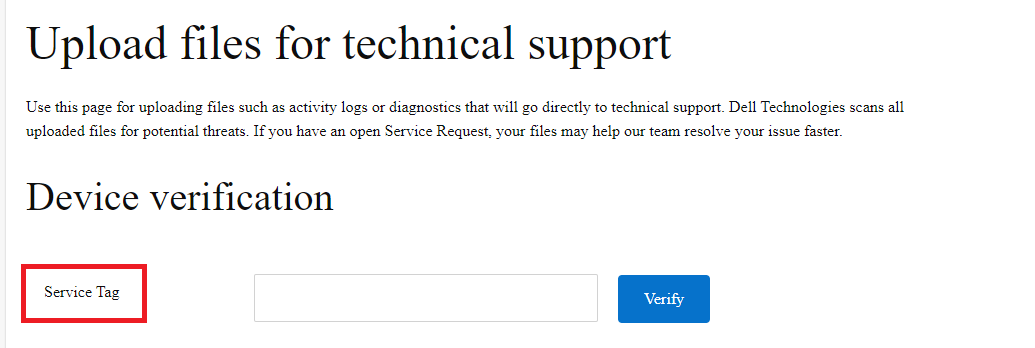
- Under 'Device Verification', enter the valid Service Tag and click 'Verify'. If there is no Service Tag, please use 'dummy' instead. Serial Number is not applicable here.
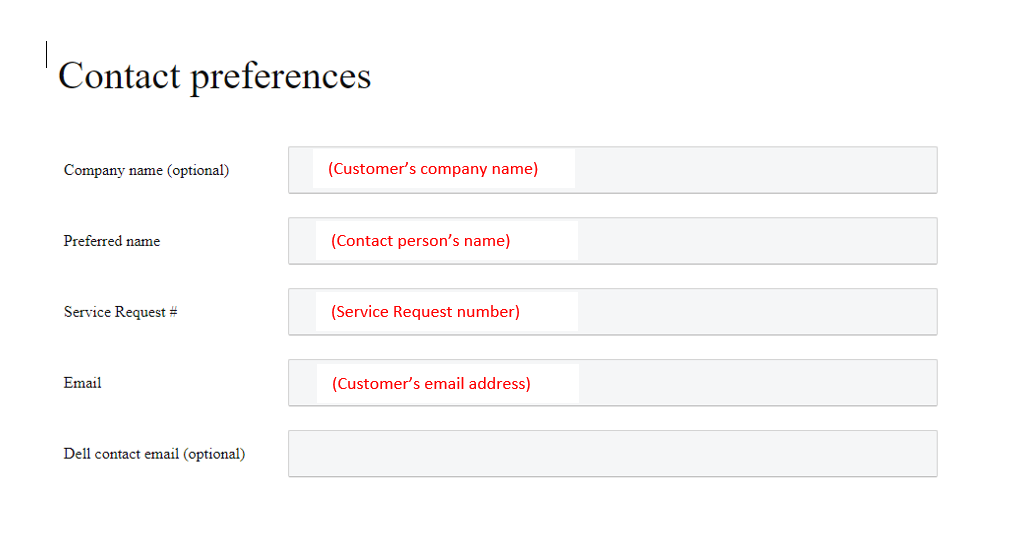
- Under 'Contact Preferences', please enter customer's company name (optional), the contact person's name, the Service Request number, the email address of the contact person, and Dell contact email (optional).
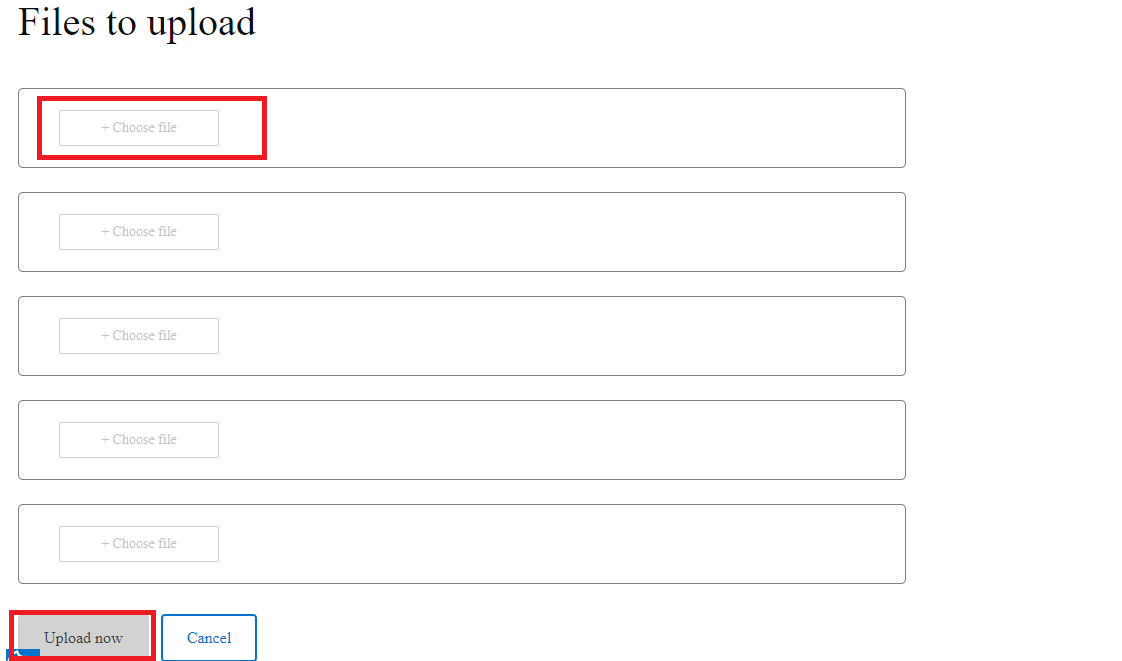
- Select the files to be uploaded in the Service Request. You can select maximum 5 files at once. Then click 'Upload now'.
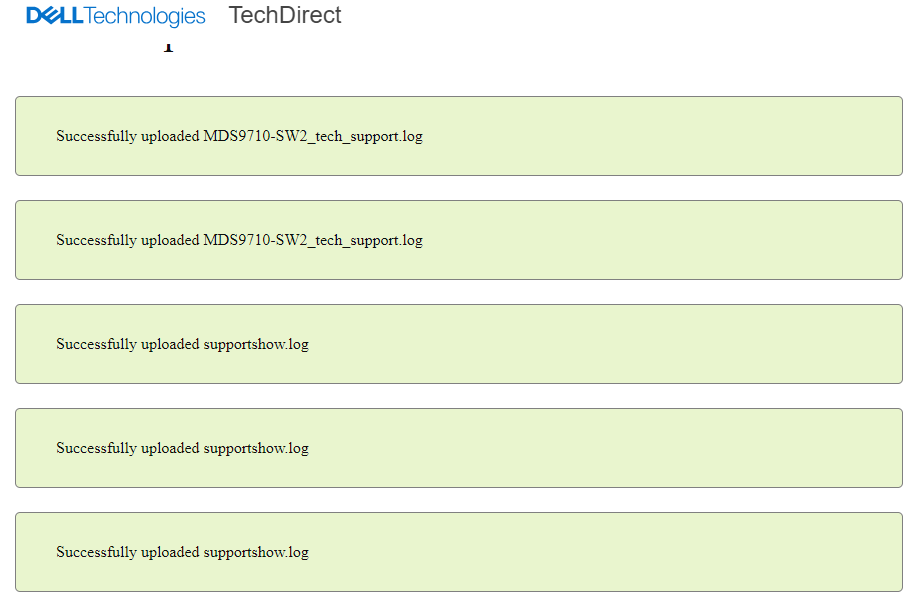
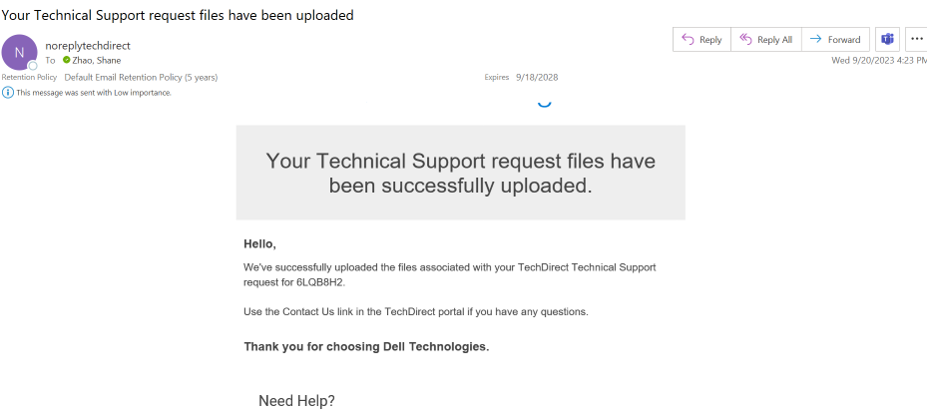
- Once the files are uploaded, the contact person will get an email notification to notify the upload success:
Affected Products
Converged Infrastructure, StorageArticle Properties
Article Number: 000217933
Article Type: How To
Last Modified: 30 Dec 2025
Version: 3
Find answers to your questions from other Dell users
Support Services
Check if your device is covered by Support Services.