$1249.99
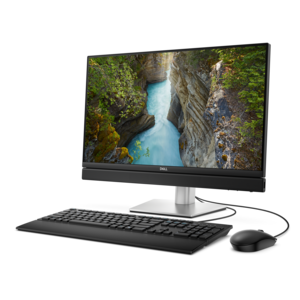
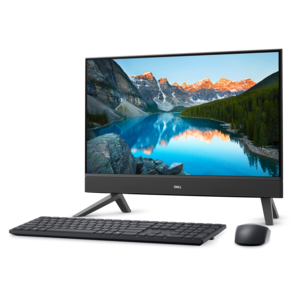
A compact all-in-one desktop designed for productive work and everyday entertainment.
Find all-in-one devices that combine multiple functions in a single unit for your home or office. Compare each model’s capabilities, connectivity options, and dimensions to choose one that handles your everyday tasks and fits your workspace.
A compact all-in-one desktop designed for productive work and everyday entertainment.
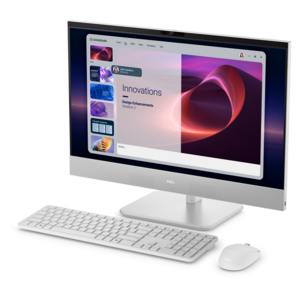
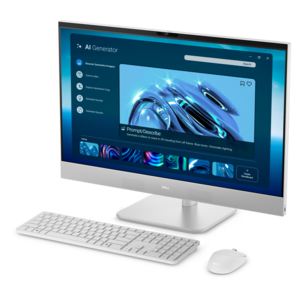
An AI-ready all-in-one desktop with an optional 5MP IR camera and streamlined security and manageability features.
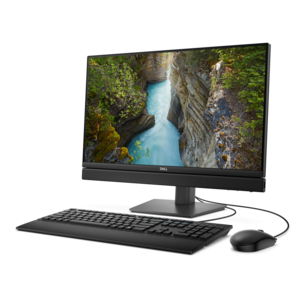
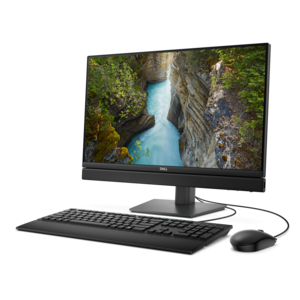
A space-saving all-in-one desktop designed for productive work and entertaining.
A space-saving all-in-one desktop with AI options, enhanced productivity, and robust security and manageability features.
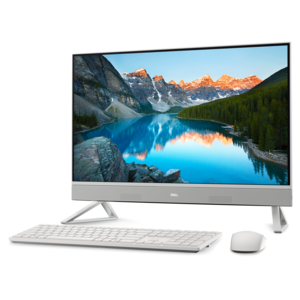
A sleek all-in-one desktop featuring a spacious display for streamlined computing and everyday productivity.
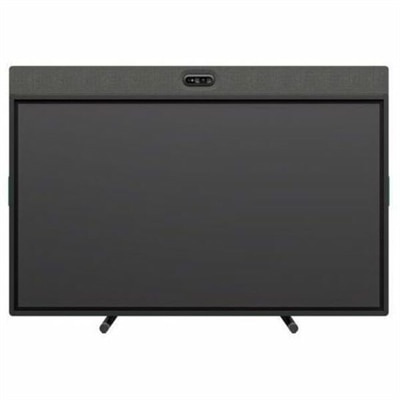
An all-in-one video conferencing device with brilliant audio, AI features, flexible camera placement, and graphite touchscreen.
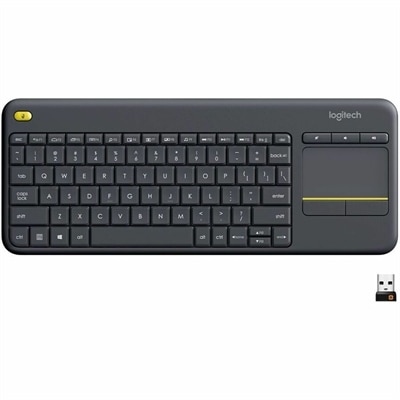
A wireless keyboard with integrated touchpad, comfortable media controls, and 10-meter range for seamless entertainment navigation.
A space-saving all-in-one desktop designed for productive work and everyday entertainment.
An AI-ready all-in-one desktop with space-saving design, robust security, and streamlined manageability.
A 1080p conference camera with full-duplex speakerphone audio, autofocus, remote pan-tilt-zoom, and echo cancellation.
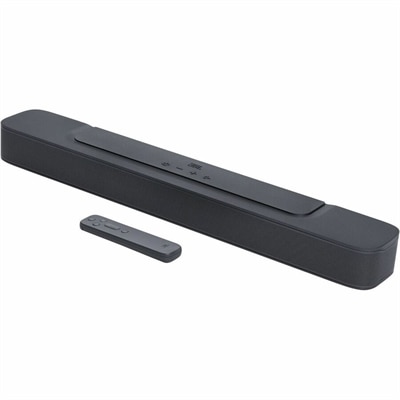
A black all-in-one soundbar delivering 80W RMS, deep bass, surround sound, and built-in Dolby Digital.
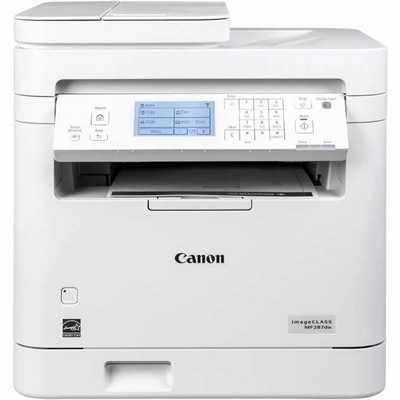
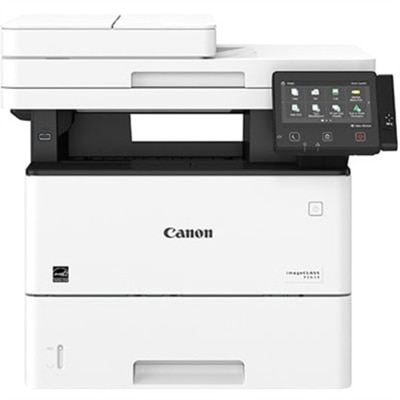
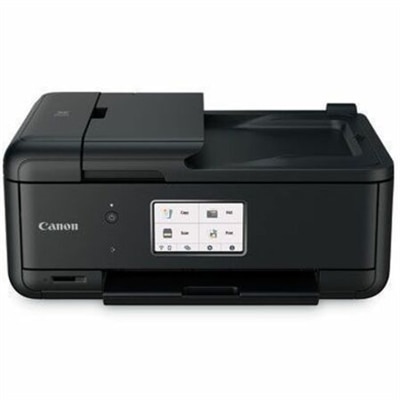
A white monochrome multifunction laser printer with wireless connectivity, duplex printing, scanning, copying, faxing, 35-sheet ADF.
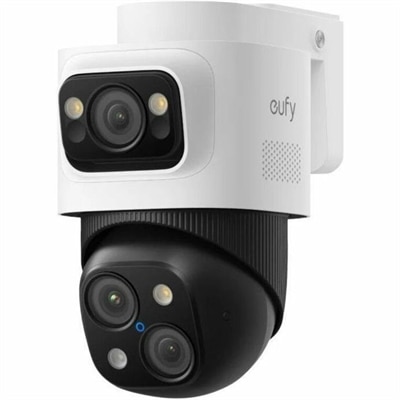
A weatherproof PoE security system with 2TB local recording, AI noise reduction, and expandable 8-to-16-channel monitoring.
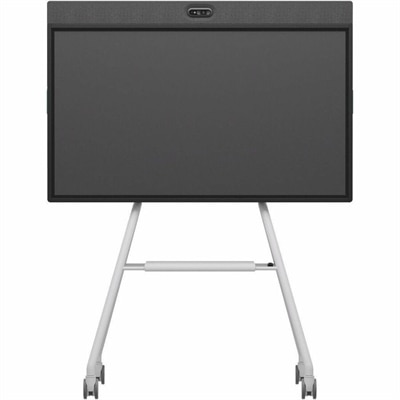
An all-in-one mobile conferencing system with touchscreen collaboration, AI-powered audio/video, recycled plastic, and lockable cart.
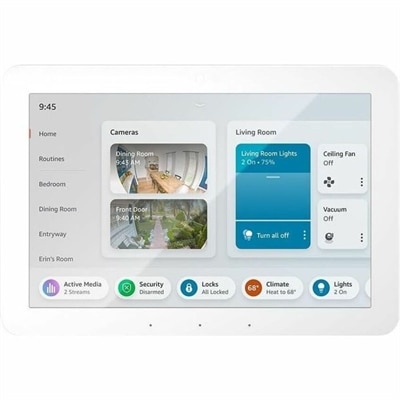
A customizable home control panel with Alexa, Wi-Fi, Zigbee, Bluetooth, Thread, Matter, Sidewalk, and USB connectivity.
A portable 7-in-1 USB-C hub offering fast charging and versatile connectivity for modern professionals.
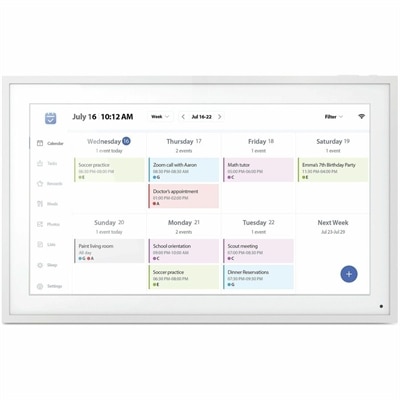
A smart Wi-Fi digital frame featuring 1080p IPS touchscreen, calendar syncing, task planning, and auto-rotation.
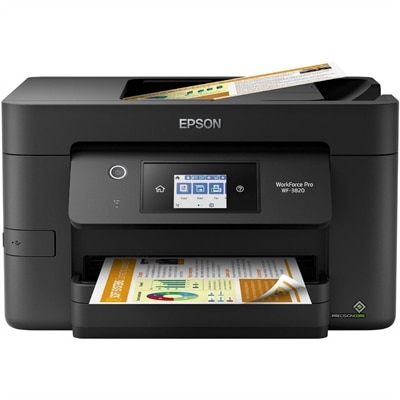
A monochrome multifunction laser printer with copier, fax, scanner, 45-ppm output and customizable color touchscreen.
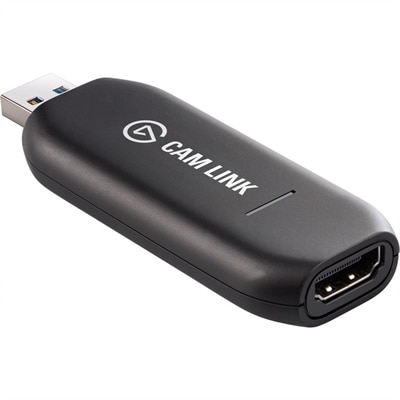
A low-latency 4K capture device that turns DSLR, camcorder, or action cameras into webcams.
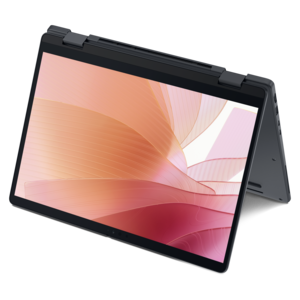
A versatile 2-in-1 laptop with AI experiences, all-day battery life, and seamless multitasking.
A versatile 2-in-1 laptop with Intel Core processors, DDR5 memory, and multiple modes for creative work.
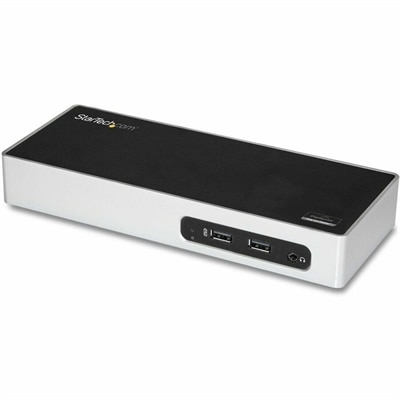
A USB 3.0 docking station with dual-monitor HDMI, DVI/VGA, six USB-A ports, Gigabit Ethernet, and audio.
A durable, serviceable Chromebook designed for K–12 learning environments, available as a laptop or 2-in-1.
A thin 2-in-1 laptop powered by AMD Ryzen AI PRO 400 Series processors for versatile performance.
All-in-one devices combine everyday functions in a streamlined design, helping you create a comfortable, organized workspace without crowding your desk. An all-in-one desktop computer integrates the main computing components into the display enclosure, reducing the need for a separate desktop tower while keeping a full-size screen at the center of your setup. For a home office, shared family workspace, or study area, an all-in-one PC can support activities such as writing documents, browsing the web, joining video calls, and watching entertainment. As you compare all-in-one computers, consider how screen size, resolution, processor performance, and memory fit your daily routine. A larger display can make side-by-side documents easier to view, while sufficient memory helps you move between applications more smoothly. Touchscreen capability, built-in cameras, and adjustable stands vary by model, so check the specifications to find features that match the way you work. Choosing the right all-in-one device also means looking beyond the screen to connectivity, comfort, and long-term usability. Review the available ports and wireless capabilities to make sure your keyboard, mouse, headphones, and other computer accessories can connect as intended. If you want a second monitor for multitasking, confirm that the all-in-one desktop supports video output; a display connector does not always support an additional screen. Consider camera placement and microphone features if video meetings are part of your schedule, and check whether the stand offers the adjustments you need for comfortable viewing. For a workspace that also handles paperwork, a multifunction printer can bring printing, scanning, and copying into one device, with capabilities varying by model. Comparing these practical details helps you choose an all-in-one computer and complementary accessories around your actual needs, whether you are building a focused home office or a versatile everyday computing space.
Add the products you would like to compare, and quickly determine which is best for your needs.