$34.99
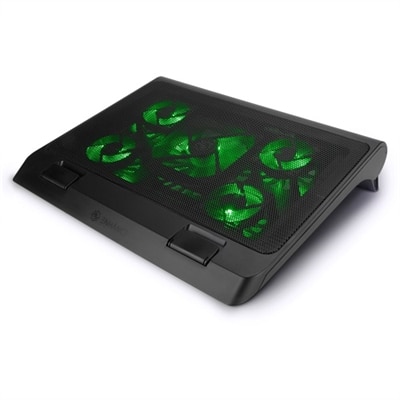
A gaming laptop cooling stand with 5 ultra-quiet fans, green LED lights, and dual USB ports.
Enhance your laptop's performance and longevity with our selection of 17 inch laptop coolers. These essential accessories are designed to combat overheating, ensuring your device stays cool even during intense gaming sessions or demanding work projects. With a variety of styles and functionalities, these coolers cater to different needs and preferences, providing optimal airflow and heat dissipation for your 17-inch laptop. Explore options that seamlessly blend functionality with sleek design, making it easy to find the perfect cooling solution for your setup.
A gaming laptop cooling stand with 5 ultra-quiet fans, green LED lights, and dual USB ports.
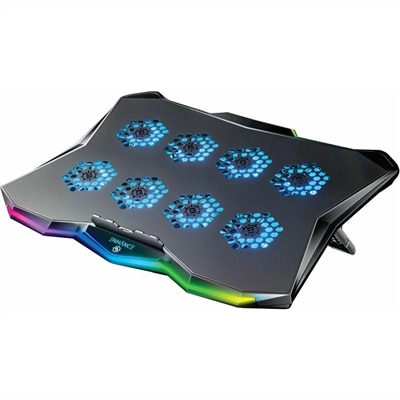
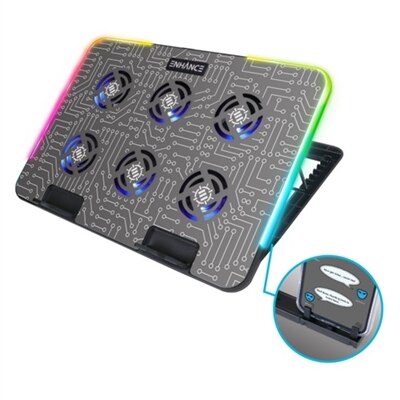
A gaming laptop cooling pad featuring RGB lights, Cryogen Technology, and a precision-machined hexagon metal plate.
A black neoprene cooling stand with dual fans and ergonomic design for comfortable laptop use.
A versatile laptop fan with ultra-quiet LED fans, metal mesh surface, and adjustable height settings.
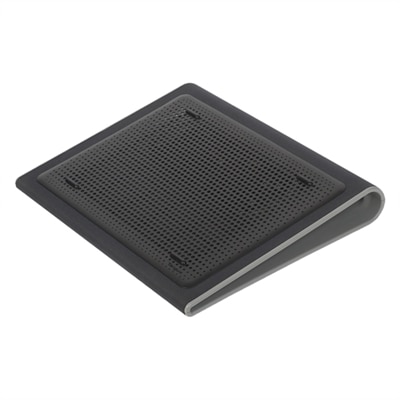
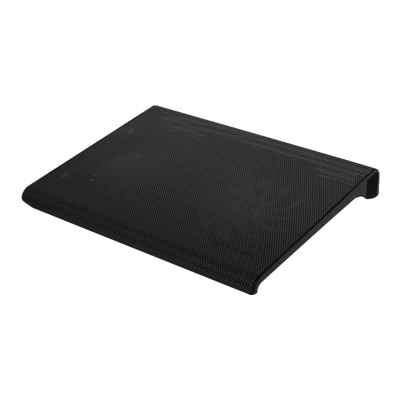
A black, slim cooling pad with dual quiet fans and metal mesh for optimal laptop airflow.
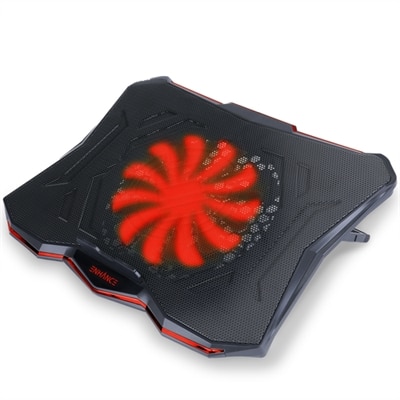
A red cooling pad with an ultra-quiet LED fan, 7 height settings, and dual USB ports.
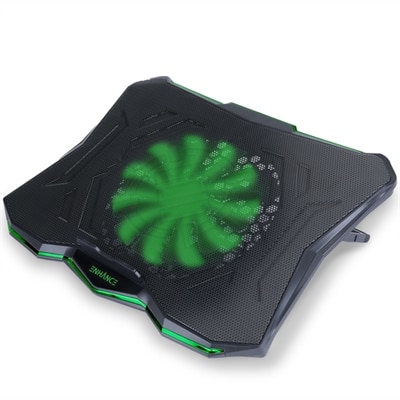
A green cooling pad with an ultra-quiet LED fan, dual USB ports, and 7 adjustable height settings.
A versatile cooling pad with an ultra-quiet LED fan, ergonomic design, and dual USB ports.
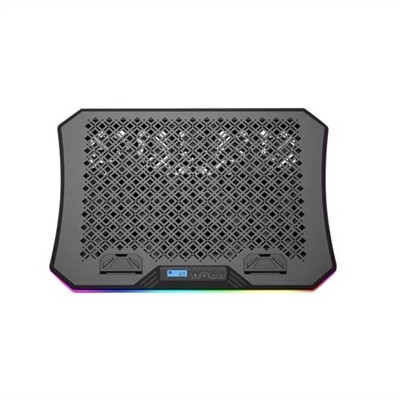
An ergonomic cooling pad with RGB lights, adjustable angles, and three large fans for optimal airflow.
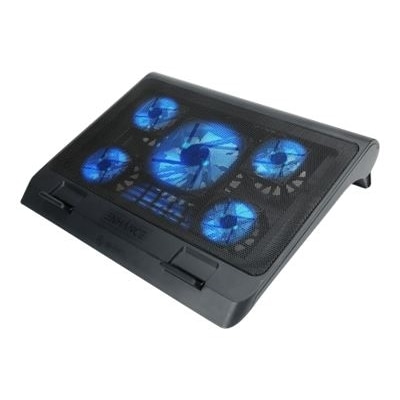
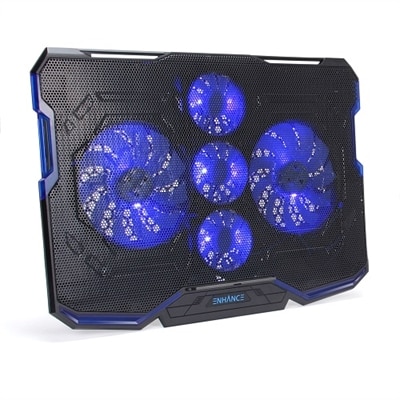
A black and blue cooling pad with five ultra-quiet fans, LED lighting, and adjustable stand.
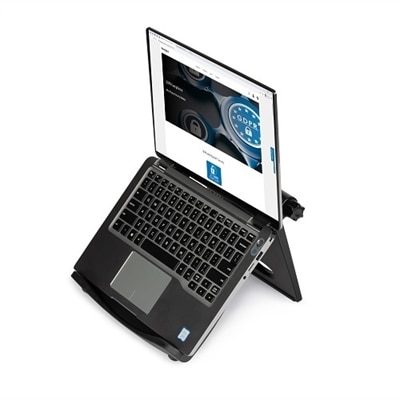
A black adjustable laptop stand with ergonomic design, offering up to 50-degree tilt and enhanced cooling.
When it comes to keeping your 17-inch laptop running at its best, a 17 inch laptop cooler is a smart addition to any setup—whether you’re working from home, gaming late into the night, or streaming your favorite shows during a chilly February evening. The larger surface area of a dell 17 inch laptop or similar device generates more heat, especially when handling demanding tasks like video editing or extended gaming sessions. A laptop cooling pad or stand acts as a vital layer of protection, drawing in cool air and pushing out heat with strategically placed fans. This not only prevents thermal throttling, which can slow down your CPU and GPU, but also helps safeguard your device’s internal components, potentially extending the lifespan of your investment. For anyone who’s ever felt their laptop grow uncomfortably warm on their lap or desk, the difference a well-designed cooler makes is instantly noticeable—quiet fans humming beneath a sturdy metal mesh surface, cool air flowing gently and keeping performance steady even during marathon workdays or all-night creative projects.
Selecting the right 17 inch laptop cooler involves a few key considerations. First, size compatibility is essential; a cooler designed for smaller laptops simply won’t provide the coverage or support needed for a dell laptops 17 inch model or similar large-format devices. Look for options specifically tailored to the larger footprint, ensuring stable support and optimal airflow across the entire base. Many coolers feature multiple adjustable fans—sometimes up to six—allowing you to customize cooling power depending on your workload or environment. Ergonomic stands are especially popular, as they not only enhance cooling efficiency but also elevate your laptop to a more comfortable viewing angle, reducing neck and wrist strain during long hours of use. This makes a laptop cooling pad a thoughtful gift for students, remote workers, or anyone who spends significant time on their laptop, especially as the seasons change and indoor temperatures fluctuate. Some coolers even offer added touches like extra USB ports, phone holders, or customizable RGB lighting, blending practical cooling with a dash of personality—perfect for gamers or anyone who enjoys a visually engaging workspace.
When considering a cooler for a dell "metal mesh" touch screen or any advanced 17-inch laptop, think about your daily routine and workspace. If you often move between rooms or travel, a slim, lightweight model with a portable design will serve you well. For those who set up a permanent workstation, a more robust stand with height adjustments and additional features can transform your desk into an efficient, comfortable environment. The convenience of USB-powered fans means you can plug directly into your laptop without the need for extra outlets, keeping cable clutter to a minimum. As you explore your options, remember that a high-quality 17 inch laptop cooler is more than just an accessory—it’s an investment in performance, comfort, and longevity. For a closer look at the latest designs and features, visit our curated selection of Laptop Cooling Stands and discover how the right cooler can make a noticeable difference, no matter where your work or play takes you.
When choosing a laptop cooling pad for a 17-inch laptop, consider features like multiple adjustable fans for customized airflow, ergonomic height adjustments for comfortable typing and viewing, sturdy construction to support the weight of larger laptops, and extra functionalities such as built-in USB hubs or phone holders. A metal mesh surface can also enhance airflow and cooling efficiency.
Yes, a laptop cooler can help maintain lower internal temperatures during gaming or resource-heavy tasks, which may prevent thermal throttling. This allows your CPU and GPU to operate more efficiently, helping to sustain higher performance levels and smoother gameplay for longer periods.
Most laptop cooling pads are designed to be universally compatible with a variety of laptops, including touch screen models like the Dell 'metal mesh' touch screen. Just ensure the cooling pad provides adequate support and ventilation for your laptop’s dimensions and design.
Laptop coolers are typically plug-and-play devices that connect via USB. They do not require any special software or drivers. Simply place your laptop on the cooler, plug it into a USB port, and the fans will start operating automatically.
An ergonomic laptop cooling stand not only helps keep your laptop cool but also raises the screen to a more comfortable viewing angle. This can reduce neck and wrist strain during long sessions, promote better posture, and create a more organized and efficient workspace.
Add the products you would like to compare, and quickly determine which is best for your needs.