$103.99
A portable 7-in-1 USB-C hub offering fast charging and versatile connectivity for modern professionals.
Enhance your device experience with a wide range of accessories for Microsoft Surface. Whether you’re looking to boost productivity, protect your investment, or personalize your setup, the right accessories can make all the difference. Discover options designed to complement your workflow and keep you connected wherever you go. Find everything you need to get the most out of your Microsoft Surface today.
A portable 7-in-1 USB-C hub offering fast charging and versatile connectivity for modern professionals.
A professional docking station delivering 130W power and versatile connectivity for streamlined productivity.
A versatile Thunderbolt 5 smart dock delivering up to 300W power with remote management capabilities.
Accessories for a tablet or convertible laptop bring together the everyday essentials that make a portable device more comfortable to use, easier to connect, and better protected between destinations. Keyboards, digital pens, mice, docks, adapters, cases, and chargers serve different purposes, so the right combination depends on how the device fits into a typical day. A student moving from a lecture hall to the library may value a lightweight keyboard and a pen for handwritten notes, while someone working at a desk may benefit more from a full-size mouse, an external monitor, and a dock that keeps cables together. Compatibility is the starting point across these categories. Devices with similar names or screen sizes can have different dimensions, attachment points, charging requirements, and accessory support, making the exact model and generation more useful than appearance alone. A detachable keyboard needs the correct physical connection and supported layout; a wireless keyboard needs a compatible connection method and a practical way to recharge or replace its batteries. Key spacing, typing angle, palm-rest texture, and backlighting can make a noticeable difference during long writing sessions or evening work. Digital pens introduce another layer of compatibility because handwriting, pressure sensitivity, tilt response, button functions, and charging methods depend on both the device and the application. For annotating a document, marking a diagram, or sketching an early design, a comfortable grip and predictable tracking may matter more than additional controls. Replaceable tips can help extend a pen’s useful life, while a secure holder helps keep it from disappearing into the bottom of a bag. Mice and other pointing accessories offer similar choices between portability and sustained comfort. A slim shape takes up less room in a commuter bag, while a more supportive contour may feel better during hours of spreadsheet work. Hand size, handedness, click feel, and the surface beneath the mouse all influence everyday comfort. Together, these input accessories can help a compact device move naturally between touch interaction, precise cursor work, handwriting, and longer stretches of typing.
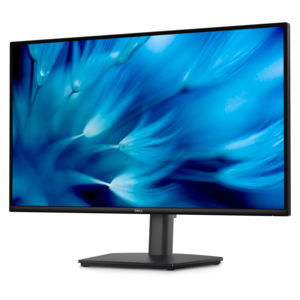
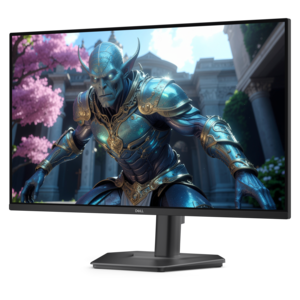
Desk accessories expand what a portable computer can do without changing the device itself. Docks and adapters connect compatible peripherals, displays, and power sources, but their capabilities depend on more than the number of visible ports. A connector’s shape does not establish its supported speed, video capability, or charging output. USB-C connections, for example, can differ in the functions they support, and an adapter cannot add a video feature that the device’s port does not provide. Display resolution, refresh rate, the number of connected monitors, and the requirements of attached accessories all affect whether a setup will work as expected. For a workspace built around an external screen, the connection path includes the computer, dock or adapter, cable, and monitor; each needs to support the intended configuration. A compact adapter suits occasional presentations and travel, while a dock may be more convenient for a desk where a keyboard, mouse, and display stay connected. Charging deserves the same attention. A compatible charger and appropriately rated cable should meet the device’s power requirements, especially when the computer is running demanding applications or supplying power to other accessories. Chargers with several ports may divide their output among connected devices, so the wattage delivered to an individual port matters. Cable length also changes how comfortable a setup feels: too short can leave a connector under tension, while excessive length can create clutter around a chair or desk edge. Stands and adjustable supports help position a screen for reading, video calls, and focused work, particularly when paired with a separate keyboard and mouse. A broad base, nonslip contact points, and a suitable weight rating contribute to stability. Ventilation openings should remain unobstructed, and the stand should accommodate the device’s kickstand or hinge movement where applicable. Headsets, speakers, and webcams can round out a workspace for remote meetings, online coursework, or conversations with family. Microphone placement, connection compatibility, physical controls, and comfort during extended use are useful distinctions, especially in a shared room where background sound and limited desk space shape the experience.
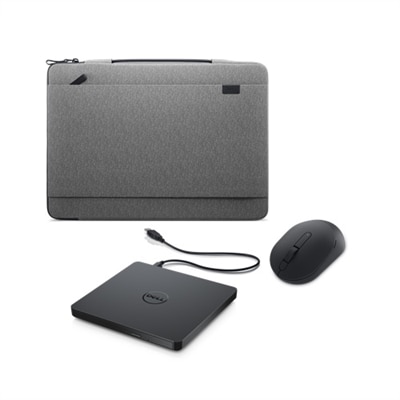
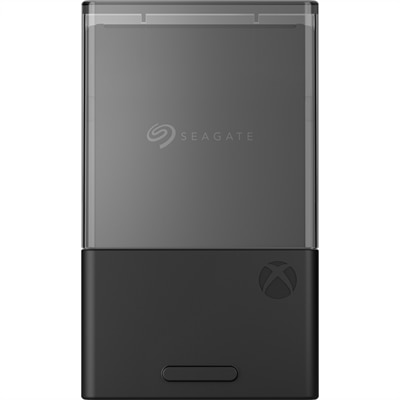
Protective accessories are most useful when their fit and construction match the way a device travels. A sleeve offers a cushioned layer inside a larger bag, while a fitted case stays on during use and needs accurately positioned openings for ports, cameras, speakers, and ventilation. Screen dimensions alone are not enough to establish fit: overall width, height, thickness, corner shape, and any attached keyboard can change the space required. A sleeve that closes comfortably around the complete setup is preferable to one that presses tightly against the screen or puts stress on a zipper. Materials contribute different qualities. Woven fabrics can feel light and flexible, molded shells can resist everyday scuffs, and padded linings help separate the device from neighboring belongings. Reinforced corners, secure stitching, smooth zipper operation, and well-attached handles are practical details for frequent commuting. No case makes a device immune to damage, and a water-resistant exterior should not be mistaken for waterproof protection. Screen protectors also involve trade-offs: finish, thickness, and surface texture may affect reflections, touch response, pen feel, or how clearly fine details appear. Care is generally straightforward, but material-specific directions matter. A soft, lint-free cloth helps remove fingerprints, liquids should not be sprayed directly onto electronics, and accessories should be dry before reconnecting or packing them away. Cables last better when loosely coiled rather than sharply bent, and keeping grit out of cases and sleeves helps prevent abrasion. These details matter for commuters, students, creative professionals, and anyone carrying a computer between home and work. Accessories can also make thoughtful graduation or birthday gifts when the recipient’s device model and habits are known. For a household that also uses a console, Must Have Accessories for XBOX Series X offers a separate accessory category to explore, with compatibility checked independently. Whether the priority is a tidy desk, comfortable note-taking, or dependable protection in transit, accessories earn their place through a precise fit and a clear everyday purpose.
Add the products you would like to compare, and quickly determine which is best for your needs.