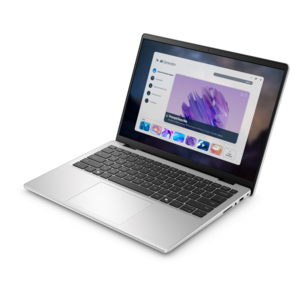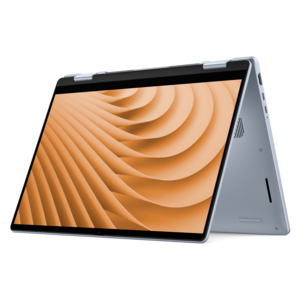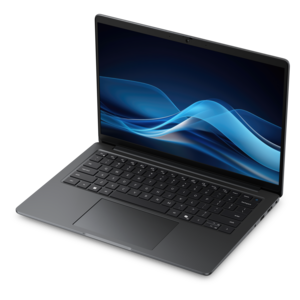
AI-Powered Laptops With Copilot+ Features

AI-Powered Laptops with Copilot+ Features are designed to elevate your everyday computing experience, bringing advanced performance and smart productivity tools to your fingertips. These innovative laptops integrate cutting-edge AI technologies that help streamline tasks, boost efficiency, and support seamless multitasking. Whether you're working, studying, or creating, discover a new level of responsiveness and convenience with AI-Powered Laptops with Copilot+ Features, tailored to meet the demands of modern users.

Filters

$2135.00

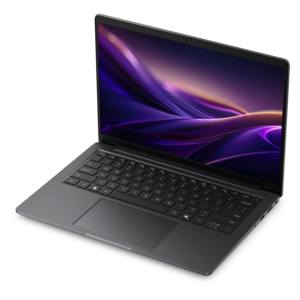
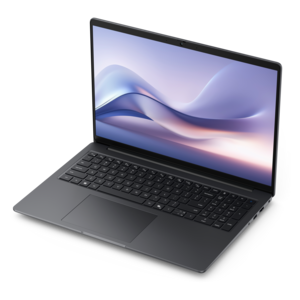
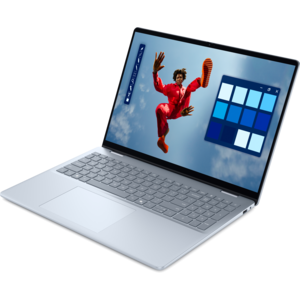
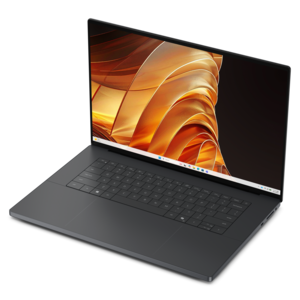
A productivity-focused Copilot+ PC powered by a capable AMD CPU, GPU and NPU combination.

$2135
$999.99

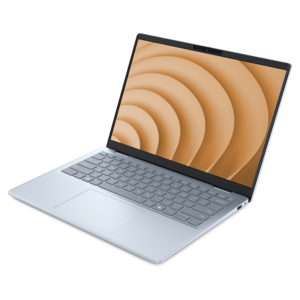
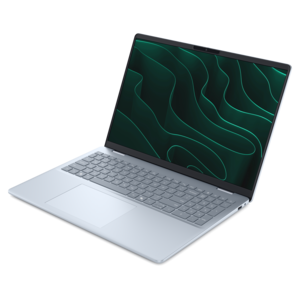
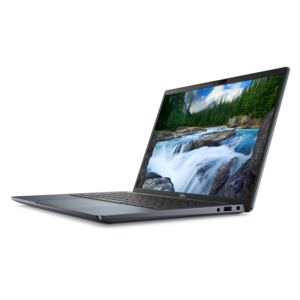
A razor-thin, featherlight laptop designed for intelligent productivity with Gemini-powered features.

$999.99
$2338.00

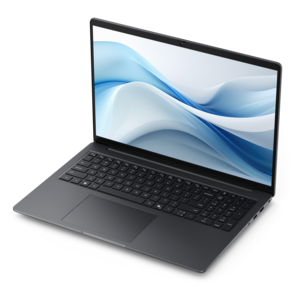
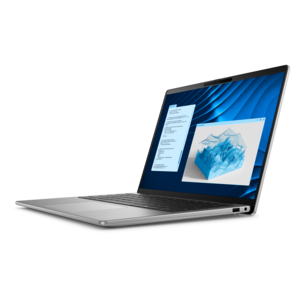
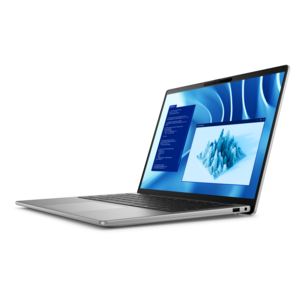
A Copilot+ PC combining powerful Intel® CPU, GPU, and NPU performance for productive everyday computing.

$2338
$1249.99

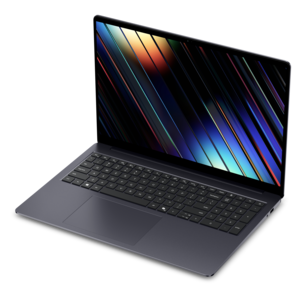
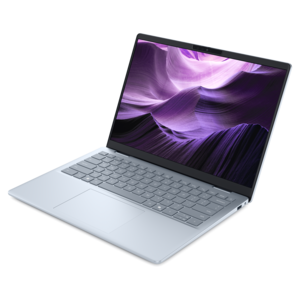
A lightweight AI-powered laptop designed for creative professionals and small businesses.

$1249.99
$3035.00

A thin, lightweight Copilot+ PC with powerful AMD CPU, GPU, and NPU performance for productive multitasking.

$3035
$1649.99

A sleek laptop with AI-enhanced performance and accelerated creative workflows.

$1649.99
$3719.00

A thin and lightweight Copilot+ PC laptop with powerful Intel® CPU, GPU, and NPU performance.

$3719
$1549.99

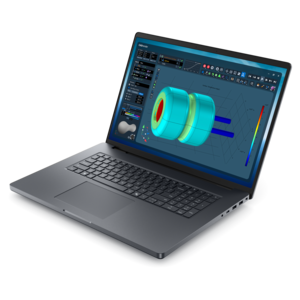
An AI-ready laptop with a spacious display, designed for creators and developers seeking high performance.

$1549.99
$1987.00

A professional laptop with on-device AI, powerful unplugged performance, and groundbreaking battery life.

$1987
$1299.99

A lightweight AI-powered laptop with Intel Arc graphics, ideal for creative professionals and small businesses.

$1299.99
$1679.99

An AI-powered laptop with a spacious display and Intel Arc graphics for creators and developers.

$1679.99
$2833.00

An AI-powered tablet with optional keyboard, active pen, advanced thermals, HDR cameras, and Intel Core Ultra.

$2833
$1899.99

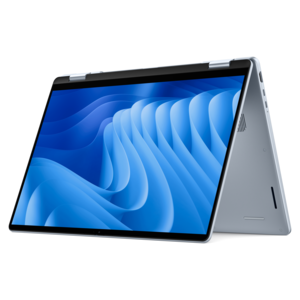
A versatile 2-in-1 laptop with built-in AI and a spacious display for creative work.

$1899.99
$3004.00

A premium laptop with on-device AI, powerful performance, and outstanding battery life.

$3004
$3395.00

A powerful professional laptop combining exceptional performance, scalability, ease of use, and advanced on-device AI.

$3395
$3418.00

A sleek, lightweight laptop with Intel Core Ultra processors, NVIDIA graphics, and advanced on-device AI.

$3418
$3766.00

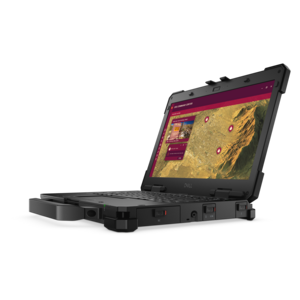
A lightweight semi-rugged laptop with Intel Core Ultra processors delivering AI performance for demanding fieldwork.

$3766
$3259.00

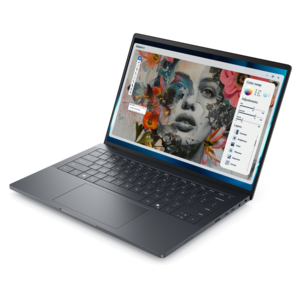
An ultralight, durable AI laptop delivering premium experiences for highly mobile professionals.

$3259
$4799.99

A high-performance creator laptop with NVIDIA RTX Spark™ graphics for AI, development, and gaming.

$4799.99
$4190.00

A powerful productivity laptop with scalable performance and advanced on-device AI capabilities.

$4190
$5038.00

A fully rugged laptop with Intel® Core™ Ultra processors for AI performance in the field.

$5038
$5486.00

An elegant workstation delivering exceptional performance with advanced on-device AI for demanding professional workflows.

$5486
$1062.00

A portable laptop with a sleek design, 16:10 display, and AI PC options for productivity anywhere.

$1062
$1109.99

A versatile 2-in-1 laptop designed for AI experiences and seamless multitasking on the go.

$1109.99

AI-Powered Laptops With Copilot+ Features

AI-powered laptops with Copilot+ features bring dedicated AI processing into a familiar portable computer, supporting everyday work alongside features designed for communication, creativity, and accessibility. Copilot+ laptops require a neural processing unit, or NPU, capable of at least 40 trillion operations per second (TOPS), a minimum of 16GB of RAM, and at least 256GB of internal storage. These requirements distinguish the category from laptops that can access an online AI assistant but do not meet the hardware standard for Copilot+ experiences. The NPU works alongside the central processor and graphics processor, handling supported AI workloads without asking those components to do every task. Depending on the hardware, software, language, and region, supported features may include live captions with translation, video-call effects, and AI-assisted image tools. These capabilities can be useful during a presentation with international colleagues, a remote class, or an afternoon spent preparing visual material for a project. Some supported tasks run directly on the laptop, which can reduce the need to send information to an online service for that particular function. Other experiences still depend on an internet connection and cloud processing, so AI-powered does not mean every feature works offline. Feature requirements and privacy settings deserve attention, especially when working with confidential documents or joining calls from a shared space. An NPU performance rating also does not describe the speed of the entire laptop: responsive applications, smooth multitasking, and comfortable video editing depend on the balance of processor performance, memory, graphics, and drive speed. For a student switching between lecture notes and research, or a professional moving from a spreadsheet to a video meeting, that balance matters as much as the AI feature list. The strongest fit is a laptop whose underlying performance suits the daily workload, with Copilot+ capabilities adding useful assistance rather than replacing the need for dependable computing fundamentals.

Memory, drive capacity, display quality, and software compatibility help determine how comfortably an AI-powered laptop fits into a working day. The 16GB memory minimum provides a starting point, while 32GB or more can offer additional headroom for large documents, demanding creative applications, development tools, and multiple active programs. Memory upgrade options vary, and some thin laptops have memory fixed to the main board, making the original configuration an important long-term consideration. The minimum drive capacity may suit mostly online documents, but a substantial photo library, downloaded course materials, video projects, or locally installed AI tools can require considerably more room. Screen size changes the experience just as noticeably. A compact display makes a laptop easier to carry through a station or across campus, while a larger screen provides more space for side-by-side documents, detailed timelines, and spreadsheets. Higher resolution can sharpen text and images, though brightness, reflections, color accuracy, and scaling also affect everyday comfort. A taller display can show more of a document without scrolling; a touchscreen or convertible design may suit handwritten notes and sketches when compatible pen input is supported. For long writing sessions, keyboard spacing, key feel, and a responsive touchpad can matter more than a thin profile alone. Clear microphones and a well-positioned camera complement supported AI call effects, particularly in a home office where light and background noise change throughout the day. Ports deserve similar attention: connecting an external monitor, a wired headset, or a presentation display is simpler when the laptop supports the required connection and capability. Processor architecture is another practical consideration because specialized applications, device drivers, and older accessories may have different compatibility requirements. Battery life depends on screen brightness, application demands, wireless activity, and power settings, not simply the presence of an NPU. For more context on matching hardware to everyday tasks, explore What Laptop Specs Are Ideal for AI-Driven Productivity and Copilot Features?

The physical design of a Copilot+ laptop shapes how well it handles life beyond the desk. Aluminum housings can provide rigidity and a substantial feel, while well-designed composite enclosures can help keep carrying weight manageable; material alone does not establish durability. Hinge construction, chassis stiffness, keyboard support, and the protection provided during transport all contribute to how a laptop holds up over time. A device carried between classrooms or client meetings needs a different balance of size and weight than one used mainly with an external display at home. Total travel weight includes the charger and any adapters, and a protective sleeve should fit the laptop’s actual dimensions rather than its advertised screen size alone. A lightly padded compartment helps separate the computer from keys, cables, and other objects that can scratch the finish or press against the lid. During use, a firm surface leaves ventilation openings clear and helps cooling systems work as intended; bedding and soft cushions can obstruct airflow. Routine care is straightforward: power down before cleaning, use a soft cloth and manufacturer-approved methods, and keep moisture away from ports and keyboard openings. Software updates, sensible backup habits, and a screen lock are equally important parts of maintaining a dependable everyday computer. These laptops can suit college students organizing coursework, remote employees moving between calls and focused tasks, and creative users experimenting with supported image or audio features. They can also make practical graduation gifts or thoughtful gifts for someone beginning a new role, provided the screen size, software requirements, and input preferences match the recipient’s routine. Someone who writes for hours may value a comfortable keyboard above touch input, while a frequent presenter may prioritize portability and display connections. For either person, lasting usefulness comes from the combination of comfortable design, compatible applications, sufficient performance headroom, and AI features that serve recognizable tasks.

FAQs:

Add the products you would like to compare, and quickly determine which is best for your needs.
Add the products you would like to compare, and quickly determine which is best for your needs.