$19.99
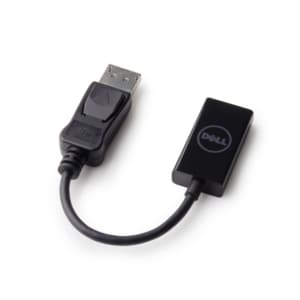
A DisplayPort-to-HDMI adapter delivering seamless 4K resolution at 60 Hz for compatible computers and monitors.
Transform your entertainment experience with our extensive range of audio video accessories, designed to elevate your home or office environment. Whether you're setting up a cutting-edge home theater system or enhancing your workspace, these essential tools offer the perfect blend of functionality and style. From high-quality cables and adapters to versatile mounts and stands, our collection ensures seamless connectivity and optimal performance for all your audio and video needs. Dive into the world of immersive sound and stunning visuals with accessories that cater to every requirement, ensuring you get the most out of your devices.
A DisplayPort-to-HDMI adapter delivering seamless 4K resolution at 60 Hz for compatible computers and monitors.
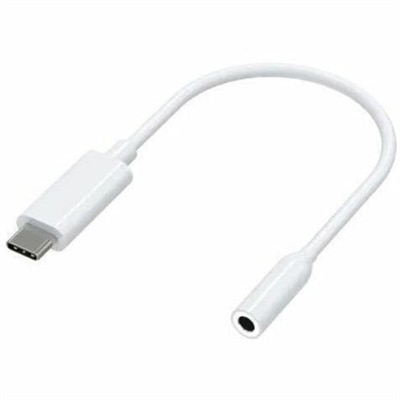
A compact USB-C to 3.5mm audio adapter with Hi-Res DAC, 93dB SNR, and plug-and-play compatibility.
A reliable wired headset offering hassle-free performance and easy plug-and-play setup.
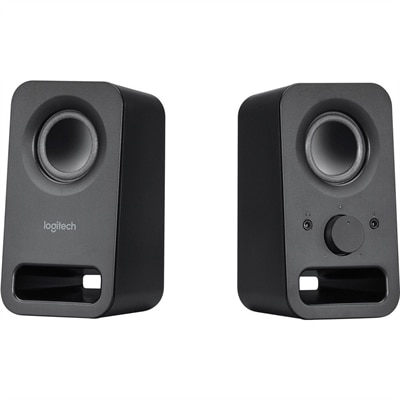
A pair of midnight-black multimedia speakers delivering clear stereo sound with 3W RMS power.
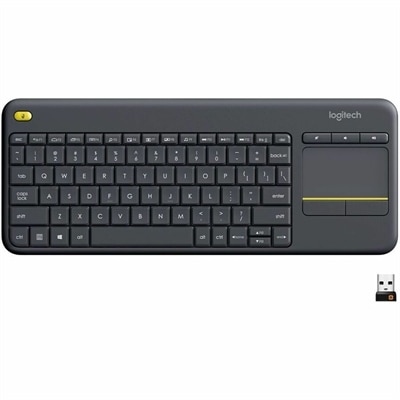
A wireless keyboard with integrated touchpad, comfortable media controls, and 10-meter range for seamless entertainment navigation.
A Bluetooth 5 audio transmitter with dual streaming, rechargeable battery, 50-foot range, and 10-hour playback.
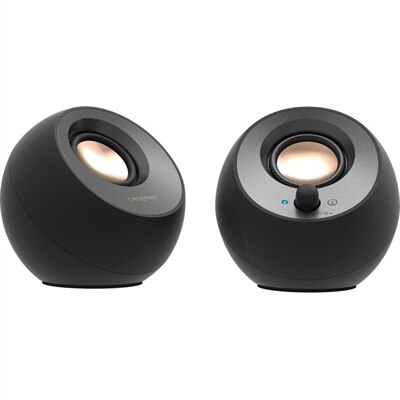
A black 2.0 speaker system with USB-C audio, Bluetooth 5.0, 8W RMS output, and Clear Dialog processing.
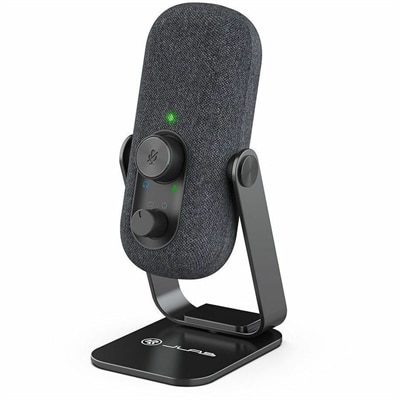
A compact black condenser microphone offering 24-bit/96kHz recording, cardioid and omnidirectional modes, and USB-C plug-and-play connectivity.
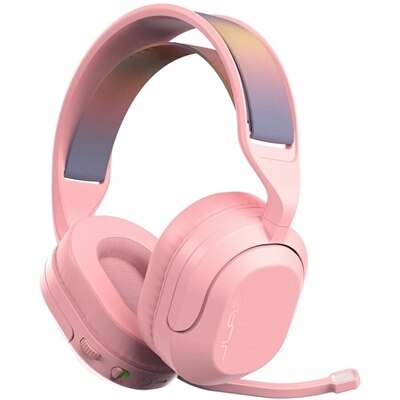
A wireless gaming headset with 50mm drivers, Bluetooth, USB-C connectivity, flip-to-mute mic, and Cloud Foam comfort.
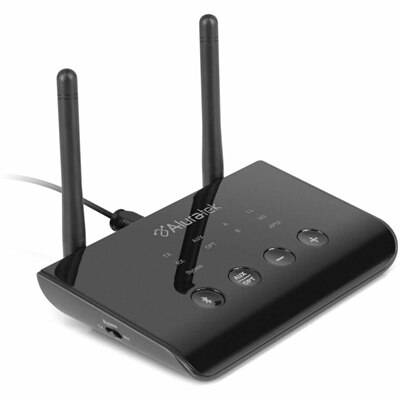
A Bluetooth 5 adapter offering dual modes, aptX Low Latency, and optical, RCA, or AUX connectivity.
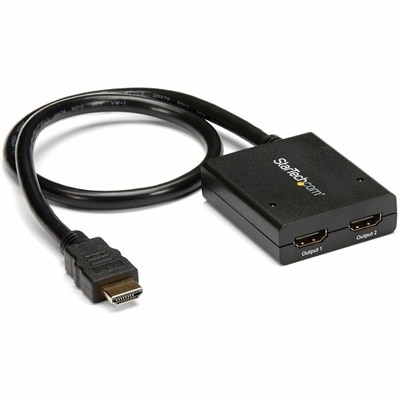
A powered two-port HDMI splitter supporting 4K at 30Hz, 3D video, and backward-compatible 1080p displays.
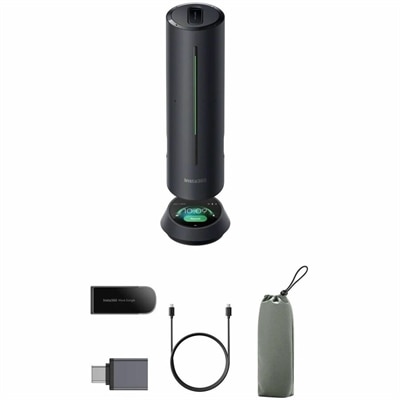
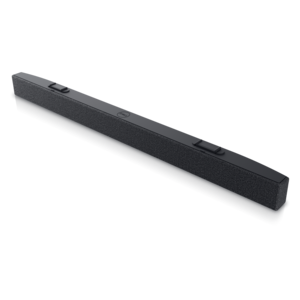
An AI-powered premium conferencing soundbar delivering clear audio with enhanced noise cancellation.
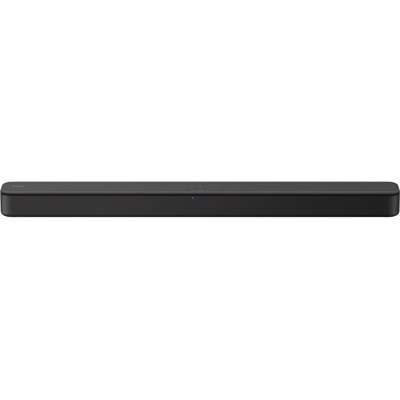
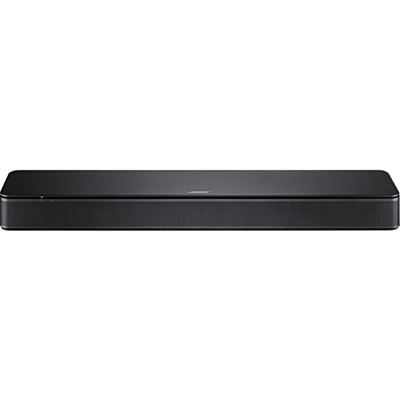
A black two-channel sound bar with Bass Reflex, virtual surround, HDMI ARC, USB and Bluetooth streaming.
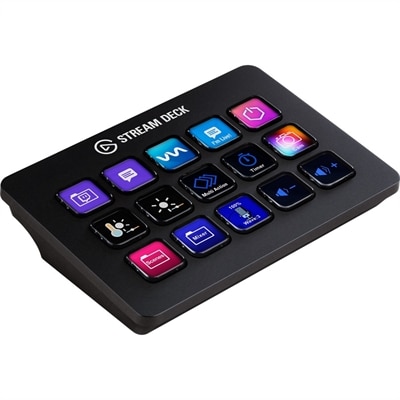
A customizable control pad with 15 LCD keys, programmable actions, and removable black or white faceplates.
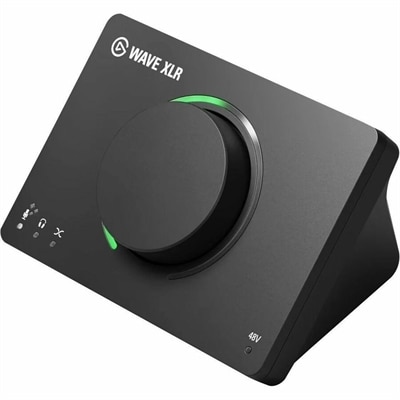
A USB audio interface delivering 80dB gain, DSP effects, VST inserts, mute control, and LED feedback.
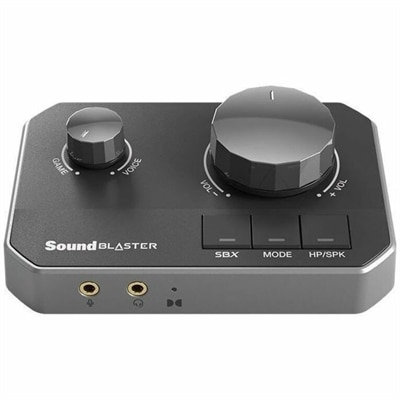
A gaming DAC with dual USB-C inputs, 32-bit/384kHz playback, and discrete headphone amplification.
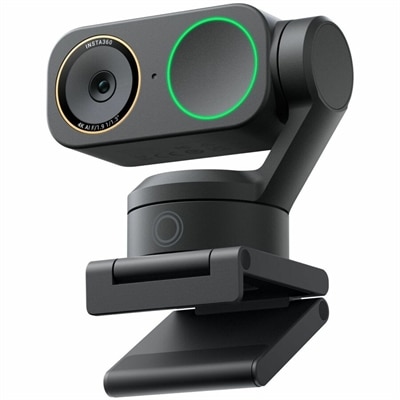
A graphite black 4K webcam with 60fps HDR, AI tracking, natural bokeh, and noise-canceling dual-microphone audio.
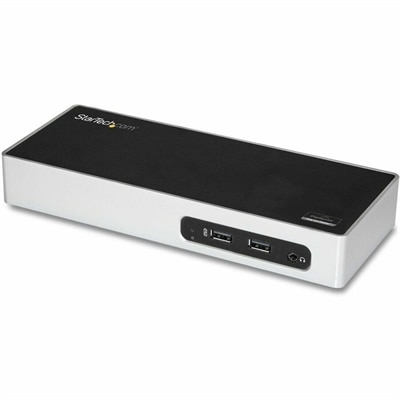
A USB 3.0 docking station with dual-monitor HDMI, DVI/VGA, six USB-A ports, Gigabit Ethernet, and audio.
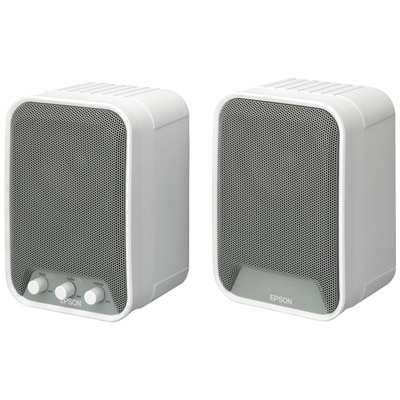
A white 30W RMS active speaker system with wall-mountable design for clear classroom audio.
A smart conference speakerphone with eight microphones, 16-foot pickup, AI noise reduction, transcription, and 32GB storage.
A 1080p conference camera with full-duplex speakerphone audio, autofocus, remote pan-tilt-zoom, and echo cancellation.
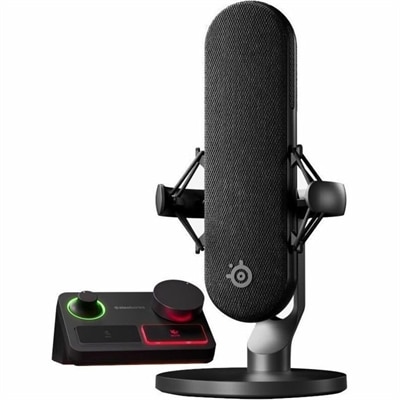
A wired condenser microphone with noise cancellation, XLR stream mixer, USB-C connectivity, and customizable controls.
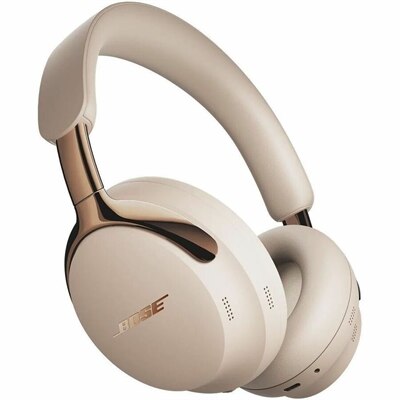
A driftwood sand headset with noise cancellation, immersive audio modes, plush cushions, and 30-hour battery life.
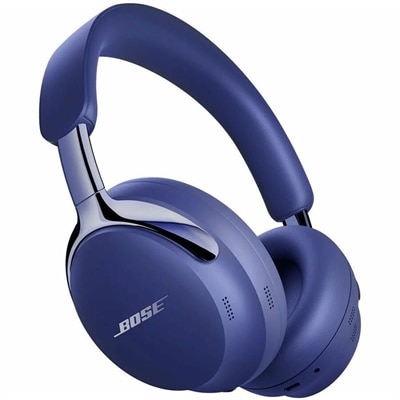
A midnight violet headset with polished metal accents, plush cushions, customizable noise cancellation, and immersive modes.
Audio video accessories can make a noticeable difference in how comfortably and consistently you record, listen, present, or watch. A well-chosen accessory can help a laptop, desktop, or monitor fit more naturally into a home office, creative workspace, classroom, or entertainment area, whether you are recording a podcast, joining a video meeting, capturing a family performance, streaming gameplay, or enjoying music and films. Audio quality deserves particular attention because unclear speech, room echo, and distracting background noise can affect an otherwise sharp video. Microphones, wireless microphone systems, microphone stands, boom arms, windscreens, pop filters, and audio interfaces can help create cleaner, more controlled sound. Wireless setups are especially useful when you need to move around while presenting, filming, teaching, or conducting an interview, while wired options can be a dependable choice for a fixed desk or studio arrangement. When comparing microphones, consider pickup pattern, connection type, range, battery life, compatibility, and how the microphone will be positioned. A compact setup may suit a person recording at a desk, while a lavalier microphone can be more discreet for demonstrations and on-camera work. Headphones and headsets are useful for monitoring recordings, editing dialogue, taking calls, and listening privately. Look for a comfortable fit, clear voice reproduction, useful controls, and a connection that works with your computer or other equipment. For more ways to build a listening and communication setup, explore Audio Devices.
Video accessories can support steadier framing, more flattering illumination, and a smoother workflow from setup through final recording. A tripod or other support system is helpful when you want a consistent angle for a presentation, product demonstration, lesson, live broadcast, or video call, particularly when your hands need to remain free. Adjustable mounts and extension components can make it easier to position a camera, phone, light, or microphone at the right height without crowding a desk. Lighting accessories also play an important role in image quality. A small light can soften shadows on a face, brighten a dim workspace, or add separation between a subject and the background, while adjustable brightness and color controls help accommodate daylight, overhead fixtures, and evening room light. If you record outside or move between locations, consider the weight, folded size, mounting options, and durability of each accessory. Wind protection can preserve speech in outdoor recordings, and protective cases or carrying solutions can reduce wear during travel. Creators who use interchangeable camera systems may benefit from support gear that provides additional mounting points for a monitor, handle, light, or microphone, while beginners often appreciate accessories that keep setup simple and minimize the number of separate adjustments. Cable length and routing are worth considering as well. A cable that is too short can limit placement, while excess cable can collect near chair legs or desk edges. Organizing connections along the back of a desk helps keep a recording area tidy and makes it easier to identify the source of an issue when sound or video does not behave as expected.
The best audio video accessories depend on the person using them and the setting where they will be used. A remote worker may prioritize a comfortable headset, a clear microphone, and a small light that fits beside a monitor. A student may need portable audio equipment for presentations, interviews, or group projects. A gamer or livestreamer may value reliable voice communication, easy monitoring, and accessories that leave room for a keyboard, display, and other desktop essentials. Families can use simple recording and viewing accessories to capture performances, preserve spoken memories, or enjoy shared entertainment without rearranging an entire room. These items can also make thoughtful gifts for someone beginning a podcast, learning video production, creating online lessons, or improving a home media setup, especially when the accessory matches an existing computer or camera connection. Before choosing, check compatibility, connector type, operating system support, power requirements, mounting standards, and the available space around the setup. Think about the complete workflow rather than one isolated feature: a microphone should reach the speaker comfortably, headphones should support long listening sessions, lighting should avoid glare on a monitor, and stands should remain stable on the intended surface. Flexible accessories can serve several purposes, from video calls and casual streaming to music practice and family movie nights. A practical setup does not need to be complicated; the right combination of sound capture, monitoring, support, lighting, and connectivity can make recording feel more natural and help every participant be heard and seen clearly.
Add the products you would like to compare, and quickly determine which is best for your needs.