$270.99
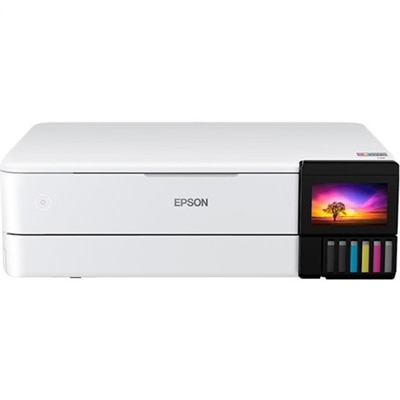
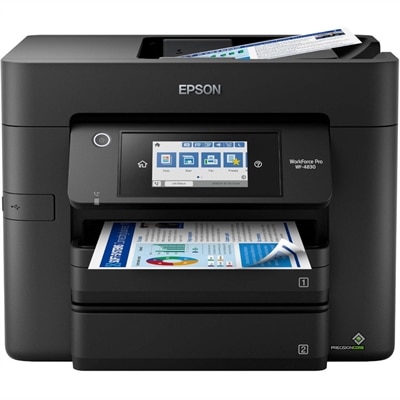
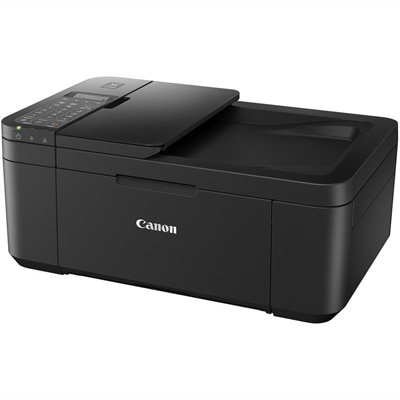
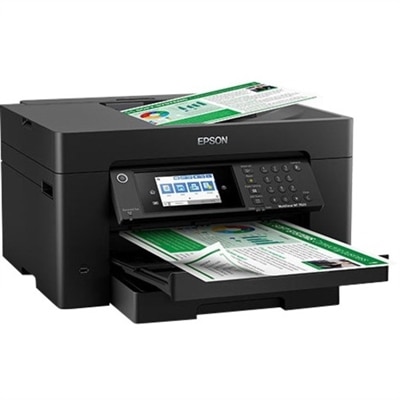
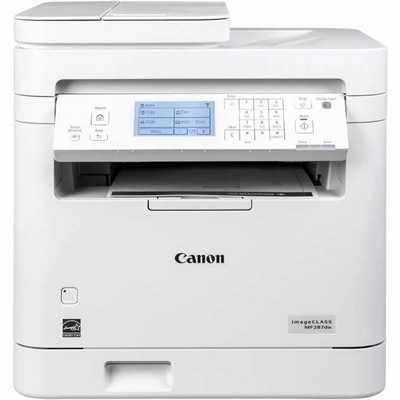
A white monochrome multifunction laser printer with wireless connectivity, duplex printing, scanning, copying, faxing, 35-sheet ADF.
Auto duplex laser printers offer an efficient solution for busy offices and home workspaces seeking to streamline printing tasks. Designed to handle double-sided printing automatically, these printers help save time and reduce paper usage, making them a smart choice for anyone looking to boost productivity. With a range of options available, finding the right auto duplex laser printer can simplify document management and support your everyday workflow needs.
A white monochrome multifunction laser printer with wireless connectivity, duplex printing, scanning, copying, faxing, 35-sheet ADF.
Auto duplex laser printers are designed for people who want fast, consistent document production with less hands-on work. The “auto duplex” feature means the printer turns each sheet internally and prints on both sides without requiring you to remove, flip, and reload the pages. That simple step can make a noticeable difference when printing reports, forms, meeting materials, school assignments, invoices, recipes, or other multi-page documents. Double-sided printing also helps reduce paper consumption and keeps finished documents more compact, which is useful when a stack of pages needs to fit into a folder, backpack, file drawer, or briefcase. Laser printing is known for producing sharp, easy-to-read text, clean lines, and dependable results at a steady pace, making these printers a practical choice for home offices, small businesses, shared workspaces, classrooms, and households that print regularly. Many models focus on monochrome output, which is well suited to correspondence, shipping labels, work forms, contracts, and everyday black-and-white documents. If color charts, presentations, photographs, or branded materials are part of the routine, a color-capable option may be a better fit. Print speed is another important point to compare. A printer with a higher pages-per-minute rating can help keep long documents moving, while a more modest speed may be perfectly suitable for occasional home use. Consider how many people will use the printer, how often large print jobs arrive, and whether several users may send documents at the same time. A compact print-only unit can be a smart choice for a desk that mainly needs straightforward output, while a multifunction model can add scanning and copying for a more complete workspace. The products listed here offer a range of ways to handle double-sided printing, helping shoppers match everyday needs with available space and workflow.
Running costs matter just as much as the initial setup. Laser printers use toner rather than liquid ink, and toner cartridges are often well suited to frequent text printing because they can produce a large number of pages and remain ready for use between print jobs. Look for information about standard and high-yield toner capacity, replacement availability, and estimated page yields. A high-yield option may be helpful for a busy household or office that prints throughout the week, while standard-capacity supplies may make sense for lighter use. Pages that contain heavy graphics, dense tables, or large areas of shading will use supplies differently from ordinary text pages, so published yield figures work best as a comparison rather than an exact promise. Paper handling can also shape the experience. A larger input tray means fewer interruptions during a lengthy print run, and separate trays may make it easier to keep letter-size paper, envelopes, or other media ready for use. Check the supported paper sizes and weights before choosing a printer for specialty projects. An automatic document feeder is particularly useful on an all-in-one model, allowing multiple pages to be scanned or copied without placing each sheet on the glass individually. For a home office, consider the printer’s footprint, noise level, front-panel controls, and access to toner and paper. For a shared office, features such as a larger duty cycle, faster first-page output, user access controls, and network management may be more valuable. Wireless printing can simplify placement by allowing a laptop, desktop, or mobile device to send documents without a direct cable, while wired connectivity can provide a dependable option for a dedicated workstation. If you are comparing this category with other efficient black-and-white printing options, High Speed Monochrome Laser Printers can provide additional context around speed, capacity, and everyday document performance.
The best auto duplex laser printer depends on the rhythm of the people using it. A remote worker may appreciate a quiet, compact printer that handles shipping paperwork, client documents, and occasional scanning without taking over a small desk. A family may value simple wireless access for permission forms, reading materials, household records, and schoolwork, especially when everyone needs to print from a different room or device. A student can benefit from crisp two-sided notes and research papers that are easier to carry, while a small business may rely on dependable output for estimates, receipts, instructions, and internal records. These printers can also make a thoughtful practical gift for someone setting up a first home office, moving into a new workspace, or replacing an older printer that requires frequent manual page turning. During the warmer and cooler parts of the year alike, a capable printer can support changing routines, from organizing household paperwork to preparing travel documents or handling work that shifts between home and office. Before choosing, review monthly print volume, desired output color, available desk or shelf space, paper capacity, connection methods, and whether scanning or copying is needed. It is also worth checking the printer’s physical dimensions with trays extended, since a unit that fits neatly on a shelf may need additional clearance at the front or top for loading paper and replacing toner. Features such as automatic sleep settings, a clear display, and straightforward setup can make the printer easier to live with over time. For households and workplaces that value orderly, efficient document handling, automatic double-sided printing can turn a repetitive chore into a smoother part of the day: pages emerge in the correct order, paper stacks stay thinner, and important documents are ready to file, share, or carry with less effort.
Add the products you would like to compare, and quickly determine which is best for your needs.