$67.99
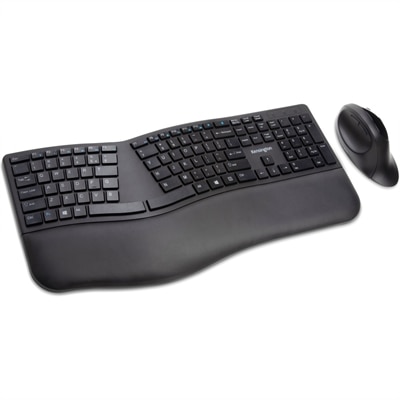
A black ergonomic wireless keyboard and mouse combo with split-sloped design, wrist support, and quiet operation.
Back to campus essentials are designed to help students stay organized, productive, and connected throughout the academic year. Whether setting up a study space in a dorm room or preparing for classes on the go, finding the right technology and accessories can make all the difference. Explore a wide range of reliable laptops, desktops, monitors, and accessories that support both learning and leisure, making it easy to take on new challenges and achieve academic goals. Equip yourself with back to campus essentials that fit every student’s needs and style.
A black ergonomic wireless keyboard and mouse combo with split-sloped design, wrist support, and quiet operation.
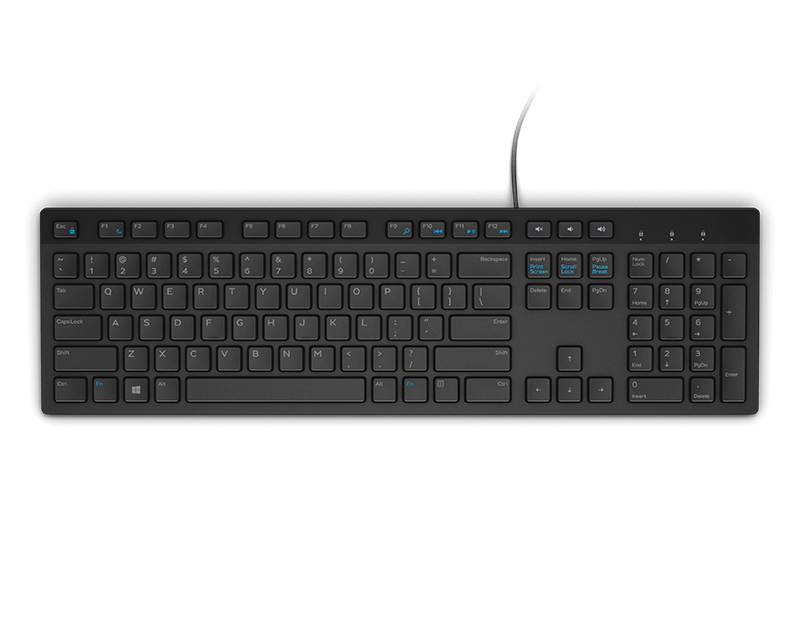
A black wired keyboard designed for convenient everyday home and office computing.
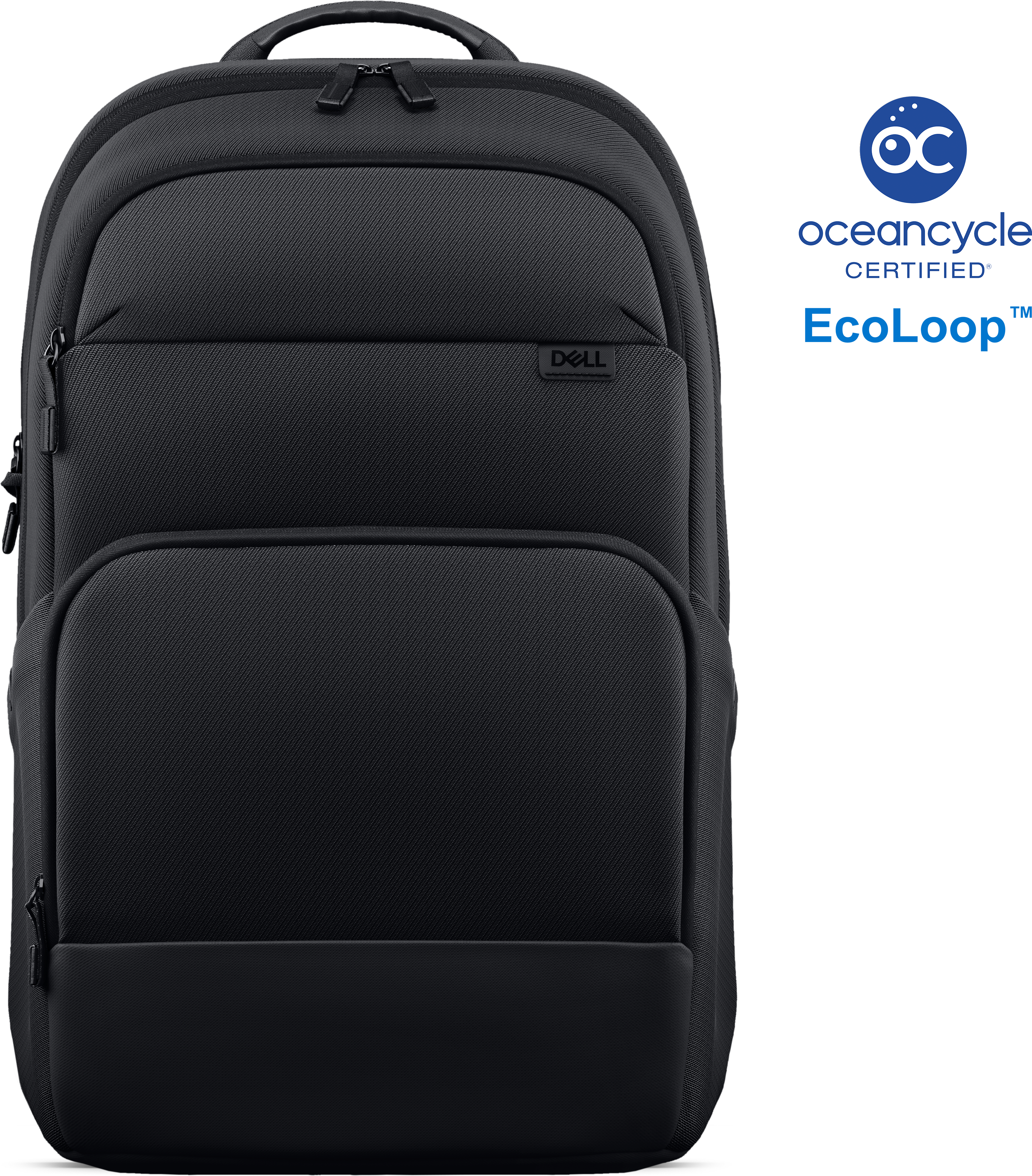
A lightweight briefcase crafted from 100% recycled fabric, offering 360-degree protection for everyday device carrying.
A black metal-mesh USB cooling pad with dual quiet 800-RPM fans and an angled ergonomic surface.
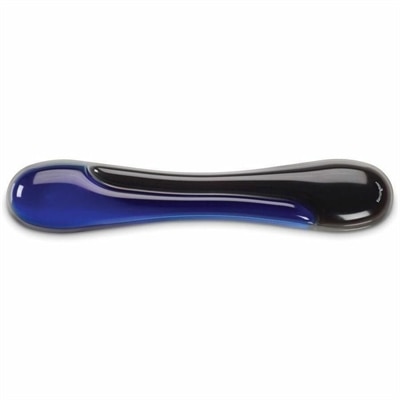
A blue gel keyboard wrist rest with ergonomic support, ventilation, wipe-clean finish, and TAA compliance.
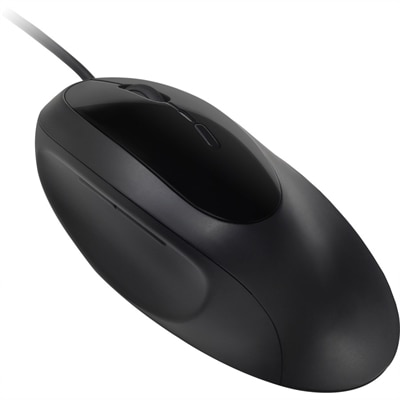
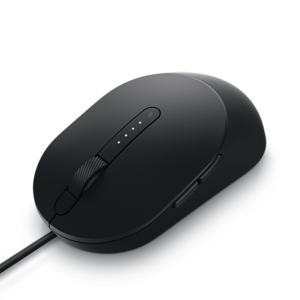
An ergonomist-approved wired mouse with wrist support, neutral grip, quiet clicking, five buttons, four DPI settings.
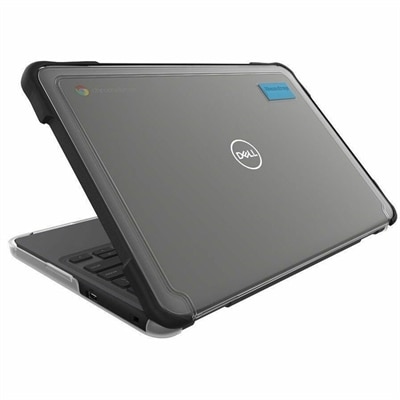
A lightweight, transparent Chromebook case with rubberized bumpers, full coverage, and two-foot drop protection.
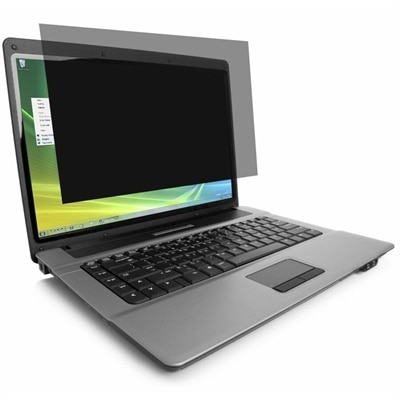
A reversible privacy screen offering ±30° viewing, blue-light reduction, antimicrobial matte coating, and touchscreen compatibility.
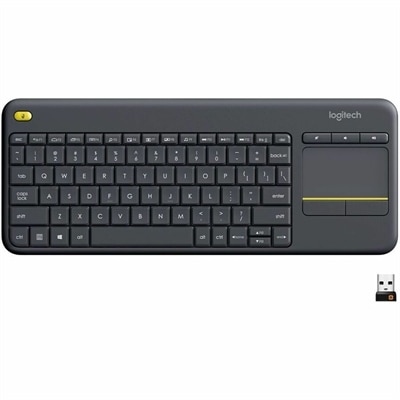
A wireless keyboard with integrated touchpad, comfortable media controls, and 10-meter range for seamless entertainment navigation.
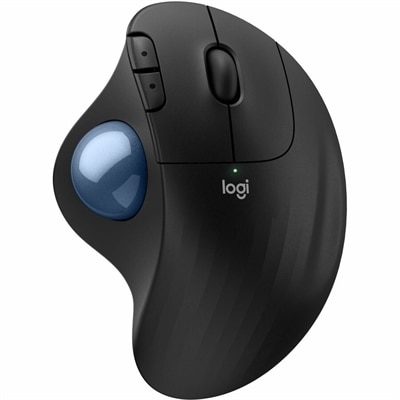
An ergonomic wireless trackball mouse with thumb control, quiet clicks, customizable buttons, and graphite finish.
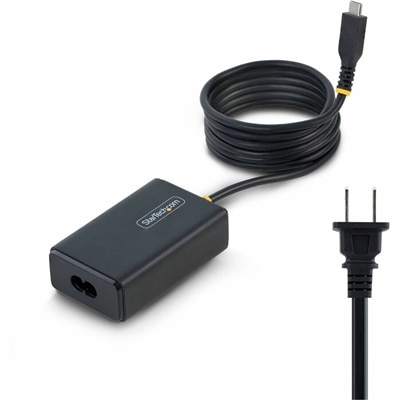
A 65W USB-C Power Delivery adapter with tethered cable, broad voltage support, certifications, and comprehensive safety protections.
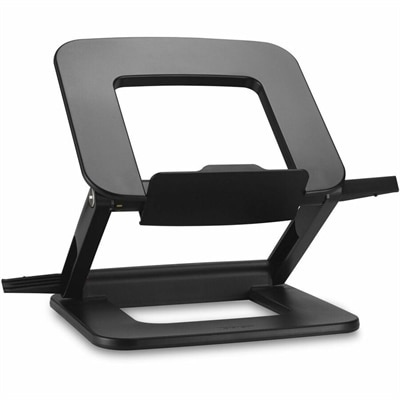
A compact laptop stand offering six adjustable viewing angles, dual locking latches, and a fold-flat design.
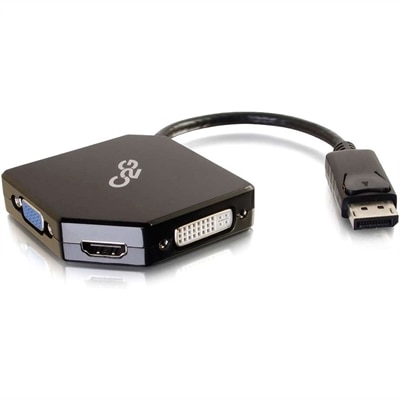
An all-in-one DisplayPort adapter supporting HDMI, VGA, and DVI displays with plug-and-play, bus-powered connectivity.
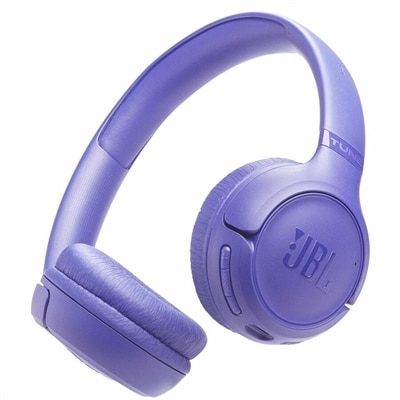
A wireless on-ear headset delivering Pure Bass audio, 76-hour battery life, dual-mic calls, and foldable comfort.
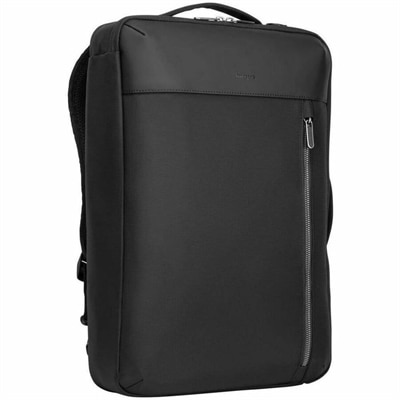
A versatile black convertible backpack with laptop protection, multiple carrying options, padded comfort, and organized storage.
A 2K QHD webcam designed for clear, confident everyday video collaboration.
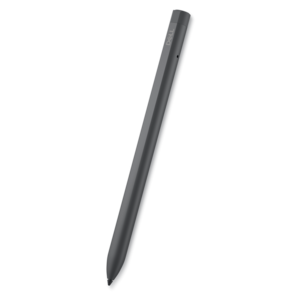
A rechargeable active pen with precision writing, Tile location tracking, and compatibility with select 2-in-1s.
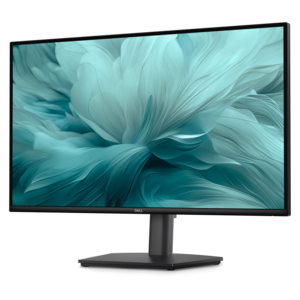
A smooth 100Hz monitor with TÜV Rheinland 3-star eye comfort certification for everyday productivity.
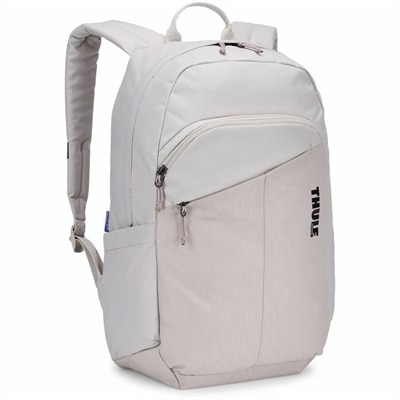
A soft sand backpack made with recycled material for classroom commutes and weekend events.
A portable wired speakerphone with AI-based dual-directional noise-canceling microphones for clear, distraction-free audio.
A crisp FHD monitor with smooth 144Hz visuals, built-in speakers, and TÜV 4-star eye comfort certification.
A height-adjustable monitor certified by TÜV Rheinland® for 3-star eye comfort and productive everyday use.
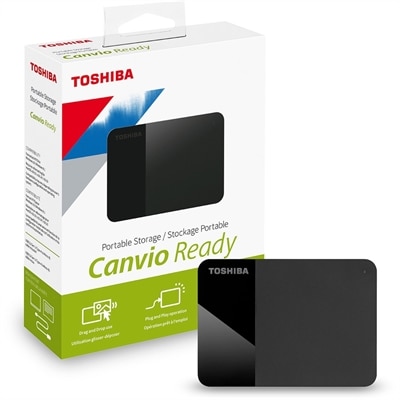
A black portable external hard drive offering plug-and-play 4TB storage with a stylish two-tone matte-and-gloss finish.
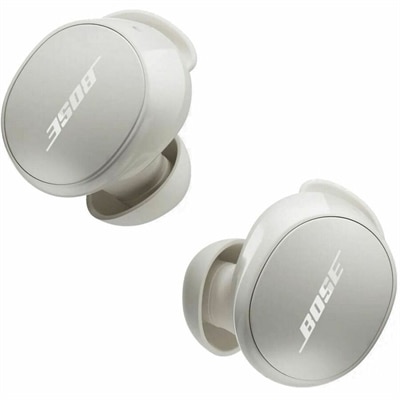
A White Smoke wireless earbud set with noise cancellation, IPX4 resistance, multipoint Bluetooth, and 8.5-hour battery.
Back to campus essentials help bridge the spaces where college life happens: a lecture hall with narrow desks, a quiet library corner, a shared residence hall room, and the kitchen table during a weekend at home. For everyday coursework, the core technology categories are laptops, monitors, and accessories that support writing, research, communication, and focused study. A portable computer often anchors that setup, keeping assignments, course materials, and class discussions within reach throughout the day. The right fit depends on both academic requirements and the way a student moves around campus. Someone working mainly with documents, browser-based assignments, and video calls has different needs from someone using engineering applications, editing films, or building detailed design projects. Department software requirements provide a useful baseline for operating system compatibility, memory, and graphics capabilities, especially when required applications need to run directly on the computer rather than through a browser. Portability involves more than a slim profile: the weight of the computer and its charger, the size of its screen, and how comfortably it fits inside a protective bag all affect daily use. A smaller footprint can feel easier to manage on a crowded lecture desk, while a larger display gives spreadsheets, diagrams, and side-by-side documents more breathing room. Keyboard comfort matters during long papers, and a responsive touchpad is useful when there is no room for a mouse. Battery needs also vary with the schedule. A day of lectures and library work may mean several hours away from an outlet, although actual runtime depends on applications, display brightness, wireless activity, and other settings. Clear microphones and a well-positioned camera support remote office hours, group presentations, and conversations with family. For first-year students, returning undergraduates, and graduate researchers alike, useful campus technology is less about an impressive specification in isolation and more about equipment that handles the work without becoming another thing to manage.
A campus workspace has to earn its place, particularly when the same small desk holds textbooks, a water bottle, and tomorrow’s reading. Monitors and desktop computers can give that space a more settled feel, creating a place for concentrated work after a day spent moving between buildings. An external display makes it easier to keep an assignment open beside reference material, compare pages of a research paper, or follow a recorded lecture while taking notes. Screen size should suit the desk’s depth as well as its width; a display that dominates a shallow surface may leave little room for comfortable viewing or a useful keyboard position. Resolution affects how much detail appears clearly, while text scaling helps keep menus and documents readable. A matte screen finish can reduce distracting reflections, though placement still matters when daylight falls across the desk. Adjustable stands allow the screen to sit at a comfortable height, and an external keyboard and mouse can help separate hand position from screen position. These details become especially noticeable during a long evening of revisions. Desktop computers suit students whose demanding work happens primarily in one place, including creative projects and coursework that benefit from sustained computing performance. Their overall footprint includes more than the computer itself: cables, peripherals, ventilation space, and access to outlets all influence how neatly a setup fits. Connections deserve equal attention. A monitor, computer, and docking accessory need compatible ports and support for the intended display resolution and refresh rate; matching connector shapes alone does not establish every capability. Shared rooms also put a premium on considerate habits and practical design. Headphones can keep recorded lectures from filling the room, while accessible controls make it easier to switch between individual work and an online meeting. A workspace that can transition from afternoon research to an evening group call, then leave enough clear surface for handwritten practice problems, is well suited to the rhythms of campus life.
The smaller pieces of a campus setup often make the biggest difference between carrying technology and comfortably using it. Backpacks, protective sleeves, charging accessories, mice, keyboards, headsets, and connection adapters support the routines that repeat every week. The collection of Back To School Tech Accessories brings attention to these supporting categories, which can help connect a portable study setup with a more comfortable desk arrangement. Protection starts with fit: a laptop compartment should match the computer’s dimensions closely enough to limit shifting, with padding around the base and edges. Durable woven fabrics, reinforced seams, and smooth-running zippers are useful construction details for bags that move from bus seats to library floors. Water-resistant fabric can offer a measure of protection during a damp walk across campus, but it is not the same as a waterproof enclosure. Comfortable straps and a balanced load matter when the route includes several buildings and a full day of supplies. Charging accessories need to match the device’s power requirements and supported charging standards, and campus housing rules may govern which power accessories are permitted in a room. Cable length also affects everyday convenience: too short can restrict placement, while excess cable can crowd a small work surface. For audio accessories, fit and intended use are closely linked. Lightweight headphones may be comfortable for extended listening, while a headset with an adjustable microphone can help keep speech clear during collaborative assignments. Ear cushions and headbands should rest comfortably without requiring constant repositioning. Routine care helps equipment withstand daily handling: drinks belong away from electronics, ventilation openings need to stay clear, and screens should be cleaned according to the manufacturer’s instructions with suitable materials. Cables travel better without tight bends or pressure at their connectors. These accessories can also make thoughtful gifts for a student beginning college, moving into an apartment, or starting an advanced degree, especially when the recipient’s device compatibility and preferences are already known. Together, well-matched technology and durable everyday accessories support a campus routine that feels organized, comfortable, and ready for the next assignment.
Add the products you would like to compare, and quickly determine which is best for your needs.