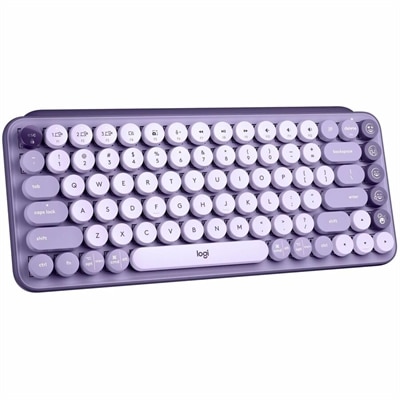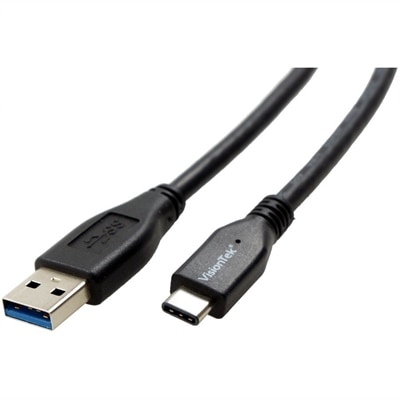
$10.99
A durable USB-C to USB-A cable supporting 10 Gbps data transfer and 60W/3A charging.
Gear up for a successful school year with back to school tech under $50, designed to fit your budget and support your productivity. Whether you’re looking to enhance your study sessions, stay connected with classmates, or organize your assignments, affordable tech solutions can make all the difference. Explore a variety of options that combine value and convenience, making it easy to find essentials that help you stay ahead this semester.
A durable USB-C to USB-A cable supporting 10 Gbps data transfer and 60W/3A charging.
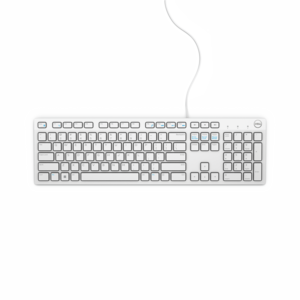
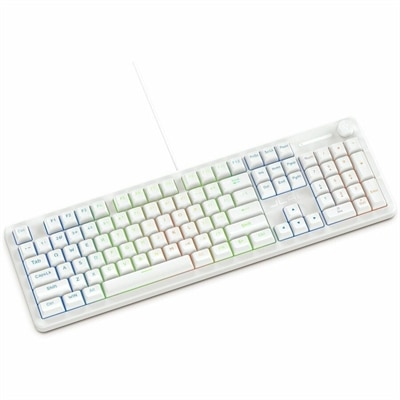
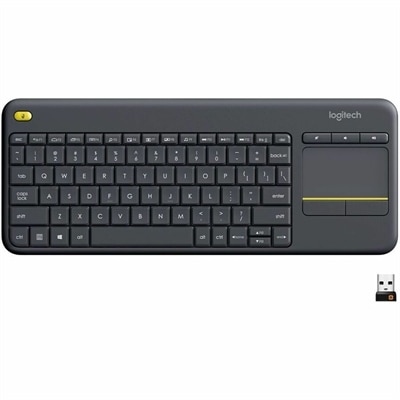
A white wired keyboard providing convenient, reliable typing for everyday home or office computing.
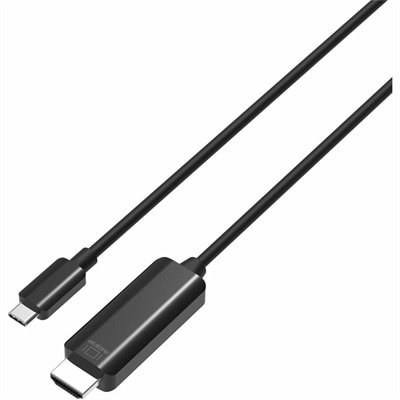
A durable USB-C to HDMI cable delivering 4K 60Hz video, broad compatibility, and reliable performance for presentations or streaming.
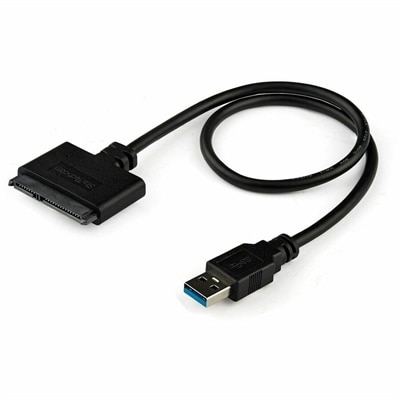
A USB-A to SATA adapter supporting 5Gbps transfers, UASP, plug-and-play connectivity, and SSD or HDD upgrades.
A black metal-mesh USB cooling pad with dual quiet 800-RPM fans and an angled ergonomic surface.
A USB-C wireless dongle designed to pair seamlessly with a compatible wireless gaming headset.
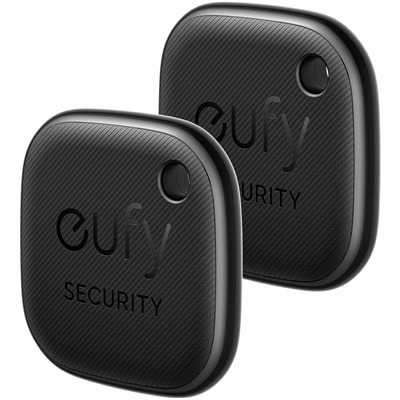
A two-pack Bluetooth locator with Apple Find My integration, separation alerts, phone ringing, and water-resistant construction.
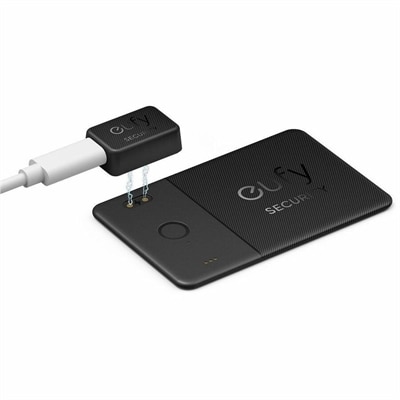
A slim rechargeable tracker with Apple Find My, 80dB alarm, left-behind alerts, and year-long battery life.
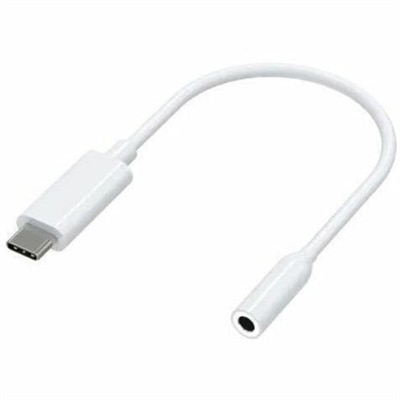
A compact USB-C to 3.5mm audio adapter with Hi-Res DAC, 93dB SNR, and plug-and-play compatibility.
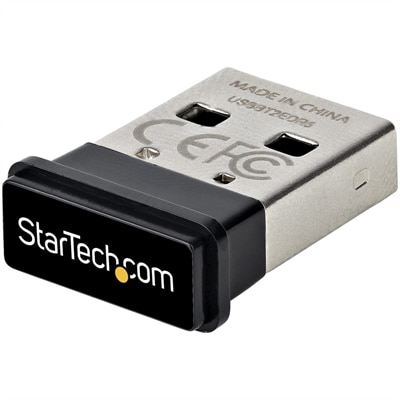
A compact USB Bluetooth 5.0 adapter with EDR/BLE, 2 Mbps transfers, and 33-foot range for PCs.
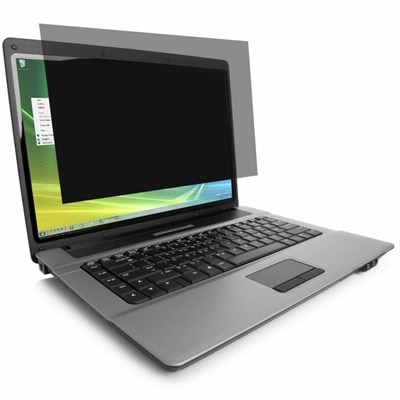
A reversible laptop privacy filter with ±30° viewing, blue-light reduction, anti-glare, antimicrobial, scratch-resistant protection.
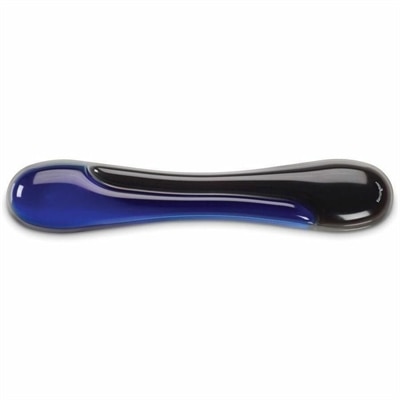
A blue gel keyboard wrist rest with ergonomic support, ventilation, wipe-clean finish, and TAA compliance.
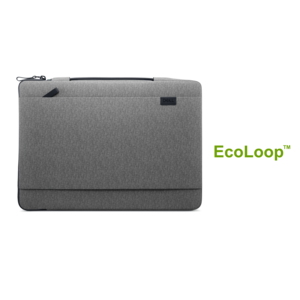
A durable, lightweight sleeve made with sustainable materials, featuring a retractable handle for convenient on-the-go protection.
A reliable wired headset offering hassle-free performance and easy plug-and-play setup.
A genuine replacement daughterboard with FFC cable, tested for compatibility and backed by a one-year warranty.
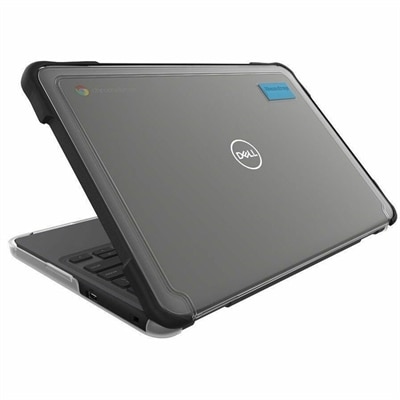
A lightweight, transparent Chromebook case with rubberized bumpers, full coverage, and two-foot drop protection.
A sustainably made backpack with full-access opening and protective laptop compartment for everyday essentials.
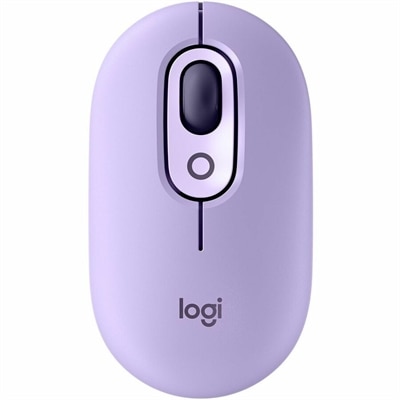
A colorful wireless mouse with customizable buttons, quiet clicks, smart scrolling, multi-device switching, and a two-year battery.
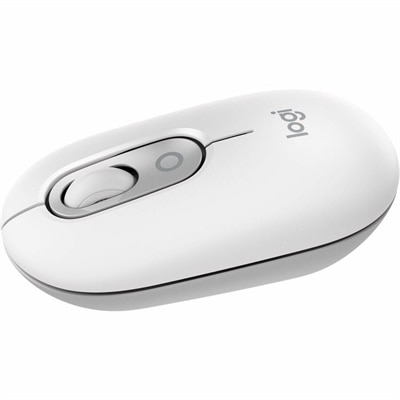
An off-white wireless mouse with quiet clicks, customizable buttons, Smartwheel scrolling, and switching across three devices.
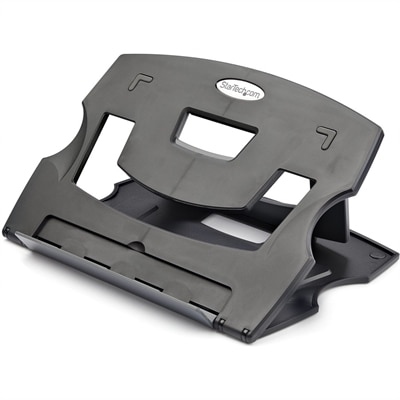
A lightweight, foldable laptop riser with six adjustable angles and a vented platform for ergonomic cooling.
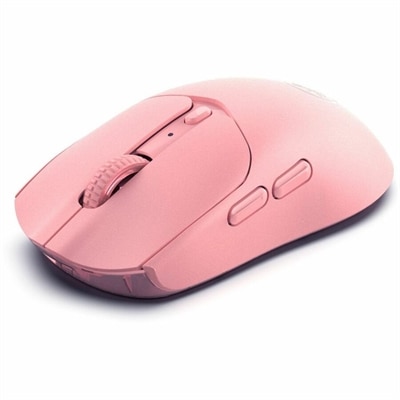
A pink wireless gaming mouse with a 12000 DPI optical sensor, six buttons, Bluetooth, 2.4GHz connectivity and rechargeable battery.
A wired gaming keyboard with membrane switches, 19-key rollover, 1000Hz polling, and customizable RGB lighting.
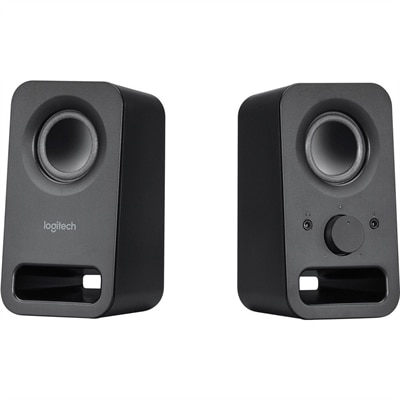
A pair of midnight-black multimedia speakers delivering clear stereo sound with 3W RMS power.
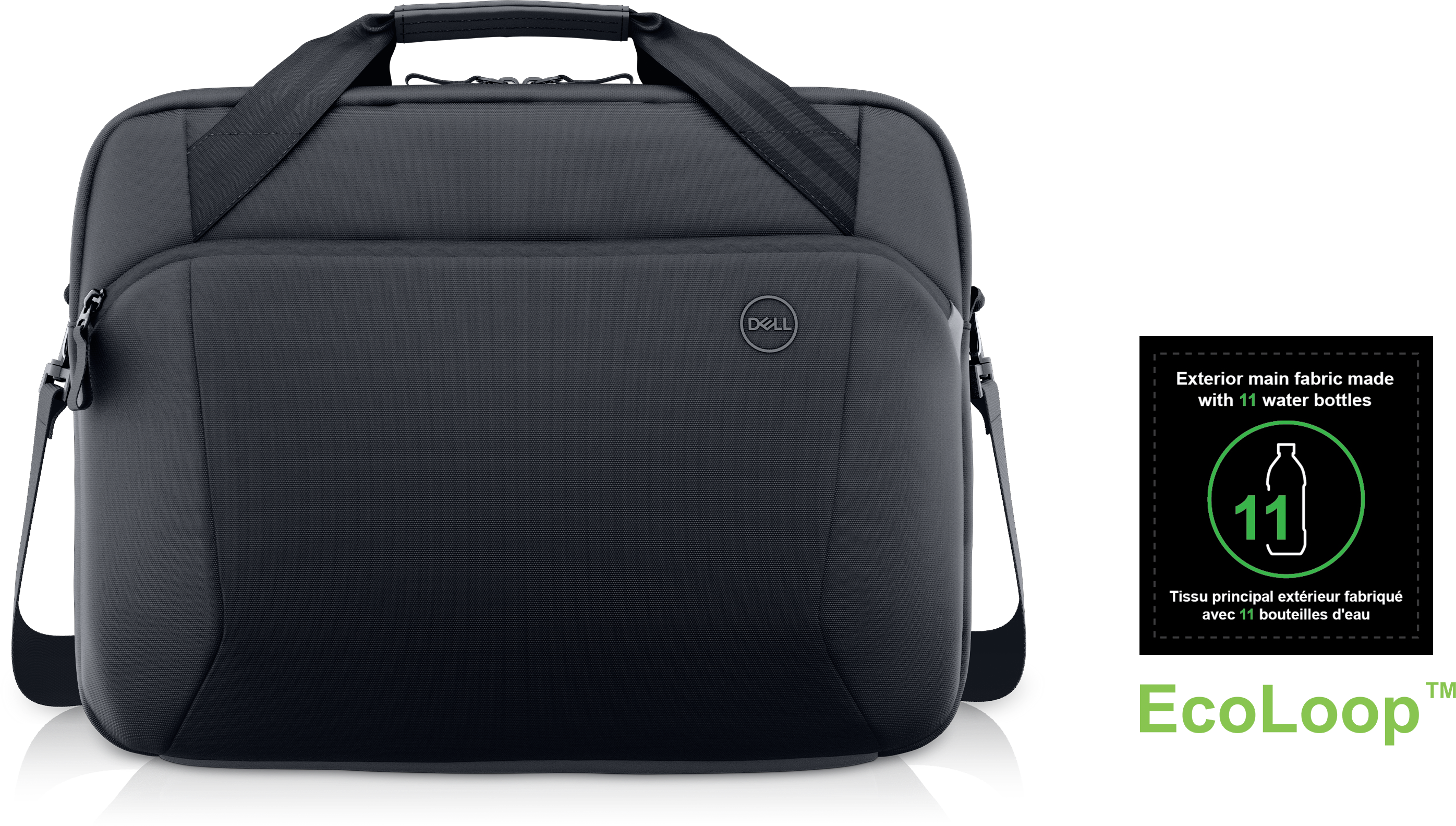
A slim briefcase that protects gear on-the-go while helping reduce environmental impact.
Back-to-school tech supports the everyday work of learning: listening to a recorded lesson, typing a paper, joining a study group, and moving between a classroom and a quiet corner at home. School technology accessories are most useful when they fit those ordinary moments without adding unnecessary bulk or complexity. A compact study setup can make room for a notebook beside a laptop, keep frequently used connections within reach, and help a student settle into an assignment wherever there is space to work. For elementary students, manageable sizes and straightforward controls can make independent tasks less frustrating. College students may place more emphasis on portability, especially when the same backpack travels from a morning lecture to the library and then back to a residence hall. Teachers and adult learners also benefit from accessories that transition easily between presentations, individual work, and online conversations. The right fit depends as much on the environment as on the device. A shared kitchen table calls for equipment that packs away neatly before dinner, while a dedicated desk allows more room for a comfortable keyboard position and an uncluttered screen area. In a library, quiet operation matters; during a remote class, clear communication and easy-to-reach controls become more important. For a broader view of these everyday categories, Back To School Tech Accessories connects the same classroom-to-home routine with the supporting equipment used around a computer. Across these settings, useful features are often practical rather than elaborate: a connection that matches the computer, a shape that feels comfortable in the hand, and a cord that reaches without stretching across the workspace. Accessories chosen around actual school routines can help keep attention on the assignment, whether that means reviewing vocabulary at the dining table or revising a group presentation between classes. A familiar arrangement also makes transitions easier: the same controls, connections, and comfortable positions can provide a little continuity when the rest of the school day changes from hour to hour.
Comfort and compatibility shape how well school tech works over a full semester. For audio accessories, fit involves more than whether a headband adjusts or an earpiece stays in place. Contact surfaces, overall weight, and pressure around the ears can affect comfort during a long lecture or an afternoon of language practice. Soft cushioning may feel pleasant against the skin, while smooth, wipeable surfaces can simplify routine cleaning when equipment travels between home and school. Personal listening equipment still needs sensible volume settings and regular breaks; volume-limiting features, when present, do not replace attention to listening habits. Microphone placement also matters for spoken assignments and video calls, particularly in a room where other people are talking nearby. With pointing and typing accessories, hand size, desk space, and working posture influence the experience. A smaller shape may slip easily into a backpack pocket, but portability does not automatically mean a comfortable fit for every user. Key spacing, button placement, and the amount of movement required can matter during repeated tasks such as editing a document or working through practice exercises. Wired connections can keep setup straightforward, while wireless connections reduce cords across a work surface but require attention to charging or replaceable batteries. Compatibility includes the operating system, the available ports, and any software needed for additional functions. A connector that physically fits does not necessarily support every intended function, so the connection specifications matter for audio, video, and power. School-issued computers may also restrict software installation or the use of certain accessories. Charging equipment requires a compatible connector, suitable power output, and support for the device’s charging requirements; a higher stated wattage alone does not guarantee faster charging. These details become especially relevant when a student uses one computer at school and another at home. Equipment that suits both environments can reduce the need to rearrange a workspace just to begin an assignment, leaving more of a short study period for the work itself.
Materials and construction make a noticeable difference when accessories spend the school year moving through backpacks, crowded desks, and shared living spaces. Lightweight plastic housings can be convenient for daily travel, while textured finishes may provide a steadier grip when hands are dry or a desk surface is smooth. Metal components can add rigidity, although the quality of joints, hinges, and connection points remains important regardless of the material. Cables benefit from flexible jackets and reinforced areas near connectors, where repeated bending often creates strain. A braided covering may help resist surface abrasion, but it does not make a cable immune to damage from sharp bends or being trapped beneath a chair leg. Protective accessories should match the dimensions of the equipment they hold, allowing enough room for a secure fit without squeezing corners or leaving a device free to slide around. Soft linings help separate surfaces from everyday scuffs, and padding can cushion minor bumps without making the contents indestructible. Care is usually simplest when it becomes part of the routine: disconnect equipment before cleaning, follow the manufacturer’s directions, and keep liquids away from ports and openings. A soft cloth can handle many exterior surfaces, while cords last better when loosely coiled rather than tightly wrapped around a device. Letting equipment dry fully before reconnecting it is especially important after any approved damp cleaning. Between classes, a separate backpack compartment can keep delicate connections away from loose keys and heavy textbooks. At home, routing cables away from walkways and leaving ventilation openings clear helps maintain a practical workspace. These everyday considerations also make school technology accessories thoughtful gifts for a student starting a new semester, a graduate returning to classes, or a teacher preparing a classroom work area. The most personal choice often reflects a small, familiar need: more comfortable listening during recorded lectures, less clutter on a narrow desk, or easier packing at the end of the day. Good school tech earns its place through repeated use, fitting naturally into the rhythm of opening a laptop, getting organized, and making progress on the next assignment.
Add the products you would like to compare, and quickly determine which is best for your needs.