1. Performance and Processing Power
2. Battery Life
3. Portability and Build Quality
4. Connectivity and Webcam Quality
Choosing the right laptop can make remote work more productive, efficient, and comfortable. Here are some key factors to consider when selecting a laptop for remote work.
1. Performance and Processing Power
2. Battery Life
3. Portability and Build Quality
4. Connectivity and Webcam Quality
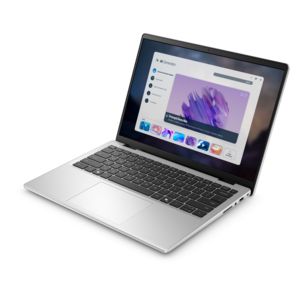
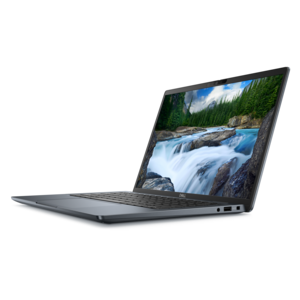
A sleek, portable laptop with an expansive 16:10 display and AI PC options for work anywhere.
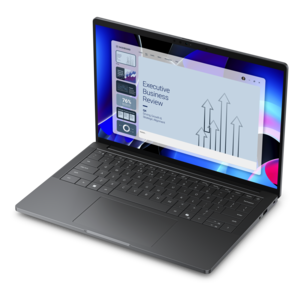
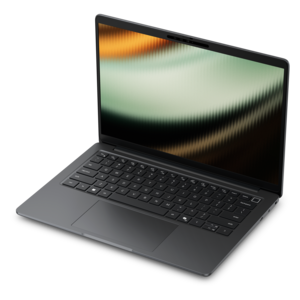
An elegant, ultralight, durable AI PC delivering premium productivity experiences for highly mobile professionals.
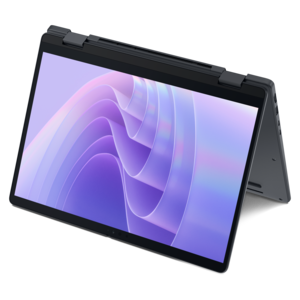
A remarkably thin 2-in-1 laptop combining portability and performance with Series 3 Intel Core Ultra processors.
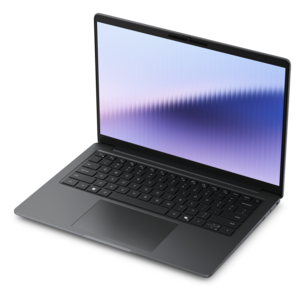
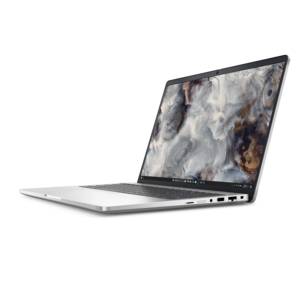
A remarkably thin laptop combining portable performance with Series 3 Intel Core Ultra processing for productivity.
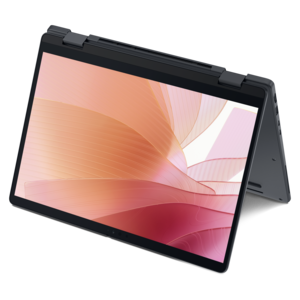
A thin 2-in-1 laptop powered by AMD Ryzen AI PRO 400 Series processors for versatile performance.

A lightweight AI-powered laptop designed for creative professionals and small businesses.
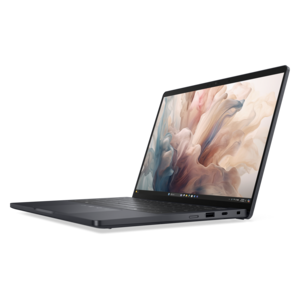
A lightweight AI PC delivering outstanding performance and battery life for highly mobile professionals.
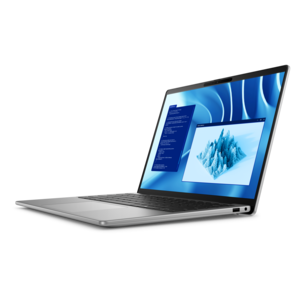
A premium laptop delivering powerful on-device AI, game-changing unplugged performance, and outstanding battery life.
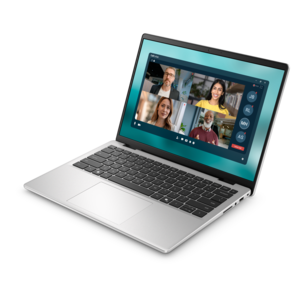
A slim, lightweight laptop with Intel® Core™ processors and graphics for productive work anywhere.
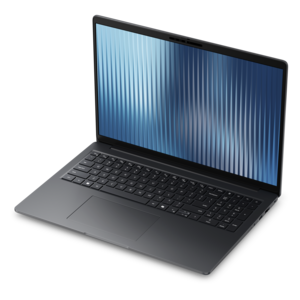
A durable, lightweight business laptop offering reliable productivity with commercial-grade security and manageability.
Remote workers should prioritize laptops with long battery life, lightweight and portable designs, reliable Wi-Fi connectivity, high-resolution webcams, comfortable keyboards, and sufficient processing power to handle multitasking and video conferencing.
For most remote work tasks such as web browsing, document editing, and video calls, at least 8GB of RAM is recommended. For more demanding applications or multitasking needs, 16GB or more may provide a smoother experience.
A high-quality webcam ensures clear video during virtual meetings and conferences, helping remote workers communicate effectively and maintain a professional appearance when collaborating with colleagues or clients online.
Yes, laptops with SSD (Solid State Drive) storage offer faster boot times, quicker file access, and improved overall performance compared to traditional HDDs. This can enhance productivity and efficiency for remote workers.
The best operating system depends on your workflow and software requirements. Windows offers broad compatibility with business applications, while macOS is favored for its user-friendly interface. Some remote workers may also prefer Linux for its customization options.
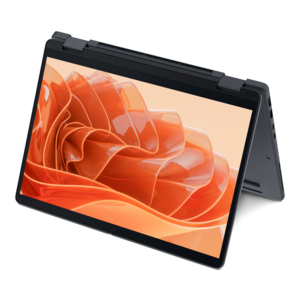
Add the products you would like to compare, and quickly determine which is best for your needs.