1. Performance and Speed
2. Portability and Battery Life
3. Display Quality
4. Connectivity and Features
Choosing the right laptop can boost productivity and help you stay connected in any professional setting. Here are key factors to consider when shopping for a laptop as a young professional.
1. Performance and Speed
2. Portability and Battery Life
3. Display Quality
4. Connectivity and Features
Check out the following recommendations.
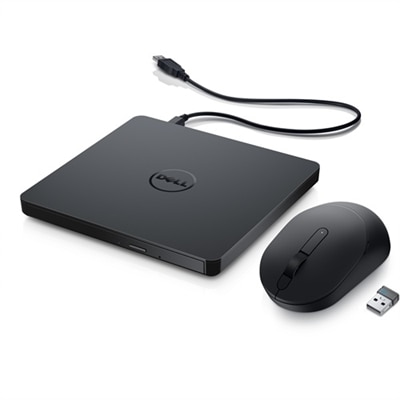
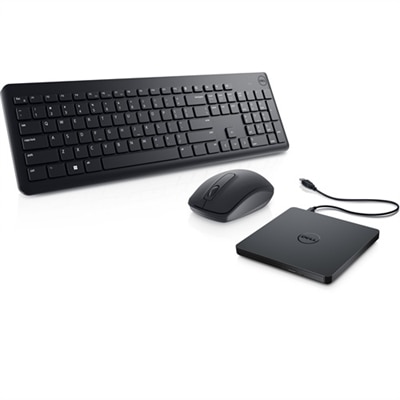
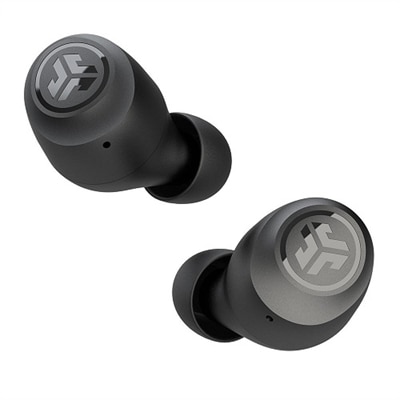





Young professionals should prioritize laptops with reliable performance, long battery life, lightweight design, and strong connectivity options. Features like fast processors, ample RAM, and high-resolution displays can enhance productivity, while a comfortable keyboard and modern ports ensure ease of use for daily tasks.
A laptop with a high-quality webcam, noise-canceling microphones, and strong Wi-Fi capabilities can make virtual meetings seamless. Additionally, compatibility with external monitors and accessories allows for a flexible workspace setup, supporting efficiency whether working from home or on the go.
Yes, certain laptops are designed with creative professionals in mind, offering powerful graphics cards, color-accurate displays, and fast storage. These features help with graphic design, video editing, and other demanding creative tasks, making them ideal for young professionals in creative industries.
Laptops for young professionals are available with a variety of operating systems, including Windows and Chrome OS. The choice depends on personal preference and software requirements, with each operating system offering unique features tailored to different workflows.
Portability is often a key consideration, as young professionals may need to work from multiple locations. Lightweight laptops with slim profiles and durable construction are easier to carry, making them well-suited for those who commute or travel frequently for work.
Add the products you would like to compare, and quickly determine which is best for your needs.