$12.99
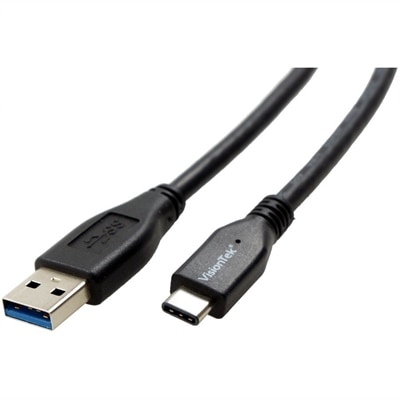
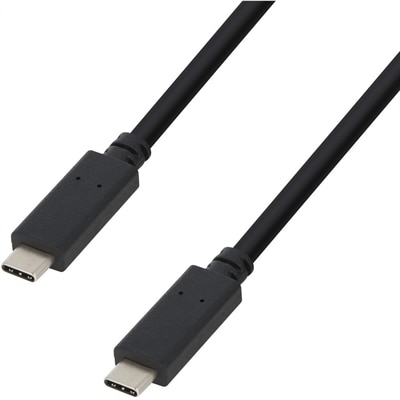
A durable USB-C cable delivering 100W Power Delivery and 480Mbps data transfer through reversible connectors.
Black computer cables offer a sleek and professional solution for connecting your devices and keeping your workspace organized. Ideal for both home offices and business environments, these versatile cables blend seamlessly with most setups while ensuring reliable connectivity. Whether you're setting up a new system or upgrading existing components, black computer cables provide the essential links you need for efficient performance and a clean, streamlined look. Explore a wide selection to find the right options for your computing needs.
A durable USB-C cable delivering 100W Power Delivery and 480Mbps data transfer through reversible connectors.
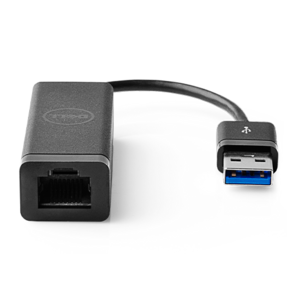
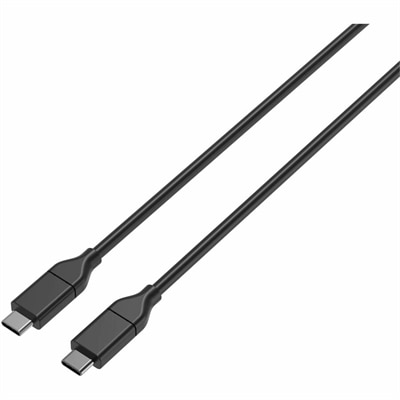
A genuine OEM replacement cable engineered for reliable compatibility and performance in computer systems.
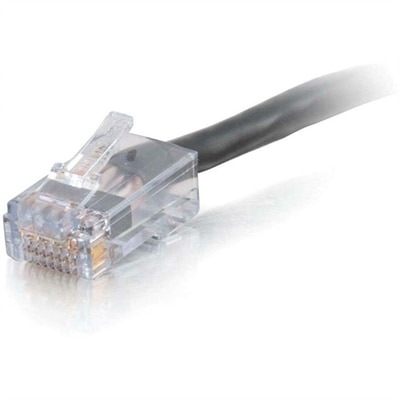
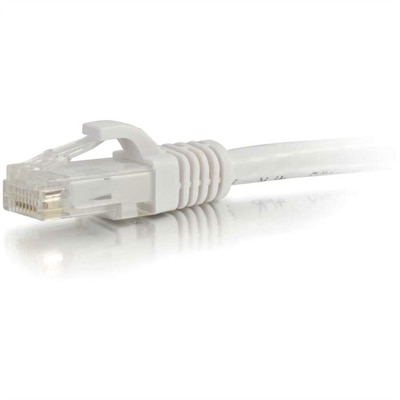
A black, plenum-rated Cat6 Ethernet cable with RJ-45 connectors for high-bandwidth voice, data and video distribution.
Black computer cables offer a practical way to connect, power, and organize a modern workspace while maintaining a clean, understated appearance. Their dark finish blends naturally beneath a desk, behind a monitor, or along the edge of an entertainment center, helping cords recede instead of drawing attention to every connection. The right cable depends on the device, the connector on each end, and the task it needs to perform. Standard three-prong AC power cords are commonly used with desktop computers, monitors, printers, and other compatible electronics, while HDMI and DisplayPort cables carry video from a computer to a monitor or display. USB cables support a wide range of accessories and peripherals, with USB-C options often used for data transfer, charging, and video when the connected devices support those functions. Ethernet cables provide a direct wired internet connection for compatible computers and equipment, and Cat5e or Cat6 options are often selected for dependable everyday performance. A cable’s length matters just as much as its connector type. A short cord can keep a compact desk tidy, while a longer option may be better for a workstation where the computer sits beneath the surface or the display is mounted farther away. Measuring the path between devices before ordering helps prevent stretched connections, loose loops, and unnecessary excess gathered on the floor. When comparing cables, check both ends carefully rather than relying on appearance alone; similar-looking connectors can support very different functions, and a cable that fits physically may not provide the power, video, or data capability required by the setup.
The details of construction can make a noticeable difference in daily use. Flexible jackets are useful when a cable must bend around a desk leg or follow a narrow route behind furniture, while braided exteriors can offer a more textured feel and may help resist surface wear in frequently handled areas. Reinforced connector housings and strain relief can be valuable where cords are unplugged often, such as a shared home office, classroom desk, or work area used by several people. Consider the environment as well. A cable routed beside a wall or under a desk may benefit from a low-profile shape, whereas a cable used with a frequently moved laptop should be long enough to avoid pulling at the port. For computer power connections, confirm that the cord matches the device and outlet requirements, including the connector style and electrical rating. Graphics-focused desktop computers may require compatible internal power cables for a power supply and graphics card, including PCIe or newer high-power connections; these should be chosen only when they are specifically compatible with the installed hardware and power supply. For video, verify the capabilities of both the computer and display, including supported resolution and refresh rate, because the cable alone cannot add features that the connected devices do not provide. USB-C also deserves a close look: two USB-C cables may have the same connector shape while differing in charging capacity, data speed, or video support. Reading the specifications before purchase is a simple step that can prevent an inconvenient return and help every part of a setup work as intended.
Black computer cables are useful for home offices, student desks, gaming areas, creative workstations, and shared family spaces where a reliable connection and a polished appearance both matter. They can also make a thoughtful, practical gift for someone setting up a first desk, refreshing a laptop station, or building a more comfortable place to work during the cooler months. A carefully chosen cable can be the small missing piece that lets a monitor sit at the right height, moves a computer off a crowded tabletop, or replaces a worn cord that has been coiled in a drawer for too long. For a desk with several accessories, matching black cables can create a more unified look, especially when paired with clips, sleeves, or simple under-desk routing. Keep power cords separated from delicate signal cables where possible, avoid sharp bends, and leave enough slack near each connector for normal movement. Labeling both ends is helpful when several cables run behind a desk, particularly in a household where work, school, and entertainment devices share the same area. If a lighter, contrasting color better suits a bright desk or makes a particular connection easier to identify, consider browsing White Ethernet Cables as an alternative. Whether replacing one essential cord or coordinating an entire workstation, focusing on connector compatibility, cable purpose, length, durability, and routing will make it easier to choose black computer cables that fit naturally into everyday routines.
Add the products you would like to compare, and quickly determine which is best for your needs.