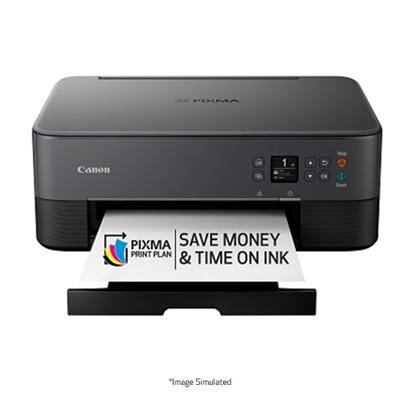
A sleek black all-in-one printer with wireless connectivity and a 1.44" OLED display.

Canon Multifunction Printers for Remote Work
Canon multifunction printers for remote work offer a seamless solution for those looking to enhance productivity from any location. Designed to support a variety of tasks, these versatile devices help streamline your workflow whether you’re printing, scanning, or copying documents for your home office. With reliable performance and user-friendly features, Canon multifunction printers for remote work make it easier to stay organized and efficient in today’s flexible work environments. Explore options that fit your needs and keep your workspace running smoothly.
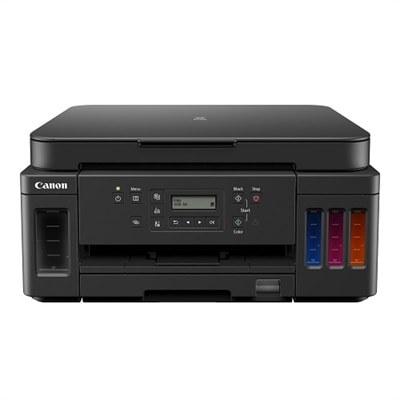
A versatile all-in-one printer offering high page yield, wireless connectivity, and significant ink savings.
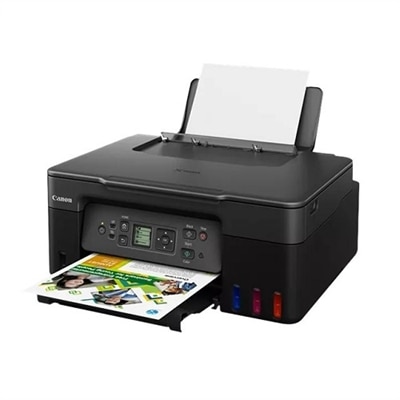
A black all-in-one printer with high-capacity ink tanks, wireless connectivity, and vivid photo printing.
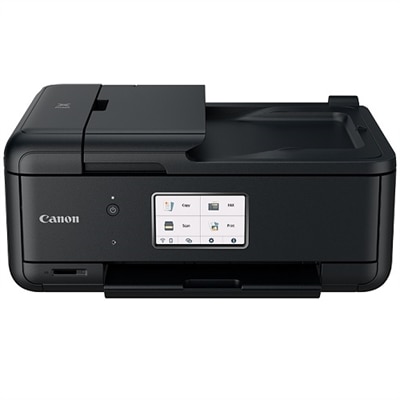
A compact all-in-one printer with wireless connectivity, 5-ink system, and 4.3" touchscreen.
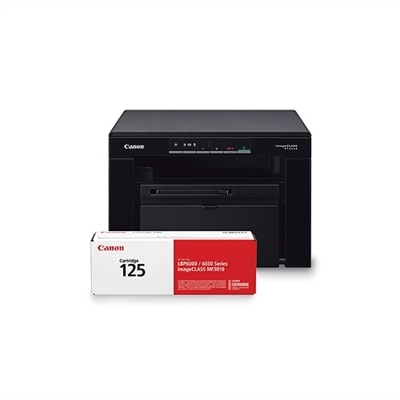
An ultra-compact black-and-white laser printer offering print, copy, and scan functions with high-quality output.
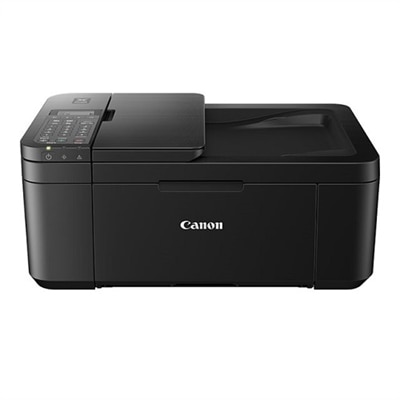
A compact black all-in-one printer with wireless connectivity, auto 2-sided printing, and built-in fax.
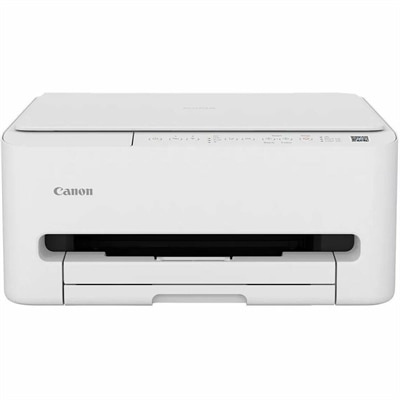
A compact color inkjet printer offering wireless connectivity, auto 2-sided printing, and basic scan/copy functions.
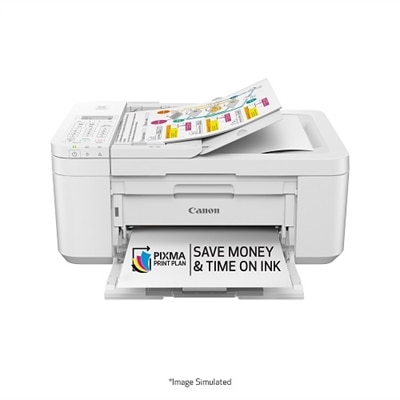
A compact white all-in-one printer with wireless connectivity, auto 2-sided printing, and fax functionality.
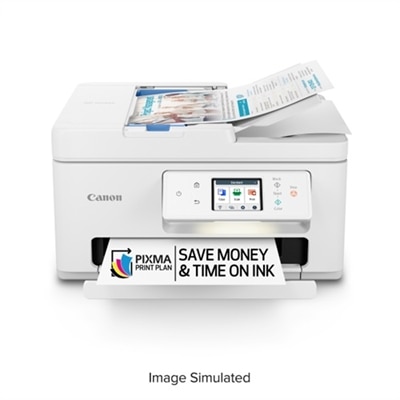
An all-in-one wireless inkjet printer with a 2.70-inch touchscreen and automatic document feeder for efficiency.
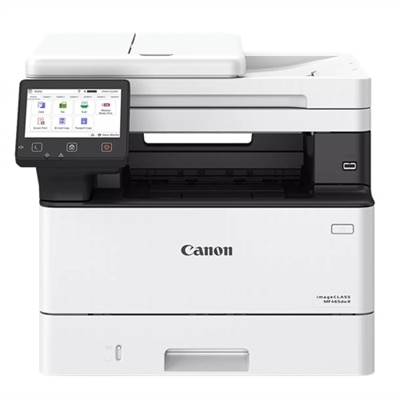
A fast, wireless duplex laser printer with a 5" touchscreen and automatic two-sided scanning for efficient workflows.
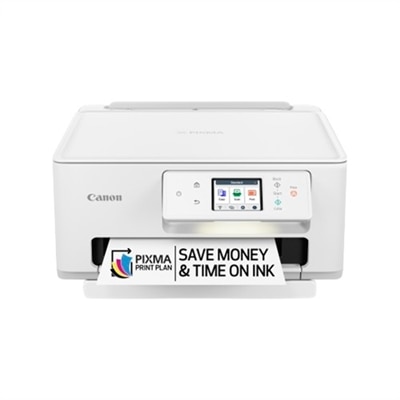
A versatile wireless inkjet printer with a 2.7-inch touchscreen and auto duplex printing.
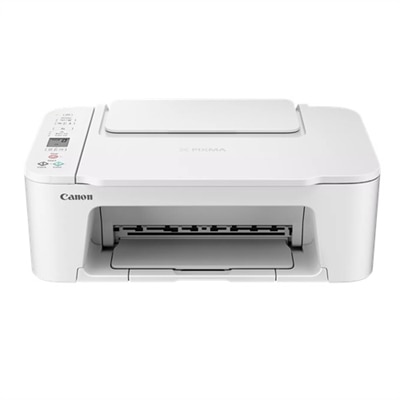
A compact wireless all-in-one printer with FINE Hybrid Ink System and versatile mobile printing options.
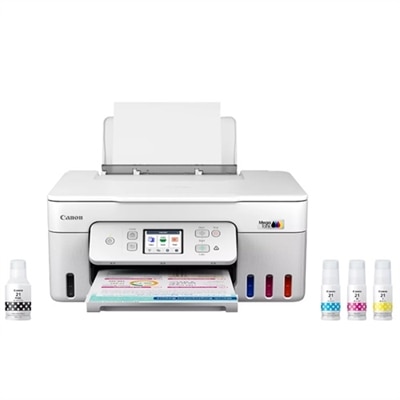
A white all-in-one printer with mobile printing and a 35-page auto document feeder.
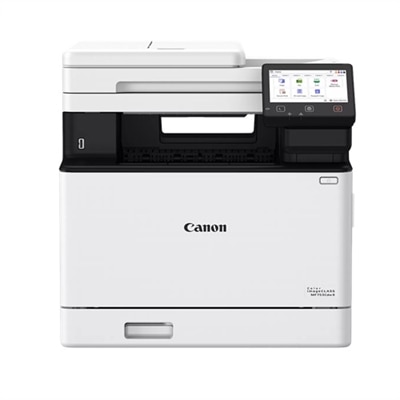
An all-in-one wireless color laser printer with duplex printing, 5" touchscreen, and fast 35 ppm output.
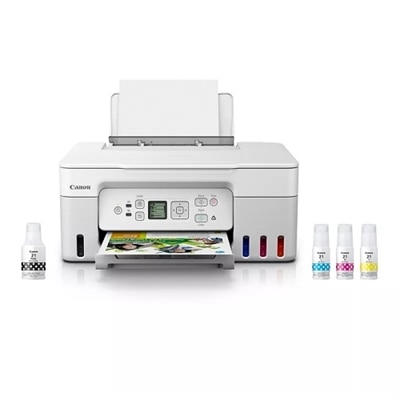
A white all-in-one printer with high-capacity ink tanks, wireless connectivity, and vivid photo printing.
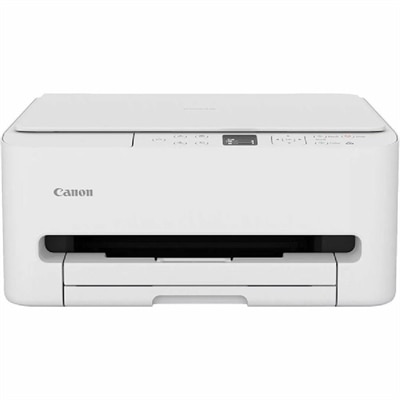
A versatile color inkjet printer offering wireless connectivity, auto 2-sided printing, and a 1.42" OLED display.
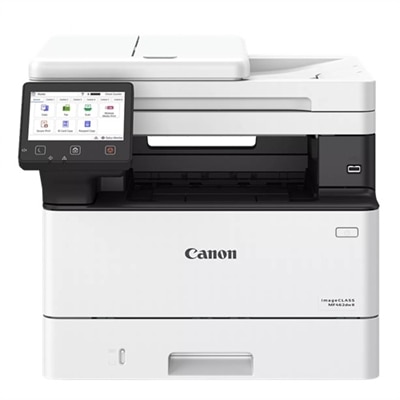
A fast, wireless duplex laser printer with a 5" color touchscreen and intuitive, all-in-one functionality.
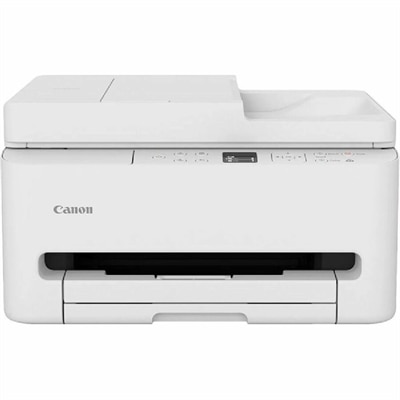
A versatile color inkjet printer with ADF, duplex printing, OLED display, and robust wired and wireless connectivity.
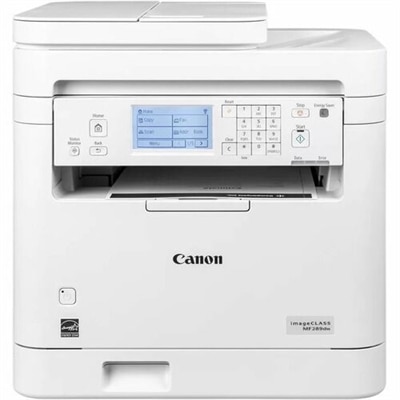
A white monochrome all-in-one printer with wireless connectivity, 6-line touchscreen, and auto 2-sided printing.
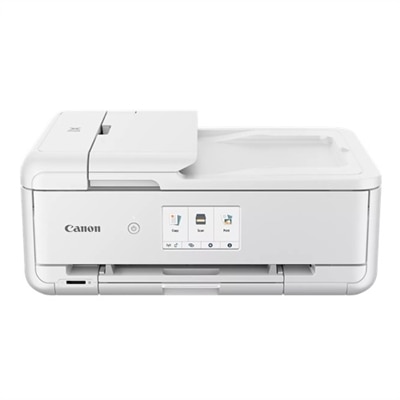
An all-in-one inkjet printer with 4.3" touchscreen, auto 2-sided printing, and seamless wireless connectivity.
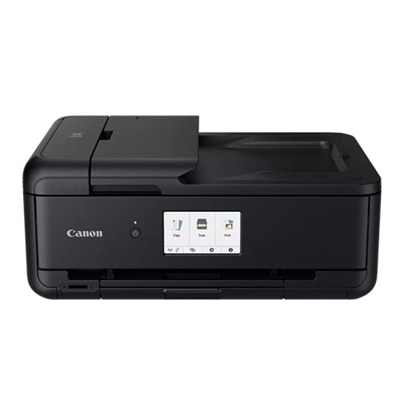
An all-in-one wireless printer with 4.3" touchscreen, auto 2-sided printing, and seamless mobile connectivity.
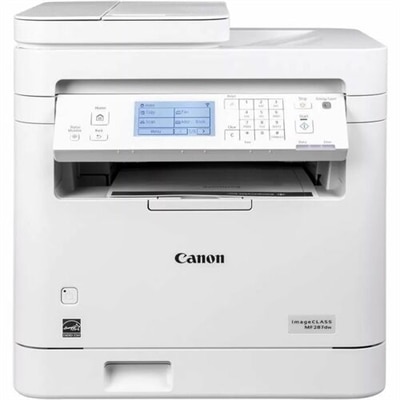
A white monochrome all-in-one printer with wireless connectivity, touchscreen, and auto 2-sided printing.
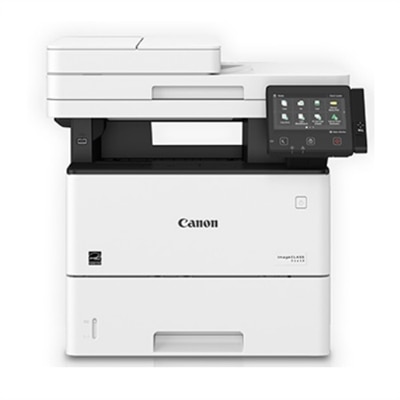
A versatile all-in-one laser printer with a 5" color touchscreen, ideal for small to mid-size workgroups.
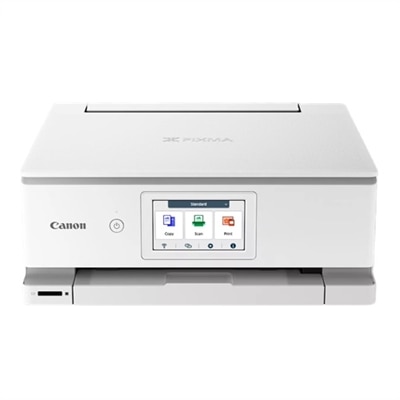
A versatile white all-in-one printer with mobile printing and a 4.3-inch touchscreen for easy use.
Canon Multifunction Printers for Remote Work
FAQ
Canon multifunction printers are ideal for remote work due to their wireless connectivity, mobile printing capabilities, scanning and copying functions, and compatibility with cloud services. These features allow users to print, scan, and share documents seamlessly from home offices.
Yes, most Canon multifunction printers support Wi-Fi and network connectivity, enabling multiple devices such as laptops, smartphones, and tablets to connect and print or scan documents without the need for physical cables.
Canon multifunction printers often include advanced scanning options, automatic document feeders (ADF), and integration with cloud storage platforms. These features help remote workers digitize, organize, and share documents efficiently.
Canon multifunction printers typically offer broad compatibility with major operating systems like Windows, macOS, iOS, and Android. This ensures smooth operation regardless of the devices used in a remote work environment.
Regular maintenance includes cleaning the print heads, replacing ink or toner cartridges as needed, updating printer firmware, and occasionally running diagnostic tools provided by Canon to ensure optimal performance during remote work.