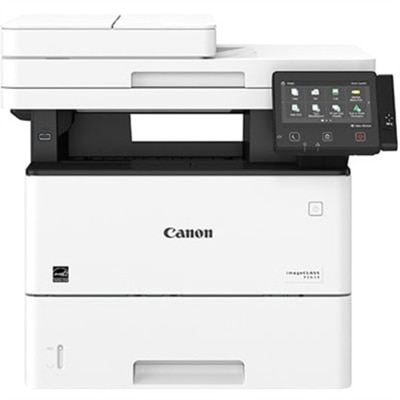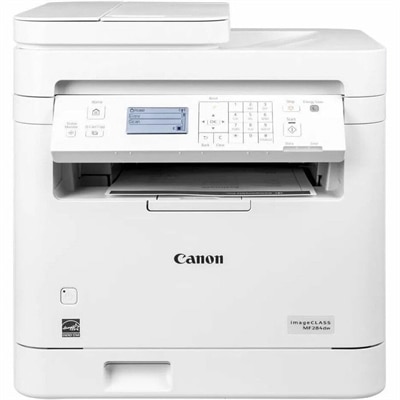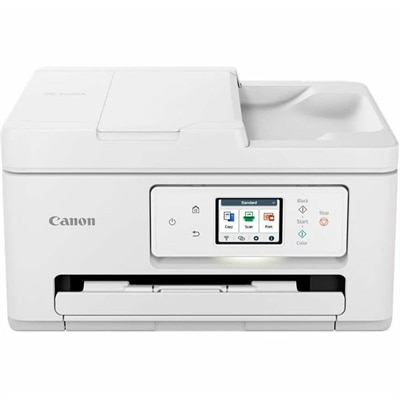
A sleek black all-in-one printer with wireless connectivity and a 1.44" OLED display.
Canon Multifunction Printers for School
Canon multifunction printers for school offer a versatile solution for busy classrooms and students. Designed to streamline everyday tasks, these printers help make printing, scanning, and copying simple and efficient. Whether you need to produce crisp worksheets or digitize assignments, Canon multifunction printers for school provide the reliability and performance needed to support academic success. Explore options that fit a variety of educational environments and discover how the right printer can enhance productivity in any learning space.
A versatile all-in-one printer offering high page yield, wireless connectivity, and significant ink savings.
A black all-in-one printer with high-capacity ink tanks, wireless connectivity, and vivid photo printing.
A compact all-in-one printer with wireless connectivity, 5-ink system, and 4.3" touchscreen.
An ultra-compact black-and-white laser printer offering print, copy, and scan functions with high-quality output.
A compact black all-in-one printer with wireless connectivity, auto 2-sided printing, and built-in fax.
A compact white all-in-one printer with wireless connectivity, auto 2-sided printing, and fax functionality.
A compact color inkjet printer offering wireless connectivity, auto 2-sided printing, and basic scan/copy functions.
An all-in-one wireless inkjet printer with a 2.70-inch touchscreen and automatic document feeder for efficiency.
A versatile wireless inkjet printer with a 2.7-inch touchscreen and auto duplex printing.
A compact wireless all-in-one printer with FINE Hybrid Ink System and versatile mobile printing options.
A white all-in-one printer with high-capacity ink tanks, wireless connectivity, and vivid photo printing.
A white monochrome all-in-one printer with wireless connectivity, touchscreen, and auto 2-sided printing.
A fast, wireless duplex laser printer with a 5" touchscreen and automatic two-sided scanning for efficient workflows.
An all-in-one inkjet printer with 4.3" touchscreen, auto 2-sided printing, and seamless wireless connectivity.
A versatile color inkjet printer with ADF, duplex printing, OLED display, and robust wired and wireless connectivity.
A white all-in-one printer with mobile printing and a 35-page auto document feeder.
A white monochrome all-in-one printer with wireless connectivity, 6-line touchscreen, and auto 2-sided printing.
An all-in-one wireless printer with 4.3" touchscreen, auto 2-sided printing, and seamless mobile connectivity.
A versatile all-in-one laser printer with a 5" color touchscreen, ideal for small to mid-size workgroups.
A fast, wireless duplex laser printer with a 5" color touchscreen and intuitive, all-in-one functionality.
A versatile wireless 3-in-1 printer with integrated ink tanks, auto 2-sided printing, and a 3-year warranty.
A wireless all-in-one color laser printer with duplex printing and a customizable 5" touchscreen display.
A wireless duplex laser printer with a 5" color touchscreen, fast 26 ppm printing, and mobile connectivity.
Canon Multifunction Printers for School
When choosing a Canon multifunction printer for school, consider features such as wireless connectivity, automatic duplex printing, scanning and copying capabilities, compatibility with various devices, and ease of use. These features help streamline tasks like printing assignments, scanning notes, and sharing documents.
Many Canon multifunction printers are designed to handle moderate to high print volumes, making them suitable for school projects and group assignments. Look for models with larger paper trays and higher monthly duty cycles if you anticipate frequent or large print jobs.
Yes, most Canon multifunction printers offer compatibility with a wide range of devices, including Windows and Mac laptops as well as smartphones and tablets. Features like Wi-Fi Direct, AirPrint, and the Canon PRINT app make it easy to print from or scan to your preferred device.
Canon multifunction printers support collaborative learning by enabling easy sharing of printed materials, scanning documents directly to email or cloud storage, and allowing multiple users to connect wirelessly. This makes it simple for students to work together on projects and share resources efficiently.
Regular maintenance includes replacing ink or toner cartridges when needed, cleaning the print heads periodically, keeping the scanner glass free of dust or smudges, and updating firmware. Following these steps helps ensure consistent performance and longevity of the printer in a busy school environment.