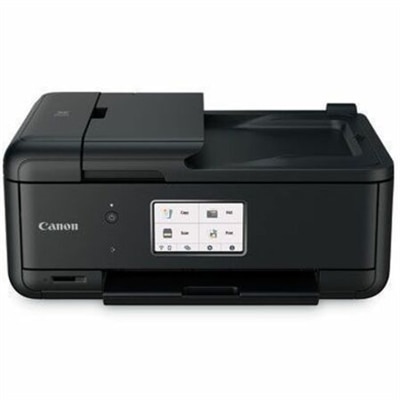
A compact wireless all-in-one inkjet printer with five-ink printing, duplexing, scanning, faxing, and smartphone connectivity.
Canon Wireless Printers for Remote Work
Canon wireless printers for remote work provide a seamless printing experience, making it easier to stay productive from any workspace. Whether setting up a home office or adapting to flexible work environments, these printers offer convenience and adaptability for various tasks. Explore options designed to support efficient document handling and connectivity, helping you maintain workflow without interruption. Canon wireless printers for remote work are a smart addition to any professional setup, delivering reliable performance to meet your daily needs.
Canon Wireless Printers for Remote Work
FAQ
Canon wireless printers offer flexibility and convenience for remote work by allowing you to print from multiple devices without the need for physical connections. They support mobile printing, cloud integration, and can be set up anywhere within your Wi-Fi network, making them ideal for home offices.
Most Canon wireless printers feature a straightforward setup process using the printer's control panel or the Canon PRINT app. You typically select your Wi-Fi network, enter the password, and follow on-screen instructions. Detailed guides are available in the user manual or on Canon’s official website.
Yes, Canon wireless printers support mobile printing through apps like Canon PRINT Inkjet/SELPHY, Apple AirPrint, and Google Cloud Print. This allows you to print documents and photos directly from your smartphone or tablet without needing a computer.
Key features to consider include compatibility with your devices, print speed, duplex (double-sided) printing, scanning capabilities, ease of setup, and support for cloud services. Some models also offer faxing and automatic document feeders for increased productivity.
Most Canon wireless printers are designed to work seamlessly with both Windows and Mac operating systems. Drivers and software are typically available for download from Canon’s support site to ensure compatibility with your preferred platform.