A 1080p conference camera with full-duplex speakerphone audio, autofocus, remote pan-tilt-zoom, and echo cancellation.
Logitech Back To School Webcams
Logitech back to school webcams are designed to support students as they connect, collaborate, and participate in virtual learning environments. Whether attending online classes or joining study groups, these webcams offer a reliable solution for clear video communication. Explore a variety of options to find the right fit for your educational needs and enhance your back to school experience with Logitech back to school webcams.
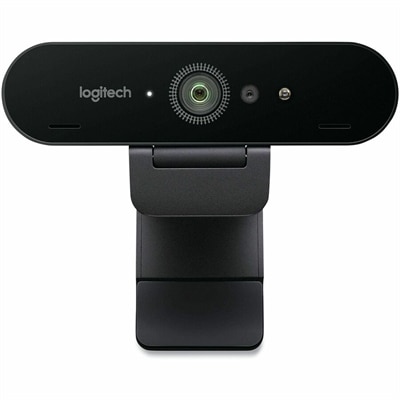
A professional 4K webcam with autofocus, Windows Hello biometrics, RightLight 3 correction, and Microsoft Teams compatibility.
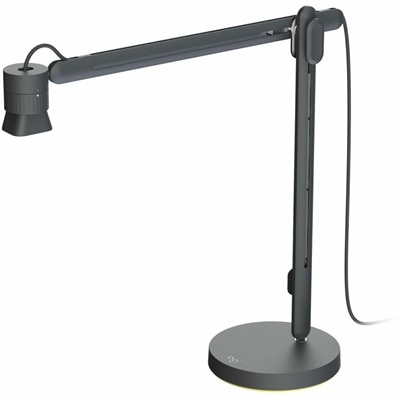
An articulating overhead camera arm with base mount, 1080p60 video, USB connectivity, and versatile pivoting controls.
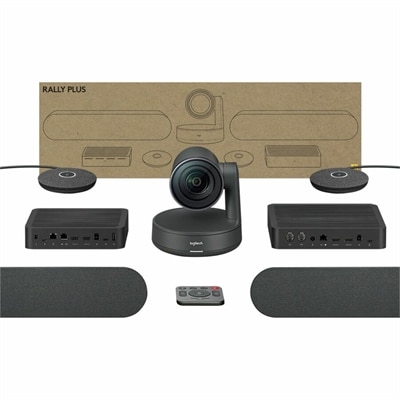
A 4K conference camera system with PTZ control, modular speakers, beamforming microphones, and intelligent meeting automation.
Logitech Back To School Webcams
FAQ
When choosing a Logitech webcam for back to school, consider features like high-definition video quality, built-in microphones, autofocus, low-light correction, and compatibility with popular video conferencing platforms. These features help ensure clear communication during online classes and virtual study sessions.
Yes, most Logitech webcams are designed to work seamlessly with both Windows and Mac operating systems. Always check the specific model's compatibility details to ensure it meets your device requirements.
Logitech webcams are typically plug-and-play, meaning you can connect them via USB and start using them right away without needing additional software. Some models may offer optional software for enhanced customization.
Yes, Logitech webcams are widely compatible with popular online learning platforms such as Zoom, Microsoft Teams, Google Meet, and Skype. This makes them a versatile choice for students attending virtual classes or group projects.
Many Logitech webcams include built-in privacy shutters or lens covers that allow students to physically block the camera when not in use. This provides added peace of mind during remote learning sessions.