Logitech College Essentials

Logitech college essentials are designed to help students stay productive and connected throughout the school year. Whether you're attending virtual lectures, collaborating on group projects, or taking notes in the library, these must-have accessories offer reliable performance for every academic setting. Explore a range of options that support your study routine and enhance your campus experience with logitech college essentials.

Filters

$29.99

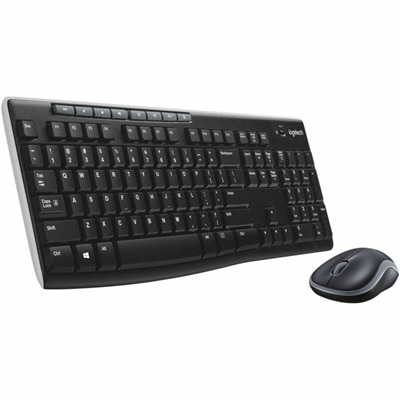
A black wireless keyboard and mouse combo with 2.4 GHz connectivity and long battery life.

$29.99
$34.99

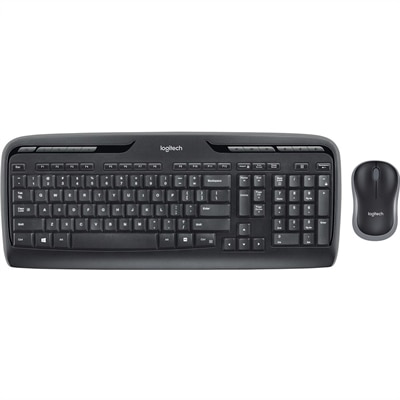
A wireless keyboard and mouse combo with 2.4GHz connectivity, multimedia keys, programmable F-keys, and long-lasting batteries.

$34.99
$119.99

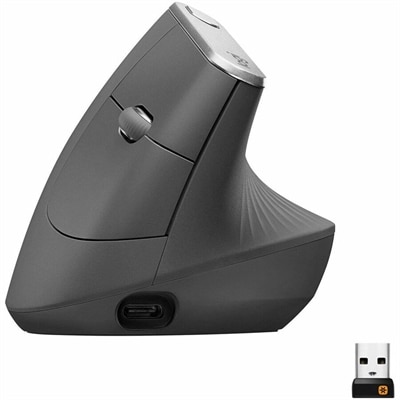
An ergonomic graphite wireless mouse with a 57-degree vertical design, rechargeable battery, and textured rubber grip.

$119.99
$69.99

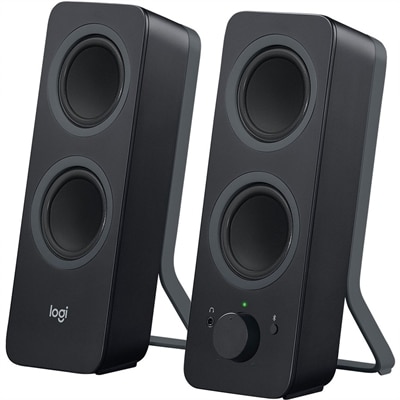
A black Bluetooth speaker system with four drivers, 10W peak power, 3.5mm input, and Easy-Switch controls.

$69.99
$10.99

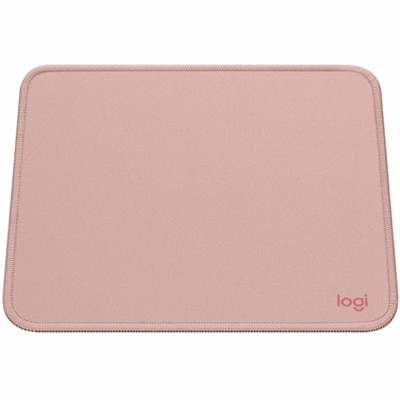
A dark rose mouse pad with a smooth recycled-polyester surface, spill-resistant coating, and anti-slip rubber base.

$10.99
$39.99

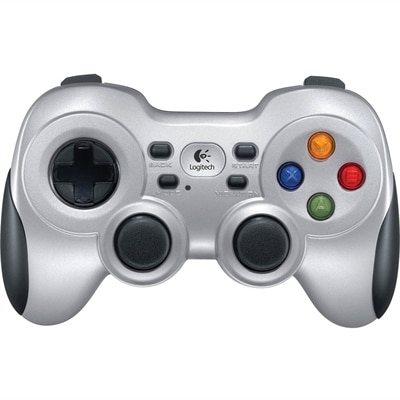
A wireless gaming controller with dual vibration feedback, XInput/DirectInput support, responsive D-pad and Android TV compatibility.

$39.99
$39.99

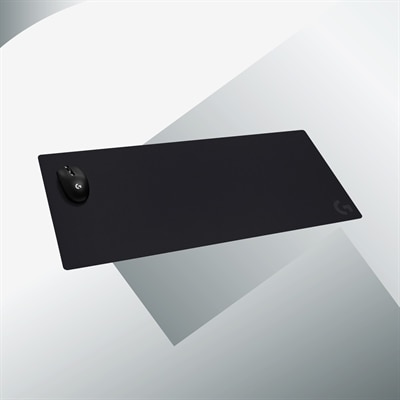
A black cloth gaming mouse pad with a non-slip rubber base and precision-tuned surface for accurate tracking.

$39.99
$69.99

A streaming light with full-spectrum LEDs, soft diffusion, adjustable brightness, color temperature, and monitor mounting.

$69.99
$69.99

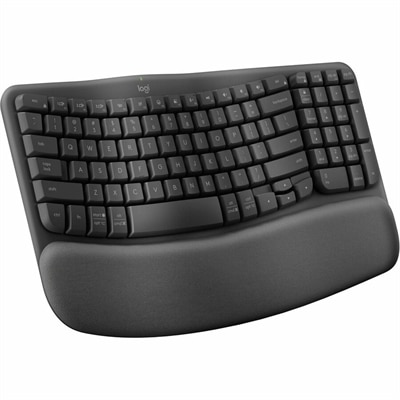
An ergonomic wireless keyboard in graphite with cushioned memory-foam palm support, Bluetooth, and multi-device switching.

$69.99
$119.99

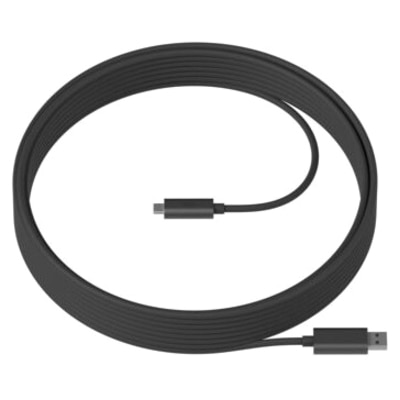
A single-cable extension solution for flexible, tidy conference room camera or speakerphone installations.

$119.99
$399.00

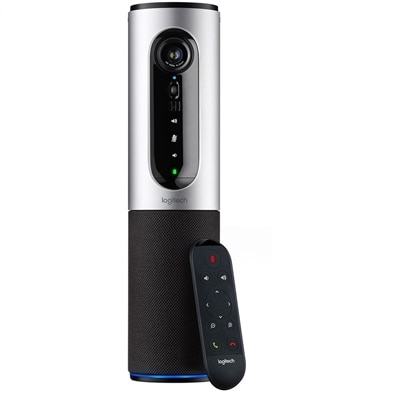
A silver conference camera with 1080p video, 360-degree audio, wireless screen mirroring, and USB plug-and-play connectivity.

$399
$449.99

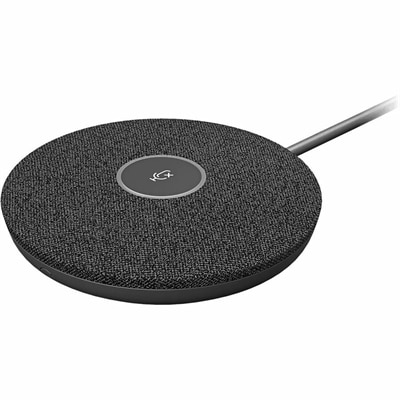
A graphite modular beamforming microphone pod with RightSound technology expands audio coverage for compatible conferencing systems.

$449.99
$2799.00

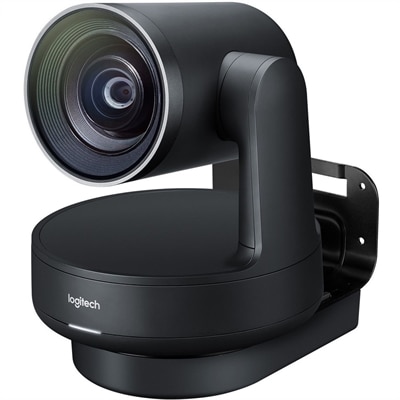
A 4K UHD conference camera system with dual speakers, white microphone pods, and studio-quality video.

$2799

Logitech College Essentials

College essentials help turn a small desk, a shared apartment table, or a quiet corner of the library into a workable place to study. Computer accessories support the everyday tasks that fill a semester: taking notes during a lecture, drafting research papers, organizing spreadsheets, joining online discussions, and keeping in touch between classes. Keyboards, mice, headsets, webcams, and digital writing tools each serve a different purpose, and their usefulness depends on how and where a student works. A separate keyboard can make longer writing sessions more comfortable by allowing the laptop screen and typing surface to sit in different positions. Compact layouts leave more room for notebooks and a mouse, while full-size layouts include a number pad that can be useful for accounting assignments, lab data, or other number-heavy coursework. Key spacing, key travel, and typing sound affect how a keyboard feels during repeated use, especially in a dorm room where someone else may already be asleep. A mouse adds another point of control for navigating documents, editing presentations, and working across larger screens. Shape and size matter as much as portability: a small mouse slips easily into a backpack pocket, while a fuller shape may feel more supportive during extended desk sessions. Left-handed students may prefer a symmetrical design or a model specifically suited to their preferred hand. Scroll controls and programmable buttons, where supported, can help with lengthy readings and repetitive tasks. Wireless connections reduce cable clutter, but connection type still matters. Bluetooth accessories require compatible devices, while accessories that use a USB receiver need an appropriate port. Wired options avoid battery charging and can suit a desk that stays set up throughout the term. Multi-device switching, when included, can be useful for moving between a laptop and another compatible device, though supported systems and switching methods vary. For students who work in several locations each day, the most practical setup is often one that packs quickly and reconnects without disrupting the next task.

Audio and video accessories become especially useful when campus life includes remote office hours, recorded presentations, group assignments, or interviews from a residence hall. A headset keeps listening audio close and can provide a more consistent microphone position than a laptop placed across a desk. Fit makes a noticeable difference during a long seminar: adjustable headbands, manageable weight, and ear cushions that sit comfortably around or against the ears all influence everyday wear. Students who wear glasses may notice pressure where the ear cushions meet the frames, while those moving between buildings may prefer a lighter design that is easier to carry. Microphone placement matters, too. A boom positioned near the mouth, without resting directly in the path of each breath, can help speech sound clearer. Noise-reducing microphones and active noise cancellation perform different jobs; the former can reduce some background sound picked up during conversation, while the latter can reduce some surrounding noise heard by the wearer. Neither feature guarantees silence in a busy shared room. Connection compatibility deserves attention before an online class begins, since USB ports and audio jacks are not interchangeable, and some devices require an appropriate adapter. Webcams serve a different part of the same routine, giving students another option for framing video during discussions and presentations. Resolution is only one consideration. Lighting, camera position, field of view, and the stability of the mounting point also affect the picture. A camera near eye level, with soft light facing the student rather than a bright window behind them, can produce a more natural view. A narrower field of view may help keep a roommate’s side of the room outside the frame, while a wider view can accommodate a small group. Physical privacy covers, when included, add a straightforward way to block the lens between calls. Accessible mute controls and visible status indicators can also make it easier to manage sound and video while attention stays on the conversation.

College accessories also need to fit the practical rhythm of campus life, from crowded backpacks to limited desk space. Smooth plastic housings are generally easy to wipe down, while textured grips and fabric-covered cushions can feel comfortable but may need more attention to keep clean. Metal components can add rigidity, although material alone does not establish how well an accessory will withstand everyday handling. Hinges, cable connections, switches, and removable receivers are worth treating carefully because these parts see frequent use. A protective pouch can keep a mouse or webcam from rubbing against keys and pens, and loosely coiled cables put less strain on connectors than tight bends. Routine care starts with disconnecting power where applicable and following the manufacturer’s cleaning directions; liquids should not be sprayed directly into keys, ports, microphones, or speaker openings. Rechargeable accessories add charging needs to the weekly routine, while replaceable-battery designs require the correct battery type. Published battery estimates depend on usage and settings, so a charging cable or spare batteries can be useful during a demanding week. Digital writing tools offer another approach to coursework for students who annotate readings, sketch diagrams, or work through equations on a compatible tablet. Device compatibility, palm rejection, tilt support, and pressure sensitivity vary, making the relationship between the writing tool, tablet, and app more important than appearance alone. The Logitech Accessories for Students page offers a related place to explore accessories for these campus routines. For students furnishing a first dorm room or refreshing a familiar study space, intended use remains the clearest starting point: frequent writing, collaborative calls, creative assignments, and recreation place different demands on the same desk. These accessories can also make thoughtful graduation or college send-off gifts when the recipient’s device connections, preferred fit, and existing setup are known. A useful addition earns its place by making an ordinary task easier, whether that means navigating a dense spreadsheet, speaking clearly during a project meeting, or keeping a small workspace comfortable through the final paper of the term.

FAQ

Add the products you would like to compare, and quickly determine which is best for your needs.
Add the products you would like to compare, and quickly determine which is best for your needs.