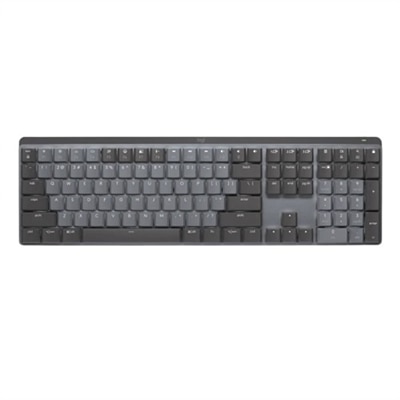
A wireless illuminated keyboard with tactile quiet switches, Bluetooth connectivity, and a graphite finish.

Logitech Keyboards for Productivity
Logitech keyboards for productivity offer an ideal solution for those seeking to enhance their workspace efficiency and comfort. Designed with the needs of professionals and multitaskers in mind, these keyboards provide a seamless typing experience that supports your daily workflow. Whether you're working from home or in the office, choosing the right Logitech keyboard for productivity can help streamline tasks and maintain focus throughout the day. Explore a range of options to find the perfect fit for your setup and elevate your productivity to new heights.
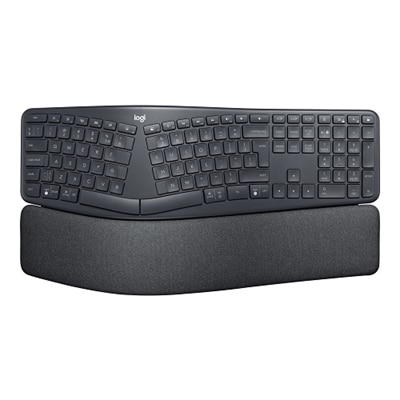
An ergonomic wireless keyboard in graphite featuring a split keyframe, palm rest, and secure Logi Bolt technology.
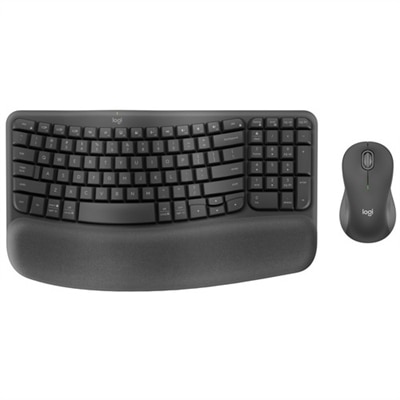
An ergonomic wireless keyboard and mouse combo with recycled plastic, cushioned palm rest, and quiet, sculpted design.
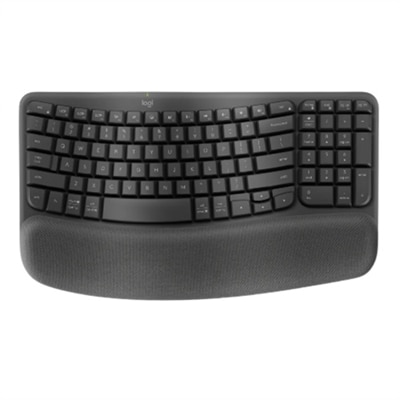
A graphite wave-shaped keyboard with cushioned palm rest for enhanced wrist support and natural typing posture.
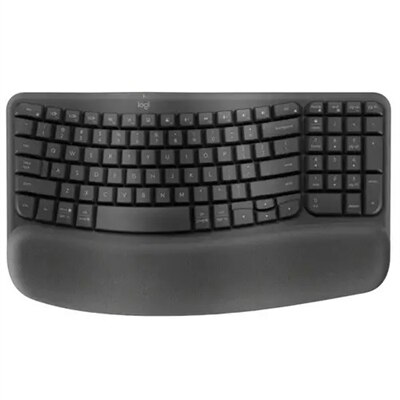
An ergonomic wireless keyboard in graphite with cushioned palm rest and secure Logi Bolt connectivity.
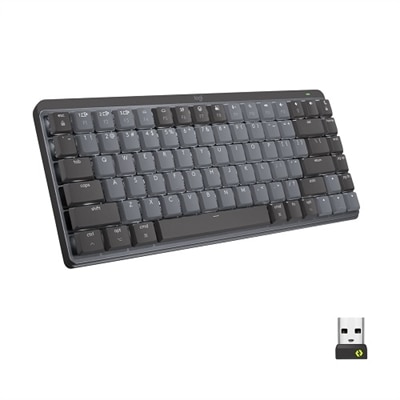
A compact graphite wireless keyboard featuring clicky low-profile mechanical switches, smart backlighting, and multi-device connectivity.
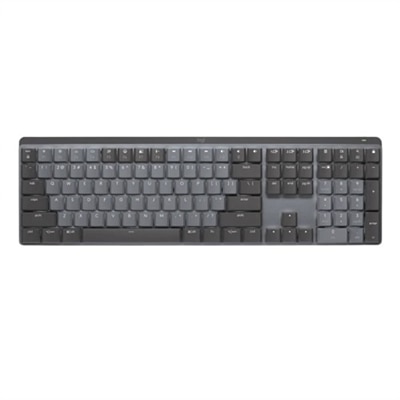
A graphite wireless keyboard featuring clicky low-profile switches, backlit keys, and multi-device Bluetooth connectivity.
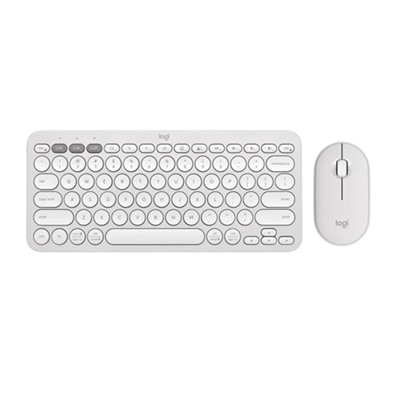
A quiet, portable wireless keyboard and mouse combo in tonal white, featuring customizable shortcuts and eco-friendly materials.
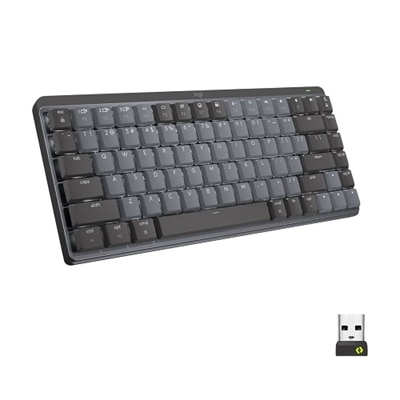
A compact graphite wireless keyboard featuring tactile quiet switches, smart backlit keys, and multi-device connectivity.
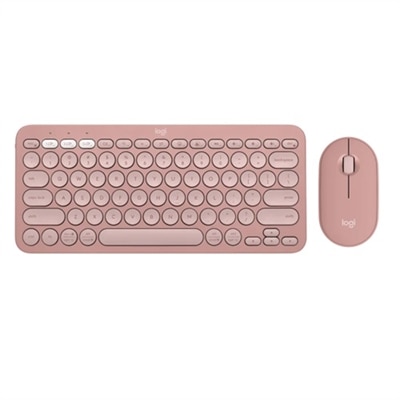
A slim, rose-colored wireless keyboard and mouse set with Bluetooth connectivity and customizable keys.
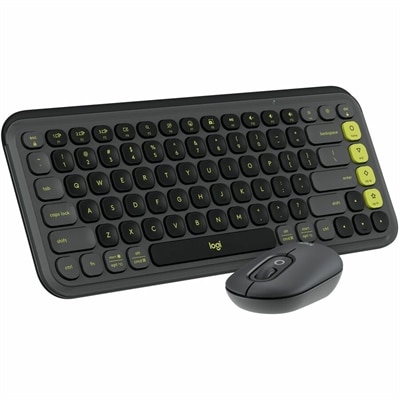
A stylish graphite and green keyboard and mouse combo featuring customizable keys, quiet typing, and smart scrolling.
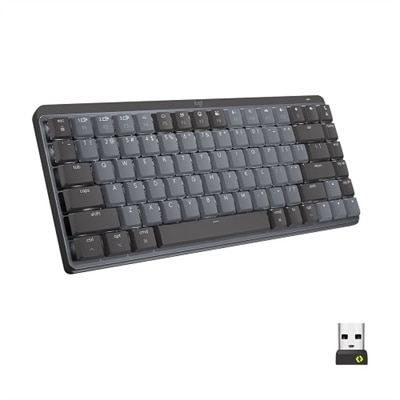
A compact graphite wireless keyboard featuring low-profile linear mechanical switches, smart backlit keys, and multi-device connectivity.
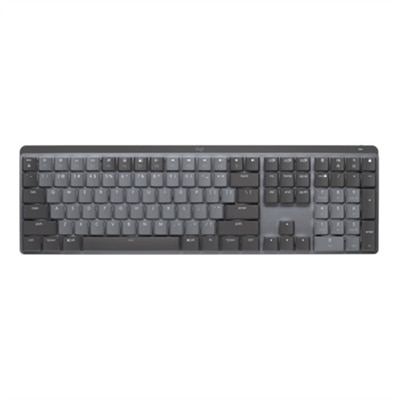
A graphite wireless keyboard featuring linear mechanical switches, smart backlit keys, and multi-device Bluetooth connectivity.
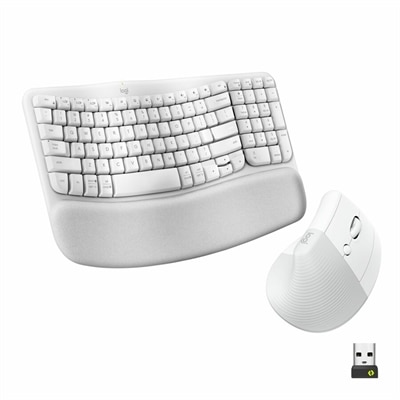
An ergonomic wireless keyboard and vertical mouse combo in graphite with cushioned palm rest and multi-OS support.
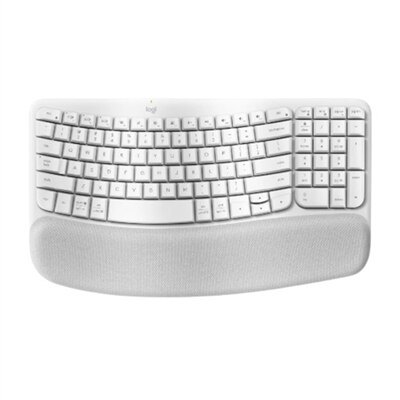
An off-white wave-shaped keyboard with cushioned palm rest for enhanced wrist support and natural typing posture.
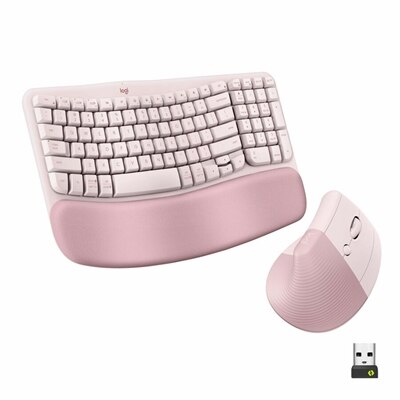
An ergonomic wireless keyboard and vertical mouse combo in rose, featuring a cushioned palm rest and Bluetooth connectivity.
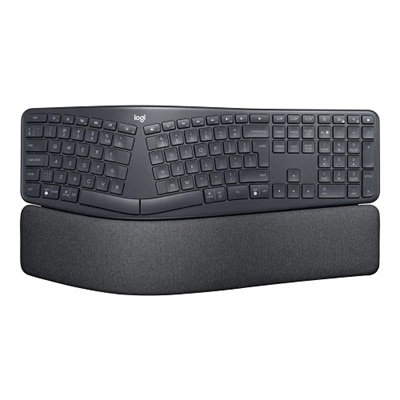
An advanced wireless ergonomic keyboard in graphite with a split keyframe and cushioned wrist rest for comfort.
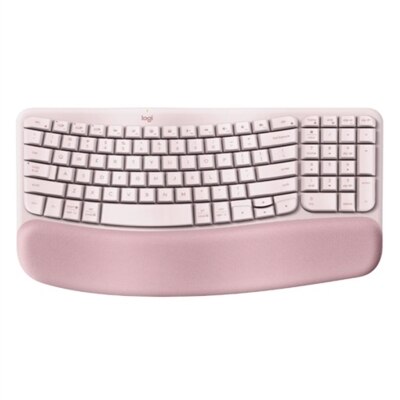
A wireless ergonomic keyboard in rose with memory foam palm rest and customizable shortcuts for comfort.
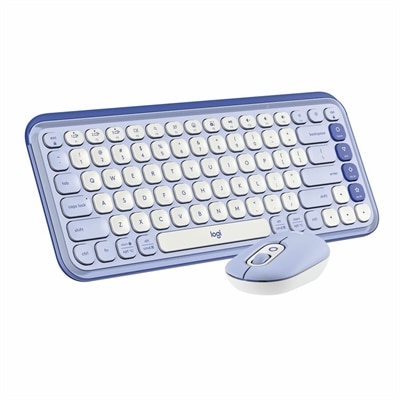
A stylish lilac and off-white Bluetooth keyboard and mouse combo with customizable keys and comfortable typing.
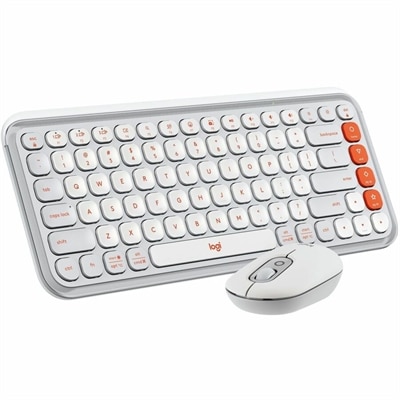
An off-white and orange Bluetooth keyboard and mouse combo featuring comfortable typing and programmable keys and buttons.
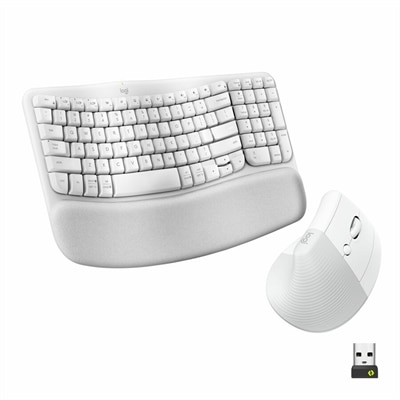
An ergonomic off-white wireless keyboard and vertical mouse combo with cushioned palm rest and multi-OS support.
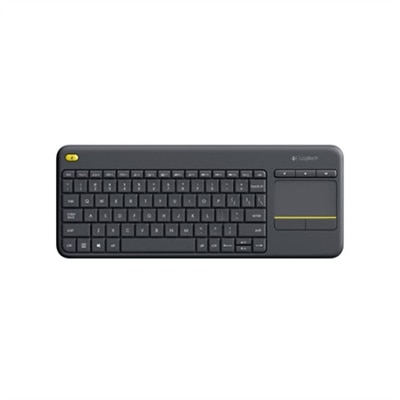
A compact black wireless keyboard with integrated touchpad, comfortable keys, and easy-access media controls.
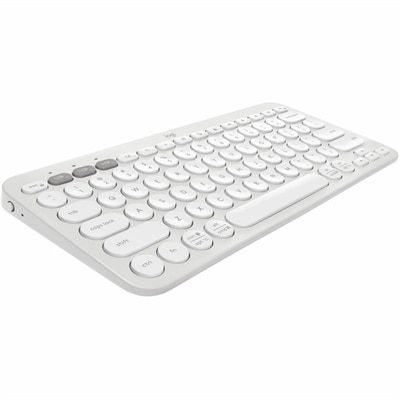
A slim, tonal white Bluetooth keyboard with quiet keys, customizable shortcuts, and multi-device compatibility.
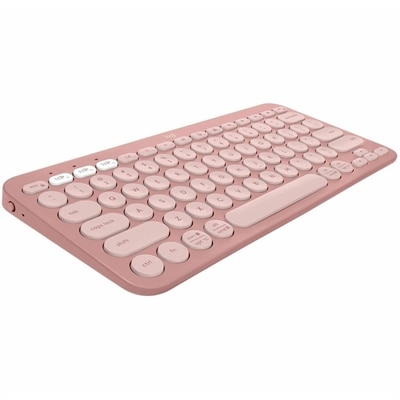
A slim, minimalist Bluetooth keyboard in tonal rose with quiet keys, customizable shortcuts, and multi-device support.
Logitech Keyboards for Productivity
FAQ
Logitech keyboards designed for productivity often include features such as comfortable ergonomic layouts, quiet and responsive keys, customizable shortcut buttons, multi-device connectivity, and long battery life. These features help streamline workflow and reduce fatigue during extended use.
Yes, many Logitech productivity keyboards offer multi-device connectivity through Bluetooth or the Logitech Unifying Receiver. This allows users to switch seamlessly between computers, tablets, and smartphones with the press of a button.
Most Logitech productivity keyboards are designed to be compatible with both Windows and Mac operating systems. They often feature dual-labeled keys and software support to ensure smooth functionality across different platforms.
Many Logitech productivity keyboards come with programmable keys or allow customization through Logitech Options software. Users can assign specific functions or shortcuts to certain keys to enhance efficiency and personalize their workflow.
Logitech offers a variety of switch types in their productivity keyboards, including membrane, scissor, and mechanical switches. Each type provides a different typing feel and noise level, allowing users to choose based on their preferences for comfort and tactile feedback.