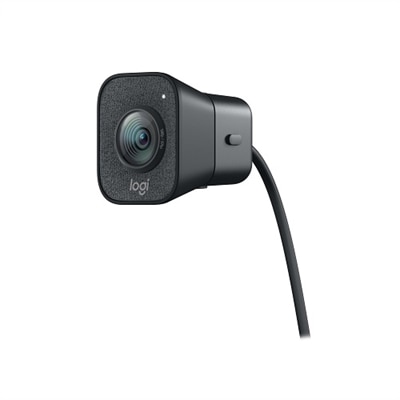
A graphite webcam delivering smooth 1080p HD video at 60fps with AI facial tracking and USB-C connectivity.

Logitech Webcams for Home Office
Enhance your remote workspace with Logitech webcams for home office, designed to help you connect, collaborate, and communicate effortlessly. Whether you're attending virtual meetings or catching up with colleagues, these webcams offer a reliable solution for clear video calls from the comfort of your home. Explore options that support your professional needs and fit seamlessly into any home office setup.
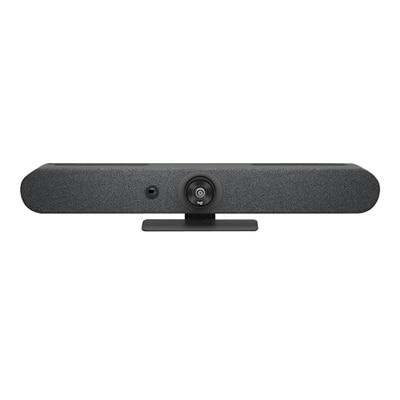
A graphite video conferencing camera offering AI-driven insights, seamless connectivity, and advanced audio engineering.
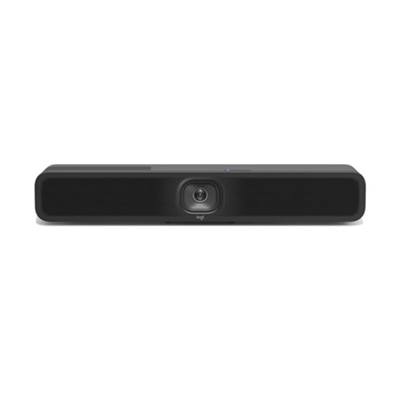
A USB 3.1 Type C video conferencing camera with AI features for small meeting rooms.
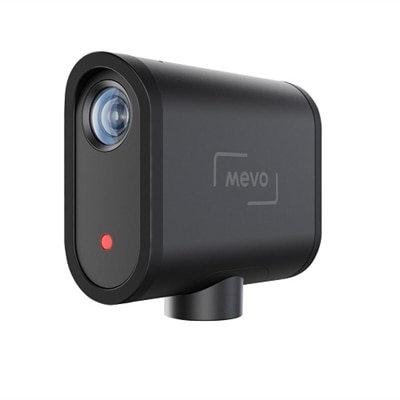
A wireless streaming camera offering 1080p HD video, real-time editing, and six-hour battery life.
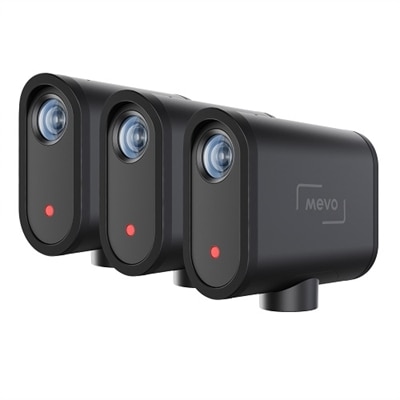
A wireless live streaming camera set enabling multicamera content creation via the Mevo Multicam App.
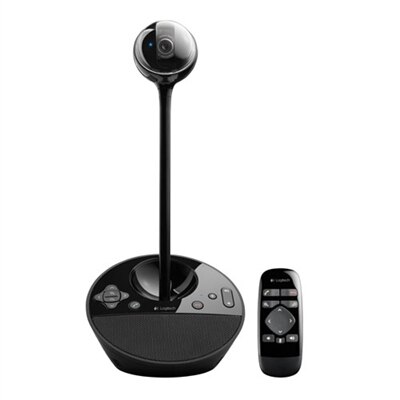
A black video conferencing camera offering HD 1080p video and superior speakerphone audio for small groups.
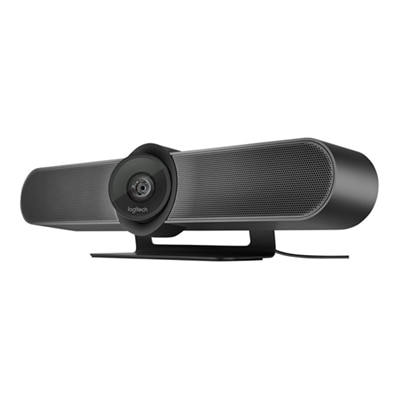
A 4K video conferencing camera with 120-degree FOV and optimized audio for small rooms.
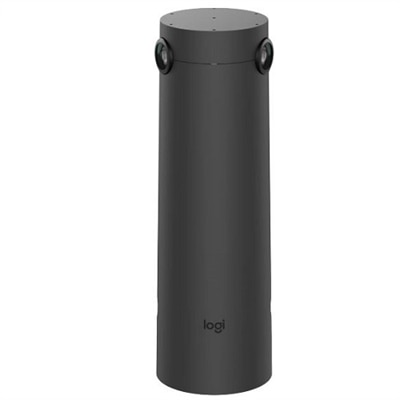
A graphite AI-powered camera with 4K resolution and 7 mics for enhanced hybrid meeting experiences.
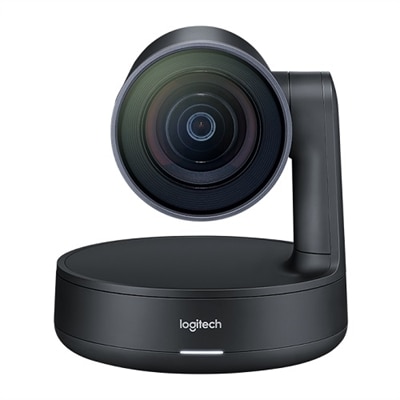
A matte black slate gray camera with 4K sensor, 15X HD zoom, and automated framing technology.
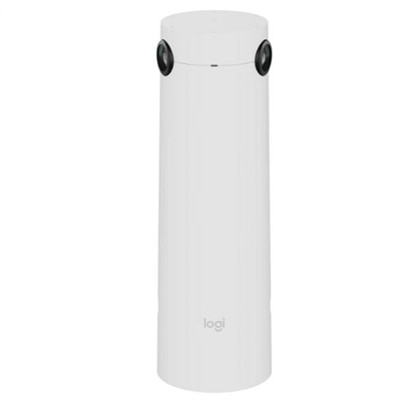
A white AI-powered camera with 4K resolution and 7 mics for enhanced hybrid meetings.
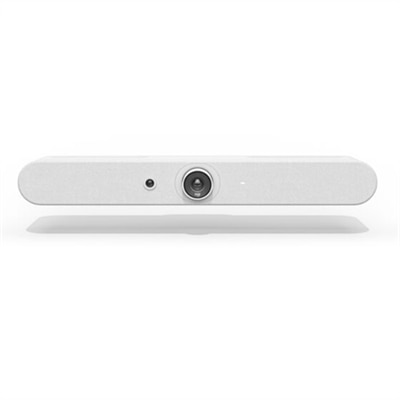
A white all-in-one video bar with AI-driven performance, ideal for small meeting rooms.
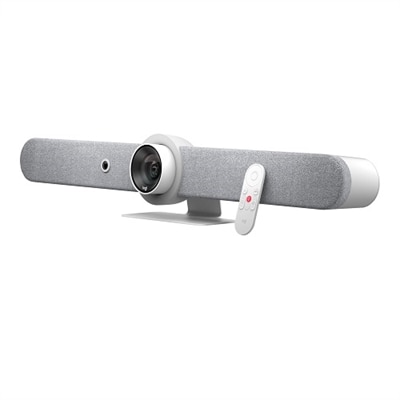
A sleek white all-in-one video bar offering cinema-quality video and audio for midsize meeting rooms.
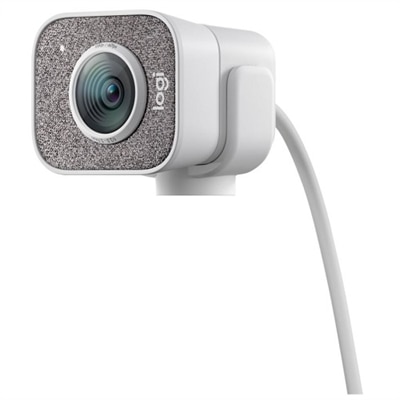
A white streaming camera with dual microphones, AI autofocus, USB-C connectivity, and full HD 1080p at 60fps.
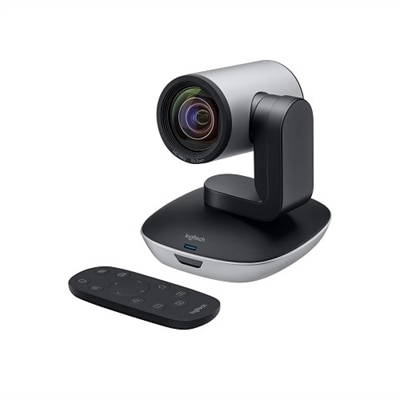
A high-definition video camera with 10x zoom, 260-degree pan, and USB connectivity for seamless conferencing.
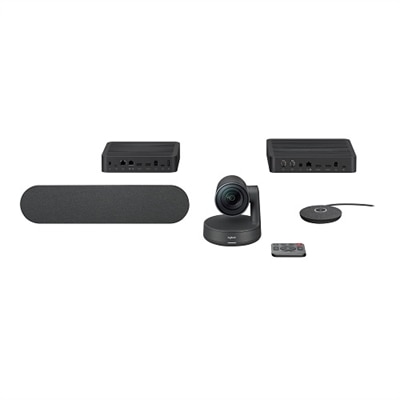
A sleek videoconferencing kit with 4K optics, modular audio, and automation for natural meetings.
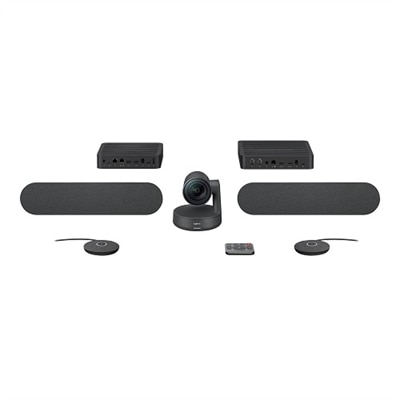
A sleek videoconferencing kit with 4K optics, graphite mic pods, and modular audio components for natural meetings.
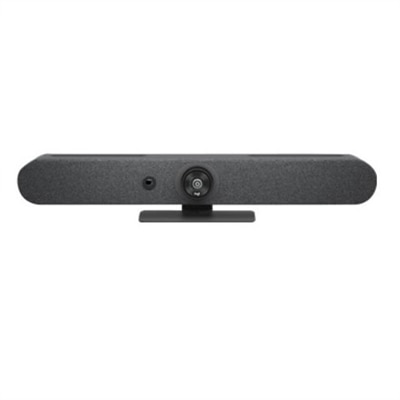
A compact graphite video bar with studio-quality audio, AI-driven performance, and versatile mounting options.
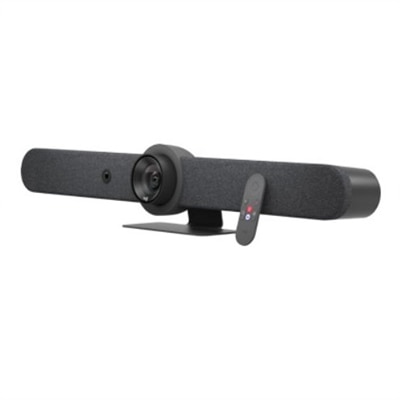
An all-in-one video bar with AI-driven performance, 15x zoom, and adaptive beamforming mics.
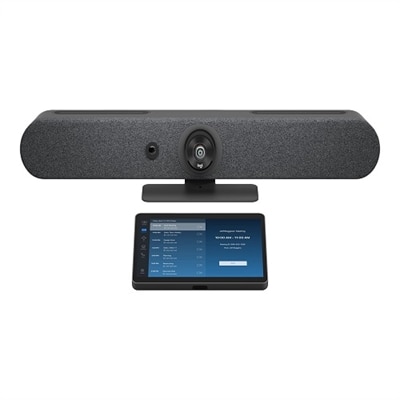
A graphite video conferencing kit with 4K camera, 15x zoom, and 10.1" touch controller.
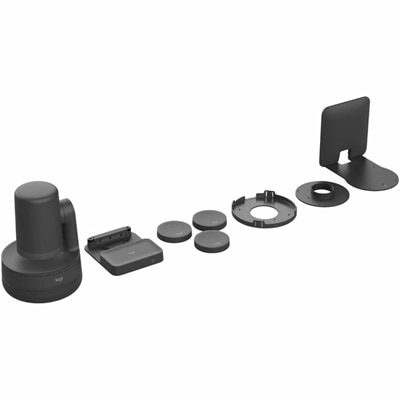
A comprehensive black USB PTZ video kit with wireless preset buttons, ceiling or wall mount, and easy management.
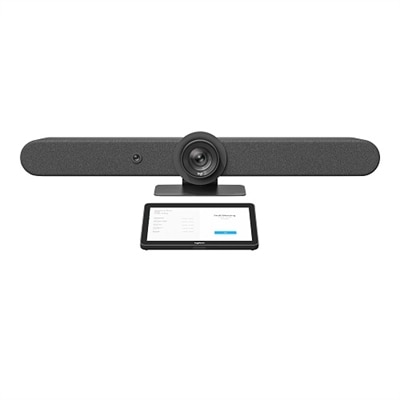
A versatile video conferencing kit with a 4K camera, touch controller, and AI auto-framing features.
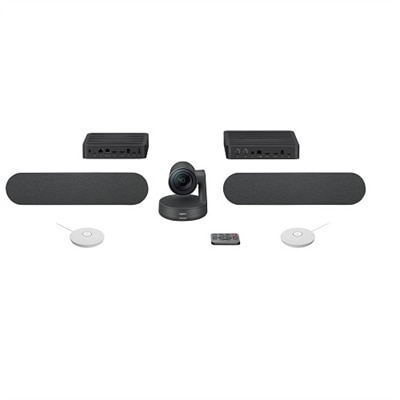
A studio-quality videoconferencing kit with white mic pods, ideal for medium to large meeting rooms.
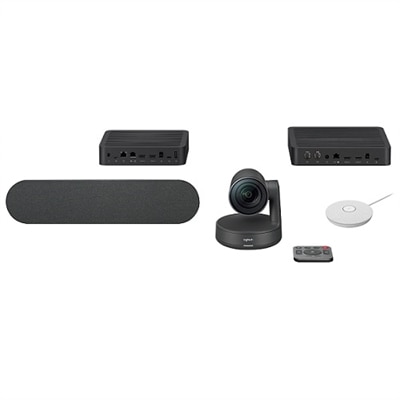
A comprehensive videoconferencing kit featuring a speaker and white mic pod for seamless collaboration.
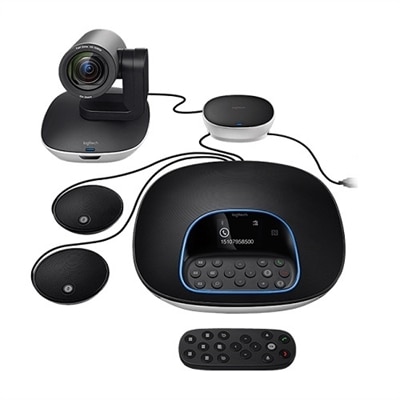
A versatile video conferencing system with HD video, clear audio, and expansion mics for large rooms.
Logitech Webcams for Home Office
FAQ
When choosing a Logitech webcam for your home office, consider features such as high-definition video resolution, autofocus, built-in microphones with noise reduction, wide field of view, and compatibility with popular video conferencing platforms. These features help ensure clear video and audio during virtual meetings.
Yes, most Logitech webcams are designed to be compatible with both Windows and Mac operating systems. They typically use standard USB connections and support plug-and-play functionality for easy setup.
Many Logitech webcams work immediately after plugging them in, but installing the optional Logitech Capture or Logi Tune software can unlock advanced settings like background replacement, image adjustments, and firmware updates.
Yes, Logitech webcams are widely compatible with major video conferencing applications such as Zoom, Microsoft Teams, Skype, Google Meet, and others. They are recognized automatically by most platforms once connected to your computer.
For optimal video quality with your Logitech webcam, position yourself facing a natural light source or use desk lamps to illuminate your face evenly. Avoid strong backlighting from windows or bright lights behind you to prevent shadows and ensure clear visibility during calls.