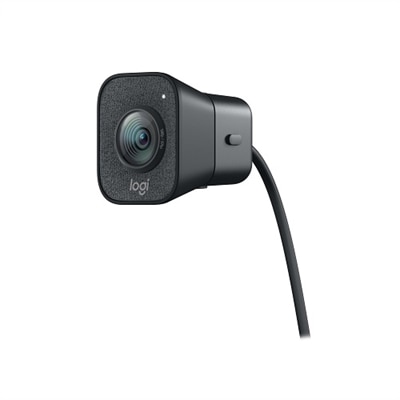
A graphite webcam delivering smooth 1080p HD video at 60fps with AI facial tracking and USB-C connectivity.

Logitech Webcams for Office Use
Enhance your workspace with high-quality video communication solutions by exploring Logitech webcams for office use. Designed to support professional environments, these webcams help create a seamless virtual meeting experience and clear video calls. Whether you’re connecting with colleagues or collaborating with clients, Logitech webcams for office use offer reliable performance to keep your workflow efficient and productive. Find the right webcam to suit your office needs and maintain a polished, connected presence in any business setting.
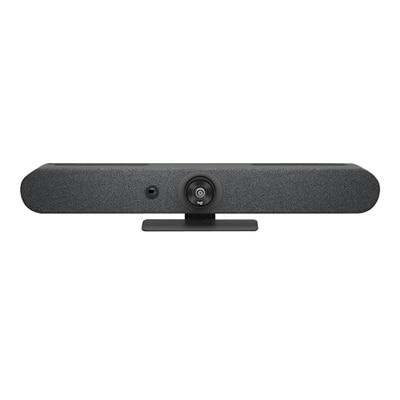
A graphite video conferencing camera offering AI-driven insights, seamless connectivity, and advanced audio engineering.
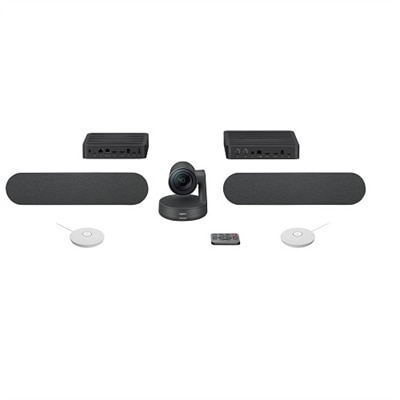
A studio-quality videoconferencing kit with white mic pods, ideal for medium to large meeting rooms.
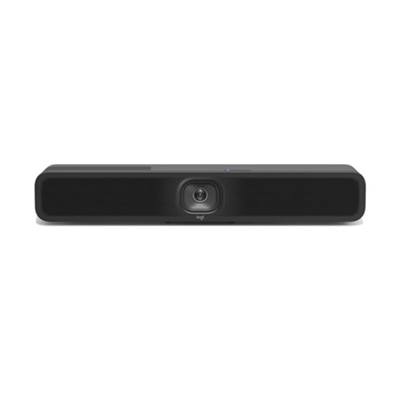
A USB 3.1 Type C video conferencing camera with AI features for small meeting rooms.
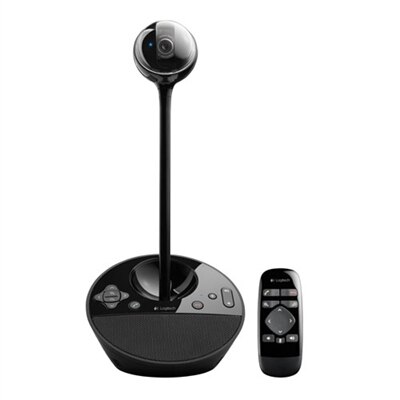
A black video conferencing camera offering HD 1080p video and superior speakerphone audio for small groups.
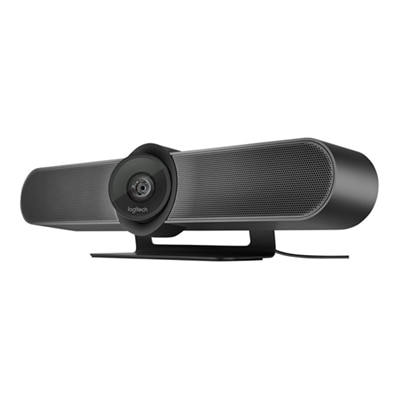
A 4K video conferencing camera with 120-degree FOV and optimized audio for small rooms.
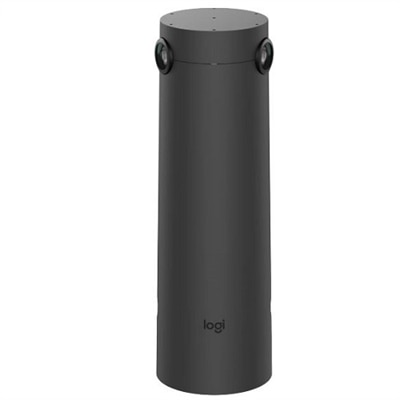
A graphite AI-powered camera with 4K resolution and 7 mics for enhanced hybrid meeting experiences.
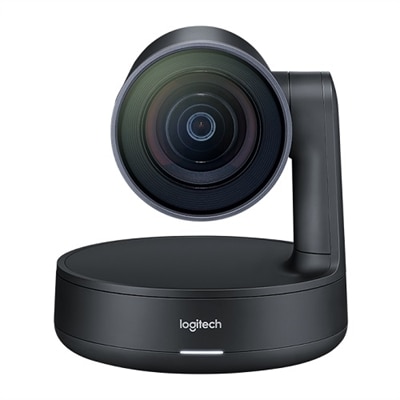
A matte black slate gray camera with 4K sensor, 15X HD zoom, and automated framing technology.
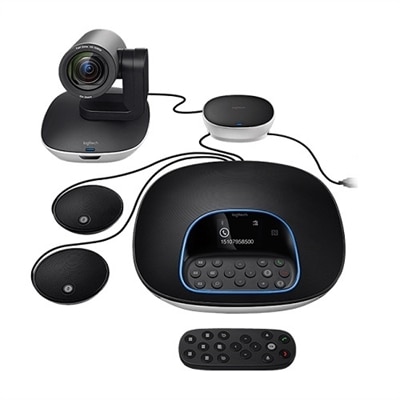
A versatile video conferencing system with HD video, clear audio, and expansion mics for large rooms.
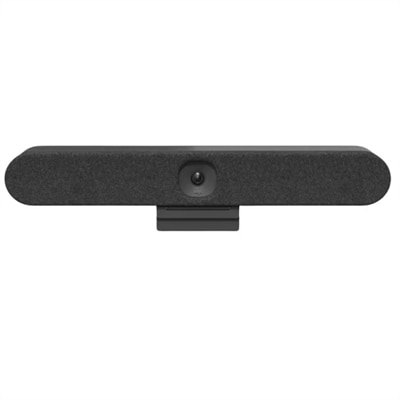
An all-in-one video conferencing bar with AI intelligence and versatile mounting for seamless hybrid meetings.
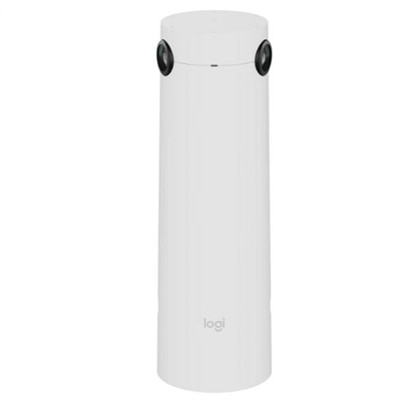
A white AI-powered camera with 4K resolution and 7 mics for enhanced hybrid meetings.
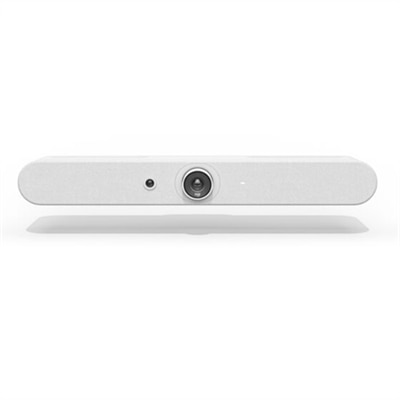
A white all-in-one video bar with AI-driven performance, ideal for small meeting rooms.
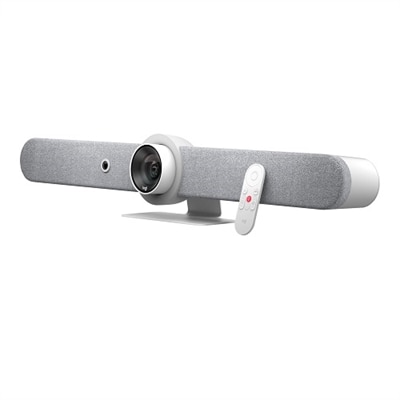
A sleek white all-in-one video bar offering cinema-quality video and audio for midsize meeting rooms.
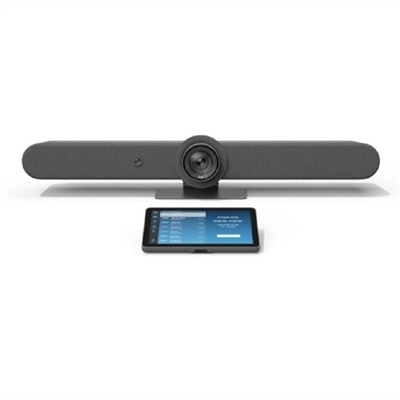
A comprehensive video meeting solution with a 15x PTZ camera, touch controller, and AI auto-framing.
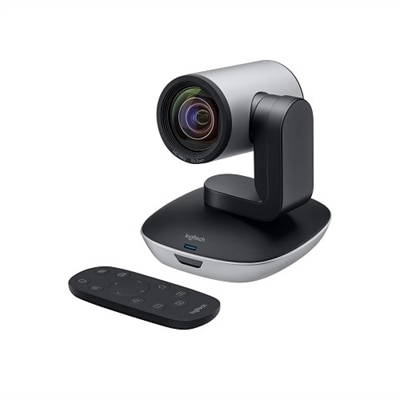
A high-definition video camera with 10x zoom, 260-degree pan, and USB connectivity for seamless conferencing.
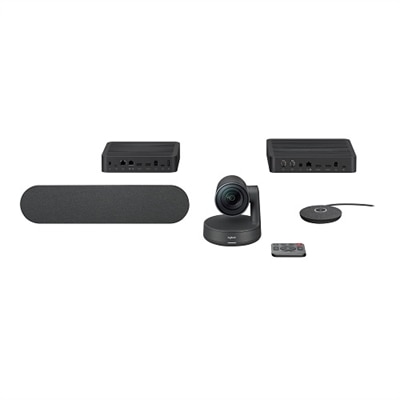
A sleek videoconferencing kit with 4K optics, modular audio, and automation for natural meetings.
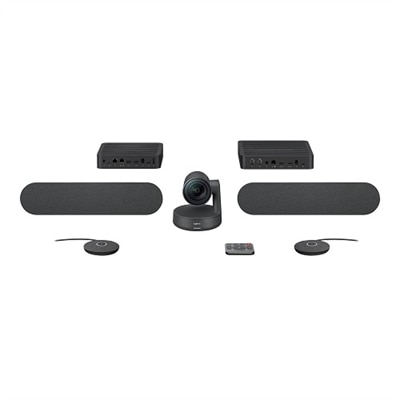
A sleek videoconferencing kit with 4K optics, graphite mic pods, and modular audio components for natural meetings.
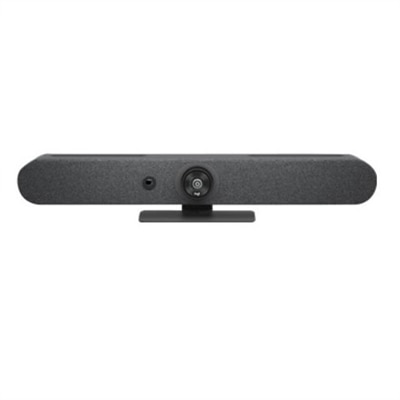
A compact graphite video bar with studio-quality audio, AI-driven performance, and versatile mounting options.
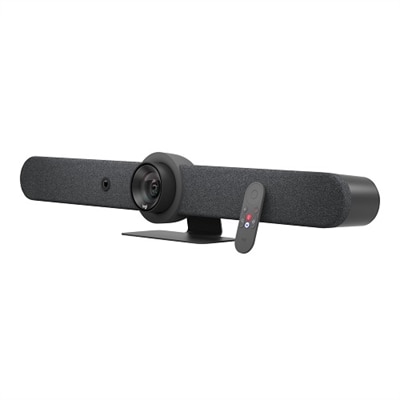
A graphite all-in-one video bar with automated PTZ and high-performance audio for midsize meeting rooms.
An all-in-one video bar with AI-driven performance, 15x zoom, and adaptive beamforming mics.
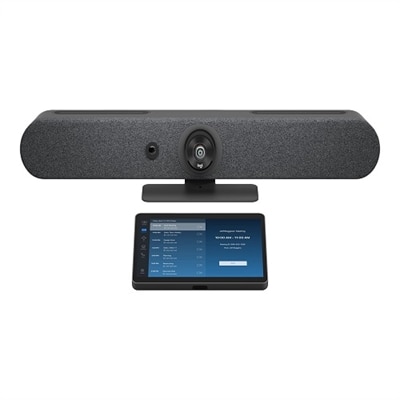
A graphite video conferencing kit with 4K camera, 15x zoom, and 10.1" touch controller.
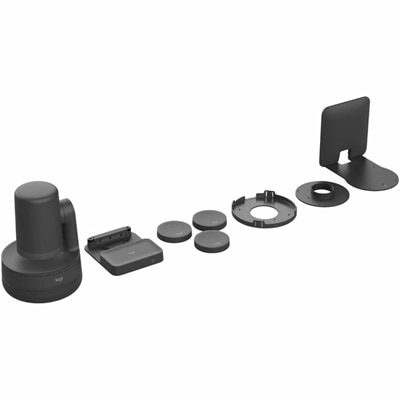
A comprehensive black USB PTZ video kit with wireless preset buttons, ceiling or wall mount, and easy management.
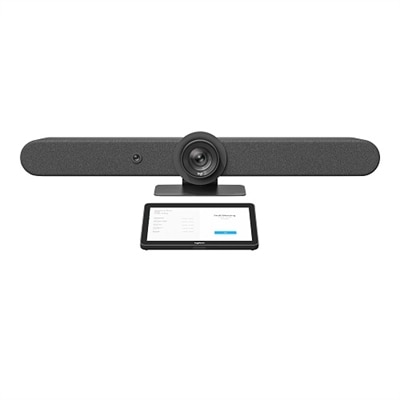
A versatile video conferencing kit with a 4K camera, touch controller, and AI auto-framing features.
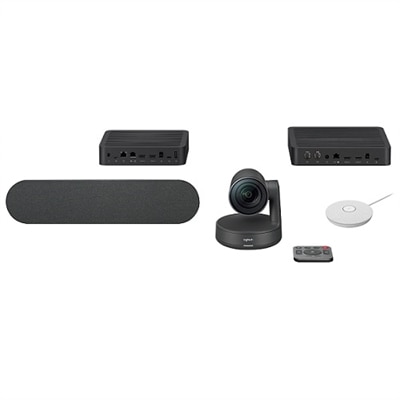
A comprehensive videoconferencing kit featuring a speaker and white mic pod for seamless collaboration.
Logitech Webcams for Office Use
FAQ
When choosing a Logitech webcam for office use, consider features such as high-definition video quality, autofocus, built-in microphones, low-light correction, and compatibility with popular video conferencing platforms like Zoom and Microsoft Teams.
Yes, most Logitech webcams are designed to be compatible with both Windows and Mac operating systems. Always check the specific model's compatibility details to ensure it meets your requirements.
Many Logitech webcams offer plug-and-play functionality, meaning they can work immediately when connected via USB. However, installing Logitech's optional software can unlock advanced features such as background replacement or camera settings customization.
Yes, Logitech webcams are generally compatible with a wide range of video conferencing applications including Zoom, Skype, Microsoft Teams, Google Meet, and more.
Autofocus ensures that you remain sharp and clear on camera even if you move around during meetings. This feature is especially useful in professional settings where image clarity is important.