card-img

Logitech Wireless Mice for Home Office

Enhance your workspace with the convenience and reliability of Logitech wireless mice for home office. Designed to support productivity and comfort, these wireless mice offer seamless integration into any home office setup. Explore a variety of options that combine modern design with dependable performance, making it easy to navigate tasks throughout your workday. Find the right fit for your needs and experience the flexibility that Logitech wireless mice for home office can bring to your daily workflow.

Filters

$79.99

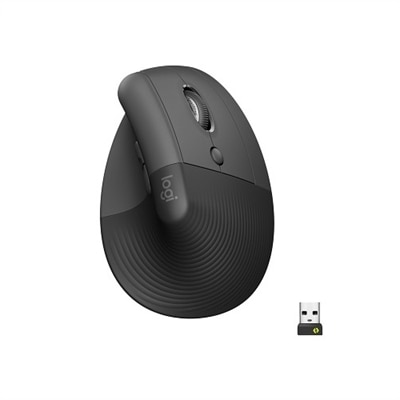
A wireless ergonomic mouse in graphite with quiet clicks, four customizable buttons, and multi-device connectivity.

$79.99
$79.99

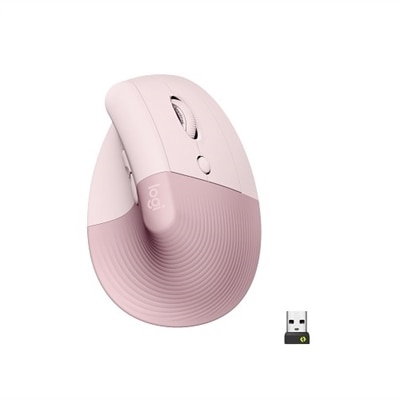
A wireless ergonomic mouse in rose with quiet clicks, four customizable buttons, and Bluetooth or USB connectivity.
$79.99
$79.99

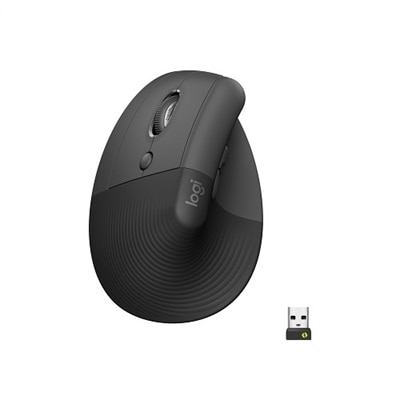
A left-handed wireless ergonomic mouse in graphite with quiet clicks, customizable buttons, and multi-device connectivity.
$79.99
$79.99

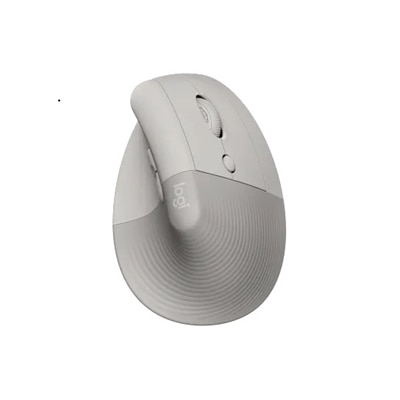
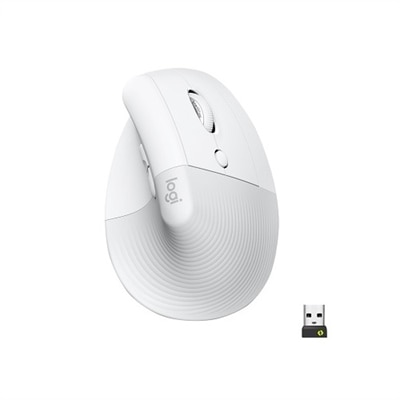
An off-white wireless ergonomic mouse with quiet clicks, Bluetooth or USB connectivity, and four customizable buttons.
$79.99
$29.99

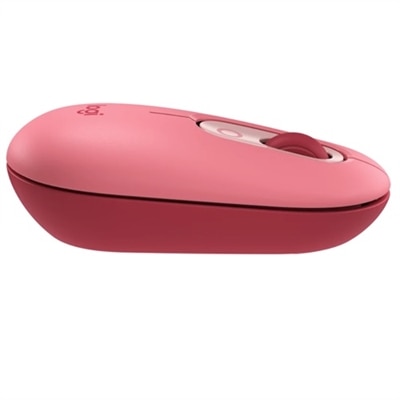
A playful wireless mouse in Heartbreaker Rose with customizable emoji keys and multi-device connectivity.

$29.99
$17.99

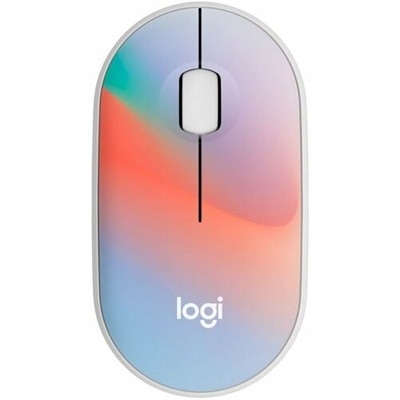
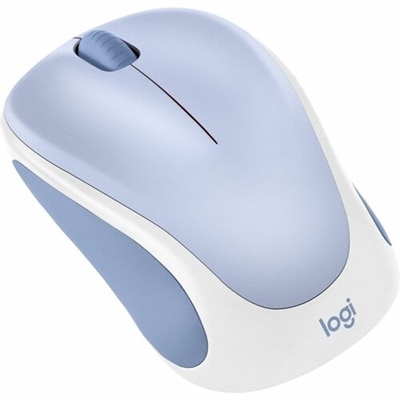
A compact, sheer dream-colored wireless mouse featuring silent clicks, recycled plastic, and an 18-month battery life.

$17.99
$119.99

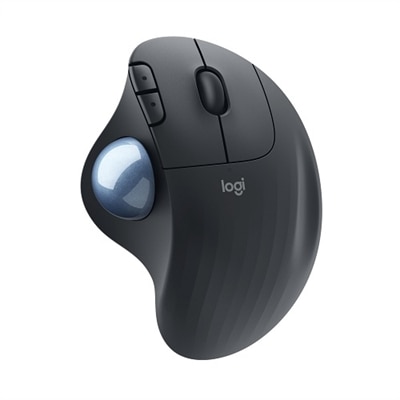
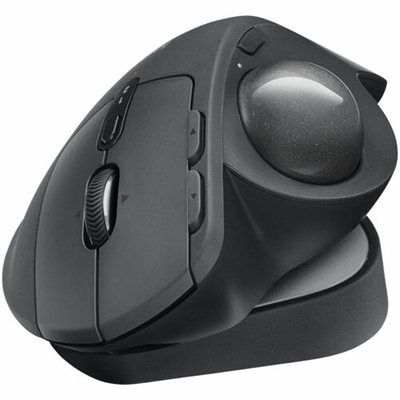
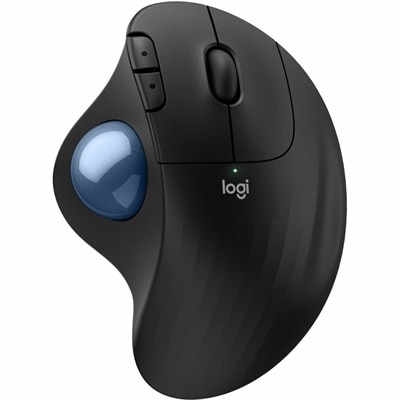
An ergonomic graphite wireless trackball mouse with Bluetooth, USB-C charging, customizable buttons, and quiet clicks.

$119.99
$29.99

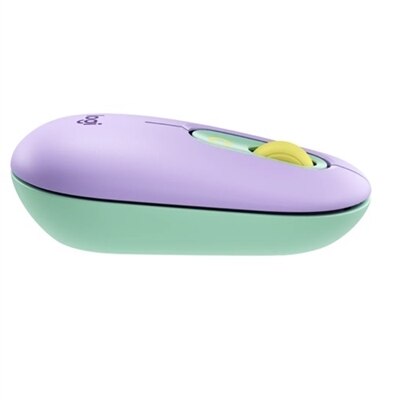
A mint wireless mouse featuring customizable emoji button, silent clicks, smartwheel, and multi-device connectivity.

$29.99
$17.99

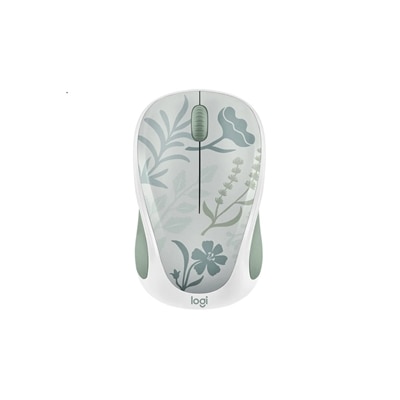
A compact wireless mouse in a floral bouquet design, featuring silent clicks and made with recycled plastic.

$17.99
$119.99

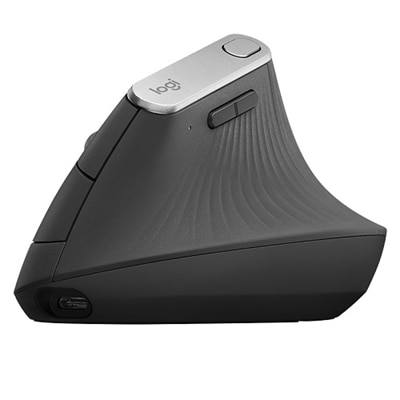
An ergonomic wireless mouse in graphite with a vertical design to reduce muscle strain and improve posture.

$119.99
$23.99

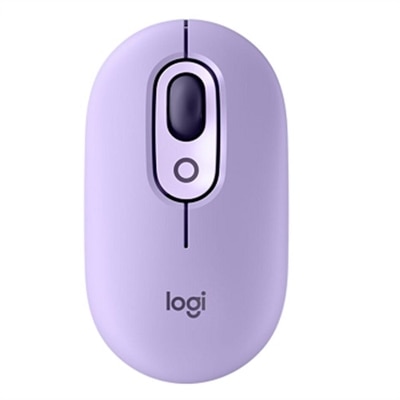
A playful wireless mouse in Cosmos color with customizable emojis, silent clicks, and multi-device connectivity.
$23.99
$23.99

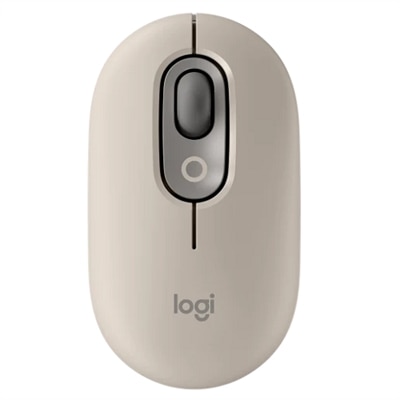
A wireless mouse in mist color featuring customizable emojis, SilentTouch clicks, and precision/speed scroll modes.

$23.99
$79.99

A left-handed, wireless ergonomic mouse in graphite with quiet clicks, secure connectivity, and precision Smartwheel scrolling.

$79.99
$17.99

A compact wireless mouse in speckles color, featuring silent clicks, recycled plastic, and 18-month battery life.

$17.99
$22.99

A compact red wireless mouse offering micro-precise scrolling and tilt wheel for enhanced speed and accuracy.

$22.99
$22.99

A compact blue wireless mouse offering micro-precise scrolling, tilt wheel, and broad OS compatibility.

$22.99
$22.99

A compact wireless mouse in celebration black with micro-precise scrolling and tilt wheel for accuracy.

$22.99
$22.99

A compact lilac wireless mouse offering micro-precise scrolling and tilt wheel for enhanced speed and accuracy.

$22.99
$23.99

An off-white wireless mouse featuring Silent Touch Technology, Smartwheel scrolling, and customizable buttons for seamless multitasking.

$23.99
$23.99

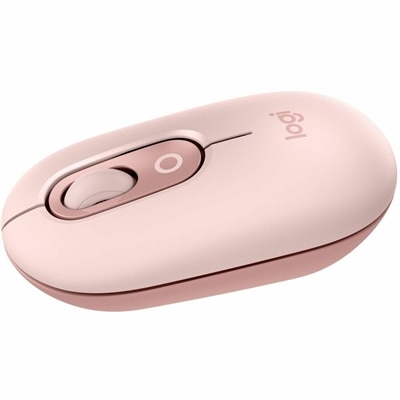
A compact rose wireless mouse featuring Silent Touch, Smartwheel scrolling, and easy switching between three devices.

$23.99
$23.99

A compact lilac wireless mouse featuring programmable buttons, quiet clicks, and easy Bluetooth device switching.

$23.99
$69.99

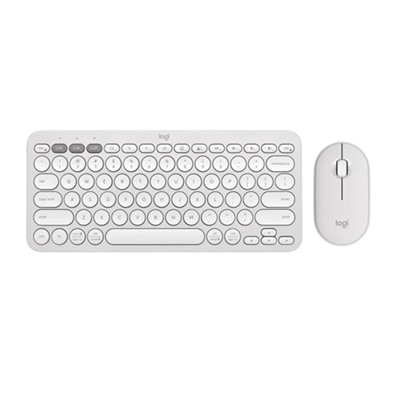
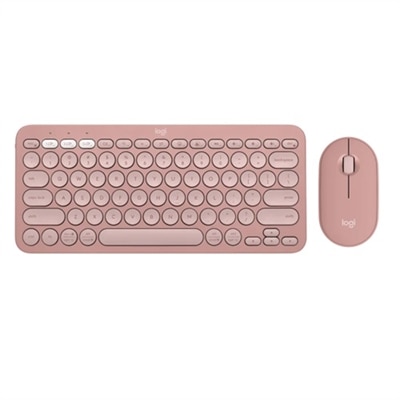
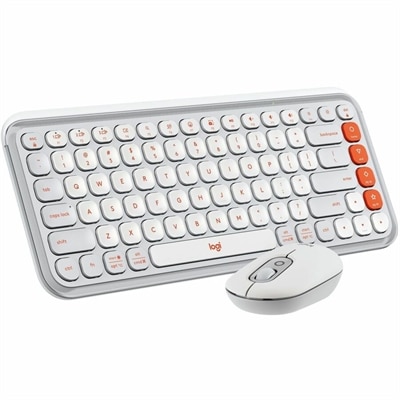
A stylish rose and off-white Bluetooth keyboard and mouse combo with customizable keys and comfortable, quiet typing.

$69.99
$69.99

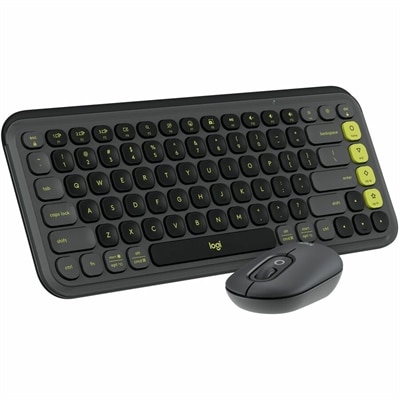
A stylish graphite and green keyboard and mouse combo featuring customizable keys, quiet typing, and smart scrolling.

$69.99
$79.99

An ergonomic wireless keyboard and mouse combo with recycled plastic, cushioned palm rest, and quiet, sculpted design.

$79.99

Logitech Wireless Mice for Home Office

Choosing the right wireless mouse can transform the experience of working from home, and that’s why the page featuring Logitech wireless mice for home office is designed to help users find a perfect fit for their daily routines. In today’s flexible work environments, comfort and efficiency are more important than ever. The right mouse should feel like an extension of your hand, gliding smoothly across your desk whether you’re crunching numbers at a kitchen table, reviewing design drafts in a sunlit living room, or managing emails from a dedicated study. Wireless mice from top brands are engineered with features that cater to these diverse needs—ergonomic contours for all-day comfort, silent clicks for shared spaces, customizable buttons for streamlining repetitive tasks, and long-lasting battery life that keeps you productive without constant interruptions. Some models offer advanced tracking technology that works seamlessly on glass surfaces or textured desktops, making them ideal for improvised workstations. For those who regularly switch between devices—a laptop for video calls and a desktop for editing documents—multi-device connectivity can be a game-changer, allowing effortless toggling without the hassle of plugging and unplugging cables.

When considering Logitech wireless mice for home office use, it’s helpful to think about who will benefit most from these versatile accessories. Remote professionals and freelancers often appreciate the freedom to move around their homes without being tethered by cords; they might start their morning at the dining room table and finish the day in a favorite reading nook. Students attending virtual classes or completing assignments late into the night also value the reliable performance and quiet operation that many wireless mice provide. Even families sharing computers can enjoy the convenience of easy-to-use devices that adapt to different hand sizes and preferences. These wireless mice also make thoughtful gifts—imagine surprising a colleague who has just started working remotely or helping a friend upgrade their home setup with tools designed to reduce fatigue during long sessions at the computer. The intuitive setup process means even those less familiar with technology can get up and running quickly, while advanced users will appreciate programmable features that let them tailor shortcuts to their workflow.

Selecting from Logitech wireless mice for home office is about more than just picking out a peripheral; it’s about enhancing productivity and creating an environment where focus comes naturally. Picture yourself settling into your workspace each day, greeted by a mouse that fits perfectly in your palm—responsive, precise, and ready to support whatever task lies ahead. Whether you’re navigating complex spreadsheets, sketching out creative ideas, or simply scrolling through articles with your morning coffee, these wireless mice deliver consistent performance in every scenario. With options tailored for both right- and left-handed users, as well as compact designs ideal for smaller desks or travel bags, there’s something to suit every lifestyle. Investing in quality accessories like these not only improves daily comfort but also contributes to long-term well-being by minimizing strain during extended use. By focusing on essential features such as battery efficiency, customizable controls, ergonomic design, and seamless connectivity, users can create a workspace that truly supports their goals—making each day more enjoyable and productive with reliable tools at their fingertips.

What are the benefits of using a Logitech wireless mouse for a home office?

Logitech wireless mice offer greater flexibility and freedom of movement, reduce desk clutter by eliminating cables, and often feature ergonomic designs that enhance comfort during long work sessions. Many models also include customizable buttons and advanced tracking for improved productivity.

How do I connect a Logitech wireless mouse to my computer?

Most Logitech wireless mice connect via a USB receiver (Unifying Receiver) or Bluetooth. Simply plug the receiver into your computer's USB port or pair the mouse through your device's Bluetooth settings. Follow the included instructions for quick setup.

Are Logitech wireless mice compatible with both Windows and Mac computers?

Yes, most Logitech wireless mice are designed to be compatible with both Windows and Mac operating systems. Always check the product specifications to ensure compatibility with your specific device.

Do Logitech wireless mice require batteries or are they rechargeable?

Logitech offers both battery-powered and rechargeable wireless mice. Some models use standard AA or AAA batteries, while others feature built-in rechargeable batteries that can be charged via USB cable.

Can I use a single Logitech wireless mouse with multiple devices in my home office?

Certain Logitech wireless mice support multi-device connectivity, allowing you to switch between two or three devices seamlessly using a button on the mouse. This is ideal for users who work across multiple computers or tablets in their home office.

Add the products you would like to compare, and quickly determine which is best for your needs.

Add the products you would like to compare, and quickly determine which is best for your needs.