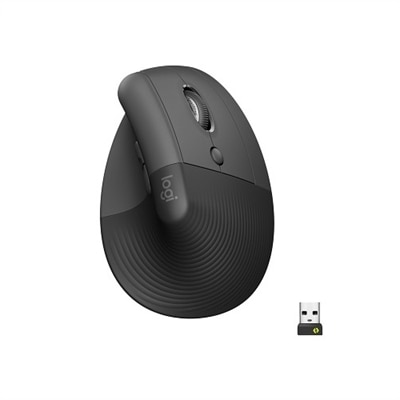
A wireless ergonomic mouse in graphite with quiet clicks, four customizable buttons, and multi-device connectivity.

Logitech Wireless Mice for Productivity
Logitech wireless mice for productivity offer a seamless way to enhance your workspace with reliable performance and effortless connectivity. Designed to support efficient workflows, these wireless mice help reduce cable clutter and provide the flexibility needed for various tasks throughout the day. Explore a range of options to find the right fit for your setup and experience the convenience that comes with advanced wireless technology. With Logitech wireless mice for productivity, elevating your daily routine becomes simple and effective.
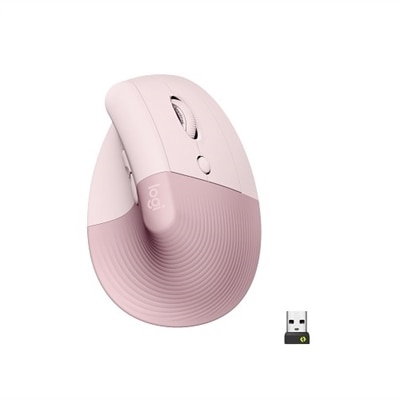
A wireless ergonomic mouse in rose with quiet clicks, four customizable buttons, and Bluetooth or USB connectivity.
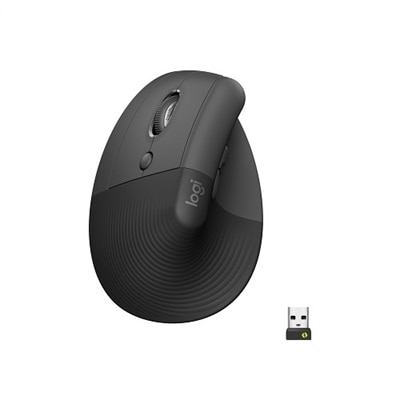
A left-handed wireless ergonomic mouse in graphite with quiet clicks, customizable buttons, and multi-device connectivity.
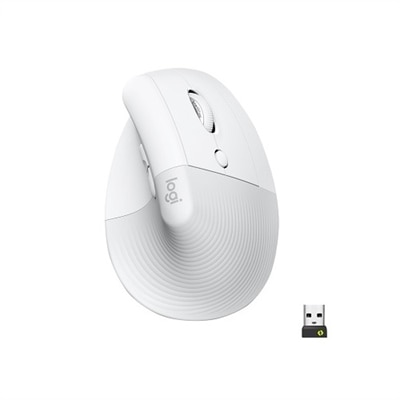
An off-white wireless ergonomic mouse with quiet clicks, Bluetooth or USB connectivity, and four customizable buttons.
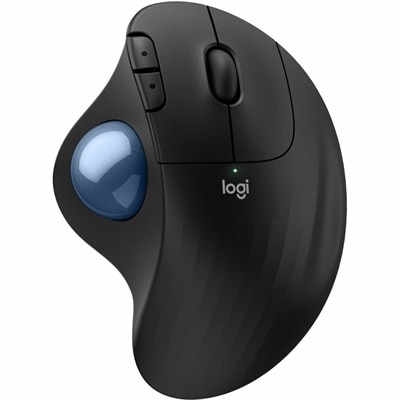
An ergonomic wireless trackball mouse in black with a blue ball, featuring quiet clicks for comfort.
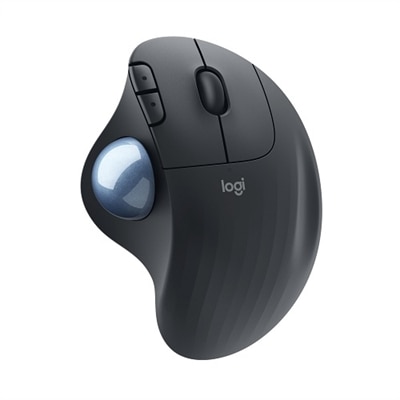
An ergonomic graphite wireless trackball mouse with smooth thumb control, customizable buttons, and secure Logi Bolt connectivity.
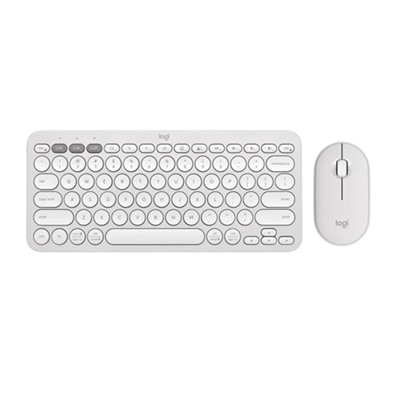
A quiet, portable wireless keyboard and mouse combo in tonal white, featuring customizable shortcuts and eco-friendly materials.
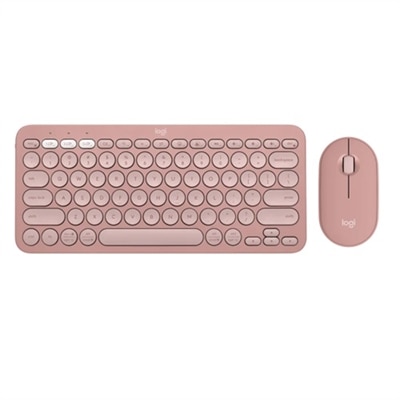
A slim, rose-colored wireless keyboard and mouse set with Bluetooth connectivity and customizable keys.
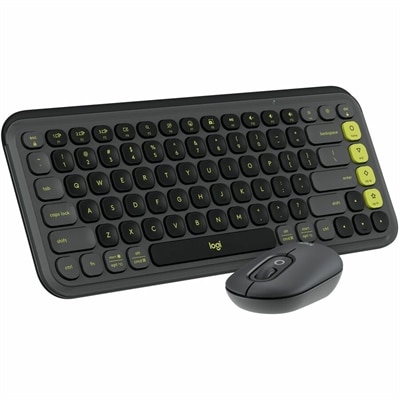
A stylish graphite and green keyboard and mouse combo featuring customizable keys, quiet typing, and smart scrolling.
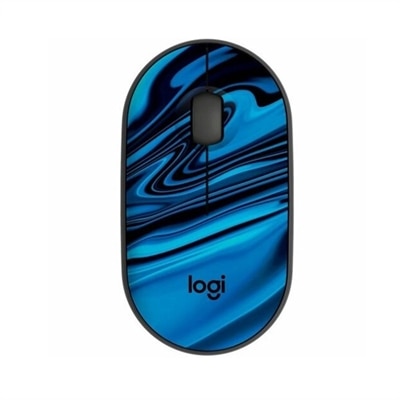
A compact blue galaxy wireless mouse featuring silent clicks, recycled plastic, and an 18-month battery life.
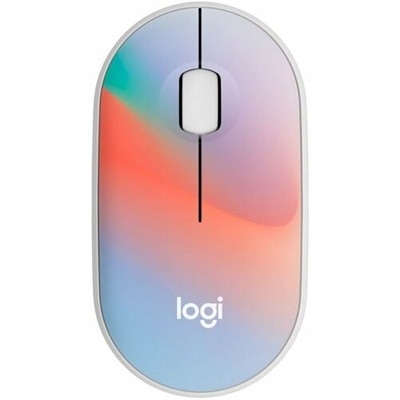
A compact, sheer dream-colored wireless mouse featuring silent clicks, recycled plastic, and an 18-month battery life.
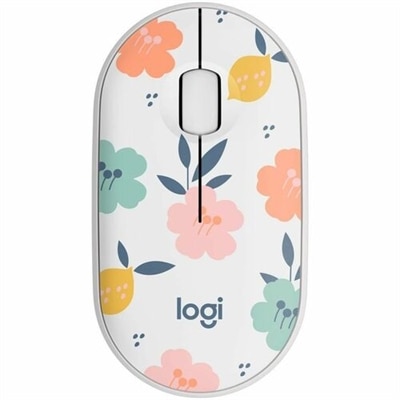
A compact wireless mouse in a floral bouquet design, featuring silent clicks and made with recycled plastic.
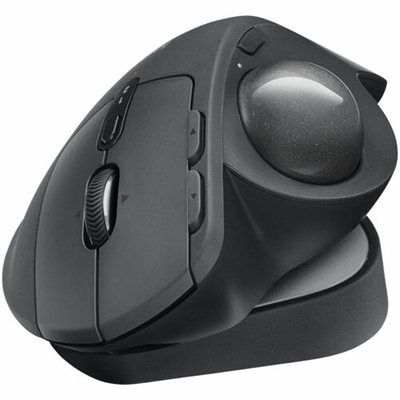
An ergonomic graphite wireless trackball mouse with Bluetooth, USB-C charging, customizable buttons, and quiet clicks.
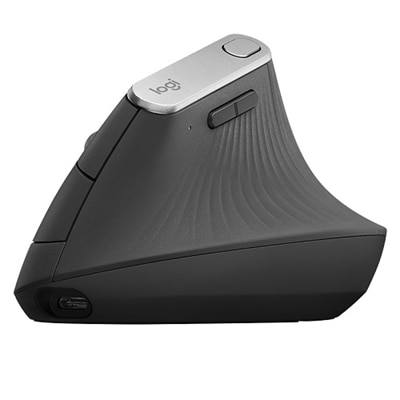
An ergonomic wireless mouse in graphite with a vertical design to reduce muscle strain and improve posture.
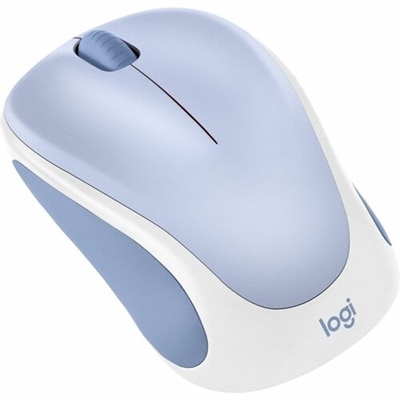
A small, comfortable wireless mouse in light lilac, designed for responsive clicking in any workspace.
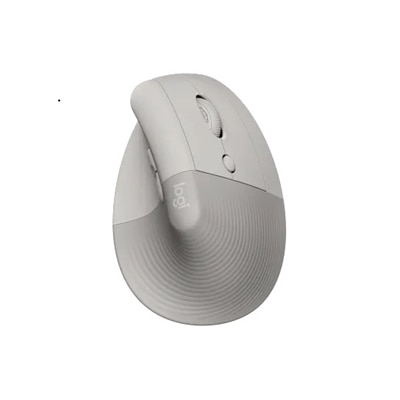
A vertical ergonomic mouse in sand color with a soft rubber grip, cozy thumb rest, and multi-device connectivity.
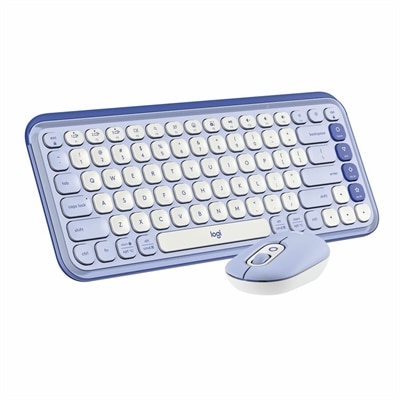
A stylish lilac and off-white Bluetooth keyboard and mouse combo with customizable keys and comfortable typing.
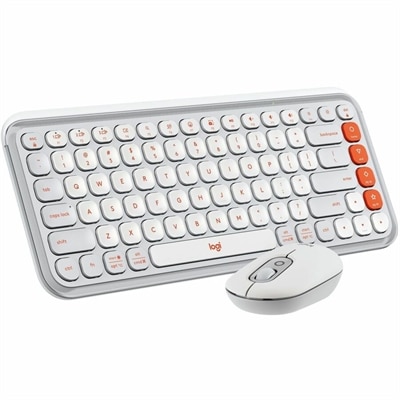
An off-white and orange Bluetooth keyboard and mouse combo featuring comfortable typing and programmable keys and buttons.
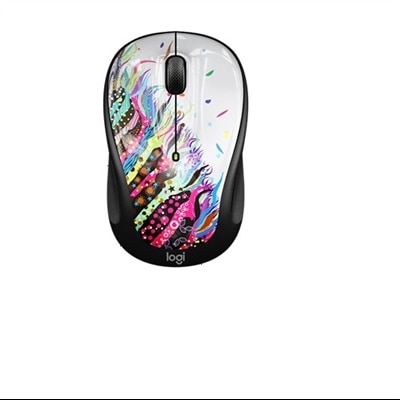
A compact wireless mouse in celebration black with micro-precise scrolling and tilt wheel for accuracy.
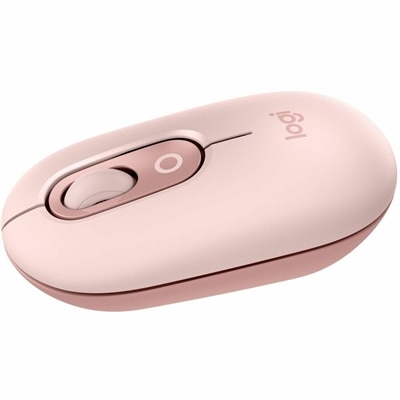
A compact rose wireless mouse featuring Silent Touch, Smartwheel scrolling, and easy switching between three devices.

A stylish rose and off-white Bluetooth keyboard and mouse combo with customizable keys and comfortable, quiet typing.
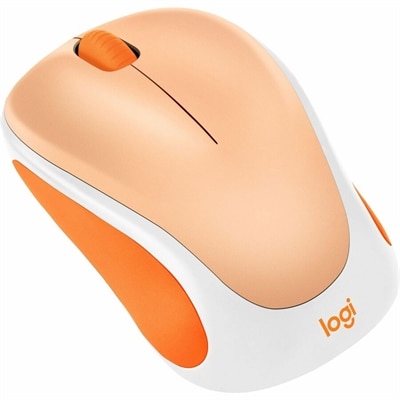
A portable, lightweight wireless mouse in light orange with a USB receiver and 12-month AA battery life.

A compact wireless mouse in speckles color, featuring silent clicks, recycled plastic, and 18-month battery life.
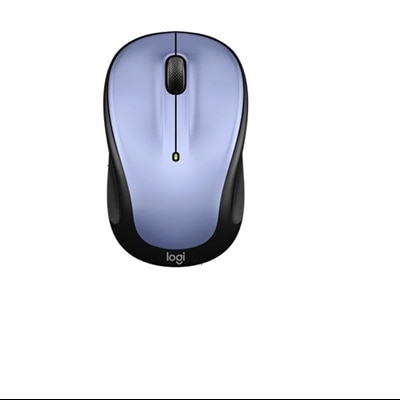
A compact lilac wireless mouse offering micro-precise scrolling and tilt wheel for enhanced speed and accuracy.
Logitech Wireless Mice for Productivity
FAQ
Logitech wireless mice offer enhanced flexibility and freedom of movement, allowing users to work comfortably without being tethered by cables. Many models feature ergonomic designs, customizable buttons, and advanced tracking technology, all of which can help boost efficiency and streamline workflow.
Most Logitech wireless mice connect via Bluetooth or a USB receiver (often called a Unifying Receiver). This allows for quick and easy setup with compatible laptops, desktops, and even some tablets.
Yes, many Logitech wireless mice support multi-device connectivity. With features like Easy-Switch technology, you can pair your mouse with several devices and switch between them seamlessly at the press of a button.
While basic functions work out-of-the-box, installing Logitech Options or Logi Options+ software unlocks advanced customization. This allows you to program buttons, adjust pointer speed, and set up application-specific shortcuts for improved productivity.
For productivity, consider features such as ergonomic design for comfort during long hours, programmable buttons for shortcuts, high-precision sensors for accurate tracking, long battery life, and multi-device support to easily switch between computers or devices.