$99.99
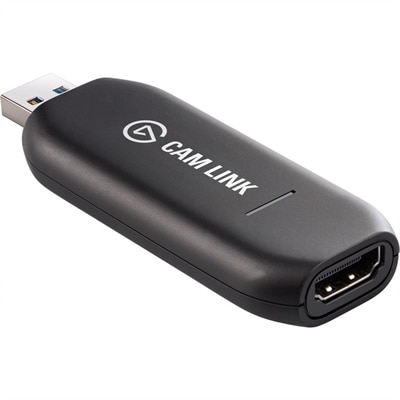
A low-latency 4K capture device that turns DSLR, camcorder, or action cameras into webcams.
Unlock the potential of your creative projects with cutting-edge video capture tools, designed to transform how you record, edit, and share your visual content. Whether you're a seasoned videographer or an enthusiastic beginner, our selection of high-performance devices offers the versatility and reliability you need to produce stunning videos effortlessly. Dive into the world of high-definition recording, seamless streaming, and precise editing capabilities, all tailored to elevate your multimedia experience. Explore our range of video capture tools and discover the perfect solution to bring your vision to life with clarity and precision.
A low-latency 4K capture device that turns DSLR, camcorder, or action cameras into webcams.
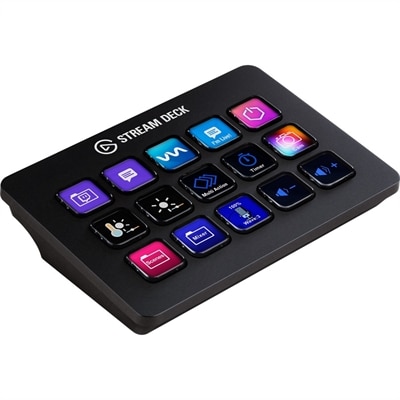
A customizable control pad with 15 LCD keys, programmable actions, and removable black or white faceplates.
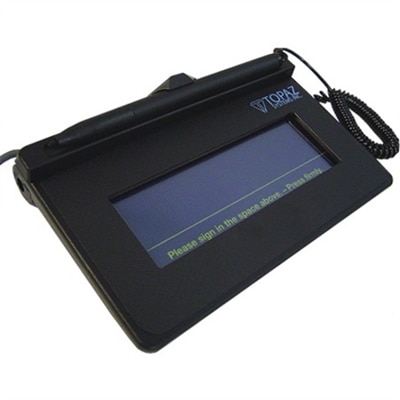
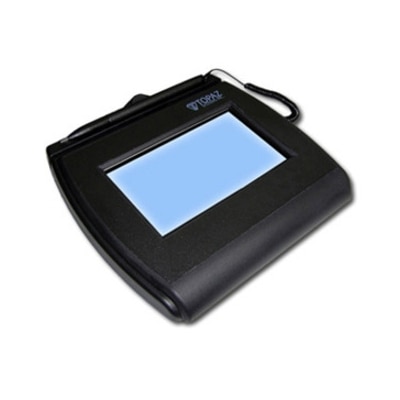
A low-cost pressure-sensitive signature pad with biometric capture, replaceable overlay protection, stylus, and bundled signature software.
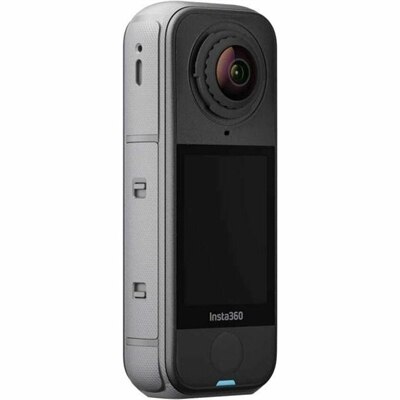
An Arctic White 360 camcorder capturing stabilized 8K HDR video with replaceable lenses and wind-resistant audio.
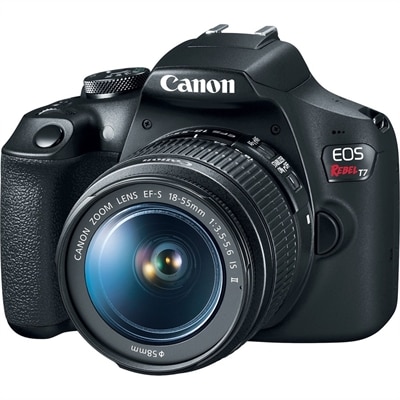
A beginner-friendly DSLR with a 24.1MP CMOS sensor, Wi-Fi, NFC, Full HD video, and ISO 6400.
An interactive LCD signature pad with tempered glass, large signing area, and electronic ink visible beneath pen.
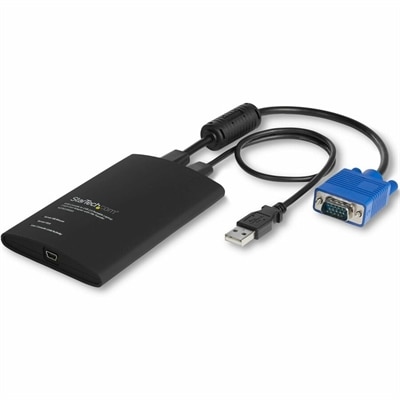
A compact USB/VGA crash cart adapter enabling BIOS-level control, file transfer and 1920×1200 video capture.
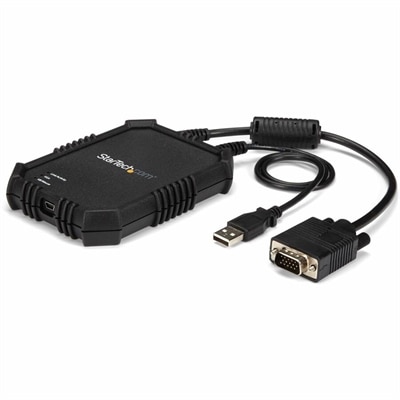
A rugged, portable USB crash cart adapter providing VGA/USB BIOS-level access, file transfer, and video capture.
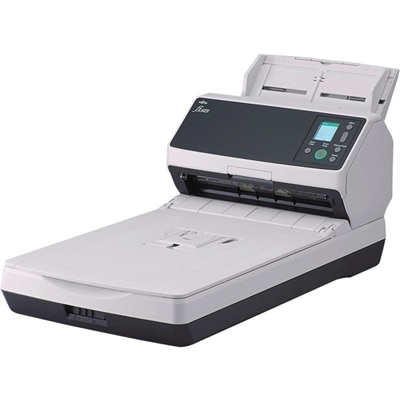
A reliable 600 dpi scanner with flatbed, automatic document feeding, Clear Image Capture, and accurate OCR.
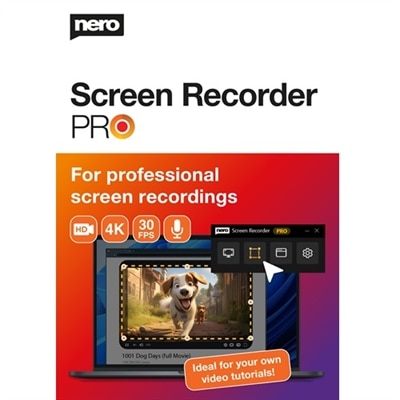
Video capture tools make it easier to record what happens on a computer screen, present information through a webcam, or bring video from an external source into a laptop or desktop. A screen recorder can document a software demonstration, preserve a creative project in motion, or create a short walkthrough that is often clearer than a long email. For remote work and learning, these tools can turn a complicated set of instructions into a visual message with a voice-over, cursor movement, and on-screen highlights. They can also support live broadcasting, gameplay recording, customer support, training, and personal projects. Some capture options are built into the operating system, allowing users to record a full display or a selected region with a keyboard shortcut and without installing additional software. Others offer editing tools, microphone controls, camera overlays, automatic link sharing, or scene layouts for more involved recordings. When selecting a video capture tool, consider the type of content being recorded, the desired image quality, and the amount of control needed. A person making a quick instructional clip may value a simple interface and fast sharing, while a creator producing a polished presentation may need multiple video sources, adjustable audio levels, transitions, and support for higher frame rates. Recording resolution matters as well: standard HD can be suitable for presentations and everyday tutorials, while sharper resolutions may better preserve small text, detailed artwork, or fast-moving gameplay. A reliable laptop or desktop, a clear monitor, and a comfortable accessory setup can make the entire process smoother, especially when recording for longer periods. It is also worth checking available storage space, processor performance, graphics capability, and the connection types supported by the computer and capture accessory.
Different capture setups serve different audiences. Students can use screen recording to explain a lab assignment, review a presentation rehearsal, or save a lesson for later study. Teachers and trainers can create repeatable demonstrations that learners can pause and revisit, while small-business teams can record product tours, onboarding sessions, and software procedures without scheduling another meeting. Designers, photographers, and artists may want to show the progression from a blank canvas to a finished piece, using a webcam view or microphone narration to add context. Gamers and livestreamers often look for tools that can combine gameplay, a camera feed, and spoken commentary while maintaining smooth motion and responsive performance. Families may use a simple recording setup to preserve a recital, share a craft demonstration, or help relatives follow along with a home project. A thoughtful gift for a student, remote worker, aspiring creator, or hobbyist could include a straightforward capture application paired with a quality webcam, microphone, lighting accessory, or display, depending on the recipient’s existing setup. For users who need to capture a presentation, artwork, book, or physical object from above, Document Cameras can provide a dedicated way to place real-world materials in view. Before choosing, review whether the tool records the screen, camera, external HDMI video, or several sources at once. Check for microphone selection, system-audio capture, webcam compatibility, recording formats, frame-rate options, and built-in editing. Some tools create a local video file for detailed control, while others generate a shareable link soon after recording. Privacy settings deserve equal attention: confirm where recordings are saved, who can access shared links, and whether sensitive notifications or private tabs might appear on screen. A short test recording can reveal issues with audio balance, window scaling, cursor visibility, or camera placement before an important session begins.
The best results usually come from matching the tool to the moment rather than choosing the most complicated option. For a quick message, a lightweight recorder with a simple start-and-stop workflow can keep the speaker focused on the explanation instead of the settings menu. For a polished tutorial, look for the ability to pause, trim mistakes, add captions, highlight a pointer, or arrange multiple sources in a clear layout. External capture accessories can be useful when the video comes from a game console, camera, second computer, or other HDMI-equipped device; verify that the required ports, cables, passthrough features, and resolution support are available before purchasing. Audio is just as important as the picture. A bright, steady camera image can still feel difficult to follow if the voice is distant or surrounded by fan noise, so a compatible microphone and a quiet recording area may make a noticeable difference. Position the webcam near eye level, keep the background uncluttered, and leave enough room on the display for controls without covering the material being demonstrated. During the warmer part of the year, an open window or nearby fan can introduce unexpected noise, while cooler months may bring indoor lighting changes that affect camera color and brightness; a brief check of the room can prevent distracting variations. For longer recordings, consider heat, battery life, power access, and file size, particularly when working from a laptop. Organize recordings with descriptive names and back up important finished videos in a location that is easy to find. Whether the goal is a concise screen message, a classroom demonstration, a creative time-lapse, or a live presentation, the right video capture tools help turn ideas and activity into clear, shareable visual communication.
Add the products you would like to compare, and quickly determine which is best for your needs.