$299.99
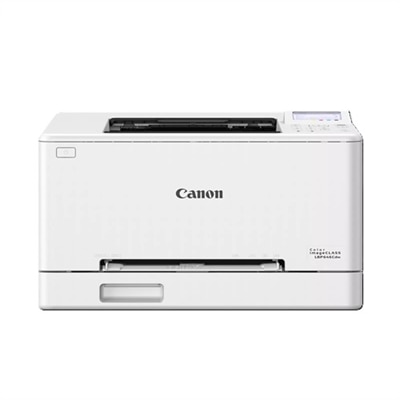
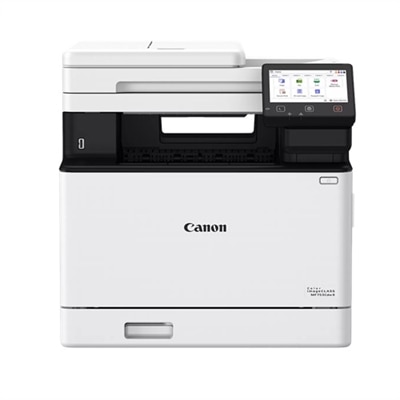
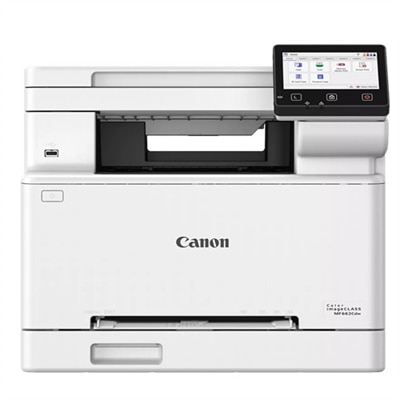
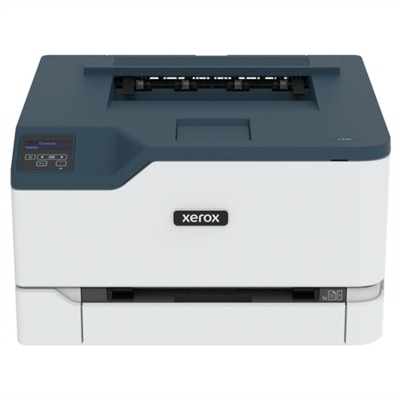
A compact wireless color laser printer with a 1 GHz processor and 256 MB memory.
Color laser printers for Mac offer a seamless way to bring vibrant prints and professional-quality documents to your home or office setup. Designed for compatibility with macOS devices, these printers make it easy to produce sharp graphics, colorful presentations, and crisp text straight from your Mac computer. Whether you’re printing photos, reports, or creative projects, discover a range of color laser printers for Mac that deliver reliable performance and impressive results every time.
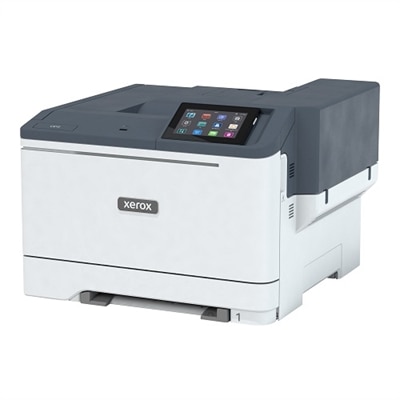
A compact wireless color laser printer with a 1 GHz processor and 256 MB memory.
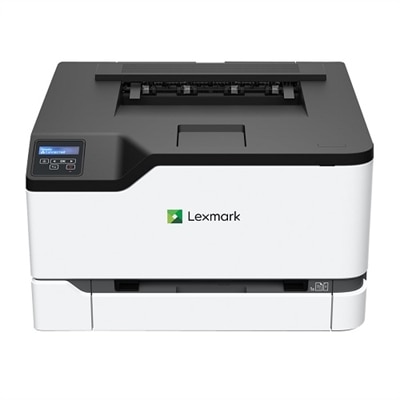
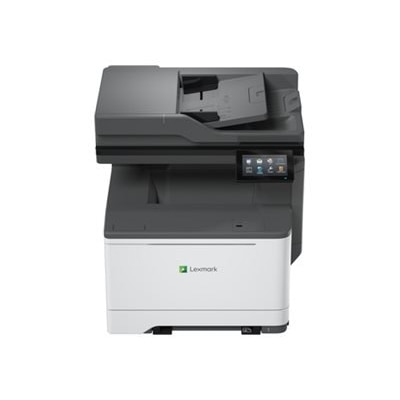
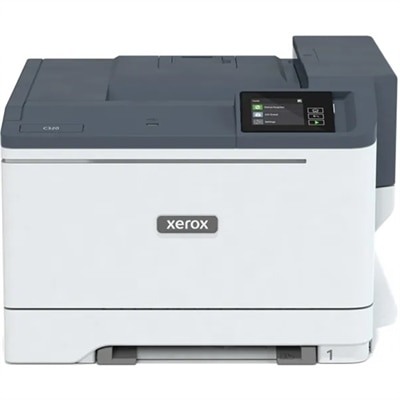
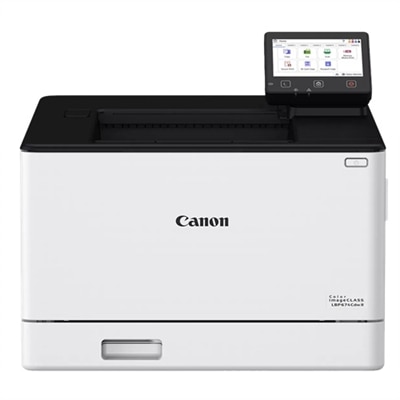
A color laser printer delivering fast, high-quality prints with wireless connectivity and a user-friendly 5-line LCD screen.
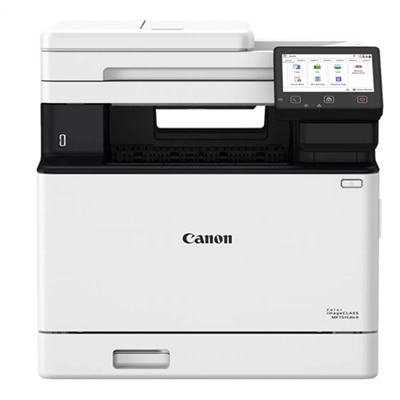
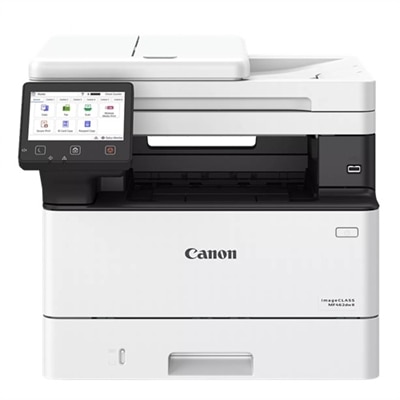
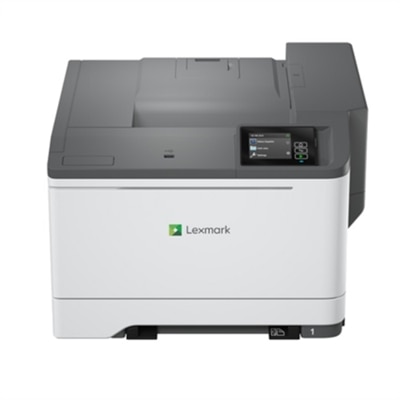
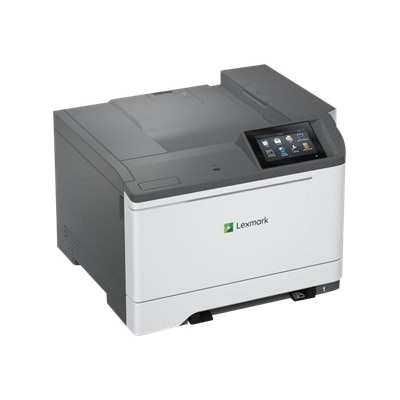
A versatile desktop color laser printer with a 5-inch touchscreen and mobile-ready capabilities.
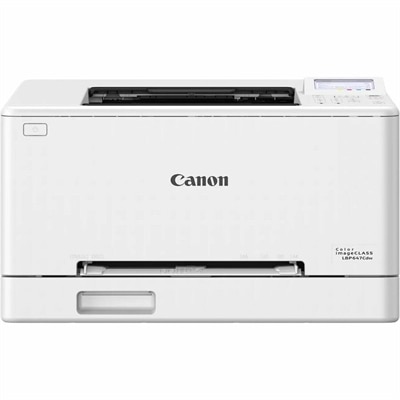
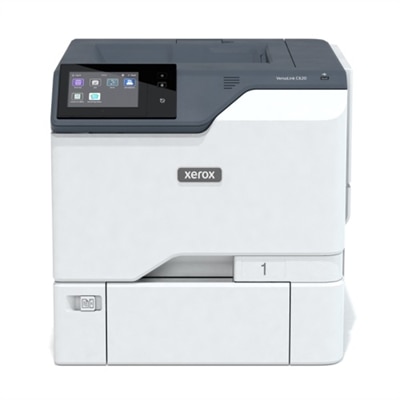
A color laser printer offering fast 26 ppm output, wireless connectivity, and a user-friendly 5-line LCD screen.
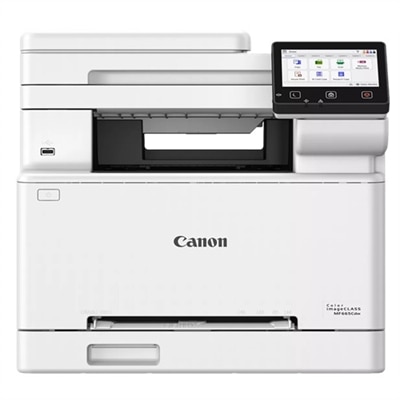
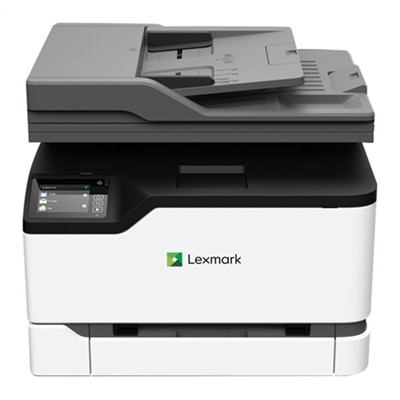
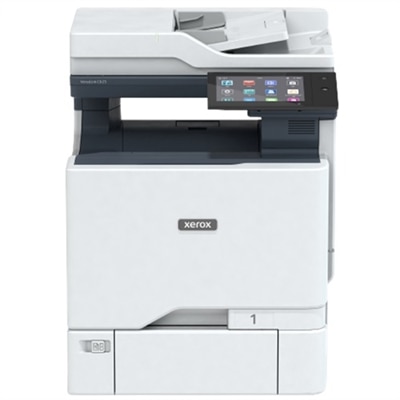
A wireless all-in-one color laser printer with duplex printing and a customizable 5" touchscreen display.
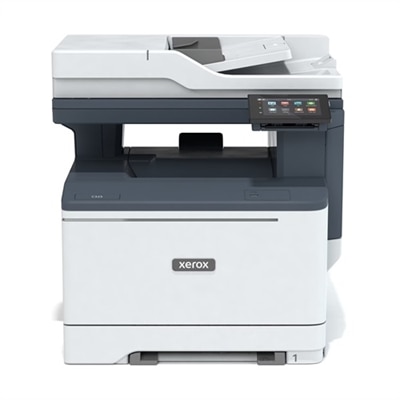
A wireless color laser printer with duplex printing, 5" touchscreen, and fast 35 ppm performance for offices.
A compact color laser printer offering wireless connectivity, 26 ppm output, and a 2.8-inch touchscreen.
A reliable color multifunction printer ideal for small teams, supporting various Windows and macOS systems.
A compact color laser printer offering 26 ppm, Wi-Fi, Ethernet, and 250-page tray capacity.
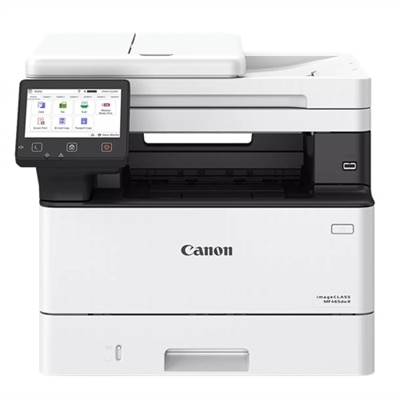
A fast, wireless duplex laser printer with a 5" touchscreen and automatic two-sided scanning for efficient workflows.
An all-in-one wireless color laser printer with duplex printing, 5" touchscreen, and fast 35 ppm output.
An all-in-one laser printer offering fast, secure, and sustainable performance with wireless and wired connectivity.
A fast, wireless duplex laser printer with a 5" color touchscreen and intuitive, all-in-one functionality.
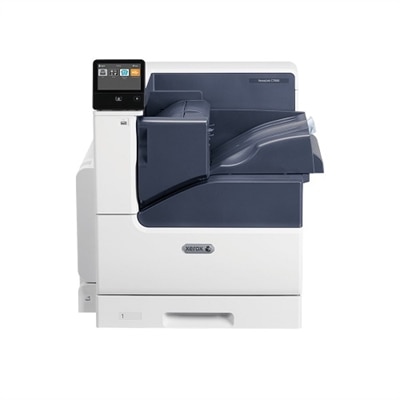
A desktop color laser printer offering up to 52ppm and duplex printing capabilities.
An all-in-one laser printer with a 5-inch touchscreen, delivering vibrant colors and sharp text.
A versatile color laser printer with wired/wireless connectivity, duplex printing, and up to 35ppm speed.
A compact all-in-one laser printer offering 26 ppm color output, touchscreen, and automatic scanning.
A high-performance color laser printer with a secure design, touchscreen, and fast 35 pages per minute output.
A wireless duplex laser printer with a 5" color touchscreen, fast 26 ppm printing, and mobile connectivity.
An all-in-one laser printer offering fast, secure, and sustainable performance with wireless and wired connectivity.
A wireless duplex laser printer with a 5" color touchscreen and fast, high-quality color printing.
A high-performance color laser printer with 42 ppm speed, 4.3" touchscreen, and robust security features.
A high-speed color laser printer with a customizable touchscreen, robust security, and sustainable features.
An efficient all-in-one laser printer with fax, ideal for enhancing workplace productivity.
Choosing a color laser printer for Mac starts with matching the printer’s capabilities to the way your household, home office or small business works. Modern color laser printers can connect to macOS through Wi-Fi, USB or Ethernet, while Apple AirPrint support allows you to send documents from a Mac, iPhone or iPad without installing complicated manufacturer software. This can be especially helpful when several people share one printer, such as a household managing school forms, travel documents and household records or a small team preparing invoices, presentations and client handouts. Before selecting a model, check that it supports the macOS version used by your computer and look for clear compatibility information covering wireless printing, scanning and mobile devices. A print-only model may be a practical choice when you primarily produce reports, labels and everyday documents, while an all-in-one color laser printer adds scanning and copying for signed forms, receipts, identification documents and mailed paperwork. Automatic document feeders can save time when scanning several pages, and automatic two-sided printing can reduce paper use while making longer reports easier to handle. A responsive control panel, straightforward setup process and dependable wireless connection also matter in daily use; the best printer is often the one that lets you move from an open document to a finished page without stopping to troubleshoot settings. Browse the available Color Laser Printers to compare configurations that support Mac-centered workflows.
Print speed and monthly workload are two of the most useful specifications to review before making a choice. Speed is generally listed in pages per minute, or ppm, and color laser printers commonly offer efficient output for multipage documents in both color and black-and-white. A printer rated around 20 to 30 ppm can be well suited to a home office, classroom planning, professional paperwork or a small business that prints regularly, while occasional users may place greater value on compact dimensions, quiet operation and simple maintenance. Manufacturer duty-cycle ratings can provide a sense of the maximum volume a printer is designed to handle, but they should not be treated as a target for everyday printing. Consider how many pages you expect to print in a typical month, whether several users will send jobs at once and whether you often need to print long reports under a deadline. Toner capacity is another important part of the ownership experience. High-yield toner cartridges may reduce the frequency of replacements for busy workspaces, while standard cartridges can make sense for lighter use. Review the cost and availability of replacement toner, the number of cartridges required and whether the printer provides toner-level notifications through macOS or its companion software. A color laser printer uses separate cyan, magenta, yellow and black toner, so color documents may consume supplies differently from pages containing only text. Features such as a larger paper tray, an additional multipurpose tray and support for envelopes or heavier media can be valuable when printing forms, presentation pages, address labels or occasional business materials. Keep the printer’s footprint in mind as well. Measure the shelf, desk or cabinet where it will sit, leaving room to open trays, replace cartridges and lift the scanner lid if the unit includes one.
Color laser technology is particularly well suited to crisp text, clean charts and sharp business graphics. It can give meeting handouts, résumés, invoices and school projects a polished appearance, with consistent letterforms that remain easy to read across long documents. Color can help distinguish categories in a spreadsheet, draw attention to headings or make a presentation page more inviting, especially when printed on bright, compatible paper. At the same time, color laser printers are not usually the first choice for gallery-quality photographs. Their output may look flatter than images printed with a photo-focused inkjet, particularly on glossy paper, so shoppers who primarily print borderless photos should weigh that limitation carefully. For mixed everyday use, however, a color laser printer can be a dependable fit for people who want fast document output and do not want to wait for ink to dry. During the warmer months, it can handle home organization projects, community paperwork and travel copies; as the weather turns cooler, it can be useful for indoor work, study materials, expense records and small-business planning. A compact print-only model may suit a remote worker with limited desk space, while an all-in-one can be a thoughtful and practical gift for someone setting up a first home office, moving into a new apartment or building a small creative business. Look for secure wireless settings, sleep-mode efficiency and a design that makes routine tasks—loading paper, scanning a page or replacing toner—feel manageable. With reliable Mac compatibility, AirPrint convenience, appropriate print speed and features sized to your workload, a color laser printer can become a steady part of the workspace rather than another piece of technology that demands attention.
Add the products you would like to compare, and quickly determine which is best for your needs.