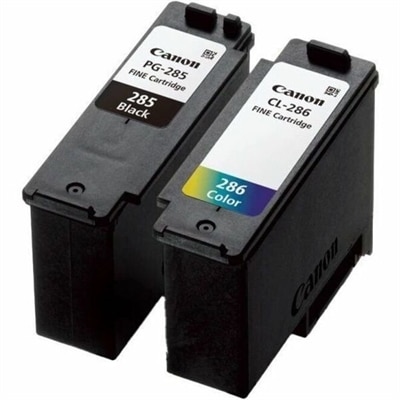
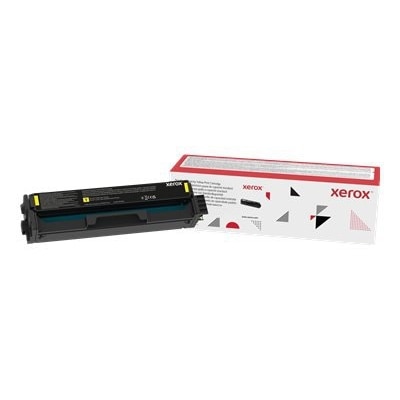
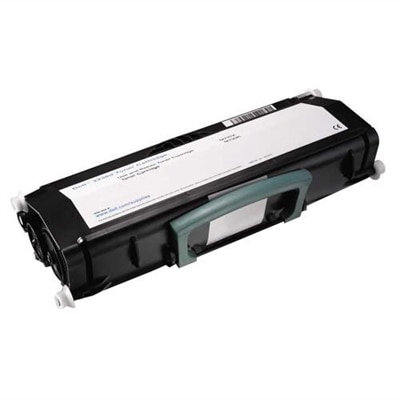
Color Printer Toner Cartridges
Color printer toner cartridges are essential for producing vibrant, high-quality prints at home or in the office. Whether you’re printing important documents, colorful presentations, or family photos, finding the right toner cartridges ensures reliable results every time. Explore a wide selection of color printer toner cartridges designed to keep your printer running smoothly and your prints looking sharp. Shop with confidence and discover the perfect match for your printing needs.
This product is not available
Check out the following recommendations.
Related Products
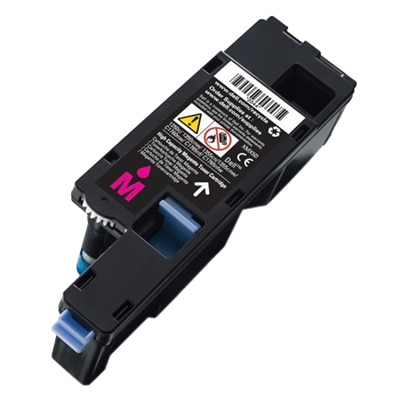
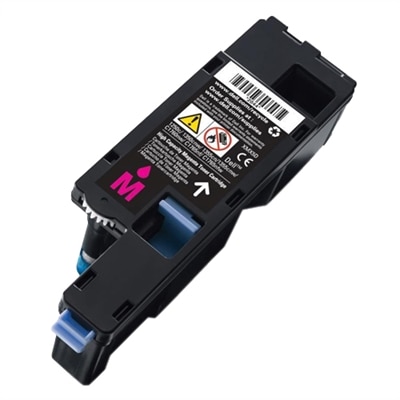
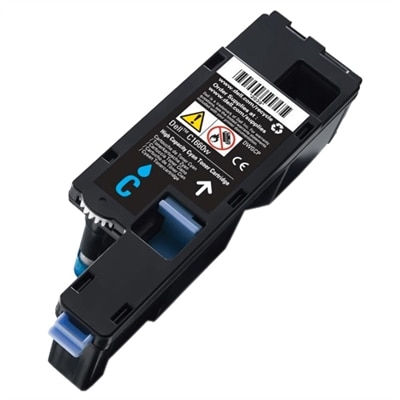
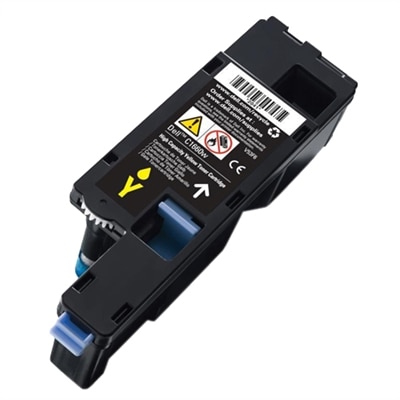
Color Printer Toner Cartridges
Color printer toner cartridges are designed for laser printers that produce crisp text, clean graphics, and richly colored pages by combining four dry powder colors: cyan, magenta, yellow, and black. This four-color system, commonly called CMYK, allows a printer to create a broad range of shades for charts, presentations, photographs, labels, classroom materials, and everyday documents. Inside the printer, an electrostatic charge places toner particles in precise patterns on the page, and heat fuses the fine plastic powder to the paper so the finished print feels smooth and remains resistant to smudging. That process makes color laser printing especially useful in home offices, small businesses, schools, studios, and busy households where dependable output matters. A well-stocked cartridge can be the difference between finishing a client presentation at the kitchen table and making an unexpected trip to an office supply store, particularly when cooler months bring more indoor projects, school assignments, family schedules, and paperwork. Color toner can also be a thoughtful practical gift for someone setting up a home workspace, managing a small creative business, or preparing printed materials for a community organization. Whether the pages are polished proposals or a child’s colorful science project, the right replacement toner helps keep a compatible printer ready for the work in front of it.
Compatibility is the most important detail to confirm before choosing a cartridge. Printer families often use cartridges with similar names but different shapes, chip configurations, or page capacities, so check the exact printer model number shown on the front, inside the access door, or on the original packaging. A cartridge intended for one model may not fit or communicate properly with another, even if both printers use the same CMYK colors. It is also important to determine whether the printer requires separate cyan, magenta, yellow, and black cartridges or a combined color cartridge. Separate cartridges let you replace only the color that has run low, while a combined design may simplify installation. Options may include original manufacturer cartridges and compatible alternatives made to work with specific printer models; whichever type you select, review the listed compatibility information, included cartridge colors, and return policy before completing the purchase. Page yield deserves equal attention. Standard-yield cartridges are suitable for occasional printing, such as household forms or a few pages each week. High-yield cartridges, sometimes identified by an “XL” or “X” designation, contain more toner and can be a better fit for frequent printing, larger documents, or shared workspaces. Yield estimates are based on testing conditions, so actual results vary with page coverage: a document filled with dense color, full-page photos, or bold graphics uses toner faster than a mostly black-and-white page with a small color accent. Looking at estimated yield alongside the price helps provide a more realistic view of long-term printing expenses.
When a replacement arrives, handle it carefully and prepare the printer on a stable, uncluttered surface. Open the access panel according to the printer’s instructions, remove the used cartridge, and keep the surrounding area free of loose paper and dust. Before installation, gently rock the new cartridge from side to side to distribute the toner evenly; avoid shaking it vigorously or touching the imaging surface, contacts, or exposed roller. Remove every orange shipping tab, protective strip, or seal specified in the instructions, since leftover packaging can prevent proper printing or create streaks on the first pages. Insert the cartridge in the correct position, close the panel firmly, and allow the printer to complete its calibration or recognition cycle. A short test print can reveal whether colors appear balanced and whether the page is free of lines, pale areas, or repeating marks. If the printer displays a low-toner message before pages look faint, its estimate may be based on usage rather than a direct measurement, so consult the printer documentation before replacing a cartridge early. Store unopened cartridges in their original packaging in a cool, dry place away from direct sunlight, moisture, and sharp temperature changes. For shoppers comparing options across a range of printer needs, the selection of Xerox Printer Toner Cartridges provides another place to review compatible color printing supplies. With the exact model confirmed, the right yield selected, and each cartridge installed with care, a color laser printer can continue producing vivid pages for work, learning, organizing, and creative projects throughout the changing seasons.
FAQs:
Standard color printer toner cartridges are designed for everyday, moderate printing needs and typically contain less toner powder. High-yield cartridges hold more toner, allowing for a greater number of printed pages before replacement is needed. High-yield options are ideal for offices or households with frequent, high-volume color printing.
Yes, many color laser printers are compatible with remanufactured or third-party compatible toner cartridges. These alternatives are often more affordable and environmentally friendly, as remanufactured cartridges are recycled and refilled. It’s important to verify that the cartridge model matches your printer to ensure reliable performance.
The easiest way to determine compatibility is to check your printer’s model number, which is usually found on the front or inside the printer. You can then match this number with the cartridge specifications listed in your printer’s manual or on the product page. Using the correct cartridge ensures optimal print quality and prevents potential issues.
Color laser printers use four separate toner cartridges—cyan, magenta, yellow, and black (CMYK)—to achieve a full spectrum of colors in printed images and documents. By combining these colors in varying proportions, the printer can produce vibrant graphics, detailed photos, and sharp text.
Store unused toner cartridges in a cool, dry place away from direct sunlight and extreme temperatures. Keeping them in their original, sealed packaging helps prevent exposure to dust and moisture, ensuring that the toner remains in optimal condition until you’re ready to use it.