$89.99
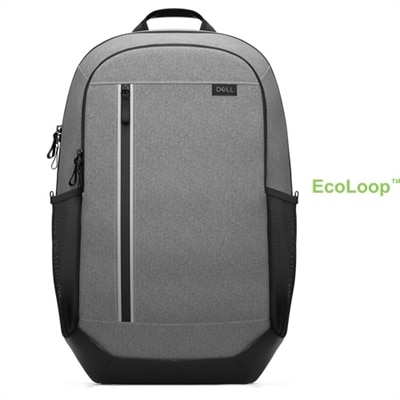
A premium business-travel backpack offering laptop protection, smart organization, and comfortable all-day carrying.
Computer bags offer a convenient and stylish way to transport your technology wherever you go. Designed to complement a variety of lifestyles, these bags help keep your devices organized and protected whether you're commuting to the office, heading to class, or traveling for business. Explore a wide selection of computer bags that combine practicality with modern design, making it easy to carry your laptop and essentials with confidence.
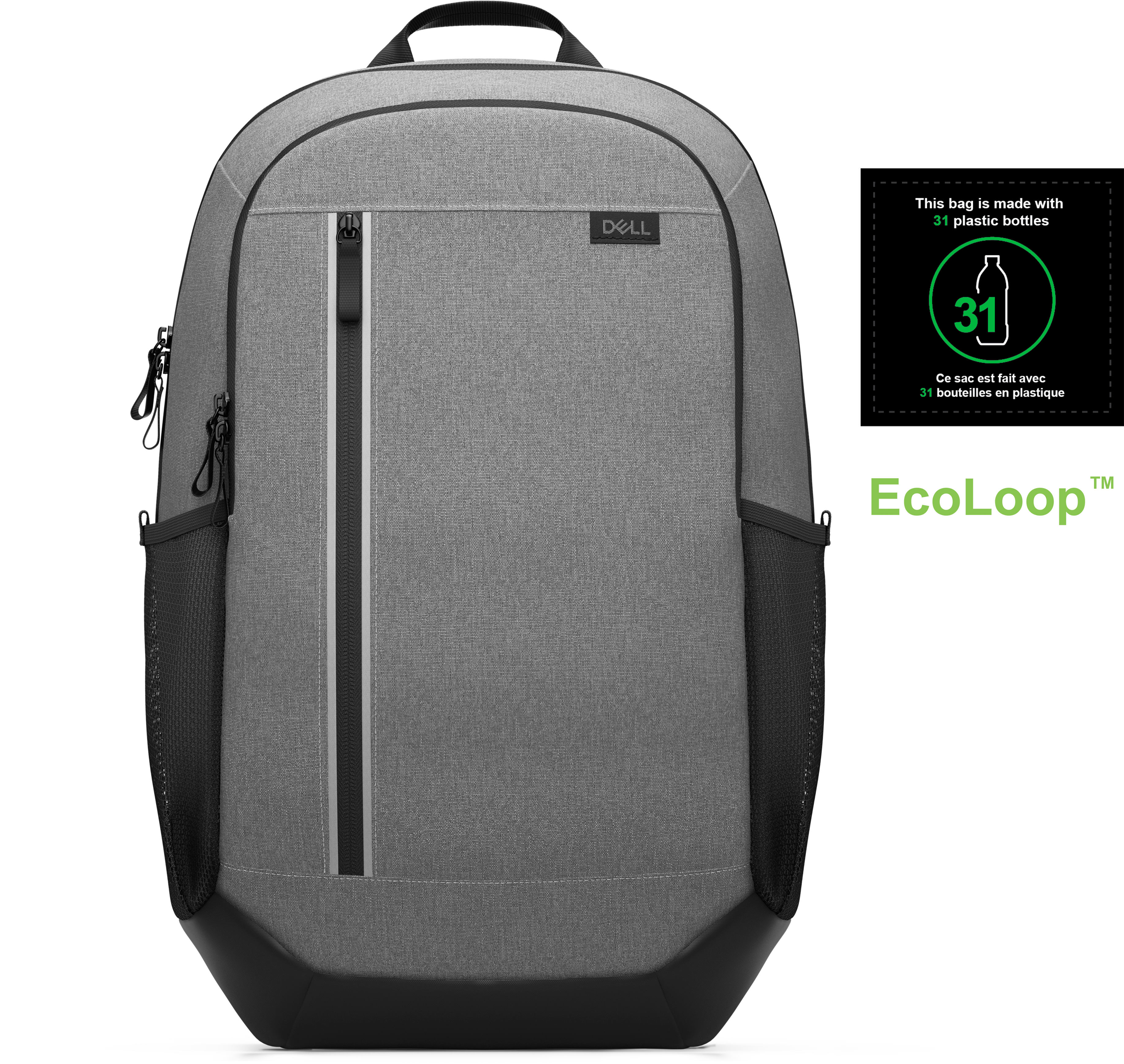
A premium business-travel backpack offering laptop protection, smart organization, and comfortable all-day carrying.
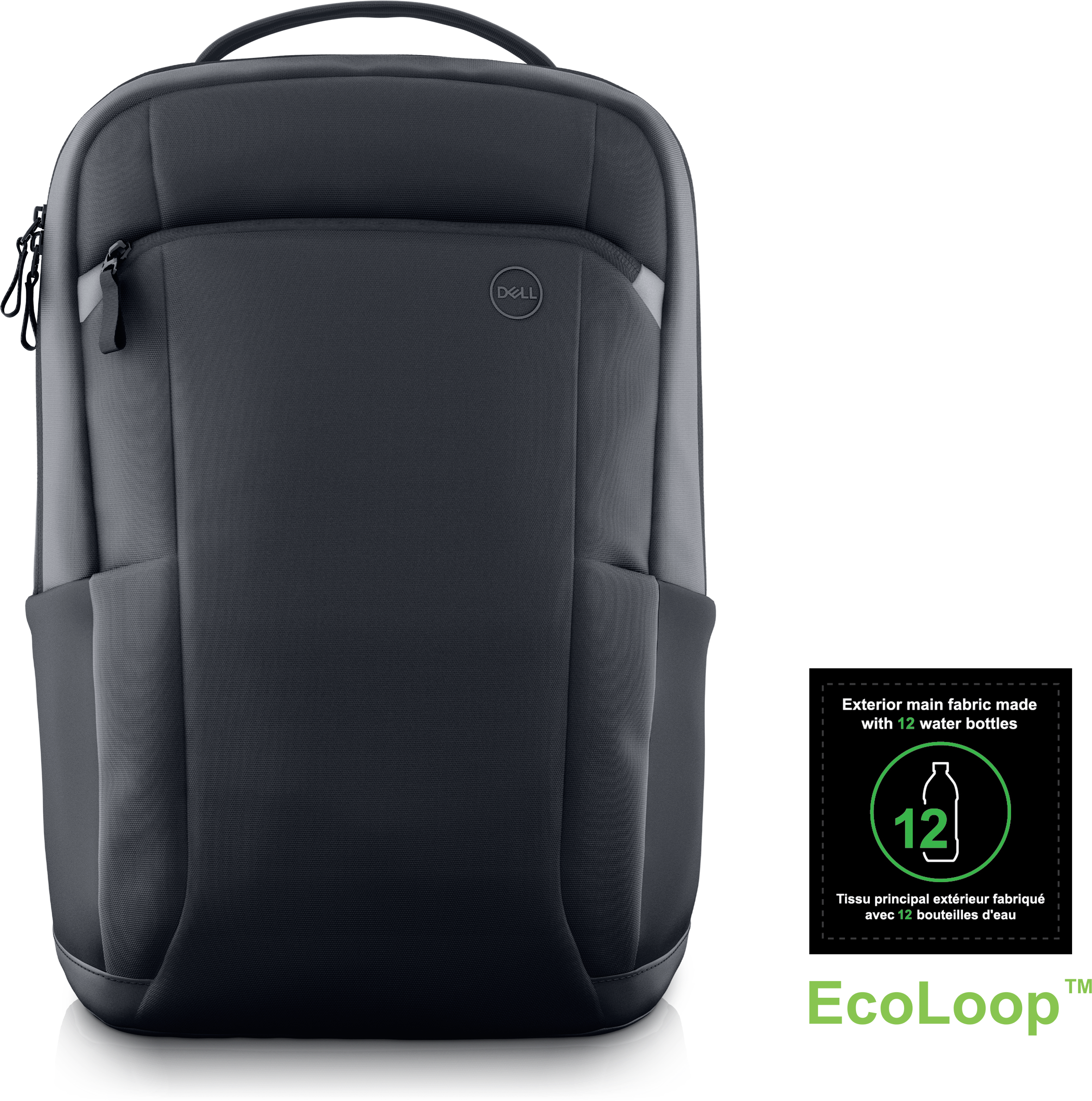
A slim professional backpack offering 360° laptop protection, smart organization, and comfortable all-day carrying.
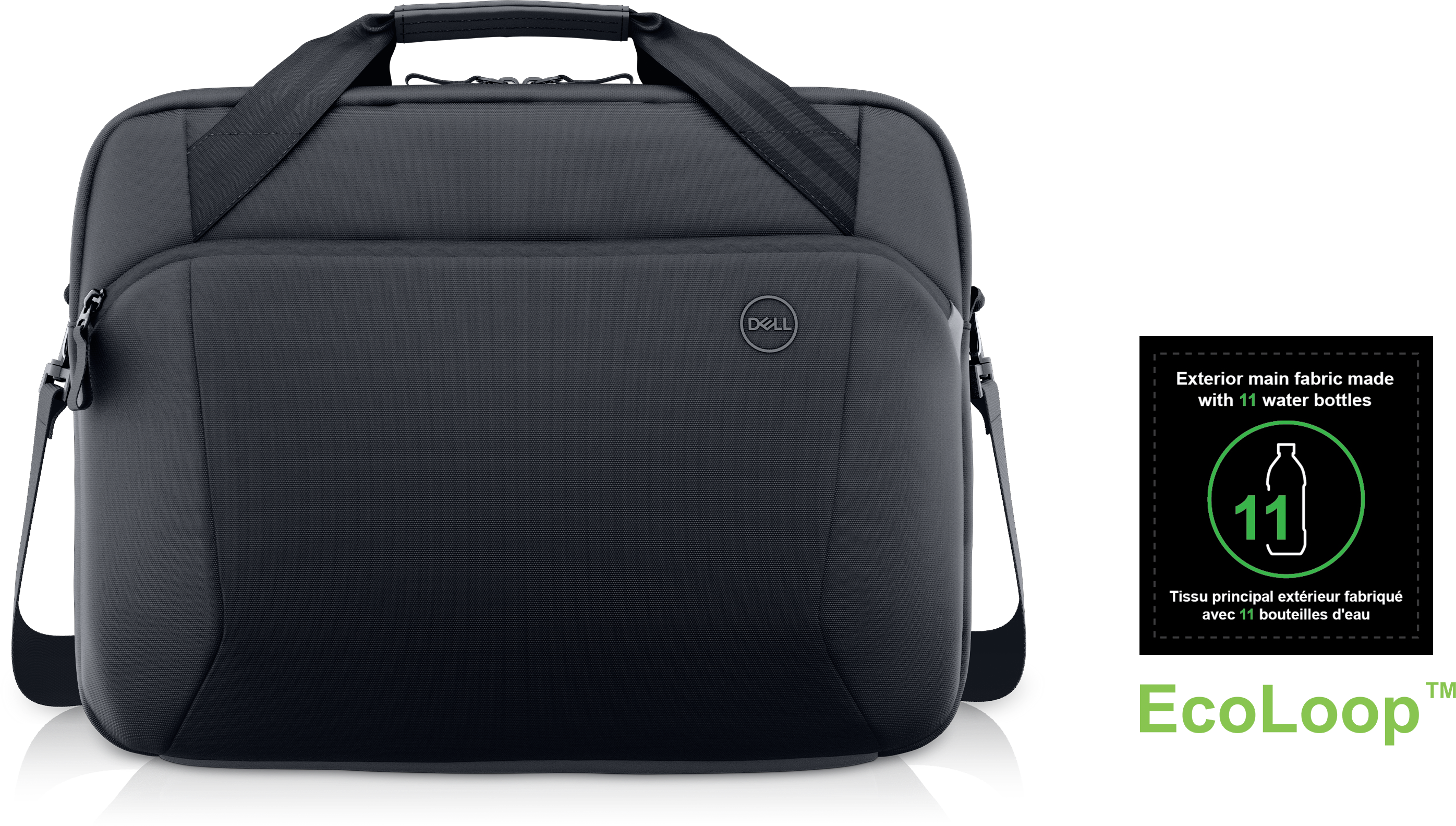
A durable, professional briefcase crafted with recycled materials to protect your technology and carry work essentials.
A spacious 27-liter backpack with organized pockets, durable construction and recycled materials for everyday travel.
A protective, eco-conscious backpack designed for carrying gear on the go.
A protective gaming backpack that organizes and safeguards devices and accessories while traveling.
A durable gaming backpack designed to organize and protect devices and accessories for everyday adventures.
A durable, lightweight sleeve made with sustainable materials, featuring a retractable handle for convenient on-the-go protection.
A sustainable, lightweight protective case offering custom-fit coverage and exceptional usability for detachable laptops.
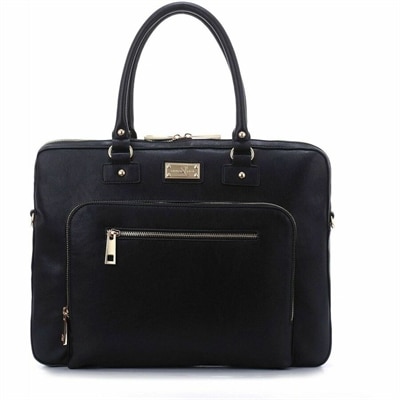
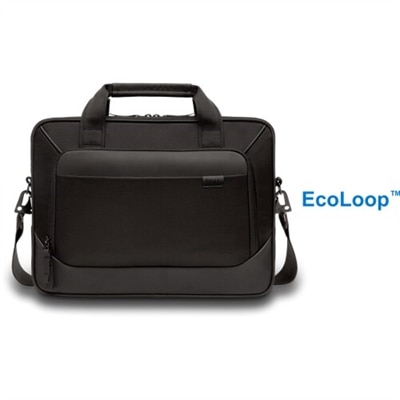
A black padded carrying case with dual device compartments, adjustable shoulder strap, handles, and zippered pockets.
Computer bags bring a little order to the parts of the day that happen between desks: the walk to a morning class, a crowded train ride, a trip through the airport, or an afternoon working from a neighborhood café. A dedicated place for a laptop keeps it separate from keys, pens, and other loose belongings, while thoughtfully arranged pockets help keep everyday essentials within reach. Different bag shapes suit different routines. A backpack distributes the load across both shoulders and leaves hands free for a coffee cup or rolling suitcase. A briefcase-style computer bag has a more structured shape that fits naturally into an office setting, with handles for short carries and, on some designs, a shoulder strap for longer walks. Messenger bags rest at the hip for convenient access, while laptop totes combine an open, everyday silhouette with space for work essentials. A slim sleeve adds a layer of cushioning inside another bag without providing the organization or carrying capacity of a full-size case. The right fit starts with the computer itself. Screen size is a useful starting point, but two laptops with the same screen measurement can have different widths, depths, and thicknesses. Comparing the device’s exterior dimensions with the stated dimensions of the laptop compartment helps prevent a tight zipper or an overly loose fit. A padded compartment should hold the computer securely without pressing against its corners, and any retaining strap should fasten without strain. Extra room elsewhere can accommodate a charger, mouse, notebook, and headphones without forcing those objects against the laptop lid. For someone traveling light, a compact bag can make moving between meeting rooms feel effortless. For a student carrying books or a professional packing for a full day away, separate compartments can keep the computer from becoming the surface that everything else leans against. That distinction matters when a bag is lifted, set down, and opened repeatedly throughout the day.
Materials influence how a computer bag feels, how much it weighs before anything goes inside, and how it responds to regular use. Nylon and polyester are common choices for soft-sided bags because they can combine relatively light weight with practical resistance to everyday wear, although performance depends on the fabric, weave, and construction. Canvas has a textured, casual character and can feel substantial in the hand; its response to moisture depends on whether it has a protective treatment. Leather offers a structured appearance and can develop a distinctive patina, but it may add weight and require more attentive care. Coated fabrics can make some surfaces easier to wipe clean, though seams, zippers, and openings still affect how well a bag keeps out moisture. Water-resistant fabric can help with a brief dash through drizzle, but it should not be treated as a promise that the contents will stay dry in heavy rain. Padding, reinforced corners, and a cushioned base can help soften everyday bumps, while a raised laptop pocket may keep the device from resting directly against the bottom of the bag. None of these features makes a computer immune to damage, so careful handling remains important. Durability also shows up in less conspicuous places: stitching around the handles, reinforcement where shoulder straps attach, zipper movement around corners, and the way the lining sits inside pockets. Smooth, reliable access is especially noticeable when retrieving a laptop at a crowded table without snagging its edges. Color and finish shape the bag’s character as much as its silhouette. Black Laptop Bags offer a versatile look that pairs easily with office clothing, casual layers, and travel luggage, while textures can range from understated woven fabric to a smoother, more polished surface. A lighter interior lining can make small accessories easier to spot at the bottom of a compartment. These details give a bag its everyday personality while supporting the practical job of keeping a computer and its accompanying essentials organized.
Comfort and organization become more important as the distance between stops grows. Broad, adjustable straps can spread pressure more comfortably than narrow ones, and a padded back panel can soften contact with the contents of a backpack. A close, balanced fit helps limit shifting during a brisk walk, while the bag’s empty weight matters when a laptop, power adapter, and water bottle already account for much of the load. Keeping heavier belongings close to the back can make a backpack feel steadier. On a shoulder bag, a movable strap pad allows the cushioning to sit where it is needed, and sturdy handles provide another carrying option on stairs or through tight spaces. An exterior bottle pocket, when present, can keep a drink apart from electronics, although a securely closed container is still essential. Small zipped pockets are useful for a flash drive, earbuds, or keys; larger divided sections can separate paperwork from charging cables. For frequent travelers, a luggage pass-through can help stabilize a bag on a rolling suitcase, provided the sleeve fits the suitcase handle. Overall dimensions matter for fitting beneath a seat, and airline baggage limits should be checked rather than assumed from a bag’s description. Beyond commuting and travel, computer bags make practical gifts for a graduate, someone starting a new job, or a family member who regularly carries a laptop between home and shared workspaces. Knowing the recipient’s device dimensions and preferred carrying style makes the choice more personal and useful. Routine care helps preserve that usefulness. Loose crumbs and grit can be shaken out or removed gently, and many fabric surfaces tolerate spot cleaning with a soft cloth and mild soap when permitted by the care label. Leather and specialty finishes may need material-specific treatment. Machine washing, soaking, or high heat can damage padding, coatings, and adhesives unless expressly allowed by the manufacturer. Letting a damp bag dry fully before packing it, avoiding overfilled compartments, and checking straps and seams periodically can help keep it ready for the next workday, class, or trip.
Add the products you would like to compare, and quickly determine which is best for your needs.