Computers for Business

Find computers for business that fit your team’s daily tasks, workspaces, and budget. Explore business laptops and desktops, and compare processing power, memory, and connectivity based on the software you use and whether employees work at a desk or on the go.

Filters

$900.00

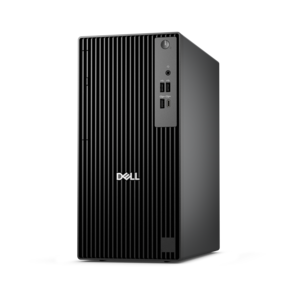
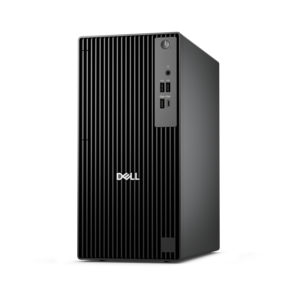
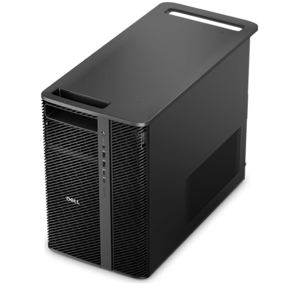
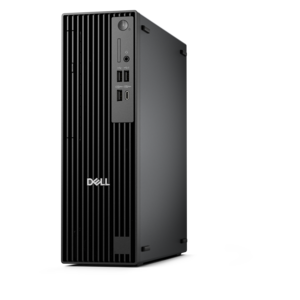
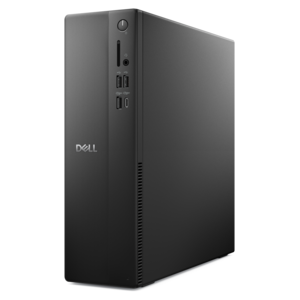
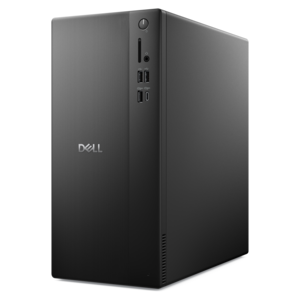
A business-ready tower desktop delivering reliable everyday performance with essential security features for productive workflows.
$900
$1789.00

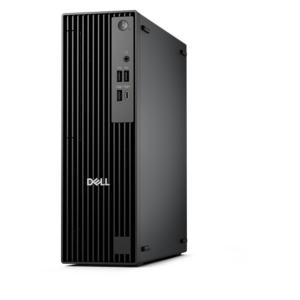
A high-performance AI-ready business desktop with security, seamless manageability, and expandable capabilities for demanding tasks.

$1789
$2287.00

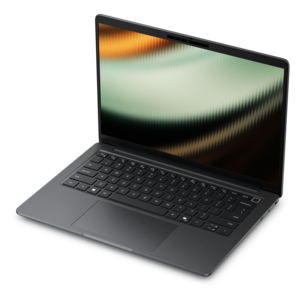
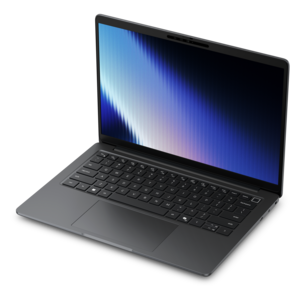
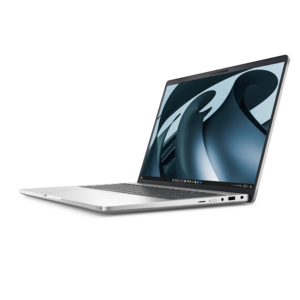
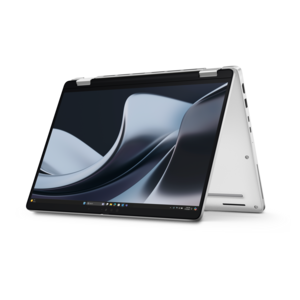
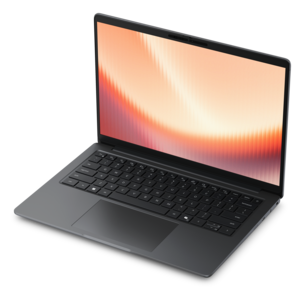
A lightweight AI PC delivering outstanding performance and battery life for highly mobile professionals.

$2287
$2005.00

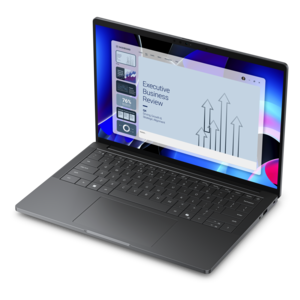
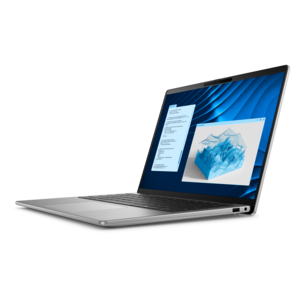
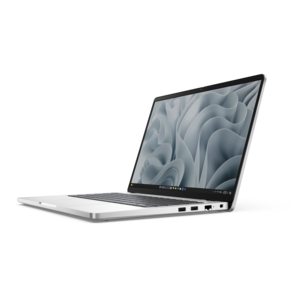
A remarkably thin laptop powered by AMD Ryzen AI PRO 400 Series processors for professional performance.

$2005
$1492.00

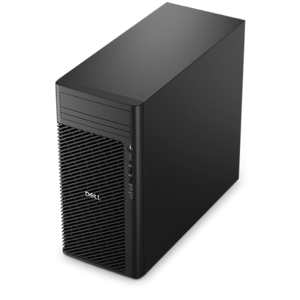
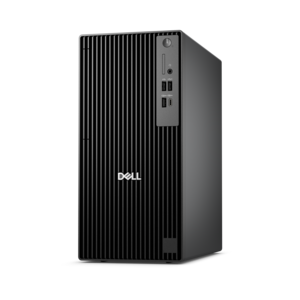
A business-ready tower desktop with AI-enhanced productivity, robust security, seamless manageability, and expandable performance.

$1492
$4156.00

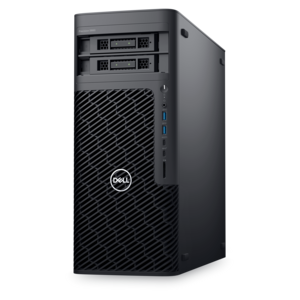
A high-performance desktop combining Intel Xeon 6 processors and advanced graphics for demanding professional workloads.

$4156
$4127.00

A workstation with Xeon processing, dual 300W graphics, 56TB storage, 2TB memory, and Windows 11 Pro.

$4127
$2133.00

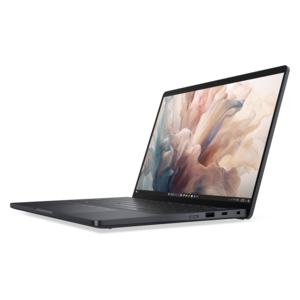
A remarkably thin professional laptop combining portability and performance with Intel Core Ultra Series 3 processors.

$2133
$2745.00

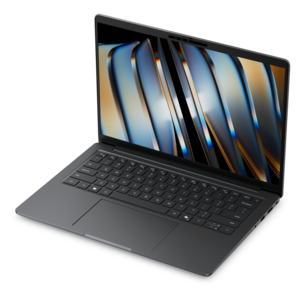
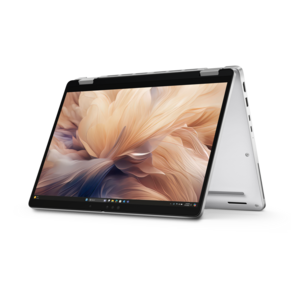
An elegant, ultralight, durable AI PC delivering premium productivity experiences for highly mobile professionals.

$2745
$1758.00

A thin, lightweight business laptop powered by AMD Ryzen processors with commercial-grade security and manageability.

$1758
$1421.00

A business-ready tower desktop with Copilot+ PC options, robust security, manageable features, and expandable performance.

$1421
$2005.00

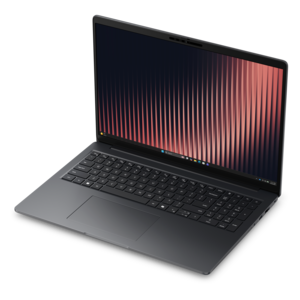
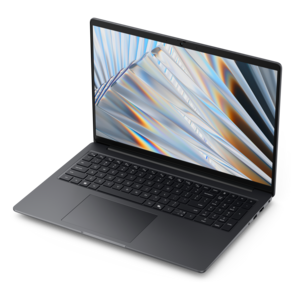
A secure, scalable commercial AI laptop with a sleek, durable aluminum body and spacious productivity-focused display.

$2005
$8002.00

A scalable, high-performance workstation designed to handle critical professional tasks and evolving workloads.

$8002
$1987.00

A high-performance professional laptop with on-device AI and exceptional battery life for unplugged productivity.

$1987
$2005.00

A thin, durable laptop powered by AMD Ryzen™ AI PRO 400 Series processors for professional work.

$2005
$1580.00

A durable, modular laptop with robust security, a spacious display, and optional built-in AI for workdays.

$1580
$1995.00

A secure, scalable commercial AI laptop featuring a sleek, durable aluminum body and productivity-focused display.

$1995
$1762.00

A compact, high-performance AI-ready desktop delivering secure, manageable performance for demanding business workloads.

$1762
$2754.00

A professional laptop with AMD Ryzen™ AI PRO processors, built for complex workflows and productivity.

$2754
$1113.00

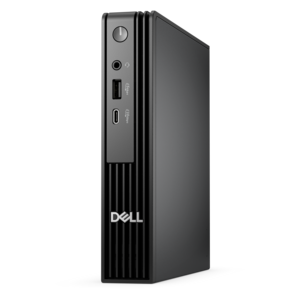
A space-saving, business-ready desktop delivering reliable everyday performance with essential security features.

$1113
$2746.00

A remarkably thin business laptop with AMD Ryzen AI PRO 400 Series processors for high-performance productivity.

$2746
$1517.00

A high-performance business desktop with Copilot+ PC options, AI-enhanced productivity, robust security, and manageability.

$1517
$2280.00

A secure, scalable commercial AI PC with a durable aluminum body for multitasking on the go.

$2280
$1297.00

An ultracompact business desktop with Copilot+ PC options, AI-enhanced productivity, robust security, and streamlined manageability.

$1297

Computers for Business

Computers for business support the everyday work of writing proposals, managing schedules, reviewing reports, joining video meetings, and keeping projects moving. Business laptops, desktops, and workstations serve different roles, from a portable computer for a consultant visiting clients to a dedicated desktop for an employee working with large spreadsheets throughout the day. The most useful configuration reflects the applications a person runs and how those applications overlap. Email, document editing, browser-based tools, and video calls place different demands on a computer than architectural drawings, video production, or complex financial models. For many office workflows, 16 GB of memory provides a practical starting point for using productivity applications alongside multiple browser tabs. More demanding multitasking, large datasets, and creative applications can benefit from 32 GB or more, depending on the software’s requirements. A solid-state drive helps a computer start quickly, open applications, and retrieve files with less delay than a traditional mechanical hard drive. Capacities of 512 GB or 1 TB are common considerations, although the right capacity depends on the volume of local documents, application files, and media a role requires. Processor performance matters, too, but a higher core count alone does not explain how responsive a computer will feel. Processor generation, cooling, power limits, and application design all influence results. Integrated graphics can suit standard office tasks, while certain design, engineering, and media workflows may require a dedicated graphics processor that meets the application developer’s specifications. An accountant moving between spreadsheets and reporting tools needs a different balance of resources than a designer inspecting detailed images on a high-resolution display. For small businesses and growing teams, computers with clearly documented specifications make it easier to match equipment to responsibilities rather than assuming every employee needs the same configuration. Software compatibility, operating system requirements, and the ability to connect essential accessories are equally important. A capable business computer should fit the work it performs today while leaving reasonable headroom for larger files, additional applications, and changes in daily responsibilities.

The physical design of a business computer shapes how comfortably it fits into the workday. A laptop makes sense for employees who move between a home office, a shared workspace, and client appointments, while a desktop provides a stationary setup with a separate monitor, keyboard, and mouse. Compact desktops can keep crowded work surfaces clear, and larger desktop designs may offer more room for component upgrades, depending on their construction. All-in-one computers combine the display and computer in a single enclosure, reducing the number of separate components on a reception counter or an individual desk. For portable use, screen size, weight, hinge construction, and charger size all affect the experience of carrying a computer from one location to another. A smaller laptop can slip more easily into a work bag, while a larger display gives spreadsheets, documents, and side-by-side windows more breathing room. Battery runtime varies with display brightness, video calls, application activity, wireless connections, and power settings, so advertised figures should be considered alongside the conditions under which they were measured. Aluminum, magnesium alloys, and reinforced plastics appear in different laptop designs; overall durability also depends on assembly, hinges, keyboard construction, and handling. Documented durability testing can provide useful context, but it does not make a computer immune to drops or spills. A padded sleeve, a secure place in a carrying bag, and protection from loose cables help limit everyday wear. At a permanent desk, ventilation openings need unobstructed space, especially during sustained workloads. Routine care includes removing dust according to the manufacturer’s instructions and cleaning approved surfaces with a suitable cloth rather than spraying liquid directly onto the computer. Display height, keyboard position, and mouse placement also influence comfort during long sessions. An external monitor can make detailed work easier to view, while a separate keyboard and mouse allow a laptop screen to sit at a more comfortable height. The dimensions of the desk, room for cables, and access to power are practical considerations that matter as much as the computer’s appearance.

Business computers also need to fit the way an organization protects information and maintains its equipment. Depending on the configuration, features such as supported device encryption, secure startup, fingerprint readers, or facial recognition can help protect access to work files and accounts. These features work best alongside strong passwords, timely updates, appropriate account permissions, and established backup practices. A privacy shutter can cover a webcam when it is not in use, while camera quality, microphone clarity, and speaker performance affect how clearly an employee can participate in a meeting. The details become noticeable during ordinary moments: presenting a proposal from a kitchen table, discussing revisions in a shared office, or joining a call before leaving for an appointment. Connection options deserve similar attention. Compatible display outputs, USB ports, audio connections, and docking support can reduce friction when attaching monitors, headsets, keyboards, and other work accessories. A connector’s shape does not always indicate its capabilities, so charging, display support, and data-transfer specifications should match the intended setup. For teams whose work centers on browser applications, shared documents, and online collaboration, Chromebooks For Business offer another category to consider, provided required applications, peripherals, and organizational policies are compatible. Businesses using specialized desktop software may need a different operating system or hardware configuration. Long-term suitability also depends on supported software updates, repair options, warranty terms, and whether memory or other components can be upgraded; these details vary by model and configuration. A computer used mainly for scheduling and document work may remain useful under different conditions than one running increasingly demanding design software. Planning around actual workloads is more reliable than assuming a fixed replacement interval applies to every employee. Consistent configurations can simplify setup and support across a team, while role-specific exceptions accommodate employees with unusual performance or portability needs. Whether the workspace is a quiet home office, a busy front desk, or a studio with multiple displays, the strongest fit combines responsive performance, practical construction, compatible accessories, and features that support the business’s daily routines.

FAQs:

Add the products you would like to compare, and quickly determine which is best for your needs.

Add the products you would like to compare, and quickly determine which is best for your needs.