Computers for Professionals

Compare computers for professionals, including laptops for working on the go and desktops for a dedicated workspace. Consider processing power, memory, and connectivity based on the applications you use, the peripherals you need to connect, and your daily workload.

Filters

$1330.00

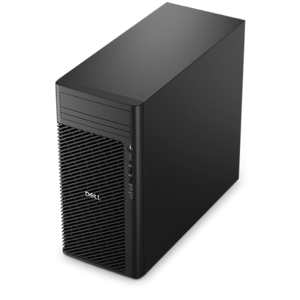
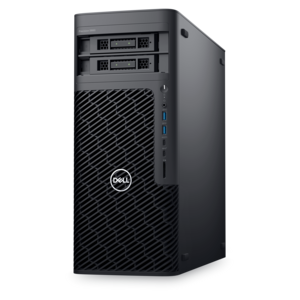
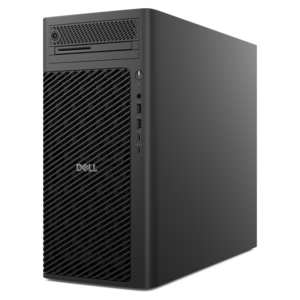
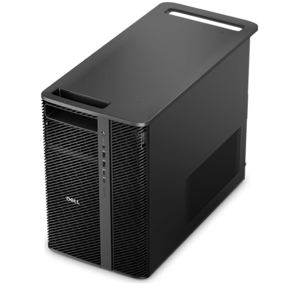
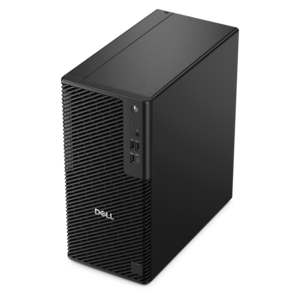
A reliable workstation desktop delivering excellent performance with professional graphics for demanding productivity and creative workloads.
$1330
$1249.99

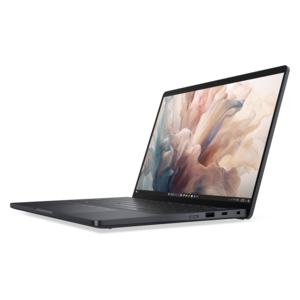
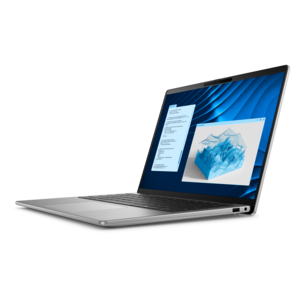
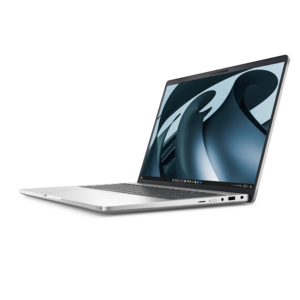
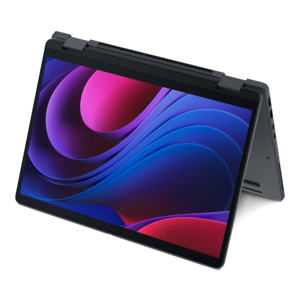
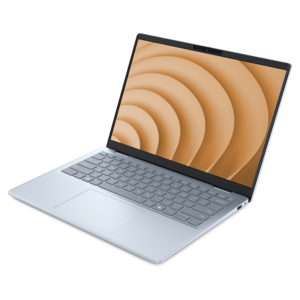
A lightweight AI-powered laptop designed for creative professionals and small businesses.

$1249.99
$900.00

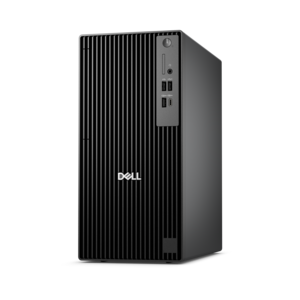
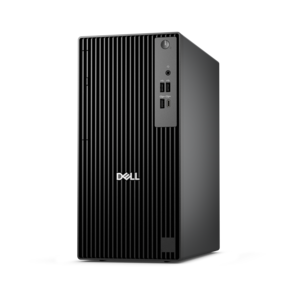
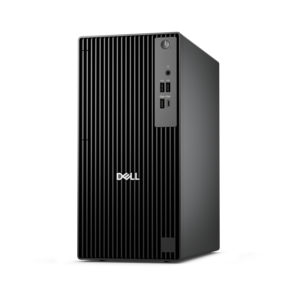
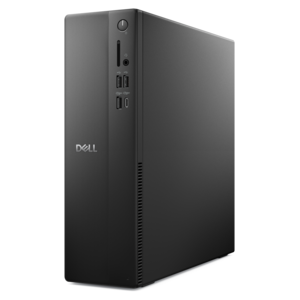
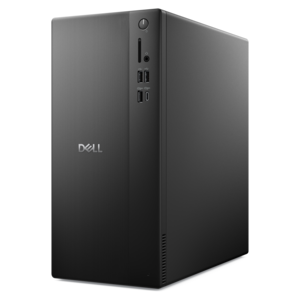
A business-ready tower desktop delivering reliable everyday performance with essential security features for productive workflows.

$900
$1789.00

A high-performance AI-ready business desktop with security, seamless manageability, and expandable capabilities for demanding tasks.

$1789
$2287.00

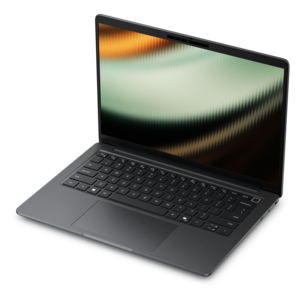
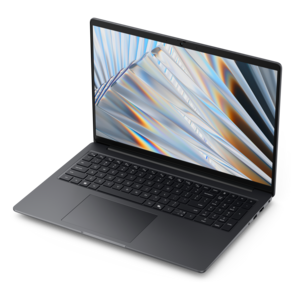
A lightweight AI PC delivering outstanding performance and battery life for highly mobile professionals.

$2287
$1598.00

A slim desktop delivering exceptionally fast CPU and GPU performance for demanding professional workloads.

$1598
$3395.00

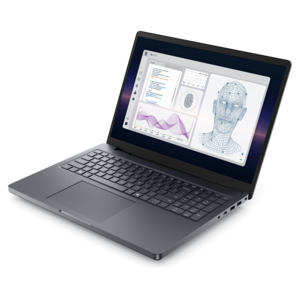
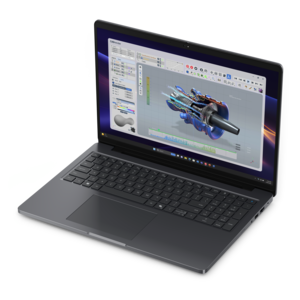
A powerful professional laptop combining exceptional performance, scalability, ease of use, and advanced on-device AI.

$3395
$1789.00

A professional laptop delivering powerful on-device AI, impressive unplugged performance, and groundbreaking battery life.

$1789
$1492.00

A business-ready tower desktop with AI-enhanced productivity, robust security, seamless manageability, and expandable performance.

$1492
$2005.00

A remarkably thin laptop powered by AMD Ryzen AI PRO 400 Series processors for professional performance.

$2005
$4156.00

A high-performance desktop combining Intel Xeon 6 processors and advanced graphics for demanding professional workloads.

$4156
$4127.00

A workstation with Xeon processing, dual 300W graphics, 56TB storage, 2TB memory, and Windows 11 Pro.

$4127
$4211.00

A modern workstation-class laptop delivering cost-effective performance for professional productivity.

$4211
$2133.00

A remarkably thin professional laptop combining portability and performance with Intel Core Ultra Series 3 processors.

$2133
$2745.00

An elegant, ultralight, durable AI PC delivering premium productivity experiences for highly mobile professionals.

$2745
$1499.00

A scalable desktop delivering the world’s fastest single-threaded performance for demanding professional workloads.

$1499
$1421.00

A business-ready tower desktop with Copilot+ PC options, robust security, manageable features, and expandable performance.

$1421
$1764.00

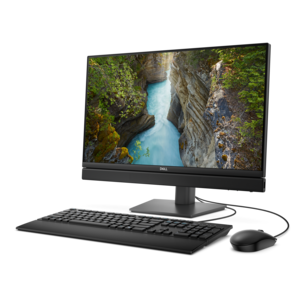
A space-saving all-in-one desktop with AI options, enhanced productivity, and robust security and manageability features.

$1764
$2005.00

A secure, scalable commercial AI laptop with a sleek, durable aluminum body and spacious productivity-focused display.

$2005
$8002.00

A scalable, high-performance workstation designed to handle critical professional tasks and evolving workloads.

$8002
$2301.00

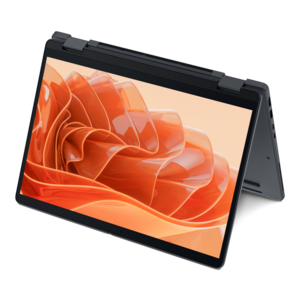
A thin 2-in-1 laptop combining versatility, portability, and performance with Series 3 Intel Core Ultra processors.

$2301
$876.00

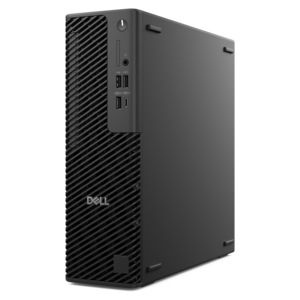
A space-saving business desktop delivering reliable everyday performance with essential security features for productive workflows.

$876
$2153.00

A professional laptop powered by AMD Ryzen AI PRO processors for complex workflows and productive results.

$2153
$2183.00

A remarkably thin 2-in-1 laptop powered by AMD Ryzen AI PRO 400 Series processors for performance.

$2183

Computers for Professionals

Computers for professionals support the everyday work of running projects, creating content, analyzing information, and staying connected with colleagues and clients. The right fit depends less on a job title than on the applications, working environment, and physical setup involved. An accountant moving between spreadsheets and video meetings has different needs from an architect rotating a detailed building model or a photographer reviewing hundreds of high-resolution images. Professional laptops bring work between a home office, a shared workspace, and a client’s conference room, while desktops provide a stationary foundation for larger displays and a more permanent arrangement of peripherals. Compact desktops suit smaller desks, all-in-one computers combine the screen and computing components in one enclosure, and tower workstations offer room for more demanding components and, depending on the design, future upgrades. For work that moves between locations, high performance laptops for professionals combine portability with the computing capability needed for heavier applications. Physical details matter throughout a workday: a laptop’s weight includes the practical burden of carrying its power adapter, and its dimensions determine how comfortably it fits in a bag or on a shallow desk. A larger screen can make side-by-side documents easier to read, while a smaller computer leaves more room for a notebook during a meeting. Aluminum and magnesium alloy enclosures can offer rigidity, while well-designed reinforced plastic housings can also stand up to regular handling. Material alone does not establish durability; hinge construction, chassis design, and documented testing provide additional context. Keyboard spacing, trackpad responsiveness, and the position of frequently used ports affect comfort just as directly as the outer finish. For professionals who type reports for hours, review detailed drawings, or frequently present across a table, these everyday points of contact help determine how naturally a computer fits the work.

Performance in a professional computer comes from the balance between its processor, memory, graphics, internal drive, and cooling system. Routine document editing, browser-based applications, and video calls generally place different demands on a system than software development, complex financial modeling, or video production. For many office workflows, 16 GB of memory is a practical starting point, while 32 GB can provide more room for large spreadsheets, substantial browser use, and several applications running together. Some engineering, scientific, and media workflows benefit from 64 GB or more, though application requirements and project size remain the better reference than a single specification. Processor responsiveness helps everyday tasks feel fluid, while additional processing cores can benefit workloads designed to use them, such as rendering or compiling large software projects. Integrated graphics can handle many office tasks and everyday display needs; dedicated graphics may be more appropriate for demanding 3D design, certain editing workflows, and specialized visualization. For applications with published hardware certifications, a certified configuration can be an important compatibility consideration, but certification applies to particular combinations rather than every computer in a category. A solid-state drive supports responsive startup and file access, and its capacity should account for active projects, installed applications, and room for work to grow. Local files still need a separate backup plan. Cooling also deserves attention because a computer that performs well during a short task may behave differently through a lengthy export or calculation. Slimness, fan noise, sustained performance, and battery runtime involve tradeoffs rather than a universal best choice. Battery results vary with screen brightness, workload, wireless activity, and power settings, making a full day of light document work different from a full day of rendering. Specialized AI hardware can accelerate compatible tasks, but its usefulness depends on the software involved; a headline specification alone does not describe the overall experience.

A professional workspace extends beyond the computer itself, with display quality, connections, security, and routine care all shaping daily use. A clear, comfortably sized screen makes dense worksheets and lengthy documents easier to navigate, while higher resolution can reveal finer detail in photographs and design work. Color-sensitive projects benefit from attention to color gamut, accuracy, and calibration rather than brightness alone. An antiglare finish can reduce distracting reflections near a window, although screen placement still matters. At a permanent desk, an external monitor, keyboard, and mouse allow the display and typing surface to sit at more comfortable heights. A laptop stand can help position the screen, but extended use usually works better with separate input devices so the keyboard does not sit too high. Connections should match the actual workspace: external displays, headsets, cameras, and a docking station may require different ports and capabilities. A USB-C connector does not by itself guarantee charging, video output, or the same data-transfer speed across computers. Clear audio and a well-positioned webcam also contribute to professional communication, especially when a quick client conversation happens without time to rearrange the room. Security features such as biometric sign-in, hardware-backed protections, drive encryption, and a physical camera shutter can support privacy when properly configured and supported by the operating system. Organizations may also need management capabilities that align with their existing software and policies. Long-term ownership brings practical considerations, including battery service, repair access, and whether memory or internal drives can be replaced; compact designs sometimes use components that are not upgradeable. Everyday care remains straightforward: keep ventilation openings unobstructed, carry a laptop in a protective compartment, and follow the manufacturer’s cleaning directions for screens and surfaces. Regular software updates, tested backups, and attention to unusual heat or battery swelling support a more dependable routine. Together, these details help a professional computer remain useful through ordinary deadlines, changing assignments, and the daily movement between focused individual work and collaboration.

FAQs:

Add the products you would like to compare, and quickly determine which is best for your needs.

Add the products you would like to compare, and quickly determine which is best for your needs.