$24.99
A durable, lightweight sleeve made with sustainable materials, featuring a retractable handle for convenient on-the-go protection.
In today's digital age, safeguarding your valuable data and sensitive information is more crucial than ever. Content protection plays a pivotal role in ensuring that your personal and professional information remains secure from unauthorized access and potential threats. Whether you're managing a business or simply handling personal files, having reliable content protection solutions can provide peace of mind and maintain the integrity of your digital assets. Explore a variety of options designed to enhance security measures, offering robust protection that adapts to your needs in an increasingly connected world.
A durable, lightweight sleeve made with sustainable materials, featuring a retractable handle for convenient on-the-go protection.
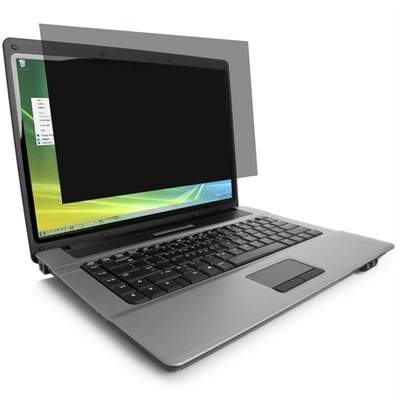
A reversible privacy screen limiting side viewing, reducing glare, and filtering 30% of blue light.
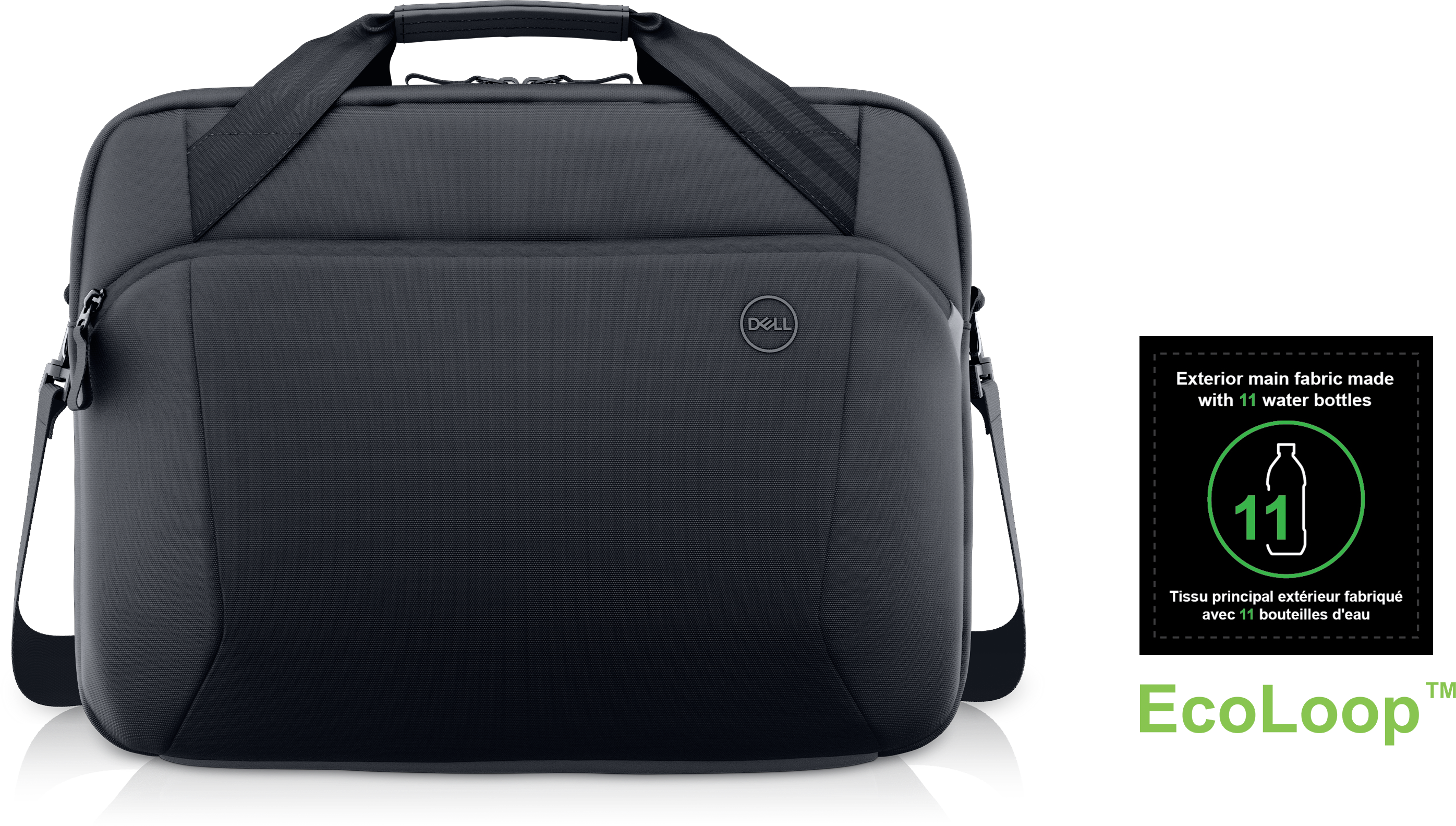
A durable, professional briefcase crafted with recycled materials to protect your technology and carry work essentials.
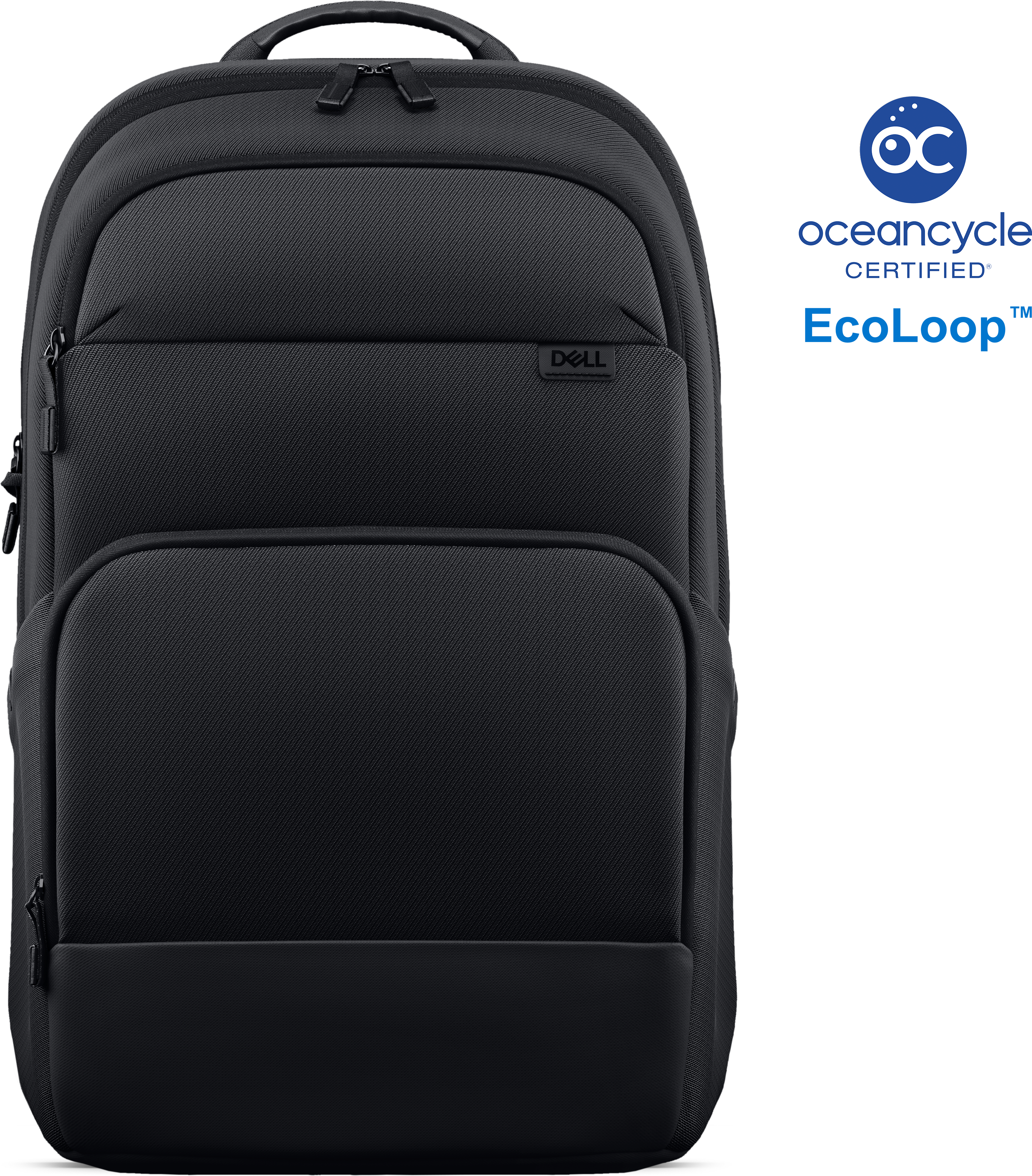
A sustainably crafted, durable professional backpack designed to protect technology and organize work essentials.
A sustainable, lightweight protective case offering custom-fit coverage and exceptional usability for detachable laptops.
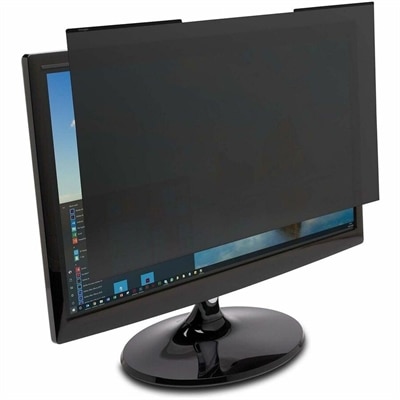
A reversible magnetic privacy filter limits viewing to ±30°, reduces blue light and glare, and resists scratches.
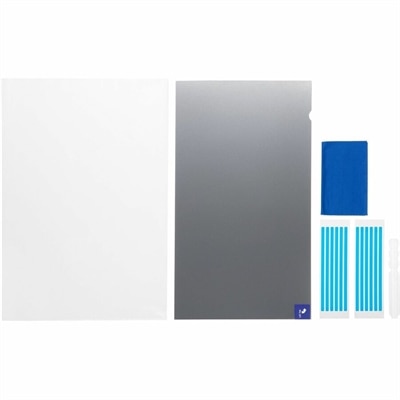
A reversible privacy filter limiting viewing angles to ±30°, reducing blue light, glare, fingerprints, and scratches.
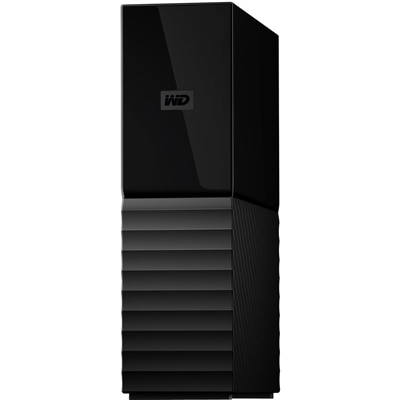
An 8TB USB 3.0 desktop hard drive with 256-bit AES encryption, password protection and automatic backups.
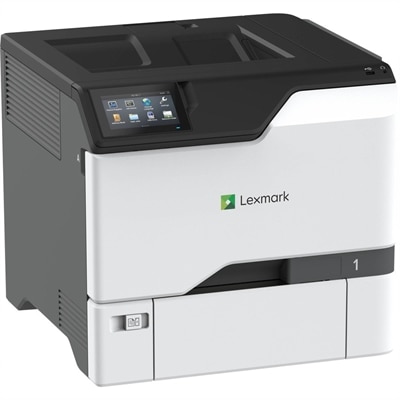
A color laser printer with steel construction, touchscreen controls, automatic duplexing, robust security, and IoT-enabled monitoring.
A secure, scalable commercial AI laptop featuring a sleek, durable aluminum body and productivity-focused display.
Content protection brings together the tools, habits, and safeguards that help keep digital work under the right person’s control. For a photographer, that may mean protecting original images before they are shared online. For a video creator, it can mean reducing unauthorized reposts, identifying copied clips, and deciding whether to track, block, or release a potential match. Writers, designers, educators, small businesses, and families can also benefit from a thoughtful approach to protecting documents, photos, recordings, presentations, and other original material. The right equipment can make everyday privacy easier, especially when a laptop or desktop is used in a shared home, a busy office, a classroom, a coffee shop, or while traveling. A privacy screen can limit side-angle viewing in a crowded space, while a physical camera cover can provide a simple reminder that a webcam is closed when it is not in use. Secure login accessories, encrypted software, device security features, and carefully chosen peripherals can add further layers of protection without interrupting the creative process. When reviewing products in this category, consider where the device will be used, how sensitive the content is, who needs access, and how quickly protection can be enabled. A compact accessory may suit a student or frequent traveler, while a more complete setup can help a home-based professional separate personal information from client work. Accessibility also matters: clear controls, visible status indicators, comfortable placement, and compatibility with the laptop or desktop already in use can make safeguards more likely to become part of a daily routine. For a gift, privacy-focused accessories can be practical for a college student, remote worker, photographer, streamer, or family member who regularly handles personal information in public places.
Digital content can be copied, scraped, altered, or redistributed in many ways, so content protection is most effective when it combines device-level awareness with account and platform controls. Creators who publish short videos, photographs, written work, or audio should keep original files organized, retain clear ownership records, and review the privacy and sharing settings on every platform where material appears. On supported professional and business accounts, built-in content protection tools may scan for matching video content across social platforms and notify the owner when a possible unauthorized copy is found. Depending on the situation, the owner may be able to track the copy, request that it be blocked, or release the claim. These automated matches are useful, but they are not a substitute for reviewing each result; a match may represent licensed use, a permitted quotation, or content that falls under an applicable exception. Digital rights management and encryption can help limit access to media or documents to approved users and devices, while strong passwords, multifactor authentication, updated operating systems, and current security software help protect the accounts through which content is created and shared. A firewall can also help monitor and control unwanted connections, making Firewall Protection a relevant consideration for people who regularly work with sensitive files or publish original material. For online portfolios and business websites, protection may also involve controls that distinguish legitimate visitors from automated scraping and data-harvesting activity. Search visibility and protection need to be balanced carefully, since blocking every automated request can interfere with useful indexing, accessibility tools, or approved services. Product compatibility is especially important for creators who use multiple devices: confirm support for the operating system, browser, display, connection type, and preferred creative applications before purchasing. A monitor used for photo or video work should provide a comfortable viewing experience and dependable color presentation, while accessories should remain unobtrusive during long editing sessions. Keeping devices updated, locking the screen when stepping away, and avoiding unknown downloads are small actions that reinforce the hardware and software protections selected.
A practical content protection setup should fit the way people actually work. Someone editing family videos at a kitchen table may value a simple privacy accessory and dependable account security, while an independent designer working with client files may need stronger access controls, encrypted file handling, and a clear process for sharing review copies. A teacher preparing course materials, a podcaster recording interviews, or a small business owner creating marketing images may benefit from equipment that protects the workspace as well as the content itself. Begin by identifying the material that would cause the greatest concern if exposed, changed, lost, or copied without permission. Then review who can open it, where it is stored, which devices display it, and whether copies are being created automatically through collaboration or backup settings. Use separate accounts when possible, limit permissions to the people who need them, and keep recovery information in a secure place. For published work, add ownership information where appropriate, preserve dated originals, and monitor major platforms for unauthorized reposts. If a copy appears, document the URL, screenshots, publication date, and relationship to the original before contacting the platform or hosting provider; formal copyright or DMCA processes may be available, although requirements vary by location and circumstance. No single accessory or setting can prevent every form of misuse, but layered protection can make unauthorized access more difficult and response efforts more organized. As days move between warmer outdoor routines and cooler months spent indoors, flexible laptops, comfortable monitors, and well-chosen accessories can help creators protect their work whether they are editing at home, presenting in a shared office, or publishing from the road. The products gathered in this collection can support that broader approach by helping people maintain privacy, control access, and preserve the original value of the content they create.
Add the products you would like to compare, and quickly determine which is best for your needs.