Convertible Touchscreen Laptops

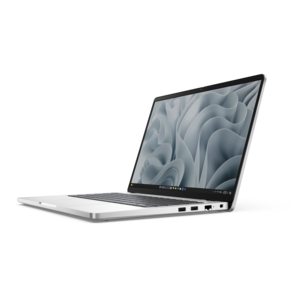
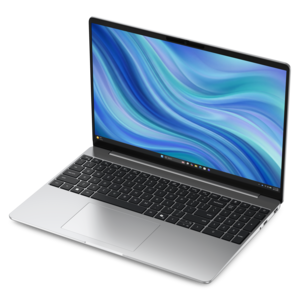
Convertible Touchscreen Laptops offer the flexibility to adapt to your dynamic lifestyle, seamlessly transitioning between work, study, and entertainment. Designed for versatility and convenience, these innovative devices combine the power of a traditional laptop with the intuitive interaction of a touchscreen. Whether you're taking notes, sketching ideas, or streaming your favorite content, Convertible Touchscreen Laptops provide an engaging experience that keeps up with your everyday needs. Explore a range of options to find the perfect balance of performance and portability.

Filters

$1339.99

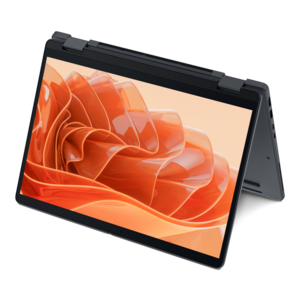
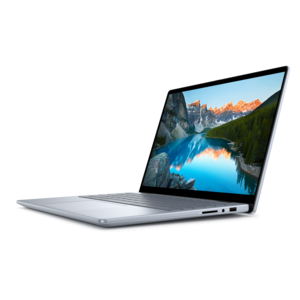
A versatile 2-in-1 laptop with AI experiences, all-day battery life, and seamless multitasking.

$1339.99
$879.99

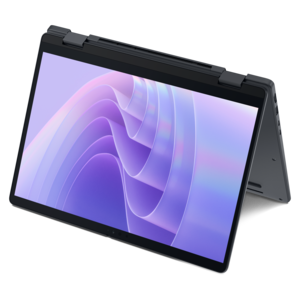
A versatile 2-in-1 laptop with Intel Core processors, DDR5 memory, and multiple modes for creative work.

$879.99
$2183.00

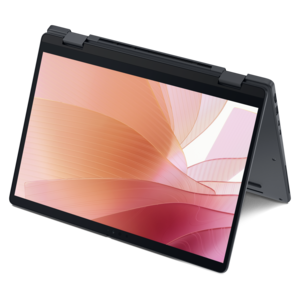
A remarkably thin 2-in-1 laptop powered by AMD Ryzen AI PRO 400 Series processors for performance.

$2183
$2538.00

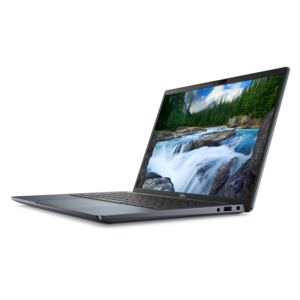
A remarkably thin 2-in-1 laptop combining versatile portability with performance powered by advanced Core Ultra processors.

$2538
$2321.00

A thin 2-in-1 laptop powered by AMD Ryzen AI PRO 400 Series processors for versatile performance.

$2321
$2833.00

An AI-powered tablet with optional keyboard, active pen, advanced thermals, HDR cameras, and Intel Core Ultra.

$2833
$510.00

A durable, serviceable Chromebook designed for K–12 learning environments, available as a laptop or 2-in-1.

$510
$852.00

A durable, serviceable laptop or 2-in-1 designed specifically for demanding education environments.

$852
$570.00

A durable, serviceable Chromebook designed for K–12 learning environments.

$570
$954.00

A sleek essential laptop with an expansive display, larger touchpad, and time-saving keyboard shortcuts.

$954
$1224.00

A durable, modular laptop with robust security, a spacious 16:10 display, and optional built-in AI.

$1224
$1549.99

A versatile 2-in-1 laptop delivering AI-enhanced experiences and seamless multitasking across flexible modes.

$1549.99
$1043.00

A sleek laptop with a spacious display, enlarged touchpad, and time-saving keyboard shortcuts.

$1043
$1343.00

A portable, durable laptop with modular design, strong security, spacious 16:10 display, and built-in AI options.

$1343
$1679.99

An AI-powered laptop with a spacious display and Intel Arc graphics for creators and developers.

$1679.99
$1590.00

A durable modular laptop with a spacious 16:10 display, numeric keypad, robust security and built-in AI.

$1590
$2301.00

A thin 2-in-1 laptop combining versatility, portability, and performance with Series 3 Intel Core Ultra processors.

$2301
$2279.99

A versatile 2-in-1 laptop with built-in AI and a spacious display for creative work.

$2279.99
$2173.00

A durable modular laptop with robust security, spacious 16:10 display, numeric keypad, and built-in AI options.

$2173
$3220.00

A commercial AI laptop or 2-in-1 with robust security, scalability, and a sleek durable aluminum body.

$3220
$3309.00

A commercial AI laptop or 2-in-1 with a sleek aluminum body, strong security and scalable features.

$3309

Convertible Touchscreen Laptops

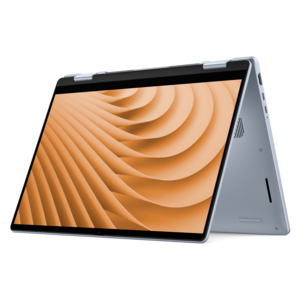
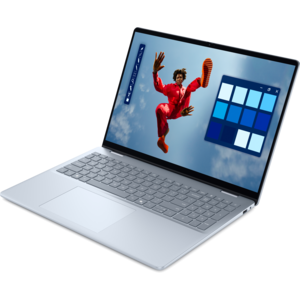
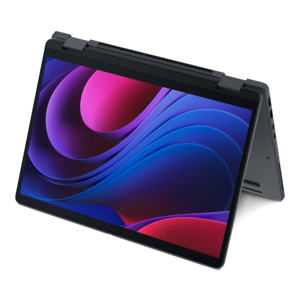
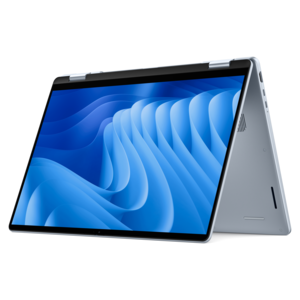
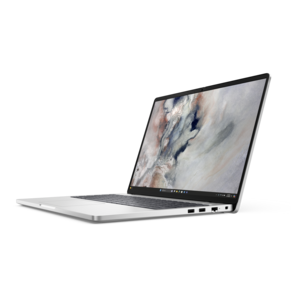
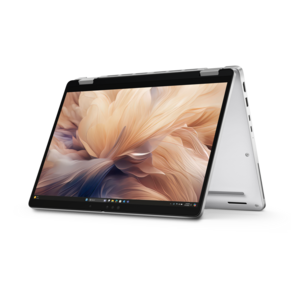
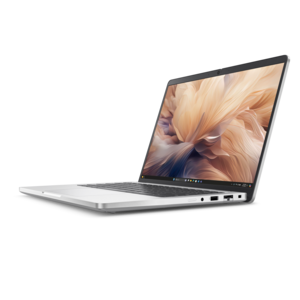
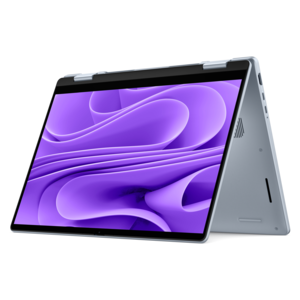
Convertible touchscreen laptops bring a traditional keyboard, a touch-sensitive display, and a flexible screen position into one portable computer. Often called convertible 2-in-1 laptops, these devices typically use a hinge that rotates up to 360 degrees, allowing the screen to fold behind the keyboard. That design supports several familiar positions: laptop mode for typing, stand mode with the keyboard facing down, tent mode for viewing on a table, and tablet mode for direct interaction with the screen. Detachable 2-in-1 computers take a different approach, separating the screen from the keyboard rather than folding it back, so the terms describe related but distinct designs. For everyday use, a convertible can move from a document on a desk to a recipe on the kitchen counter without requiring a separate tablet. A student might type lecture notes in laptop mode, then fold the display back to annotate a reading assignment. Someone sharing vacation photos can turn the screen toward the room or swipe through images with a fingertip. Screen size and overall weight shape how comfortable those transitions feel. Smaller formats are generally easier to carry between rooms or balance briefly in one hand, while larger displays provide more room for spreadsheets, side-by-side windows, and detailed images. Tablet mode does not necessarily make a laptop as light or easy to hold as a dedicated tablet, especially during extended reading. Display resolution, brightness, color reproduction, and surface reflections also influence the experience. A bright screen can make text easier to see near a window, while a reflective finish may show overhead lights during a video call. Touch input is useful for scrolling, zooming, and moving through applications, but pen input requires separate attention to compatibility. Not every touchscreen supports an active pen, and compatible pens may be included or purchased separately. Pressure sensitivity, palm rejection, and application support determine whether handwriting and drawing feel suited to quick reminders, classroom notes, or more detailed creative work.

The flexibility of a convertible touchscreen laptop is most valuable when its computing capabilities match the tasks happening on screen. Email, web browsing, streaming, and everyday documents place different demands on a computer than large photo libraries, complex spreadsheets, or video editing. Processor capability and memory affect how smoothly applications respond, particularly when a browser has many tabs open alongside a meeting, a presentation, and several documents. Room for applications and local files also matters for people who keep course materials, photos, or project folders on the device. A touch display changes how someone interacts with software; it does not automatically make demanding applications run faster or make every program comfortable to use with a finger. Desktop software may still work best with a keyboard, touchpad, or mouse, especially when menus and controls are small. For workdays that shift between a home desk and a shared workspace, connections can be as important as screen flexibility. Ports determine whether a laptop can connect directly to an external monitor, a wired accessory, or a presentation display, and the capabilities of similarly shaped ports can differ. Charging support and external display support depend on the particular connection and device. Wireless connectivity helps with online meetings and shared documents, while camera placement, microphone quality, and speaker clarity influence how natural those conversations feel. Battery runtime varies with screen brightness, applications, wireless activity, and power settings, so a published estimate is not a promise of identical results throughout every workday. A long stretch of handwritten notes may use power differently from a video call with multiple applications running. Cooling behavior matters, too: compact designs can become warm or produce fan noise under sustained workloads. For students carrying a computer across campus, commuters working between stops, or household members sharing a device, the balance of performance, runtime, and carrying weight often matters more than any single specification. Keyboard spacing, key travel, and touchpad responsiveness remain important because much of the day may still involve typing rather than tapping.

Construction and everyday handling help determine how comfortably a convertible laptop fits into a routine over time. Metal and composite chassis materials can differ in weight, texture, and rigidity, but material alone does not establish durability. Hinge design, assembly quality, and the way the device is carried all contribute to long-term use. A screen that stays steady when touched makes handwritten notes and on-screen controls easier to manage; a hinge should also move smoothly through its intended range without being forced. On many convertibles, the keyboard and touchpad stop accepting input when the screen is folded back, although the exact behavior depends on the device. That leaves the keyboard exposed underneath in tablet mode, making a clean, dry surface especially useful. A protective sleeve can reduce contact with keys and other objects inside a bag, and a correctly fitted case should leave hinges, ports, and ventilation openings unobstructed. Holding the computer by its base rather than lifting it by the display reduces unnecessary stress on the screen assembly. Fingerprints are a normal part of touchscreen use, and routine cleaning is usually straightforward with a soft microfiber cloth and the cleaning method recommended by the manufacturer. Liquid should not be sprayed directly onto the screen, and abrasive materials can damage surface coatings. A compatible pen also benefits from sensible handling, including keeping the tip clean and securing it in its intended holder when one is provided. These practical details matter for a graduation gift, a shared household computer, or a personal device that travels every day. In professional settings, touch and pen input can support marking up documents, reviewing layouts with a colleague, and presenting across a small table. The Convertible Laptops for Business Use collection brings that flexible format into a workplace context. Across home, school, and work, the appeal remains the same: a familiar laptop experience with more ways to position the screen and interact with the task at hand.

FAQs:

Add the products you would like to compare, and quickly determine which is best for your needs.
Add the products you would like to compare, and quickly determine which is best for your needs.