$79.99
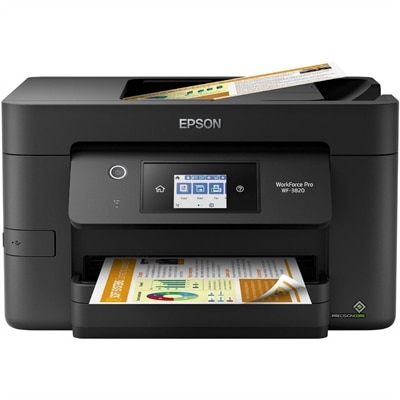
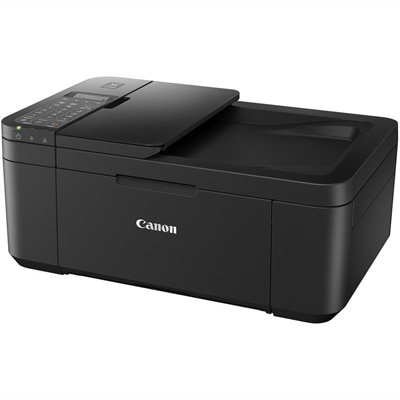
A wireless multifunction printer offering color printing, copying, faxing, scanning, and automatic duplex printing.
Discover the perfect balance of efficiency and versatility with our selection of copier printers. Designed to meet the diverse needs of both home offices and bustling businesses, these multifunctional devices streamline your workflow by combining printing, copying, and more into a single, space-saving unit. Whether you're managing high-volume tasks or occasional print jobs, our range of copier printers ensures you achieve professional-quality results every time. Explore options that cater to various budget levels and operational requirements, all while enhancing productivity and maintaining reliability.
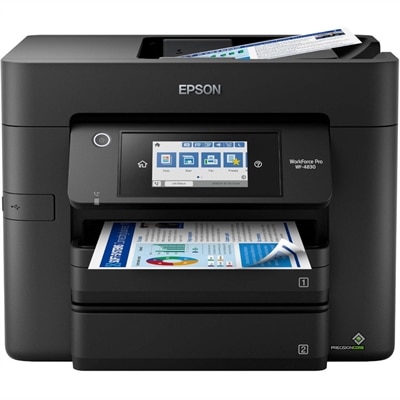
A wireless multifunction printer offering color printing, copying, faxing, scanning, and automatic duplex printing.
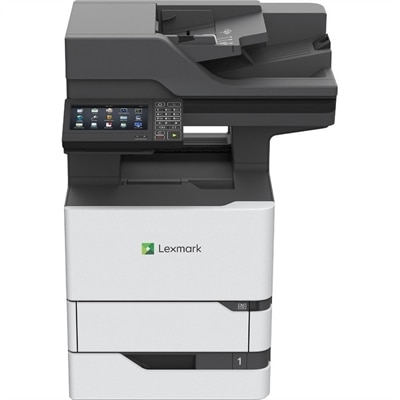
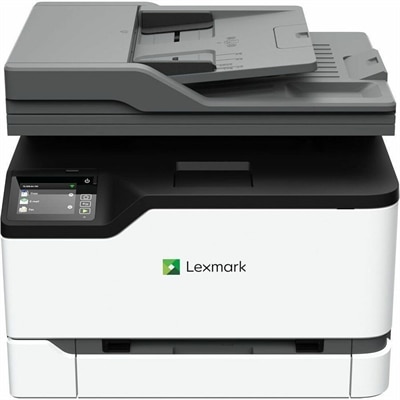
A monochrome multifunction laser printer with copier, fax, scanner, 45-ppm output and customizable color touchscreen.
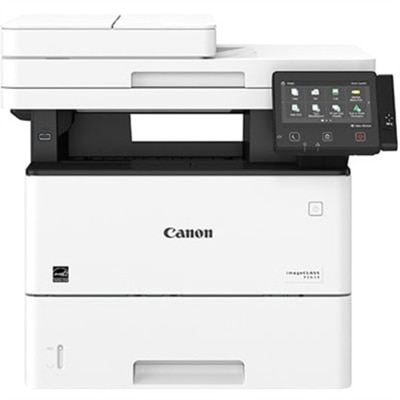
A monochrome multifunction printer delivering 65 ppm with automatic duplexing, color scanning, faxing and Gigabit Ethernet.
Copier printers, also called all-in-one or multifunction printers, bring several everyday document tasks together in one compact device. Depending on the model, a single unit can print, copy, scan and sometimes fax, making it useful for a home office, family workspace, classroom, small business or shared department. Instead of keeping a separate scanner beside a printer, users can place the equipment in one convenient spot and handle everything from signed forms and school assignments to receipts, shipping labels, meeting handouts and household records. A copier printer can also be a practical choice for anyone creating a more organized workspace during the cooler months, when work, study and paperwork often move indoors. Inkjet and laser models serve different needs. Inkjet copier printers are often a good fit for households and creative workspaces that produce occasional documents, vibrant color pages or photos, while laser copier printers are designed for quick, crisp text and steady printing at higher volumes. If family members print a mix of recipes, permission forms, charts and colorful projects, an inkjet model may offer the flexibility they need. For a home office that routinely produces contracts, invoices, reports or other text-heavy pages, a monochrome laser model may provide a faster, more consistent experience. Color laser options can be useful when business documents need charts, logos or highlighted information without giving up the efficiency associated with laser printing. Those shopping for a device dedicated to image-heavy projects may also wish to explore Photo Printers for a more specialized selection.
The best copier printer depends on how documents move through the workspace, not only on the number of pages printed. An automatic document feeder, or ADF, is especially valuable for multi-page copying and scanning. Rather than lifting the lid for every sheet, users can stack a group of pages in the feeder and let the machine process them in sequence, a small convenience that becomes meaningful when digitizing a packet, copying a lease or preparing several sets of meeting materials. Some ADFs support duplex scanning, which can capture both sides of a double-sided document in one pass. Automatic two-sided printing, known as duplex printing, can reduce paper use and make reports, schoolwork and reference packets easier to handle. Speed is another consideration: print speed is commonly measured in pages per minute, but real-world performance can vary depending on color, page coverage, print quality and the time required for the first page. A model with a modest speed rating may be perfectly suitable for occasional household use, while a shared office may benefit from a faster print engine and a larger input tray. Resolution affects the appearance of fine text, graphics and images, although a high number alone does not determine overall quality. Look for a balanced combination of resolution, color handling, paper compatibility and the type of documents you expect to produce. Paper capacity, output tray design and the ability to use envelopes, cardstock or other media can also make a noticeable difference. A compact unit may fit neatly on a desk or shelf, while a larger model may be more comfortable for frequent copying and longer print runs. Check dimensions, weight and access points for replacing paper or supplies before choosing a location.
Connectivity can make a copier printer feel like a natural part of a modern home or office. Wi-Fi allows multiple computers, tablets and phones to share one device without running a cable across the room, while Ethernet can provide a dependable wired connection for a fixed workspace. Mobile printing support makes it possible to send a document from a phone or tablet, which is useful when a downloaded form, boarding document or scanned attachment needs a physical copy. Many models also include a companion display or control panel for starting copies and selecting options without opening a computer. Before purchasing, confirm compatibility with the operating systems and mobile devices used in the household or workplace, and consider whether the printer supports the cloud services or file formats that matter to you. Ongoing costs deserve equal attention. Compare replacement cartridge or toner capacity, the expected page yield, and whether the device uses separate color cartridges or a combined color cartridge. A printer that costs less at the outset may be less economical if it requires frequent replacements, while a model with a higher initial price may be better suited to regular printing when its supplies last longer. Keep the machine in a clean, dry, ventilated area, leave enough room to open the scanner lid and access paper trays, and use the recommended paper for the clearest results. For a student organizing class materials, a remote worker preparing forms at a kitchen table, or a small team sharing invoices and presentation pages, the right copier printer can turn scattered digital files into clear, useful documents with less interruption to the day.
Add the products you would like to compare, and quickly determine which is best for your needs.