$10.99
A metal oxide thermal compound delivering 3.195 W/m-K conductivity for CPUs up to 65W TDP.
Discover the future of computing with our exceptional range of desktop solutions, designed to cater to every need from home offices to professional workspaces. Enhance productivity and streamline your workflow with powerful machines that offer reliability and performance tailored to your unique requirements. Whether you're a creative professional seeking high-performance graphics or a business user in need of robust multitasking capabilities, our desktop solutions provide the perfect balance between innovation and efficiency. Explore versatile options that adapt to your evolving demands and elevate your computing experience to new heights.
A metal oxide thermal compound delivering 3.195 W/m-K conductivity for CPUs up to 65W TDP.
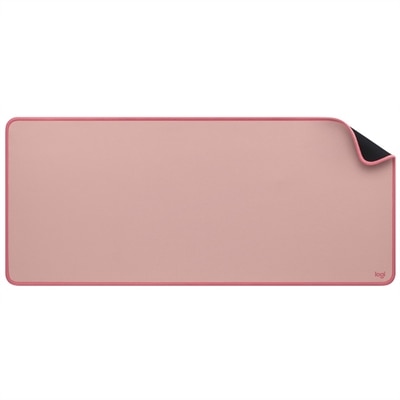
A dark rose desk mat featuring recycled-polyester fine-weave surface, anti-slip rubber base, and spill resistance.
A reliable wireless keyboard and mouse combo designed for everyday productivity and lasting performance.
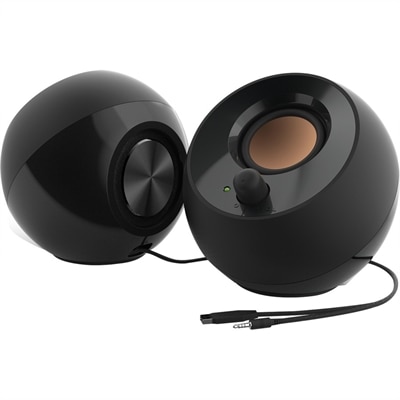
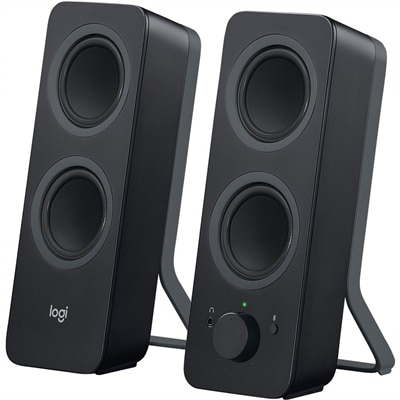
A black 2.0 speaker system with 4.4W RMS, 45° elevated sound, passive radiators and USB power.
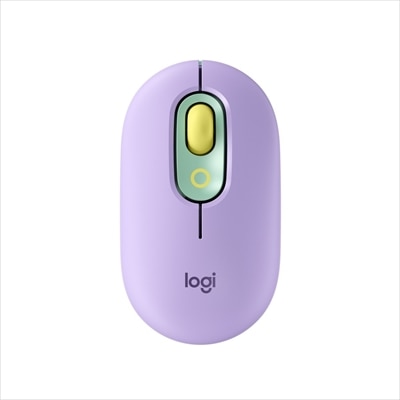
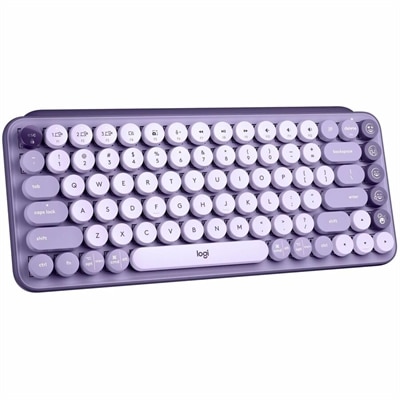
A lilac wireless Bluetooth mouse with quiet clicks, programmable emoji buttons, SmartWheel scrolling, and three-device connectivity.
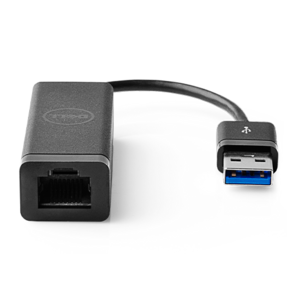
A USB 3.0 adapter adding Ethernet connectivity to computers and desktops, with PXE boot support.
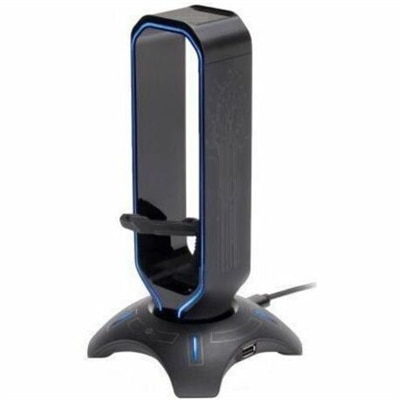
A 3-in-1 gaming headset stand with mouse bungee, USB hub, and customizable seven-color LED lighting.
A Bluetooth 5 audio transmitter with dual streaming, rechargeable battery, 50-foot range, and 10-hour playback.
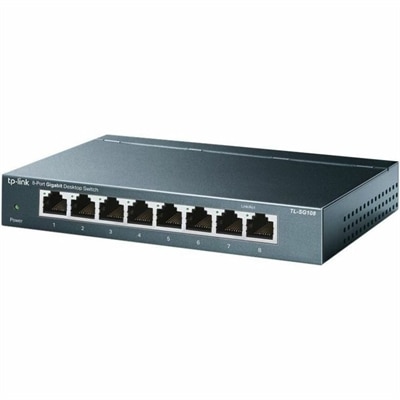
An 8-port Gigabit desktop switch with metal casing, fanless operation, plug-and-play setup, QoS, and energy savings.
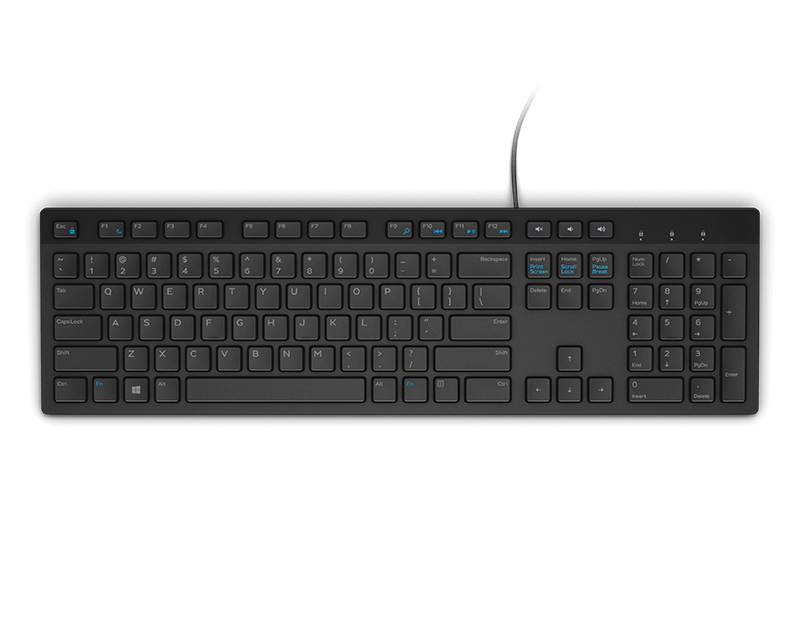
A durable, spill-resistant keyboard with an integrated Smartcard reader for secure, reliable typing.
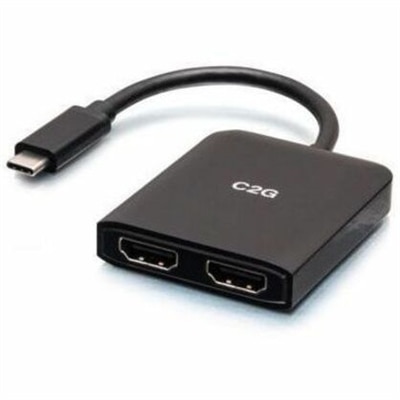
A compact USB-C hub supporting dual HDMI displays, 4K at 60Hz, mirroring, extending, and spanning.
A black Bluetooth speaker system with four drivers, 10W peak power, 3.5mm input, and Easy-Switch controls.
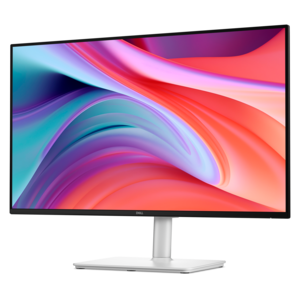
A smooth 100Hz monitor with TÜV Rheinland 3-star eye comfort certification for everyday productivity.
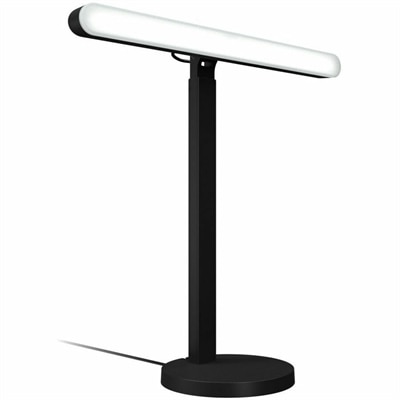
A desktop LED key light with TrueSoft technology, adjustable brightness, and color temperature for gaming illumination.
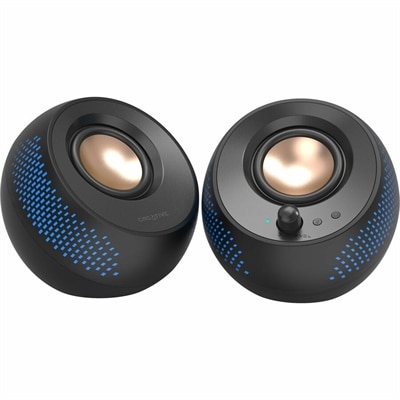
A black matte-finish speaker system delivering 15W RMS audio with Bluetooth 5.3, USB, and RGB illumination.
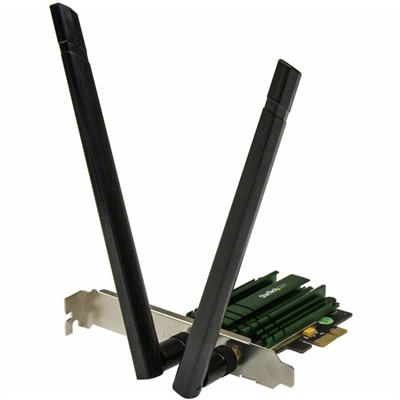
A dual-band PCIe Wi-Fi adapter delivering AC1200 speeds with detachable 2T2R antennas and 802.11a/b/g/n compatibility.
A Full HD monitor with 144Hz refresh rate, built-in speakers, and TÜV 4-star eye comfort certification.
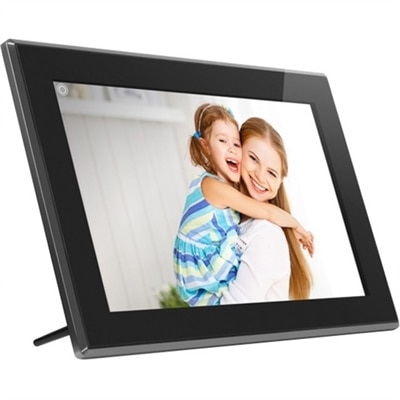
A touchscreen digital frame with IPS display, multimedia playback, wireless sharing, 16GB storage, and SD/USB support.
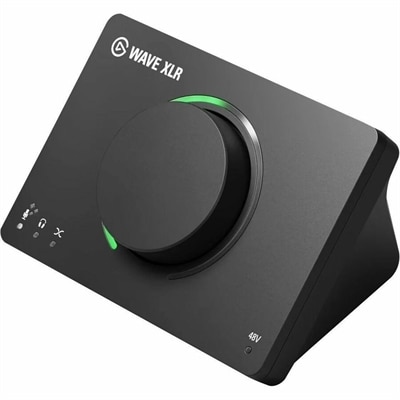
A USB audio interface delivering 80dB gain, DSP effects, VST inserts, mute control, and LED feedback.
A streamlined all-in-one stand securing Slim desktops to VESA-compatible monitors for clutter-free workspaces.
A professional docking station delivering 130W power and versatile connectivity for streamlined productivity.
A wireless inkjet printer delivering detailed color output with five individual ink tanks, versatile connectivity, and automatic paper feeding.
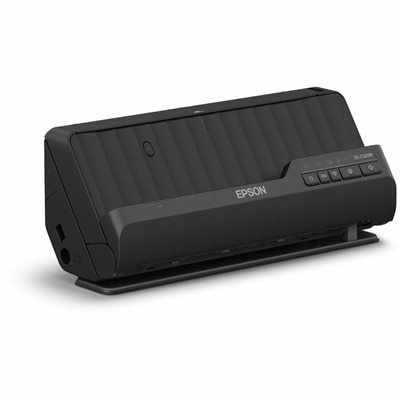
A compact wireless 600-dpi scanner with duplex scanning, 20-page feeder, and 30-ppm speed.
A smart docking station offering up to 130W USB-C power delivery and remote management capabilities.
Desktop solutions bring together the equipment, software and accessories that help people work, study, create and stay connected from a dedicated workspace. A thoughtfully assembled setup may include a desktop computer for dependable everyday performance, a monitor that makes documents and creative projects easier to view, and accessories that support comfortable input and clear communication. Some households use a desktop as a shared family computer for schoolwork, budgeting, photo organization and online appointments, while others build a more focused home office for professional tasks. Small businesses may rely on desktop systems for accounting, scheduling, point-of-sale applications, inventory records and other local business software. Creative professionals, engineers and content creators often look for configurations with responsive processing and generous memory to keep demanding applications moving smoothly. For gaming, a desktop solution can become the center of a more immersive setup, pairing a capable computer with a responsive display, comfortable controls and audio accessories. During the cooler months, a well-planned workspace can make a room feel especially inviting: a clean desk, a bright display and an organized collection of accessories create a place where it is easier to settle into a morning of focused work or an evening project. When comparing options, consider the way the computer will be used, how much room is available, the number and type of applications involved, and whether the setup needs to support more than one person. A compact arrangement may suit a bedroom, apartment or kitchen counter, while a larger workspace can accommodate multiple displays and equipment for multitasking. Port selection, display compatibility, wireless capability, camera quality and audio connections are also practical details that can shape the experience long after purchase.
Desktop solutions can support both traditional local computing and flexible access to hosted or virtual desktop environments. With a virtual desktop, a user can sign in to a familiar work environment from an approved computer or another compatible device, making it possible to continue working when moving between a home office, a shared workspace and a business location. Remote access software can provide a similar sense of continuity by allowing an authorized user to connect to a computer in another location, subject to the organization’s security policies and access requirements. These approaches can help teams keep applications, settings and workflows more consistent, while centralized administration makes it easier to manage user permissions, apply updates and maintain dependable security practices. They can also support hybrid work without requiring every person to carry a full office setup from place to place. For a small business, the right desktop solution may combine locally installed business applications with cloud-based tools and a clear backup routine. For a household, it may mean choosing a computer that can handle school assignments, video calls and personal projects without constant adjustment. Before choosing a setup, review operating system compatibility, application requirements, connection reliability and the number of people who need access. It is wise to use separate user profiles, strong passwords and multifactor authentication wherever available, especially when a desktop can be accessed remotely. Keep important files protected through a dependable backup plan, and make sure everyone who uses the computer understands basic privacy practices. An administrator may also want to consider how easily software can be updated, how permissions are assigned and whether the setup can grow as work habits change.
The physical arrangement matters just as much as the computer itself. A monitor with an adjustable stand can help place the top of the screen at a comfortable height, while a second display may make it simpler to compare documents, monitor a project and keep communication tools visible at the same time. An external keyboard and mouse can give the hands more room to find a natural position, and a webcam or headset can help make conversations clearer during remote meetings or family calls. Cable management accessories keep the area tidy and make it easier to move or replace equipment, while a suitable power accessory can help reduce interruptions during a long work session. People who spend hours reading or creating content may appreciate a display with a size, resolution and brightness level suited to the room. Those who share a computer should consider easy profile switching, accessible controls and enough flexibility for different users. A desktop solution can also be a thoughtful gift for a student preparing for a new school term, a relative setting up a home office, a first-time creator learning photo or video editing, or a family looking for a dependable place to manage everyday tasks. The best choice is guided less by a single specification than by the complete experience: comfortable viewing, responsive performance, simple connections and room to grow. Explore compatible accessories and connection options through Desktop Connectors to help create a workspace that feels organized from the first day. Whether the goal is remote work, creative exploration, learning, communication or shared family use, a carefully matched desktop solution can turn an ordinary corner into a reliable place for concentration and connection.
Add the products you would like to compare, and quickly determine which is best for your needs.