$19.99
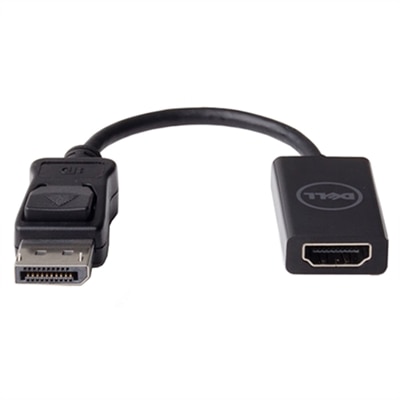
A seamless adapter connecting DisplayPort PCs to 4K HDMI displays at 60 Hz with plug & play convenience.
DisplayPort to HDMI converters offer a simple solution for connecting devices with different display ports, making it easy to enjoy seamless video and audio transmission between your favorite electronics. Whether you're setting up a workstation or enhancing your home entertainment system, these adapters help bridge the gap between DisplayPort-enabled computers and HDMI-compatible monitors, TVs, or projectors. Explore a wide selection of DisplayPort to HDMI converters to find the right option for your connectivity needs.
A seamless adapter connecting DisplayPort PCs to 4K HDMI displays at 60 Hz with plug & play convenience.
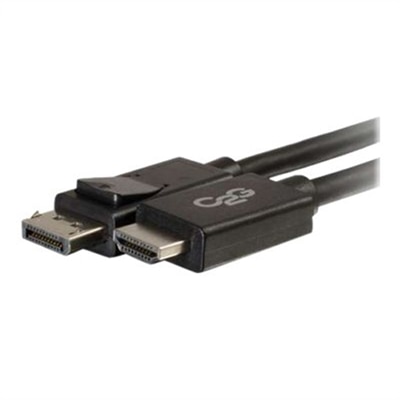
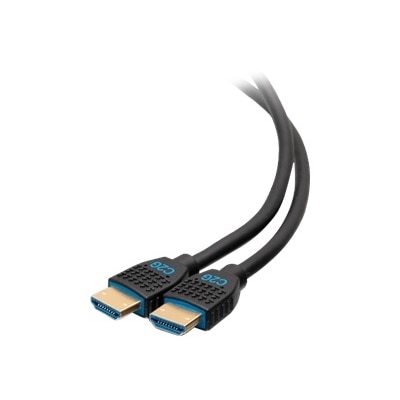
A 6ft black adapter cable for seamless DisplayPort to HDMI connections, ideal for monitors and accessories.
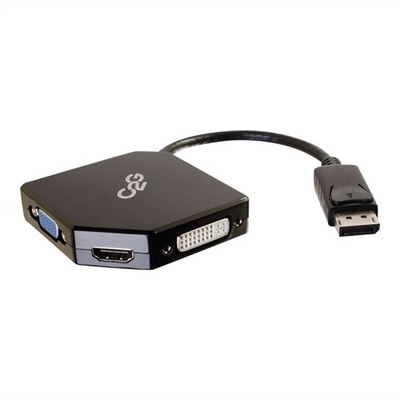
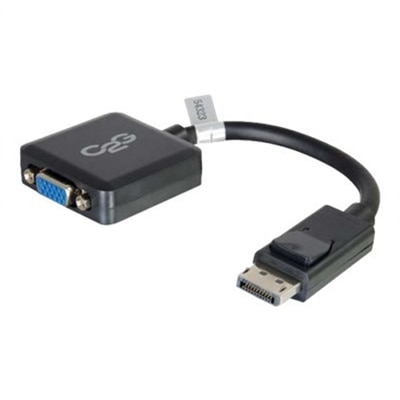
A compact black adapter converter for connecting DisplayPort devices to HDMI, VGA, or DVI inputs.
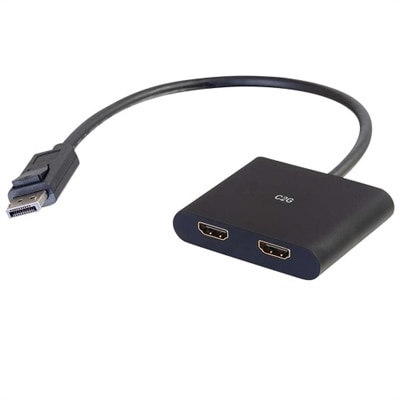
A versatile hub connecting DisplayPort devices to two HDMI displays, supporting up to 4K resolution.
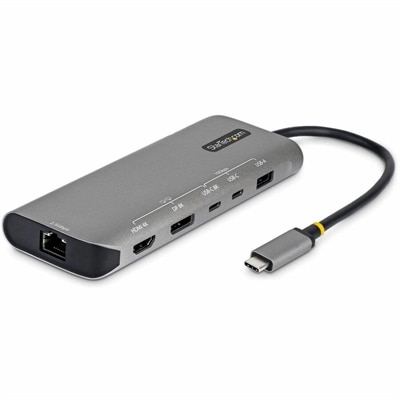
A space gray multiport adapter enabling dual 4K displays, 140W charging, 10Gbps ports, and 2.5GbE connectivity.
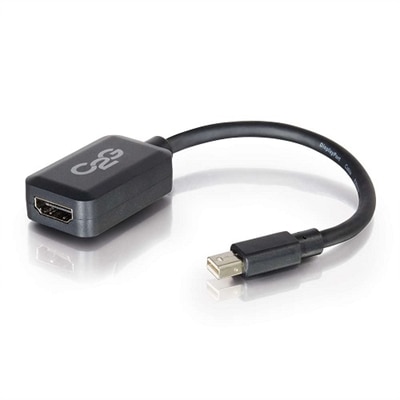
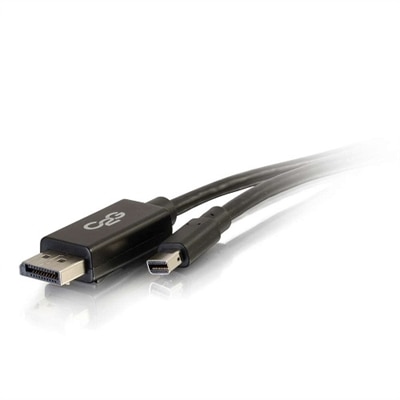
A black adapter converter that connects Mini DisplayPort or Thunderbolt 2 outputs to HDMI inputs.
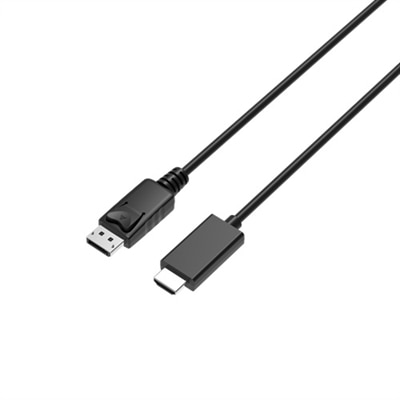
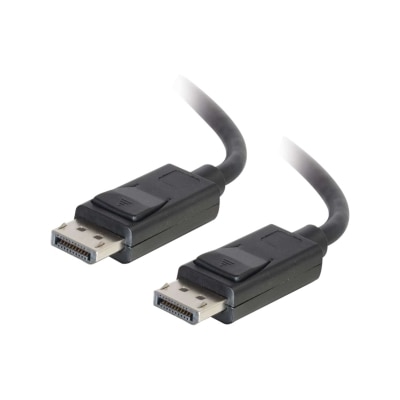
A 2-meter cable enabling seamless 4K60Hz video from DisplayPort devices to HDMI displays.
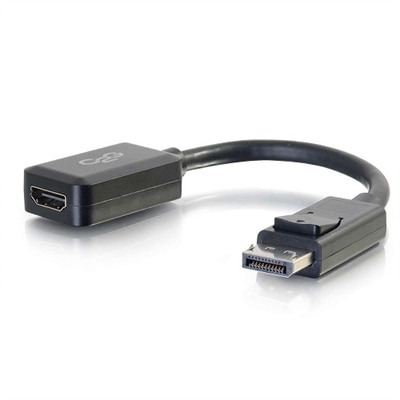
A compact black adapter that seamlessly connects a DisplayPort computer to an HDMI monitor, supporting 1080p.
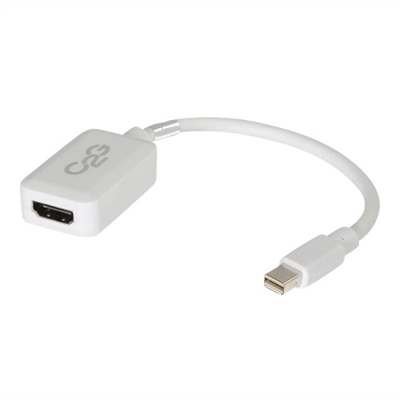
A white adapter that connects Mini DisplayPort or Thunderbolt 2 devices to HDMI displays with 1080p support.
Whether you’re setting up a home office, expanding your workstation, or simply looking to enjoy your favorite movies on a bigger screen, DisplayPort to HDMI converters are essential tools for bridging the gap between modern computers and a wide range of external displays. These adapters are designed to connect a device with a DisplayPort output—such as many desktops, laptops, and docking stations—to an HDMI-equipped monitor, TV, or projector. This functionality is especially valuable for professionals who need to quickly extend their desktop across multiple screens, making multitasking more efficient and presentations more impactful. As the weather warms and schedules shift toward flexible work-from-home days or collaborative projects, having a reliable display port to hdmi adapter on hand can make all the difference in productivity and enjoyment. For students returning from campus to home for the summer or families gathering for movie nights, an adaptador displayport a hdmi makes it easy to share content without the hassle of upgrading your entire setup.
When selecting a DisplayPort to HDMI adapter, it’s important to consider the specific needs of your devices and the environment in which you’ll use them. These adapters are uni-directional, meaning they will only transmit a signal from a DisplayPort source to an HDMI display, not the other way around. This makes them ideal for connecting a desktop tower or a Dell laptop with DisplayPort output to a large-screen TV for streaming, gaming, or even video calls with loved ones. For those working with high-resolution content, such as graphic designers or gamers, choosing an active displayport to hdmi adapter is crucial, as these models support higher resolutions and refresh rates—perfect for 4K displays or multi-monitor setups. On the other hand, passive adapters are a practical choice for standard 1080p monitors, offering a simple, plug-and-play solution for everyday tasks. Durability, compactness, and cable length are also important considerations, especially for those who travel frequently or need a clutter-free workspace. These adapters can also make thoughtful gifts for students, remote workers, or anyone upgrading their tech setup during the cooler months, ensuring their devices stay compatible as technology evolves.
As you browse options for a dell displayport to hdmi adapter, remember to check the specifications of both your source device and your display to ensure compatibility with your desired resolution and refresh rate. Investing in a quality adapter helps prevent signal loss and ensures crisp audio-visual performance, whether you’re watching the latest blockbuster, collaborating on a project, or gaming with friends. For those who may need to connect to older monitors or projectors, you might also be interested in our selection of DisplayPort To VGA Adapters, which offer similar versatility for legacy devices. From home entertainment to professional presentations, DisplayPort to HDMI adapters are reliable, user-friendly solutions that keep your technology connected through every season.
Active DisplayPort to HDMI converters use a built-in chip to convert the video signal, making them ideal for high-resolution displays, multi-monitor setups, or when your device does not support dual-mode DisplayPort (DP++). Passive adapters are simpler and typically rely on the source device’s DP++ capability, supporting standard resolutions and basic connections.
Yes, most modern DisplayPort to HDMI converters support both audio and video transmission. However, it’s important to ensure your source device’s DisplayPort output is capable of sending audio, and that your HDMI display can receive it.
Yes, a DisplayPort to HDMI converter is compatible with most Dell laptops and desktops that have a DisplayPort or Mini DisplayPort output. These adapters are designed to connect your Dell device to HDMI-enabled monitors, TVs, or projectors for expanded viewing options.
No, DisplayPort to HDMI adapters are typically plug-and-play, meaning they do not require any additional software or drivers. Simply connect the adapter to your device and display, and your system should recognize the connection automatically.
DisplayPort to HDMI converters are specifically designed for HDMI-equipped displays. If you need to connect to a monitor with only a VGA input, consider using a dedicated adapter such as those found on Dell’s DisplayPort To VGA Adapters page.
Add the products you would like to compare, and quickly determine which is best for your needs.