$14.99
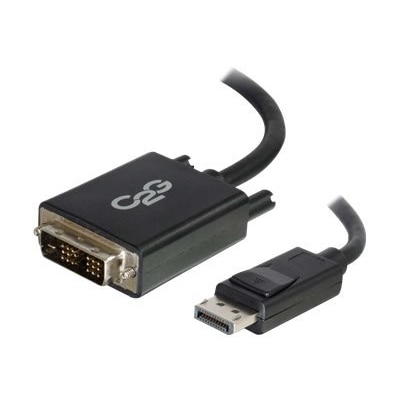
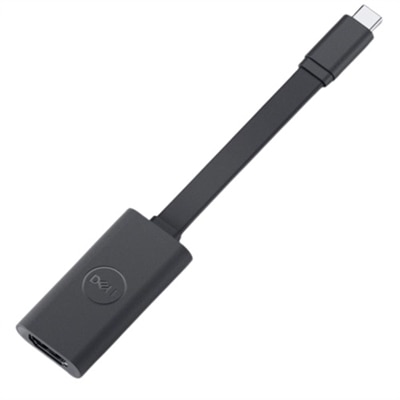
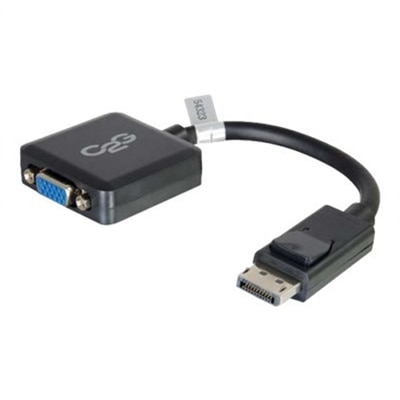
An ultra-compact black adapter converter seamlessly connects DisplayPort devices to DVI-D displays without additional power.
DisplayPort to DVI adapters offer a simple solution for connecting devices with different display interfaces, making it easy to enjoy high-quality visuals across monitors and projectors. Whether you're setting up a new workstation or upgrading your home entertainment system, these adapters provide the flexibility needed to bridge DisplayPort outputs and DVI inputs. Explore a range of DisplayPort to DVI adapters designed to support seamless connectivity for work, gaming, or multimedia experiences.
An ultra-compact black adapter converter seamlessly connects DisplayPort devices to DVI-D displays without additional power.
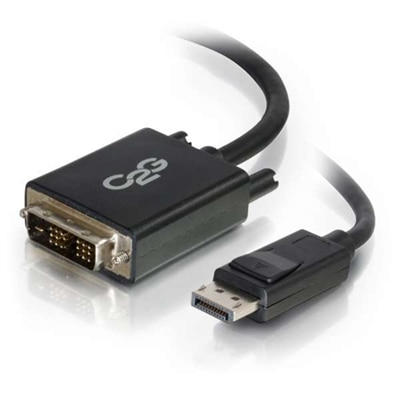
A black 6ft adapter cable seamlessly connects a DisplayPort computer to a DVI-D monitor, supporting 1920 x 1200 resolution.
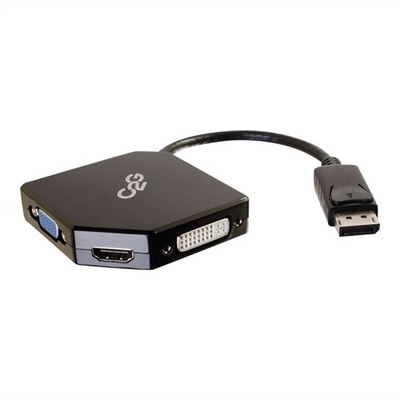
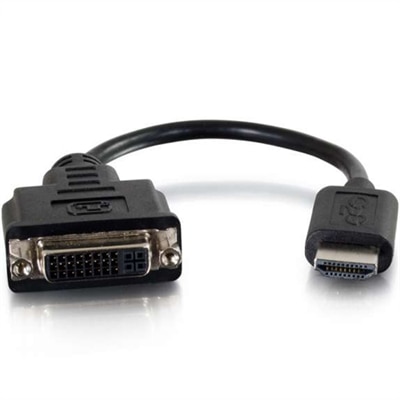
A compact black adapter converter for connecting DisplayPort devices to HDMI, VGA, or DVI inputs.
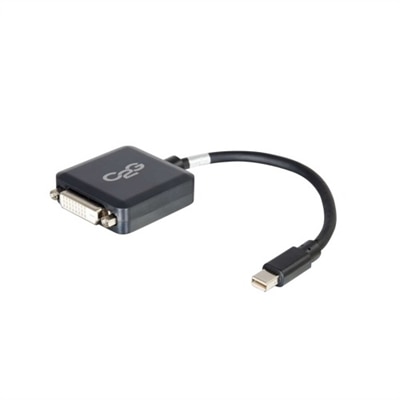
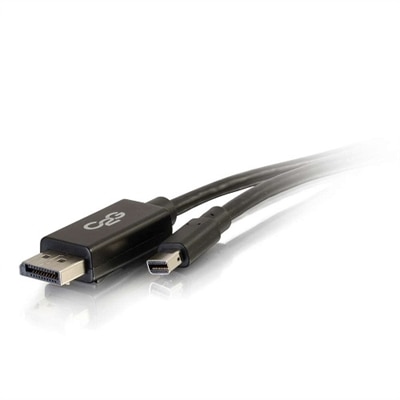
A black adapter converter enabling Mini DisplayPort or Thunderbolt 2 devices to connect to DVI-D monitors.
A black adapter cable connecting DisplayPort to DVI-D, supporting up to 1920 x 1200 resolution.
DisplayPort to DVI adapters provide a practical way to connect a newer computer, desktop, or laptop with a DisplayPort output to a monitor that uses a DVI input. They are especially useful when a dependable older monitor still has a sharp, comfortable display but does not include newer video connections. In a home office, an adapter can help keep a familiar monitor in service for spreadsheets, email, research, and everyday browsing. At a workstation, it can make it easier to add a second display for comparing documents, viewing reference material, or keeping communication tools visible beside a primary screen. These compact accessories are also useful when rearranging a workspace during the warmer seasons or settling into a more focused routine during the cooler months, since they can help match existing monitors with newer computers without replacing every part of the setup. When comparing options, begin by checking the ports on both devices. The source computer must have a DisplayPort output, while the monitor must have a DVI input. A DisplayPort to DVI adapter is generally designed for one-way use: it carries video from the DisplayPort source to the DVI display, but it does not typically convert a DVI source into a DisplayPort monitor connection. This direction matters because the plug shape alone does not guarantee compatibility. DisplayPort connectors may appear on desktops, laptops, docking accessories, or graphics hardware, while DVI connectors can vary in size and configuration. Confirming the exact connection on each side before ordering helps avoid an adapter that cannot fit or cannot transmit the signal required.
Resolution and refresh rate are also important purchase considerations. Many DisplayPort to DVI adapters support common office and home-monitor resolutions such as 1920 x 1080 at 60Hz, while some support 1920 x 1200 at 60Hz. The maximum result depends on the adapter, the computer’s DisplayPort output, the monitor’s DVI input, and the quality of the cable connecting the adapter to the display. A monitor that uses a standard single-link DVI connection may have different limits from one that uses dual-link DVI, and an adapter intended for everyday 1080p viewing may not provide the same capability as a model designed for higher-resolution or specialized configurations. Check the monitor’s native resolution and preferred refresh rate, then compare those specifications with the adapter’s stated support. Passive adapters are often suitable when the computer’s DisplayPort supports DP++, also called dual-mode DisplayPort, because the source can provide a DVI-compatible signal directly. An active adapter includes a built-in conversion chip and may be necessary when the DisplayPort output does not support DP++, or when a multi-monitor arrangement requires active signal conversion. This distinction becomes more significant in an expanded desktop setup with several displays, where the computer’s graphics capabilities and port arrangement may determine which type will work reliably. If the computer has more than one monitor connected, review its display-output specifications and the adapter requirements together rather than assuming that an adapter that works for one screen will work for every configuration. For more connection options and related accessories, explore DVI Adapters.
A DisplayPort to DVI adapter transmits video only. DVI does not carry audio, so sound must use the computer’s built-in speakers, a separate audio connection, headphones, or another compatible audio accessory. This is an easy detail to overlook when setting up a monitor for a home office, study area, or shared family workspace: the picture may appear correctly while audio continues through the computer rather than the display. Before finalizing a purchase, inspect the physical DVI connection and determine whether the monitor uses DVI-D, DVI-I, or another DVI configuration, then confirm that the adapter is made for the intended connection. DVI-D is digital, while DVI-I can support digital and analog signals, but a DisplayPort to DVI adapter is normally intended for a digital DisplayPort source and digital DVI display connection. An adapter cannot compensate for a monitor that requires an analog signal unless the product specifically supports that conversion, so the monitor’s manual or specifications are worth checking when the port type is unclear. Cable length, connector placement, and available clearance can matter as well. A compact adapter may be convenient behind a slim monitor, while a model with a short attached cable can reduce strain on crowded ports and make it easier to route the connection neatly along a desk. For someone setting up a first home office, refreshing a remote-work station, or giving a practical accessory to a student, a DisplayPort to DVI adapter can be a thoughtful addition when the recipient already owns a compatible DVI monitor. It can also be helpful for people who prefer the steady viewing experience of a trusted display and want to connect it to a newer computer. Choose based on port direction, DVI type, supported resolution, refresh rate, passive or active design, and the number of displays in the setup. With those details matched carefully, this small accessory can provide a clean, straightforward video connection and help an existing monitor continue serving useful work for years.
Add the products you would like to compare, and quickly determine which is best for your needs.