$1099.99
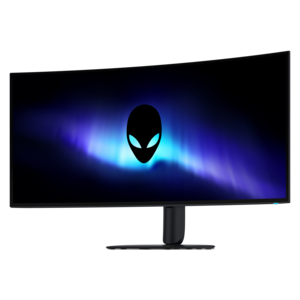
A 5K ultrawide gaming monitor with RGB stripe tandem OLED technology for bright, vibrant visuals.
Find Dorm Desk Tech Essentials for studying, creating, and staying connected in a compact space, with a selection of laptops, desktops, monitors, and computer accessories to help organize and personalize your dorm workspace.
A 5K ultrawide gaming monitor with RGB stripe tandem OLED technology for bright, vibrant visuals.
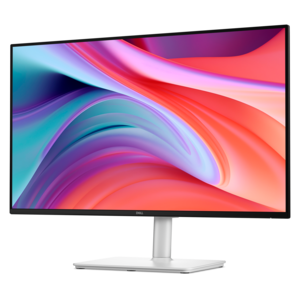
A crisp FHD monitor with smooth 144Hz visuals, built-in speakers, and TÜV 4-star eye comfort certification.
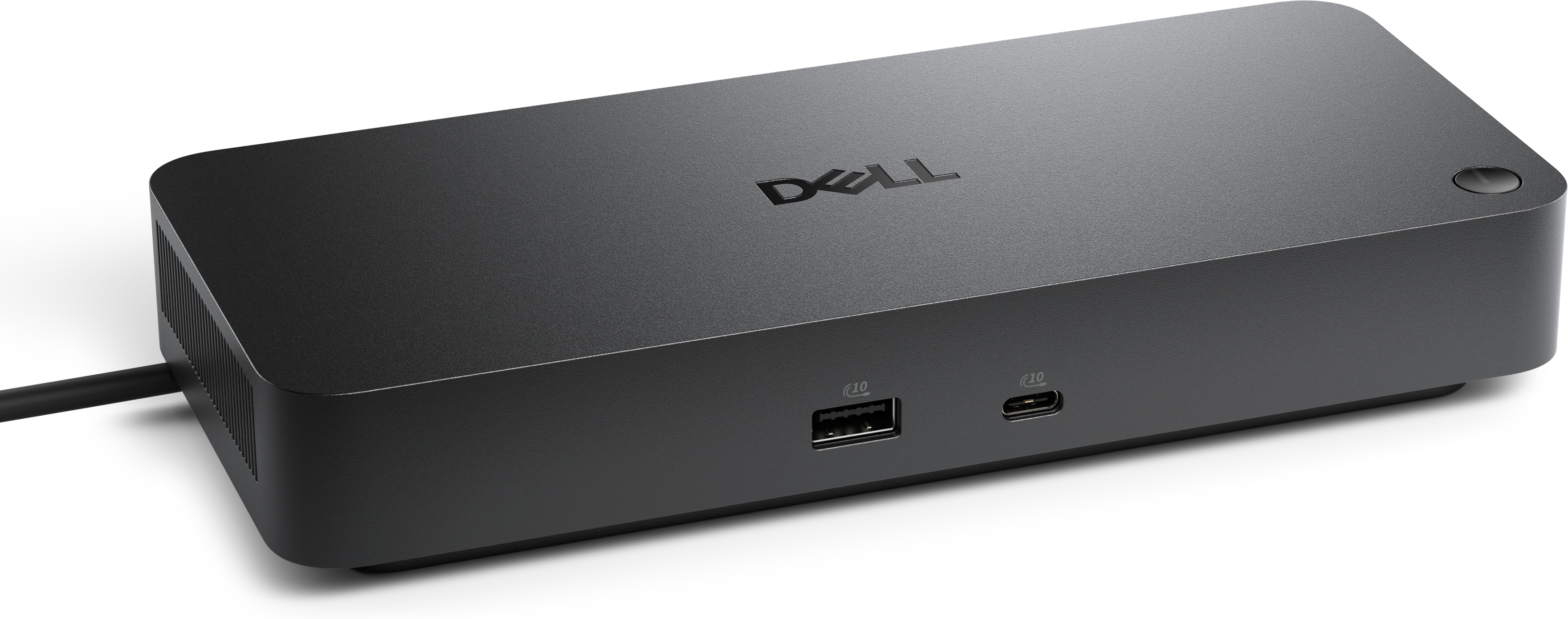
A versatile Thunderbolt 5 smart dock delivering up to 300W power with remote management capabilities.
A Thunderbolt 4 dock delivering up to 130W of power for a powerful, streamlined workspace.
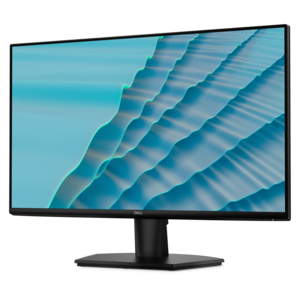
A 27-inch monitor with TÜV-certified eye comfort, 144Hz refresh rate, low blue light, and compact design.
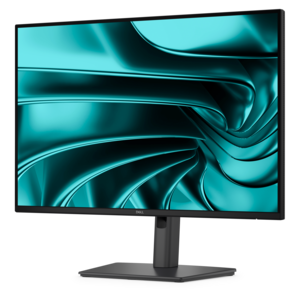
A 16:10 FHD USB-C hub monitor offering 100W power delivery and TÜV-certified four-star eye comfort.
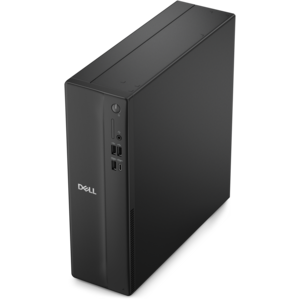
A compact desktop delivering reliable performance and security for everyday productivity.
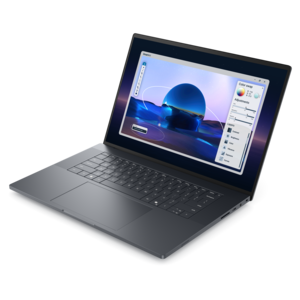
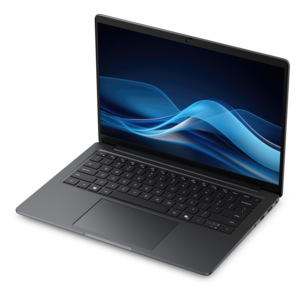
A sleek, lightweight laptop with Intel Core Ultra processors, NVIDIA graphics, and advanced on-device AI.
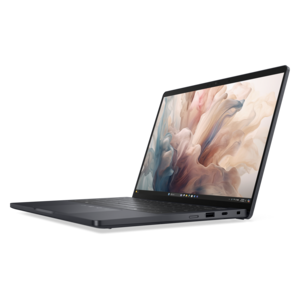
A stylish laptop with built-in AI and a spacious display for creators and developers.
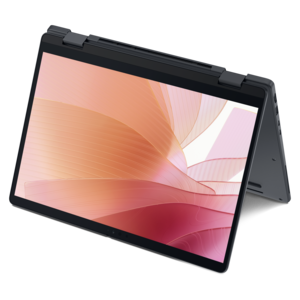
A versatile 2-in-1 laptop with AI experiences, all-day battery life, and seamless multitasking.
A space-saving desktop engineered for exceptional speed and efficiency in a sleek, compact design.
A high-performance AI-ready business desktop with security, seamless manageability, and expandable capabilities for demanding tasks.
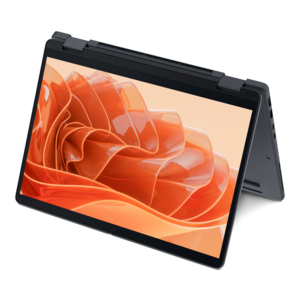
A versatile 2-in-1 laptop with Intel Core processors, DDR5 memory, and multiple modes for creative work.
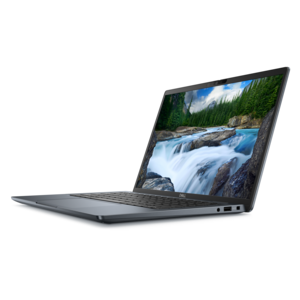
A remarkably thin, lightweight laptop designed for ultimate mobility and effortless everyday productivity.
A thin, lightweight laptop featuring Intel Core Ultra processors, NVIDIA graphics, battery life, and on-device AI.
A thin 2-in-1 laptop powered by AMD Ryzen AI PRO 400 Series processors for versatile performance.
A compact desktop designed for everyday productivity and creative tasks.
A durable, serviceable Chromebook designed specifically for education environments.
A remarkably thin 2-in-1 laptop powered by AMD Ryzen AI PRO 400 Series processors for performance.
An AI-powered tablet with optional keyboard, active pen, advanced thermals, HDR cameras, and Intel Core Ultra.
A durable, serviceable laptop designed specifically for demanding education environments.
An ultracompact business desktop with Copilot+ PC options, AI-enhanced productivity, robust security, and streamlined manageability.
A productivity-focused Copilot+ PC powered by a capable AMD CPU, GPU and NPU combination.
A lightweight AI PC delivering outstanding performance and battery life for highly mobile professionals.
A dorm desk has to do a remarkable amount of work in very little space. It may serve as a classroom during the day, a study station in the evening, and a place to watch a show, join a video call, or organize a busy schedule before bed. The right technology can make that transition feel less cluttered and more comfortable, especially when every square inch matters. A compact desktop charging station is a useful starting point because it can power several everyday devices from one central location instead of scattering adapters across the room. When comparing options, look at the total wattage, the number and type of ports, and whether the station supports USB-C power delivery for compatible laptops and tablets. A higher-wattage port may be important for a computer, while additional USB ports can handle a phone, wireless earbuds, a watch, or another small accessory at the same time. A short, neatly routed cable can help keep the desktop clear, while a longer cord may be more practical when the nearest wall outlet sits behind a bed or on the opposite side of the desk. Built-in surge protection and a stable, weighted design are also worth considering in a shared living environment. For students who move between a dorm room, library, classroom, and study lounge, a small power hub is easy to pack and can reduce the scramble for an open outlet when battery levels start dropping. It can also be a thoughtful gift for a student settling into campus life, particularly when paired with a simple cable organizer or a compact pouch for carrying charging accessories. During the cooler months, when more time is spent indoors, keeping a laptop and personal devices powered can make a small room feel more ready for long study sessions and relaxed evenings alike.
A compact keyboard is another practical choice for a dorm desk, particularly when the built-in keyboard on a laptop is not comfortable for extended writing. A space-saving layout leaves room for notebooks, a coffee mug, or a small lamp without making the work area feel crowded. Wireless models can reduce cable clutter, and some can connect with more than one device, allowing a student to move between a laptop, tablet, and phone with minimal effort. Before choosing one, consider the key layout, typing feel, battery life, connection method, and whether the keyboard includes a number pad. A full-size layout may suit students working with spreadsheets or financial coursework, while a smaller arrangement can be a better fit for narrow desks and flexible room setups. Quiet keys are especially considerate in shared bedrooms, study rooms, and late-night environments where every click can carry. A matching mouse can make navigation more comfortable, while a low-profile laptop stand can raise the screen closer to eye level and create space underneath for notebooks or a separate keyboard. Students who spend hours drafting papers, coding, editing presentations, or attending online classes may appreciate the difference a more ergonomic setup makes. For video calls, a clear webcam and a headset with a comfortable fit can help create a more polished workspace without requiring a large footprint. Accessories such as a desk mat, phone stand, or small cable-management tray can provide structure to the collection of items that tends to gather around a student’s dominant hand. A phone stand keeps notifications visible without placing the device on top of important papers, and a desk mat can give a mouse a smoother surface while protecting a borrowed or compact desktop. These additions are useful for students, graduate researchers, remote learners, and anyone who needs one desk to support both focused work and personal downtime.
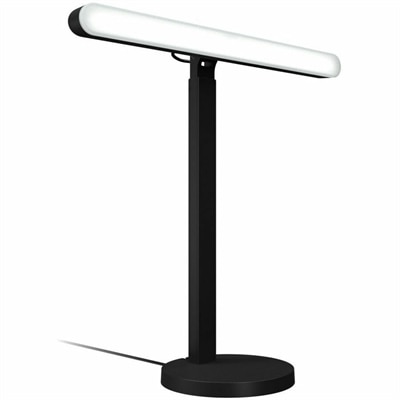
Lighting deserves attention as well, because dorm rooms often rely on a single overhead fixture that creates glare on a laptop screen and leaves notebooks in shadow. An adjustable LED desk lamp can direct light where it is needed, helping a student read, write, or review printed material without brightening the entire room. Models with multiple brightness levels or color settings can adapt from concentrated daytime work to softer evening use, while built-in USB ports or a wireless charging surface may help preserve precious outlet space. Look for a stable base, a flexible neck, controls that are easy to reach, and a footprint that leaves room for a computer and everyday supplies. A monitor can be helpful for students who work with multiple windows, design software, code, documents, or detailed research, but available desk depth and viewing distance should guide the choice. A slim display or an adjustable stand can offer more usable workspace than a bulky setup, especially when the desk must be cleared for meals or other activities. Before adding larger technology, measure the desktop, note the location of outlets, and consider where books, a backpack, and personal items will go. A simple layout often works best: place the computer or display toward the back, keep the charging station within reach but away from spills, position the lamp on the side opposite the writing hand when possible, and reserve a clear area for notes. Students sharing a room may also benefit from headphones that help separate study time from surrounding conversation, while a small speaker may suit relaxed listening when roommates are comfortable with it. The most useful dorm desk setup is not necessarily the one with the most devices; it is the one that supports a student’s routines without making the room harder to live in. For additional ways to organize and personalize a portable computer setup, explore Student Laptop Accessories. Thoughtful choices in charging, typing, lighting, sound, and organization can turn a crowded desk into a dependable place for coursework, creative projects, conversations with family, and the everyday details of campus life.
Add the products you would like to compare, and quickly determine which is best for your needs.