Durable Laptops for Field Work

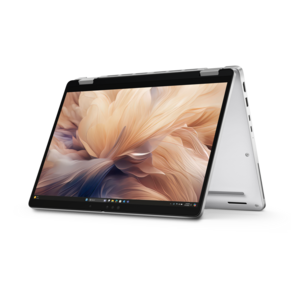
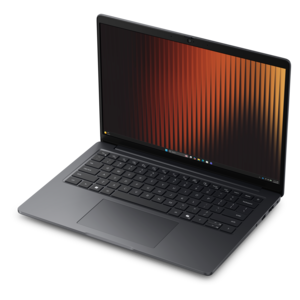
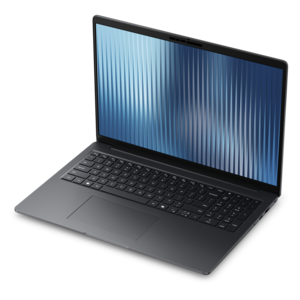
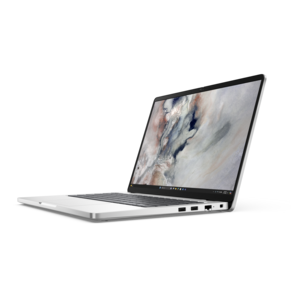
Explore durable laptops for field work, from on-site tasks to computing between job locations. Compare available models by weight, battery life, and ports, and check any listed durability ratings to assess how well each laptop fits your work environment and the equipment you use.

Filters

$3766.00

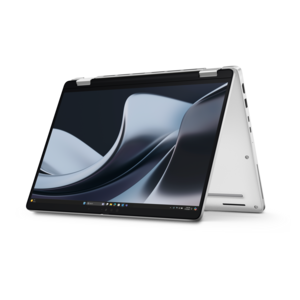
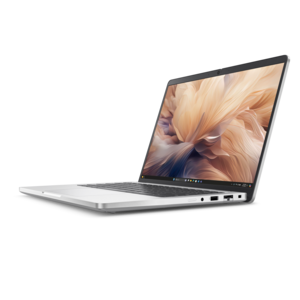
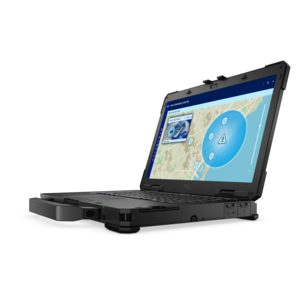
A lightweight semi-rugged laptop with Intel Core Ultra processors delivering AI performance for demanding fieldwork.
$3766
$570.00

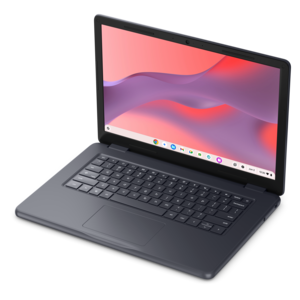
A durable, serviceable Chromebook designed specifically for education environments.

$570
$971.00

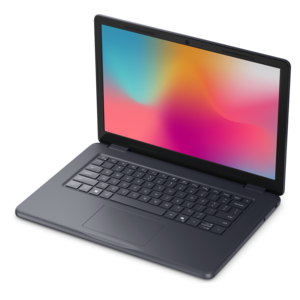
A durable, serviceable laptop designed specifically for demanding education environments.

$971
$5107.00

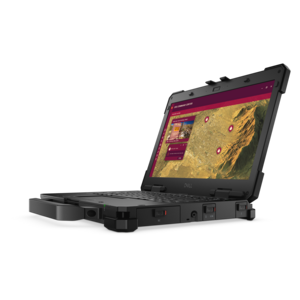
A fully rugged laptop with Intel Core Ultra processors delivering AI performance for demanding fieldwork.
$5107
$852.00

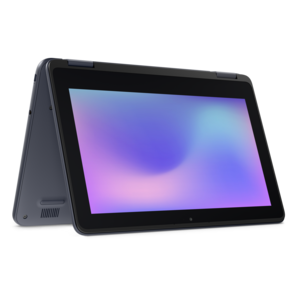
A durable, serviceable laptop or 2-in-1 designed specifically for demanding education environments.

$852
$2507.00

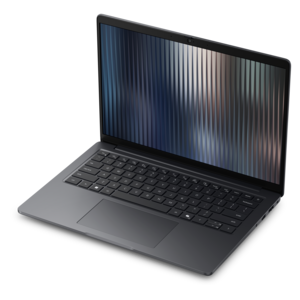
A thin, durable laptop delivering reliable performance for professional productivity.

$2507
$1975.00

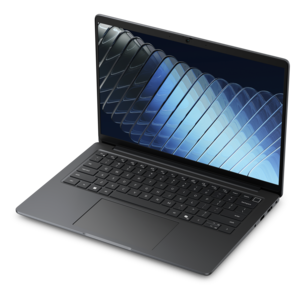
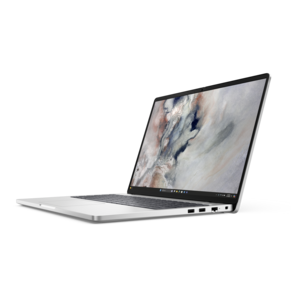
A secure, scalable commercial AI PC in a sleek, durable aluminum body for on-the-go multitasking.

$1975
$2005.00

A thin, durable laptop powered by AMD Ryzen™ AI PRO 400 Series processors for professional work.

$2005
$2655.00

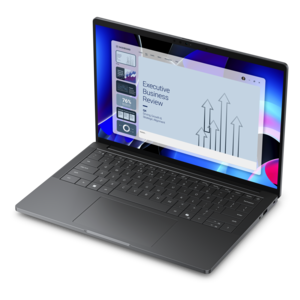
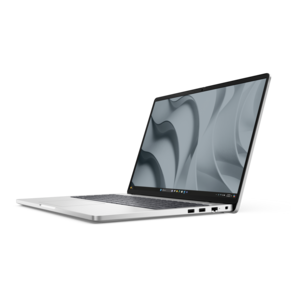
A commercial AI laptop with a durable aluminum body, roomy 14-inch display, security, and scalability.

$2655
$2667.00

A powerful, ultra-thin laptop featuring a durable chassis designed for productive work wherever you go.

$2667
$3259.00

An ultralight, durable AI laptop delivering premium experiences for highly mobile professionals.

$3259
$2054.00

A thin, lightweight business laptop with durable design, commercial-grade security, manageability, and AMD Ryzen processors.

$2054
$2045.00

A durable aluminum commercial AI laptop with outstanding security, scalability, and versatile multitasking performance.

$2045
$1748.00

A durable, lightweight business laptop powered by AMD Ryzen processors with commercial-grade security and manageability.

$1748
$2272.00

A thin, lightweight business laptop with durable construction and commercial-grade security and manageability.

$2272
$1798.00

A durable modular work laptop with robust security, a spacious 16:10 display, and optional built-in AI.

$1798
$2193.00

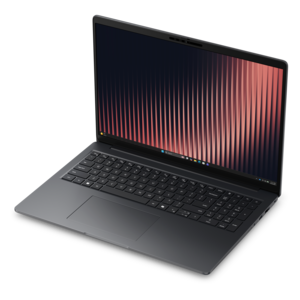
A commercial AI laptop with a durable aluminum body, roomy display, outstanding security, and scalable performance.

$2193
$2173.00

A durable modular laptop with robust security, spacious 16:10 display, numeric keypad, and built-in AI options.

$2173
$1590.00

A durable modular laptop with a spacious 16:10 display, numeric keypad, robust security and built-in AI.

$1590
$2291.00

A durable, lightweight business laptop with commercial-grade security and manageability for everyday productivity.

$2291
$1806.00

A durable, modular laptop with robust security, a spacious display and optional built-in AI for workdays.

$1806
$2084.00

A commercial AI laptop with robust security, scalability, durable aluminum construction, and a spacious productivity display.

$2084
$2287.00

A lightweight AI PC delivering outstanding performance and battery life for highly mobile professionals.

$2287
$2005.00

A remarkably thin laptop powered by AMD Ryzen AI PRO 400 Series processors for professional performance.

$2005

Durable Laptops for Field Work

Durable laptops for field work are built around a different kind of workday: reviewing plans beside a construction trailer, recording measurements along a utility route, or updating inspection notes before leaving a job site. The right level of protection depends on what that workday involves. Frequent travel between an office and a sheltered work area places different demands on a computer than regular exposure to blowing dust, rain, vibration, or accidental drops. Reinforced business laptops, semi-rugged designs, and fully rugged laptops can serve different environments, but those descriptions alone do not establish how much punishment a device can withstand. Documented testing provides more useful context. MIL-STD-810H testing can address conditions such as shock, vibration, and temperature extremes; the specific test methods and conditions matter more than the presence of the designation alone. An ingress protection, or IP, rating describes tested resistance to solid particles and water under defined conditions, not unrestricted protection against every outdoor hazard. Port covers, seals, and removable components may need to be correctly secured for that protection to apply. Construction also makes a practical difference. Magnesium alloy or aluminum structures, reinforced corners, shock-absorbing bumpers, and strengthened hinges can help protect vulnerable areas, depending on the design. A metal exterior by itself does not guarantee ruggedness, and a protective case does not automatically give an ordinary laptop the environmental protection of a purpose-built rugged model. For building inspectors, environmental researchers, maintenance technicians, and construction supervisors, durability is most useful when it matches everyday handling rather than an imagined worst-case scenario. A laptop carried through several buildings each morning needs a manageable weight and a secure grip. One used beside heavy equipment may need documented vibration resistance and a mounting arrangement suited to that setting. These details help distinguish portable computers intended for occasional outdoor tasks from designs made for sustained field use, where keeping information accessible can be as important as protecting the computer itself.

Outdoor usability extends beyond a tough enclosure. A display that looks clear under office lighting can become difficult to read beside a sunlit excavation or on the hood of a parked vehicle. Higher screen brightness, effective antireflection treatments, and suitable viewing angles can make maps, diagrams, and forms easier to see, although brightness specifications alone do not determine readability. Screen finish and the position of the sun also affect the experience. Touch input can simplify a quick annotation, but glove compatibility and wet-touch operation are separate capabilities that need explicit support. A touchscreen that responds to bare fingers may not recognize thick work gloves, and rain can interfere with input on screens not designed for those conditions. Physical keyboards, responsive pointing devices, and supported pens offer other ways to enter information when the work surface is uneven or a detailed drawing needs a precise mark. Screen size creates another everyday tradeoff: a larger display provides more room for technical plans and multiple windows, while a smaller laptop is easier to carry between inspection points. Overall dimensions, weight, and grip matter when the computer shares a bag with meters, safety equipment, and paperwork. Battery performance deserves the same real-world perspective. High display brightness, cellular connectivity, video calls, demanding applications, and temperature extremes can all affect runtime. Advertised battery figures may reflect conditions quite different from an outdoor shift. Some rugged designs support replaceable batteries or dual-battery arrangements, and certain configurations allow a battery change without shutting down; uninterrupted operation depends on the specific design and its requirements. Compatible vehicle charging and secure docking can support a mobile workday, provided the equipment is approved for the laptop and installed appropriately. Performance should also suit the actual workload. Digital forms and routine documentation have different requirements from detailed mapping, large technical drawings, or three-dimensional visualization. Processor capability, memory, graphics performance, and application compatibility all contribute to whether a durable laptop remains responsive when the day moves from simple notes to more demanding work.

A field laptop also needs to fit the way information moves between people and places. Useful connections may include USB ports for instruments, display outputs for a temporary workstation, or specialized connections for established diagnostic equipment. Adapter compatibility matters, especially when a connector must remain accessible inside a protective case or mounting bracket. Optional cellular connectivity can support work away from Wi-Fi, but coverage, service requirements, and local conditions still determine whether a connection is practical. Supported positioning capabilities can be useful for mapping tasks, with accuracy depending on the hardware, application, and surroundings. Offline access is equally valuable in a concrete building, a remote survey area, or any location where a connection is unreliable. Locally accessible forms, maps, and reference documents can keep a task moving until information can be synchronized through an approved connection. Security belongs in that routine, too. Device encryption, supported authentication features, and automatic screen locking can help protect work information when a laptop travels between a vehicle, a job site, and an office. Physical care supports long-term durability even when the computer is designed for demanding conditions. Grit around hinges, damaged port covers, and worn seals deserve attention before the next trip. Cleaning methods should follow the manufacturer's instructions, since harsh chemicals, abrasive cloths, and pressure washing can damage surfaces or protective components. A laptop should be dry before charging or connecting accessories when its care instructions require it, and operating temperature limits remain important in both summer heat and winter cold. Secure transport, a properly fitted carrying case, and a stable work surface reduce avoidable strain between assignments. These practical qualities also matter in field-based education, where geology surveys, agricultural studies, and hands-on technical programs combine classroom work with outdoor documentation. For that overlap, Durable Laptops For Students offers a related category for academic use. Across professional and learning environments, the most useful durability features are those that support the actual routine: carrying the computer comfortably, reading the screen clearly, entering accurate information, and protecting it through repeated days of work.

FAQs:

Add the products you would like to compare, and quickly determine which is best for your needs.

Add the products you would like to compare, and quickly determine which is best for your needs.