$69.99
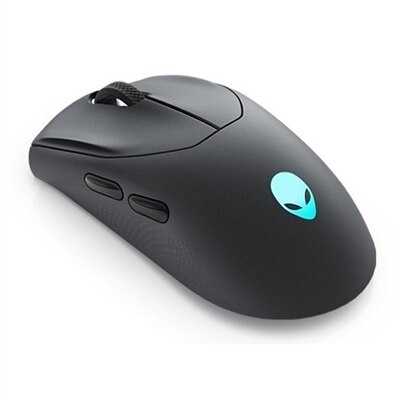
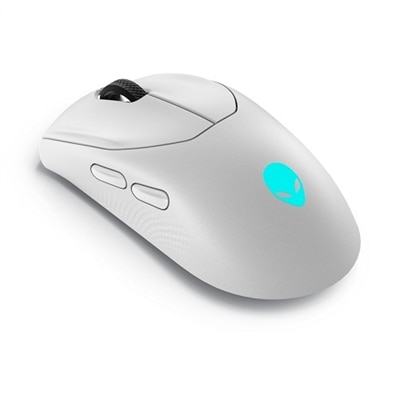
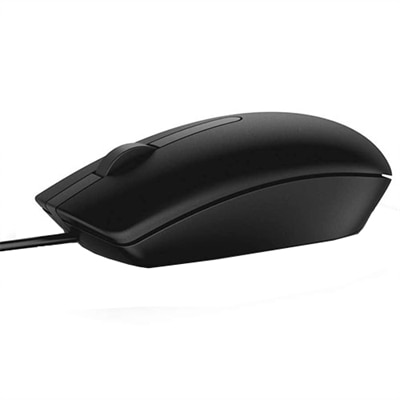
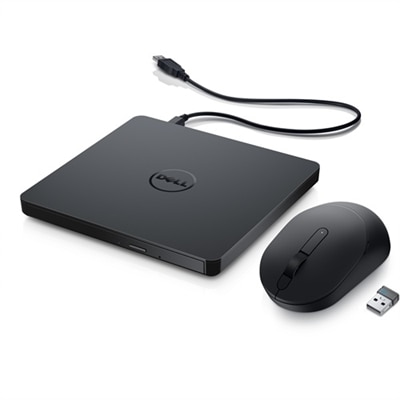
A portable bundle featuring a slim USB DVD drive and a wireless mouse with four DPI levels.
External DVD drives for netbooks offer a convenient way to enjoy your favorite media, back up files, or install software without relying on built-in optical drives. Designed with portability and ease of use in mind, these external solutions are ideal companions for lightweight devices that prioritize mobility. Whether you’re looking to watch movies, access archived data, or manage your digital library, external DVD drives for netbooks provide the flexibility needed to expand your device’s capabilities wherever you go.
A portable bundle featuring a slim USB DVD drive and a wireless mouse with four DPI levels.
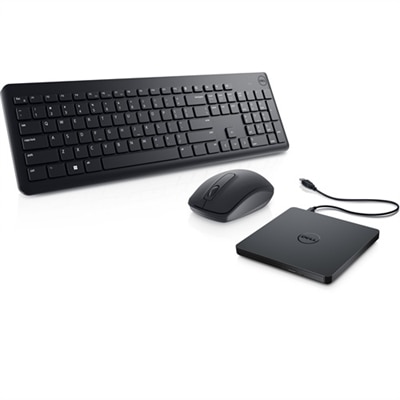
A convenient bundle featuring a portable USB Slim DVD drive and a reliable wireless keyboard and mouse combo.
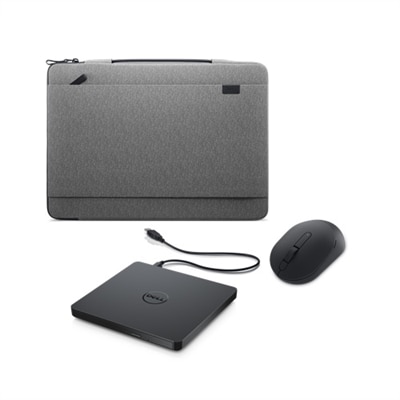
An eco-friendly heather gray sleeve, slim DVD drive, and silent mouse for productivity on the go.
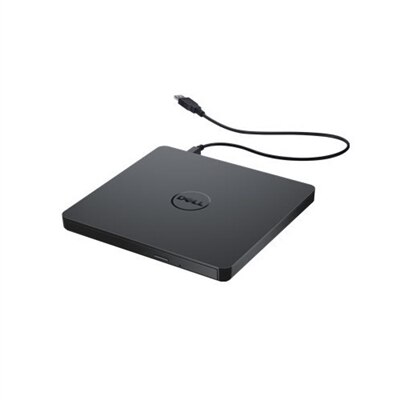
A compact external drive offering plug-and-play disc burning and playback via USB connection.
For many netbook users, external DVD drives have become an essential companion, bridging the gap between compact device design and the need for reliable optical media access. As netbooks and ultrabooks continue to prioritize portability and slim profiles, built-in optical drives are often omitted, making an external DVD drive for PC a practical solution for a variety of everyday tasks. Whether you're a student preparing for the semester ahead, a professional who needs to access archived project files, or someone who enjoys revisiting classic movie collections during the warmer evenings, these lightweight and portable drives offer the flexibility to read, write, and back up data wherever you are. Their plug-and-play functionality ensures that setup is straightforward—simply connect the drive via USB and you’re ready to go, whether you’re in a bustling coffee shop or working from a quiet spot at home. For those who frequently travel, the slim design fits easily into a laptop bag or backpack, making it easy to keep your digital tools close at hand without adding unnecessary bulk.
When considering an external DVD drive for your netbook, it’s important to think about compatibility and connectivity. Many modern drives are equipped with both USB-A and USB-C cables, ensuring seamless integration with a wide range of devices, from older netbooks to the latest ultrabooks. Power supply is another key factor; while most external DVD drives draw sufficient power directly from your netbook’s USB port, some models include an external power cable for added reliability, especially if your device has limited power output. This is particularly useful during extended work sessions or when burning multiple discs. Versatility is also a hallmark of today’s external DVD drives—some models even feature additional USB ports or SD/TF card slots, transforming your drive into a multifunctional hub for file transfers and peripheral connectivity. These features can be especially valuable during the transition between academic years or as you organize digital memories from recent travels. If your needs extend to Blu-ray playback or higher-capacity disc formats, specialized drives are available, though for most users, a standard external DVD drive will cover everyday requirements like installing software, backing up important documents, or digitizing music collections.
External DVD drives also make thoughtful gifts for anyone who relies on their netbook or ultrabook for school, work, or creative projects. They’re ideal for recent graduates heading off to college, remote professionals setting up a flexible workspace, or family members who appreciate the ability to archive photos and videos from seasonal gatherings. As digital media continues to evolve, having a dependable way to access and preserve optical content remains relevant—especially for those with cherished collections of discs or software that isn’t available through online downloads. For users interested in exploring more options or seeking drives for desktop use, you can find a variety of internal solutions on our dedicated SATA DVD RW Drives page. No matter your needs, external DVD drives offer a reliable and convenient way to expand your netbook’s capabilities, ensuring you stay connected to your important content throughout every season.
External DVD drives provide netbook users with the ability to access, play, and burn CDs and DVDs, which is especially useful for installing software, backing up files, and enjoying physical media collections that netbooks cannot access natively due to their compact design.
Most external DVD drives connect via a USB port. Simply plug the drive’s USB cable into your netbook, and the device should be recognized automatically. Many models are plug-and-play, requiring no additional software installation.
Yes, many external DVD drives for netbooks support both reading and writing capabilities, allowing you to play media, install programs, burn music or data onto blank discs, and create backups of important files.
Most modern external DVD drives are designed for broad compatibility and work with both Windows and macOS devices. It’s always a good idea to check the product specifications to ensure compatibility with your specific operating system.
External DVD drives commonly support a wide range of disc formats, including DVD-R, DVD+R, DVD-RW, DVD+RW, CD-R, and CD-RW, making them versatile for various media playback and data storage needs.
Add the products you would like to compare, and quickly determine which is best for your needs.