$35.02
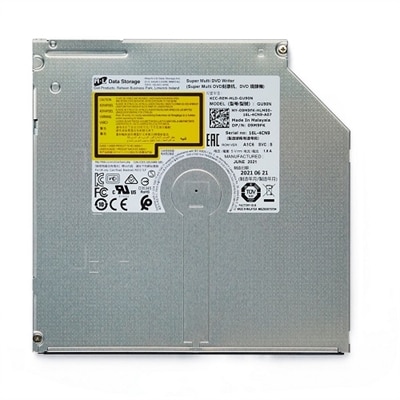
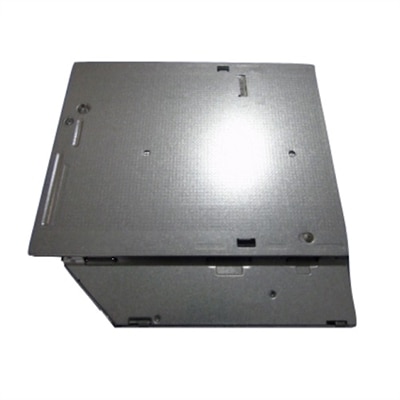
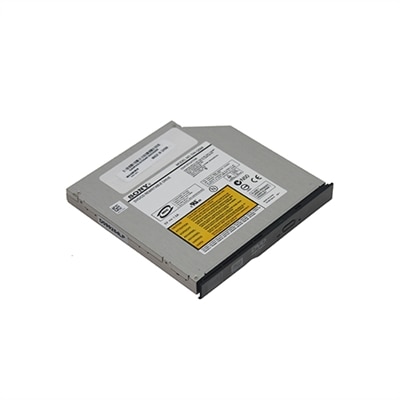
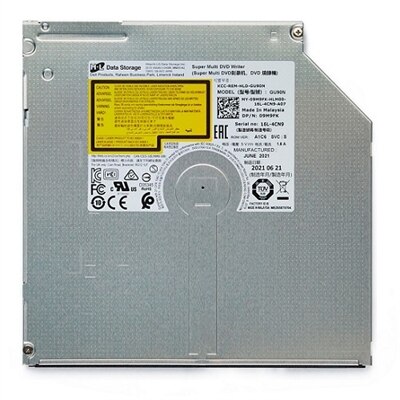
An optical disk drive offering CD read/write and DVD read capabilities with fast Serial ATA interface.
Upgrade your computer’s media capabilities with reliable SATA DVD RW drives, designed to make data storage and disc playback effortless. Perfect for both home and office use, these drives offer a convenient solution for reading, writing, and archiving CDs and DVDs. Whether you’re backing up important files or enjoying your favorite movies, SATA DVD RW drives provide the versatility and performance needed for everyday tasks. Explore a range of options to find the ideal drive that fits seamlessly into your system setup.
An optical disk drive offering CD read/write and DVD read capabilities with fast Serial ATA interface.
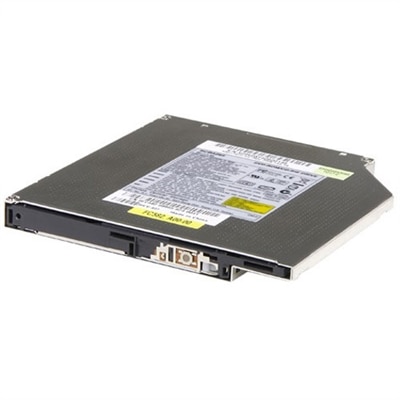
A versatile combo drive offering crystal clear audio-visuals and fast data transfer via Serial ATA interface.
An internal drive offering CD/DVD read/write capabilities with fast data transfer via Serial ATA interface.
A versatile DVD Combo Drive offering crystal clear audio-visuals and fast data transfer via Serial ATA.
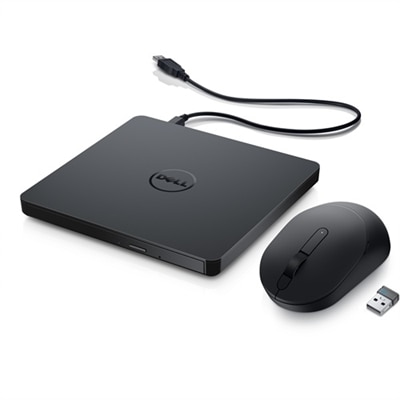
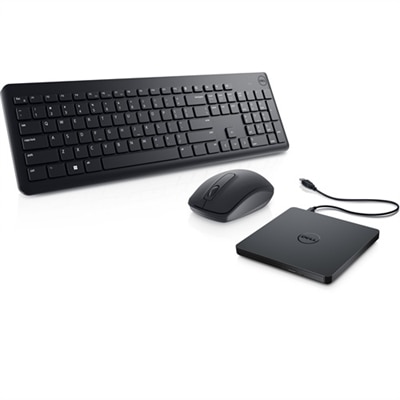
A portable bundle featuring a slim USB DVD drive and a wireless mouse with four DPI levels.
A DVD ROM Combo Drive offering crystal clear color, picture, and sound with fast Serial ATA interface.
SATA DVD RW drives are internal optical drives designed to read and write CDs and DVDs through a standard Serial ATA connection. They are a practical addition for compatible desktop computers that still use a traditional 5.25-inch drive bay, giving you a convenient way to install software, play movie discs, access archived files, create music CDs, or record photos and home videos to writable media. A typical drive supports common formats such as DVD-R, DVD-RW, DVD+R, DVD+RW, DVD-RAM, CD-R, and CD-RW, although exact compatibility can vary by model and by the disc being used. Many DVD writers reach up to 24x for DVD writing and up to 48x for CD reading or writing, but maximum speed is only one part of the experience. The drive, the blank disc, the recording software, and the computer itself all work together, so actual performance may be lower in everyday use. Write-once discs are useful for creating a permanent copy of documents or recordings, while rewritable discs can be erased and used again for temporary transfers. Before choosing a drive, check that the desktop has an available 5.25-inch bay, a compatible SATA data connection on the motherboard, and a SATA power connector from the power supply. It is also helpful to confirm whether the case supports horizontal or vertical mounting and whether the front bezel will align cleanly with the drive bay. Most internal models use a familiar tray-load design, making it easy to place a disc in the center of the tray and close it securely. A smooth tray, clear activity light, and dependable disc recognition can make a noticeable difference when working through a stack of family recordings or older software discs.
These drives are especially useful for people who maintain a physical media library, preserve important files, or work with computers that do not include an optical drive as standard equipment. A home office user may use one to access tax records, installation discs, manuals, or project archives that were created years ago. A photographer can transfer selected images to DVD for sharing with relatives, while a music enthusiast may create a CD for a vehicle or older stereo system that does not support newer wireless playback options. Families often find optical discs helpful for keeping a second copy of treasured photographs, school projects, scanned documents, and home videos in a format that can be labeled and stored in a case. During the cooler months, when more time is spent indoors organizing shelves, closets, and old media boxes, an internal DVD writer can become a quiet but valuable tool for sorting digital memories and making readable copies. It can also be a thoughtful practical gift for someone restoring a desktop computer, maintaining a retro gaming setup, or working with software and reference materials distributed on discs. Because the drive is installed inside the computer, it is best suited to a desktop owner who is comfortable opening the case or has access to technical assistance. Installation generally involves securing the drive in the bay, connecting the SATA data cable to the motherboard, connecting SATA power, and allowing the operating system to recognize the device. Many systems detect the drive automatically, while recording or playback may require compatible software. Check the operating system requirements and the software’s supported formats before beginning a large project, and use blank discs from a reputable source to help reduce failed burns. Keeping the disc tray and optical lens area free from dust, avoiding scratched media, and allowing a recording session to finish completely can also support dependable results.
When comparing SATA DVD RW drives, consider the tasks you expect to perform rather than choosing only by the highest advertised speed. Someone creating occasional data backups may value broad media support and reliable writing more than maximum speed, while a user transferring a large collection of CDs or DVDs may appreciate faster read performance and software that can verify each recording after it finishes. Look for clear support for both DVD and CD formats, compatibility with the desktop’s available connections, and a construction style that fits the computer case. A model that supports common write-once and rewritable formats offers more flexibility for everyday use, and support for DVD-RAM can be helpful for specialized rewritable media workflows. Pay attention to whether recording software is included, available separately, or already supported by the computer’s operating system. It is wise to keep important files in more than one place; a recordable disc can serve as an additional copy, but it should not be the only copy of irreplaceable information. Store finished discs vertically in protective cases, label them with a soft marker, and keep them away from heat, moisture, direct sunlight, and sharp objects. If you are exploring related options for organizing files or expanding a desktop setup, the SATA Storage selection can provide useful context alongside an optical drive. With the right bay, connections, media, and software, a SATA DVD RW drive can extend the useful life of a desktop and make older discs, new recordings, and long-kept memories easier to access.
Add the products you would like to compare, and quickly determine which is best for your needs.