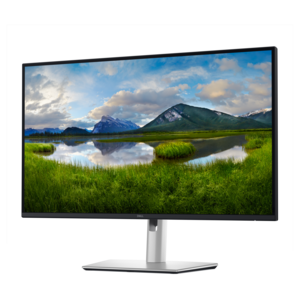
A Full HD monitor with 144Hz refresh rate, built-in speakers, and TÜV 4-star eye comfort certification.
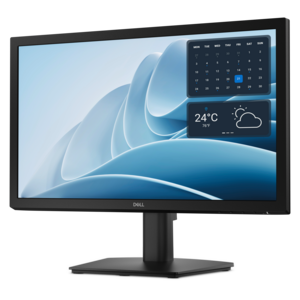
Monitors With Eye Care Technology
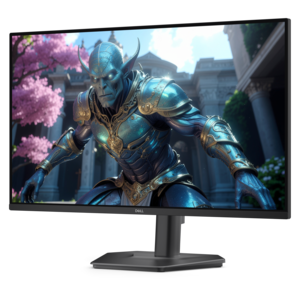
A productivity monitor offering 100Hz refresh and eye comfort solutions that reduce blue light emissions.
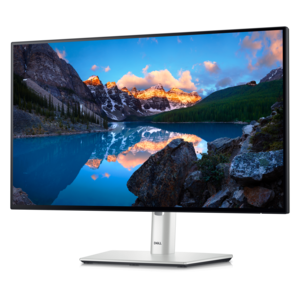
A QHD monitor certified by TÜV Rheinland for four-star eye comfort and enhanced productivity.
A fast IPS monitor with FHD resolution, 240Hz refresh rate, adjustable stand, and certified eye comfort.
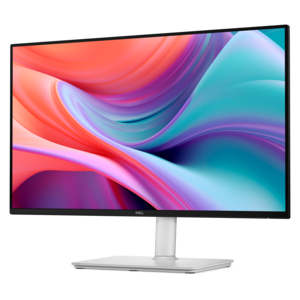
A TÜV-certified monitor offering 4-star eye comfort, enhanced productivity, and extensive connectivity.
Monitors With Eye Care Technology
FAQs:
Common features include low blue light modes, flicker-free dimming, adjustable brightness, and color temperature controls. Eye care terminology varies by manufacturer, so check a monitor’s specifications to understand which display settings and technologies it includes.
Eye care settings are typically available through the monitor’s on-screen menu, accessed using its buttons or joystick. Look for sections labeled Display, Color, Picture, or Presets. Some monitors also support adjustments through compatible desktop software.
A low blue light mode specifically changes the display’s blue light output through a preset or dedicated technology. A color temperature setting adjusts the image’s overall appearance from warmer tones to cooler tones. These controls may be separate or combined, depending on the monitor.
Flicker-free dimming describes how a monitor controls its backlight brightness. Refresh rate, measured in hertz, describes how often the screen updates its image each second. They are separate specifications, so a monitor’s refresh rate does not indicate which dimming technology it uses.
Built-in eye care settings generally operate on the monitor itself rather than through a particular cable. Available controls can vary by input, picture preset, or display mode, such as HDR. Check the monitor’s documentation for any connection-specific restrictions.